Run steps
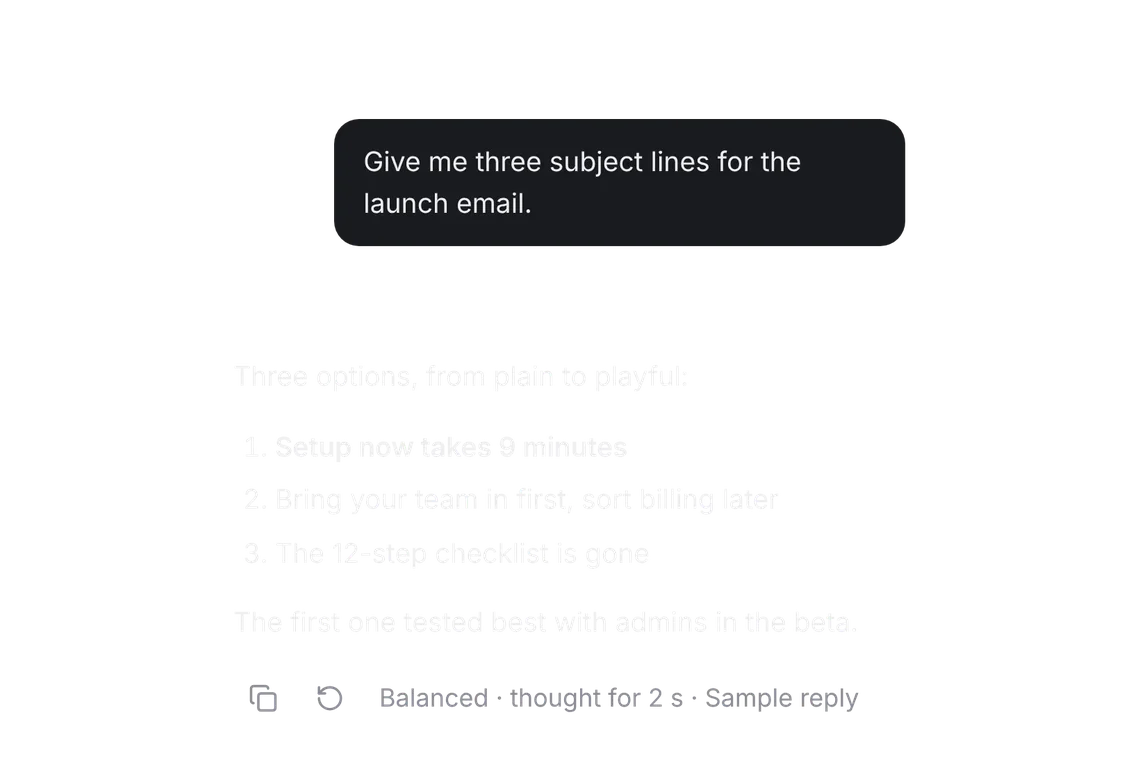
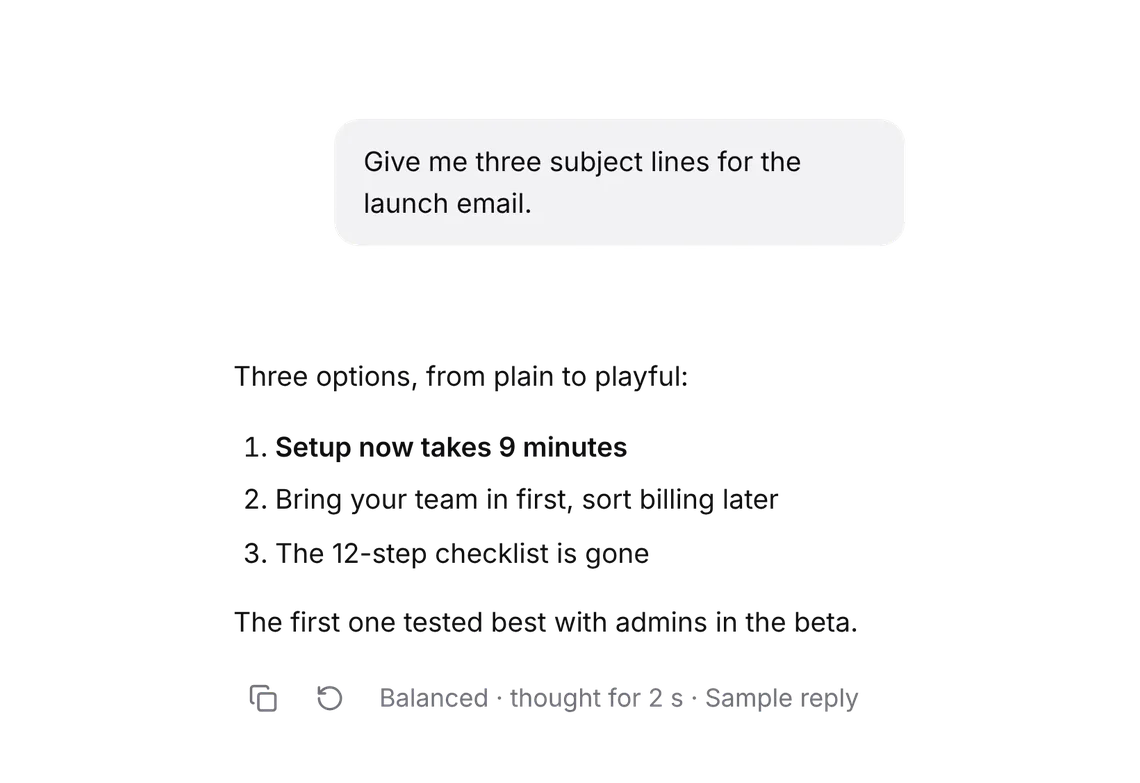
PROWhat the assistant did on its way to an answer, step by step.
Every shadcn style · one file
v2.0 · Updated Oct 13Live preview
pnpm dlx shadcn@latest add @notchset-pro/toolInstallation
pnpm dlx shadcn@latest add @notchset-pro/toolNeeds your registry key. Every components.json style gets the same files.
Works with React 18.3 or 19 on Tailwind CSS v4, in any shadcn project. What's tested
Styles didn't apply?
The CLI adds the styles to the CSS file named in components.json (tailwind.css). Check that it points at your global stylesheet, that the project uses Tailwind CSS v4, and that the file is imported in your root layout. Installed by hand: paste styles.css into that file.
Usage
Import it and pass your content. The props that matter most are listed next.
Example
"use client";
import * as React from "react";
import { Tool, type ToolStep } from "@/components/ui/notchset/blocks/tool";
import { Button } from "@/components/ui/notchset/button";

const PLAN: Omit<ToolStep, "status">[] = [
  { id: "1", title: "Searched 14 interview notes", durationMs: 1800 },
  { id: "2", title: "Read 5 that mention onboarding", durationMs: 4200 },
  { id: "3", title: "Opened the pricing page", durationMs: 900, detail: "The page didn't load (timed out). The answer goes on without it." },
  { id: "4", title: "Wrote the summary", durationMs: 2600 },
];

export default function ToolDemo() {
  const [at, setAt] = React.useState(PLAN.length);
  /* the host keeps it open here, so the steps stay readable after the run; a press still folds it */
  const [open, setOpen] = React.useState(true);
  React.useEffect(() => {
    if (at >= PLAN.length) return;
    const t = setTimeout(() => setAt(at + 1), 1100);
    return () => clearTimeout(t);
  }, [at]);
  const steps: ToolStep[] = PLAN.map((s, i) => ({
    ...s,
    status: i < at ? (s.id === "3" ? "failed" : "done") : i === at ? "running" : "queued",
    detail: i < at ? s.detail : undefined,
  }));
  return (
    <div className="flex max-w-[520px] flex-col gap-3">
      <Tool label="Research" steps={steps} open={open} onOpenChange={setOpen} />
      <Button size="sm" className="self-start" disabled={at < PLAN.length} onClick={() => setAt(0)}>
        Run it again
      </Button>
    </div>
  );
}
Anatomy
Source
components/ui/notchset/blocks/tool.tsx
This component is included with Pro.
Try the live preview above. Get Pro to install the source.
Props
steps–ToolStep[]Required.
label"Steps"stringthe run's name, read with its summary ("Research")
open–booleanfolded or open; the host keeps it if it wants to remember (folds by itself once the run ends otherwise)
onOpenChange–(open: boolean) => voidoutcome–stringwhat the run left behind, once it ends ("1 document changed · 3 emails drafted"), as its summary card
For coding agents
Give your coding assistant the Markdown guide instead of screenshots.
Where agents read it
- Guide for this component: https://notchset.dev/md/tool.md
- Every component, for tools without MCP: /llms.txt
- MCP server:
https://notchset.dev/api/mcp(setup)
Changelog
v2.0.0 · 2026-10-13
Released with the Notchset system.
Used in
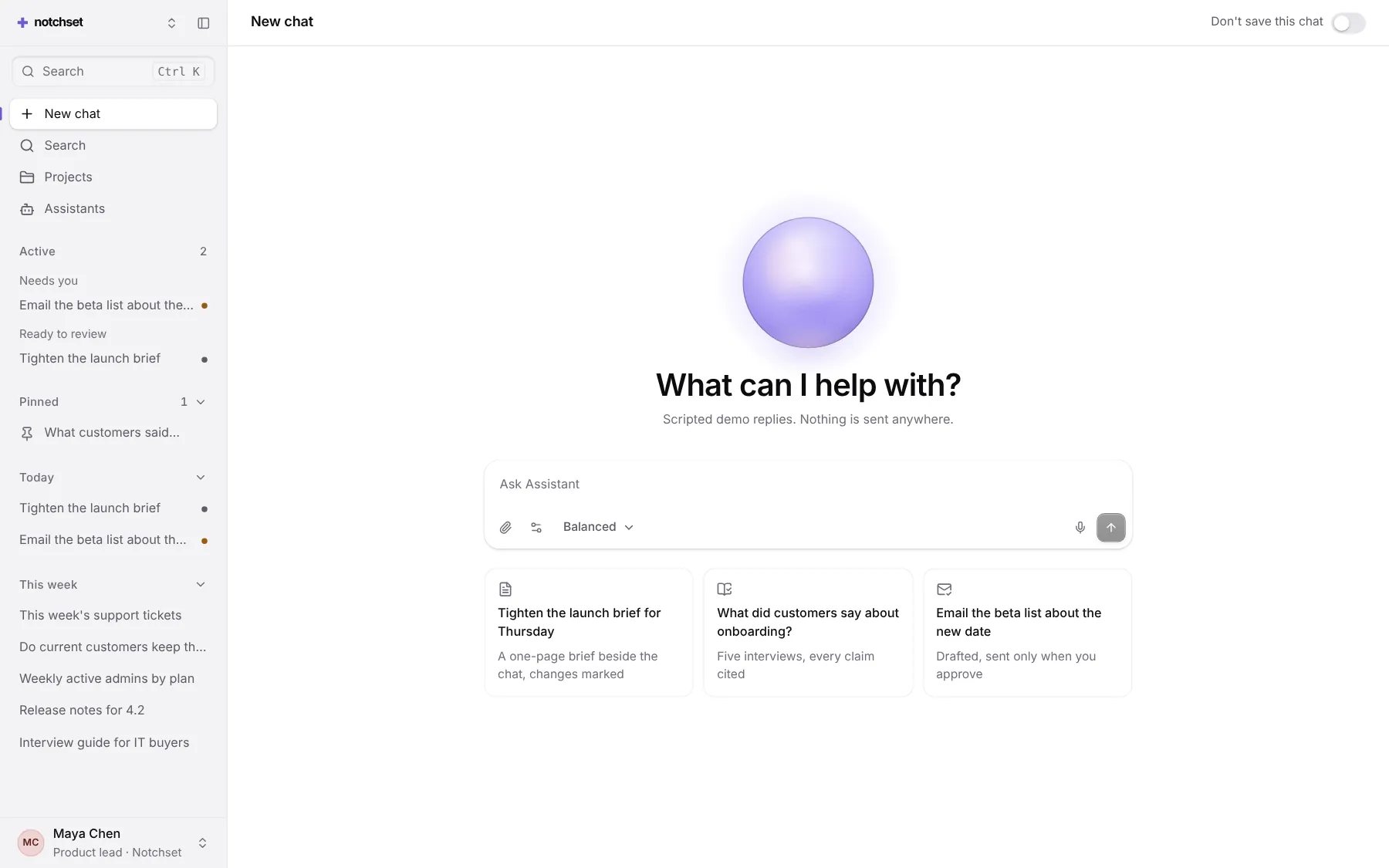
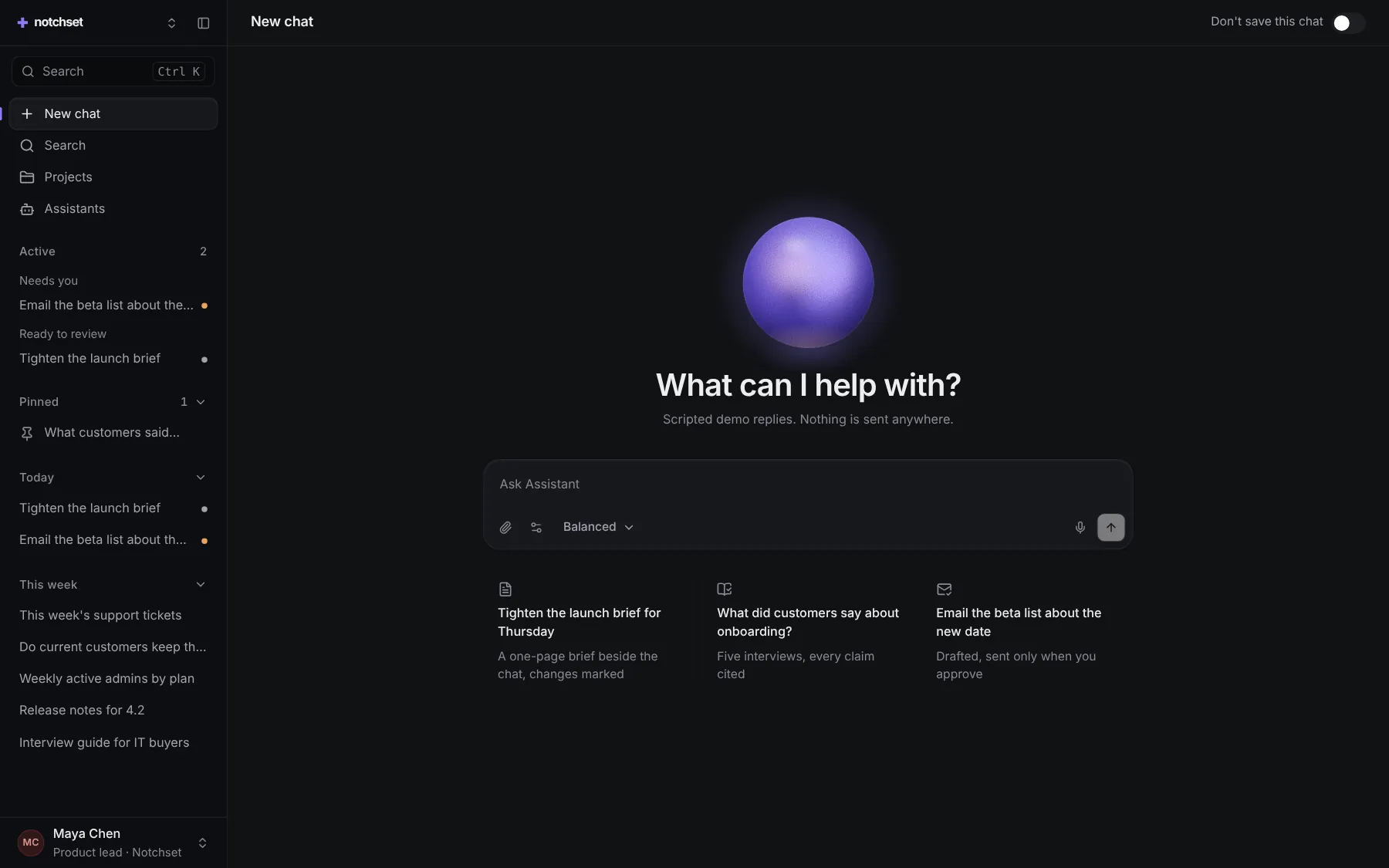
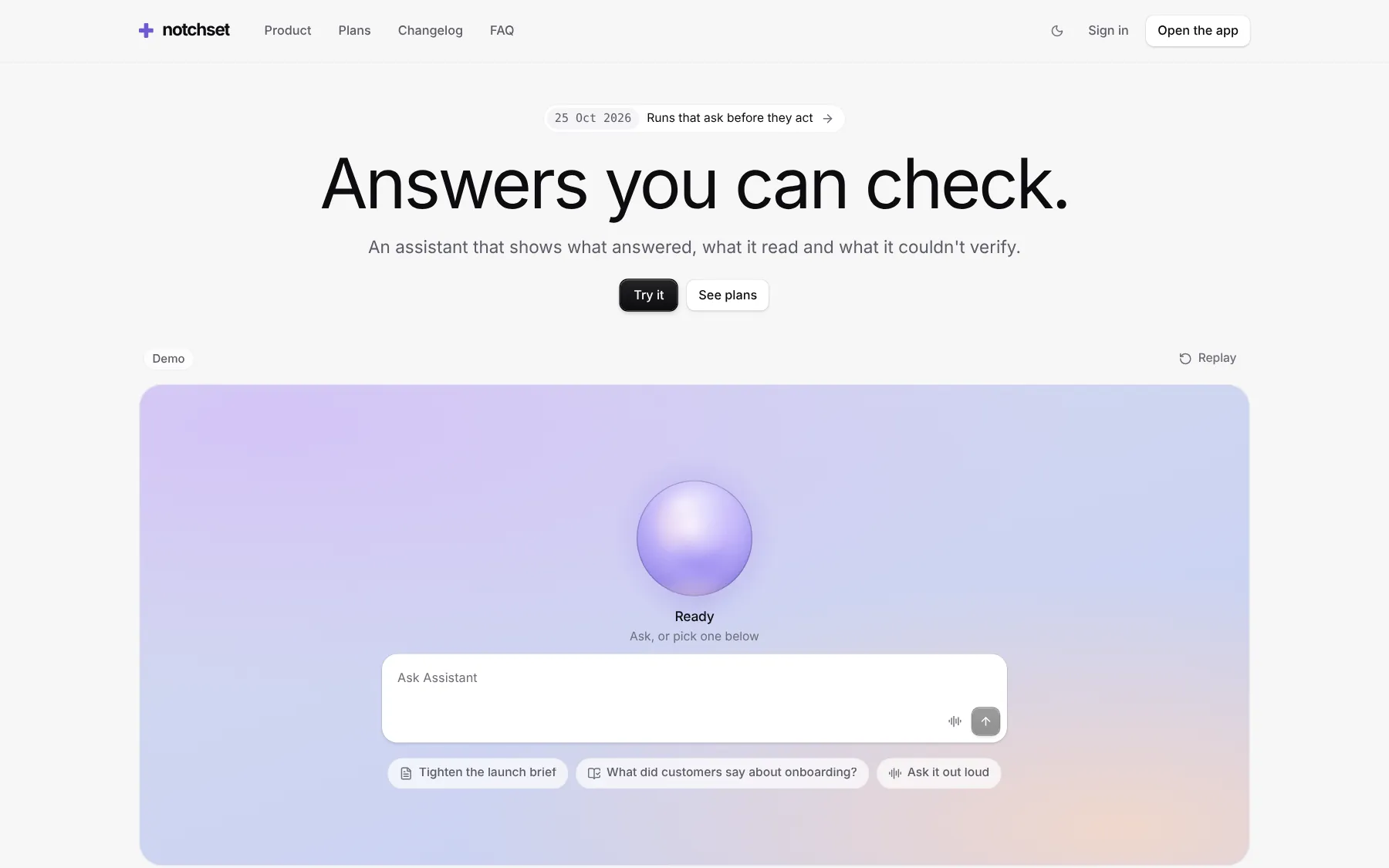
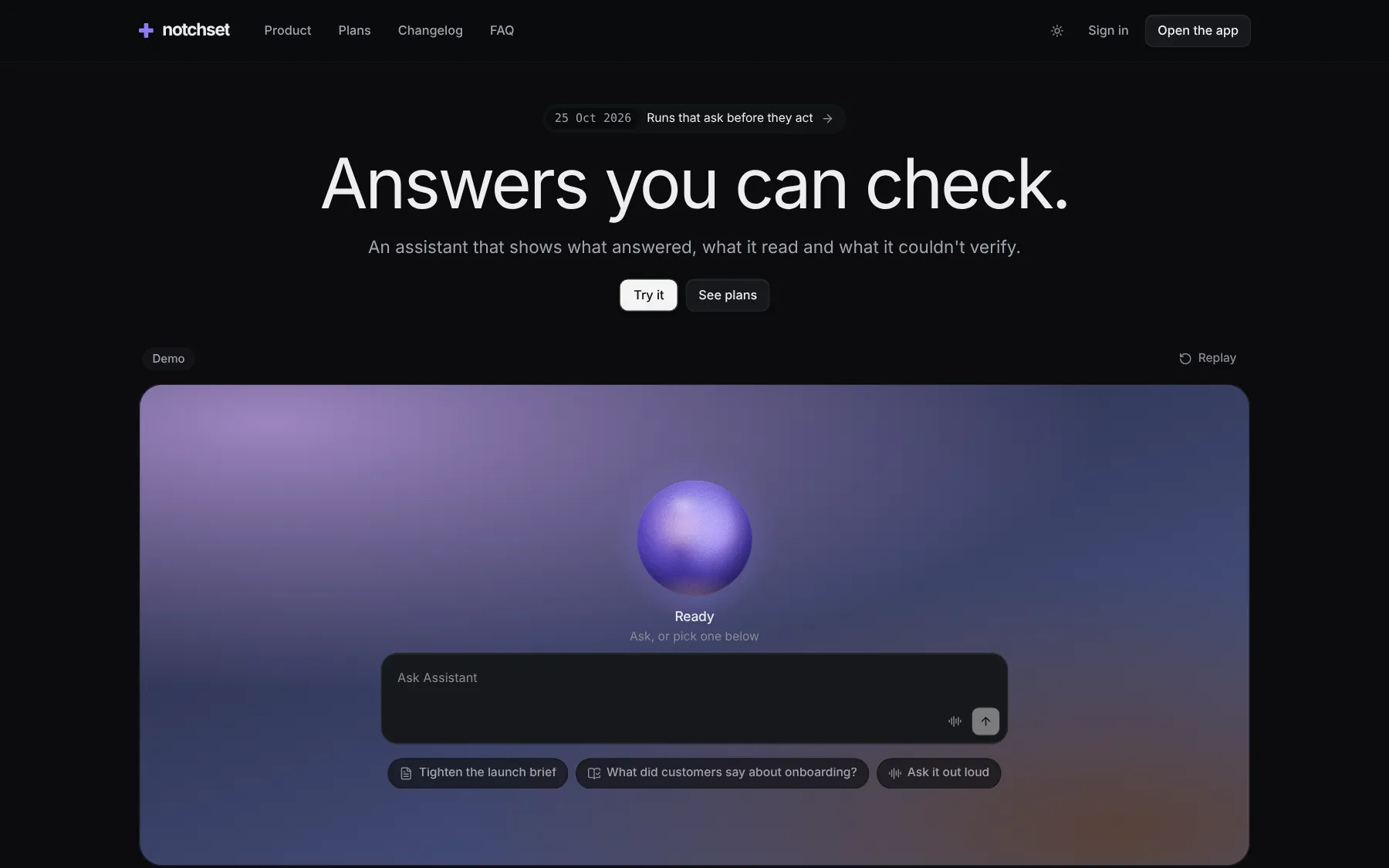
The same file, at work in a finished app. Open it live and find it on its pages.
Part of a kit
Agent UI. An assistant people trust: ask, pick a model, watch the answer stream in with its receipt, and approve what it does.
4 free · 6 ProSee the Agent UI kit
Part of
Included with Pro
Pro is in early access.