Sidebar
PROThe workspace, search, sections, pins and you.
Every shadcn style · one file
v2.2 · Updated Oct 22Live preview
pnpm dlx shadcn@latest add @notchset-pro/sidebarInstallation
pnpm dlx shadcn@latest add @notchset-pro/sidebarNeeds your registry key. Every components.json style gets the same files.
Works with React 18.3 or 19 on Tailwind CSS v4, in any shadcn project. What's tested
Styles didn't apply?
The CLI adds the styles to the CSS file named in components.json (tailwind.css). Check that it points at your global stylesheet, that the project uses Tailwind CSS v4, and that the file is imported in your root layout. Installed by hand: paste styles.css into that file.
Usage
Import it and pass your content. The props that matter most are listed next.
Example
"use client";
import * as React from "react";
import { CalendarClock, CalendarDays, LayoutDashboard, Mail } from "lucide-react";
import { Sidebar } from "@/components/ui/notchset/blocks/sidebar";
import { TopBar } from "@/components/ui/notchset/blocks/top-bar";
import { Button } from "@/components/ui/notchset/button";
import { CompanyMark } from "@/components/ui/notchset/company-mark";

/* the companies' own marks, 24×24 paths as the CRM seed draws them */
const GLYPH: Record<string, string> = {
  stripe: "M13.976 9.15c-2.172-.806-3.356-1.426-3.356-2.409 0-.831.683-1.305 1.901-1.305 2.227 0 4.515.858 6.09 1.631l.89-5.494C18.252.975 15.697 0 12.165 0 9.667 0 7.589.654 6.104 1.872 4.56 3.147 3.757 4.992 3.757 7.218c0 4.039 2.467 5.76 6.476 7.219 2.585.92 3.445 1.574 3.445 2.583 0 .98-.84 1.545-2.354 1.545-1.875 0-4.965-.921-6.99-2.109l-.9 5.555C5.175 22.99 8.385 24 11.714 24c2.641 0 4.843-.624 6.328-1.813 1.664-1.305 2.525-3.236 2.525-5.732 0-4.128-2.524-5.851-6.594-7.305h.003z",
  webflow: "m24 4.515-7.658 14.97H9.149l3.205-6.204h-.144C9.566 16.713 5.621 18.973 0 19.485v-6.118s3.596-.213 5.71-2.435H0V4.515h6.417v5.278l.144-.001 2.622-5.277h4.854v5.244h.144l2.72-5.244H24Z",
};

export default function SidebarDemo() {
  const [pinsFolded, setPinsFolded] = React.useState(false);
  return (
    <div className="grid h-[520px] w-full grid-cols-[236px_minmax(0,1fr)] overflow-hidden rounded-[var(--ns-radius-lg)] shadow-[inset_0_0_0_1px_var(--ns-line-soft)] max-[600px]:grid-cols-1">
      <Sidebar
        className="max-[600px]:hidden"
        workspace={{ name: "Notchset", logo: <span className="text-[11px] font-bold">N</span> }}
        notifications={{ unread: 2, menu: (b) => b }}
        onSearch={() => {}}
        items={[
          { key: "home", icon: <LayoutDashboard />, label: "Home", href: "#home" },
          { key: "inbox", icon: <Mail />, label: "Inbox", count: 4, href: "#inbox" },
          { key: "pipeline", icon: <CalendarClock />, label: "Pipeline", count: 13, href: "#pipeline", active: true },
          { key: "calendar", icon: <CalendarDays />, label: "Calendar", count: 3, href: "#calendar" },
        ]}
        pins={{
          folded: pinsFolded,
          onToggle: () => setPinsFolded(!pinsFolded),
          items: [
            { key: "f", label: "Stripe", mark: <CompanyMark name="Stripe" color="#635bff" glyph={GLYPH.stripe} size={16} />, href: "#stripe" },
            { key: "t", label: "Webflow", mark: <CompanyMark name="Webflow" color="#146ef5" glyph={GLYPH.webflow} size={16} />, href: "#webflow" },
          ],
        }}
        me={{ name: "Ana Ruiz", role: "Account Executive" }}
      />
      <div className="flex min-w-0 flex-col">
        <TopBar title="Pipeline">
          <Button variant="primary" size="sm">
            New deal
          </Button>
        </TopBar>
        <div className="p-5 text-[length:var(--ns-text-small)] text-[var(--ns-ink-3)]">The page goes here.</div>
      </div>
    </div>
  );
}
This example also uses Button, Company mark, Top bar. This command installs them with it, so the example pastes as it is:
pnpm dlx shadcn@latest add @notchset-pro/sidebar @notchset/button @notchset/company-mark @notchset-pro/top-barAnatomy
Source
components/ui/notchset/blocks/sidebar.tsx
This component is included with Pro.
Try the live preview above. Get Pro to install the source.
Props
workspace–{ name: string; logo?: React.ReactNode; /** The product's own brand (BrandLockup) in place of the tile and the name. */ brand?: React.ReactNode }Required.
workspaceMenu–(trigger: React.ReactElement) => React.ReactNodeWrap the workspace button in its menu: (button) => <Menu trigger={button}>…</Menu>.
notifications–{ unread: number; menu: (trigger: React.ReactElement) => React.ReactNode }onSearch–() => voidRequired.
onCollapse–() => voidcollapsedfalsebooleanA rail of icons; the collapse button expands it again.
Show all 12 propsShow fewer
items–SidebarItem[]Required.
pins–{ items: SidebarPin[]; folded: boolean; onToggle: () => void; empty?: string; label?: string | undefined; first?: boolean | undefined }label: the group's name ("Pinned" by default, "Favorites"); first: it comes before the sections
sections–{ key: string; label: string; folded: boolean; onToggle: () => void; items: SidebarItem[]; action?: { label: string; icon: React.ReactNode; onClick: () => void } | undefined }[]Further groups of sections that fold (a connected app's pages: Revenue).
me–{ name: string; role: string; src?: string | undefined; active?: boolean | undefined }active: a page reached from the account menu (Settings) is on screen; the account row lights as a page would
accountMenu–(trigger: React.ReactElement) => React.ReactNodeextra–React.ReactNodeRendered after the main sections (a connected app's own section).
For coding agents
Give your coding assistant the Markdown guide instead of screenshots.
Where agents read it
- Guide for this component: https://notchset.dev/md/sidebar.md
- Every component, for tools without MCP: /llms.txt
- MCP server:
https://notchset.dev/api/mcp(setup)
Changelog
v2.2.0 · 2026-10-22
Added: a pinned row may carry remove (its label and action), a button after the link shown on hover and focus and always on touch, so a pin can be taken out where it's shown. Optional; without it a pin draws as before.
v2.1.0 · 2026-10-21
Sub-items under an item, a trailing mark in place of a count, a named pinned group that can come first, and a focused item never hidden under the pinned foot.
v2.0.0 · 2026-10-13
Released with the Notchset system.
Used in
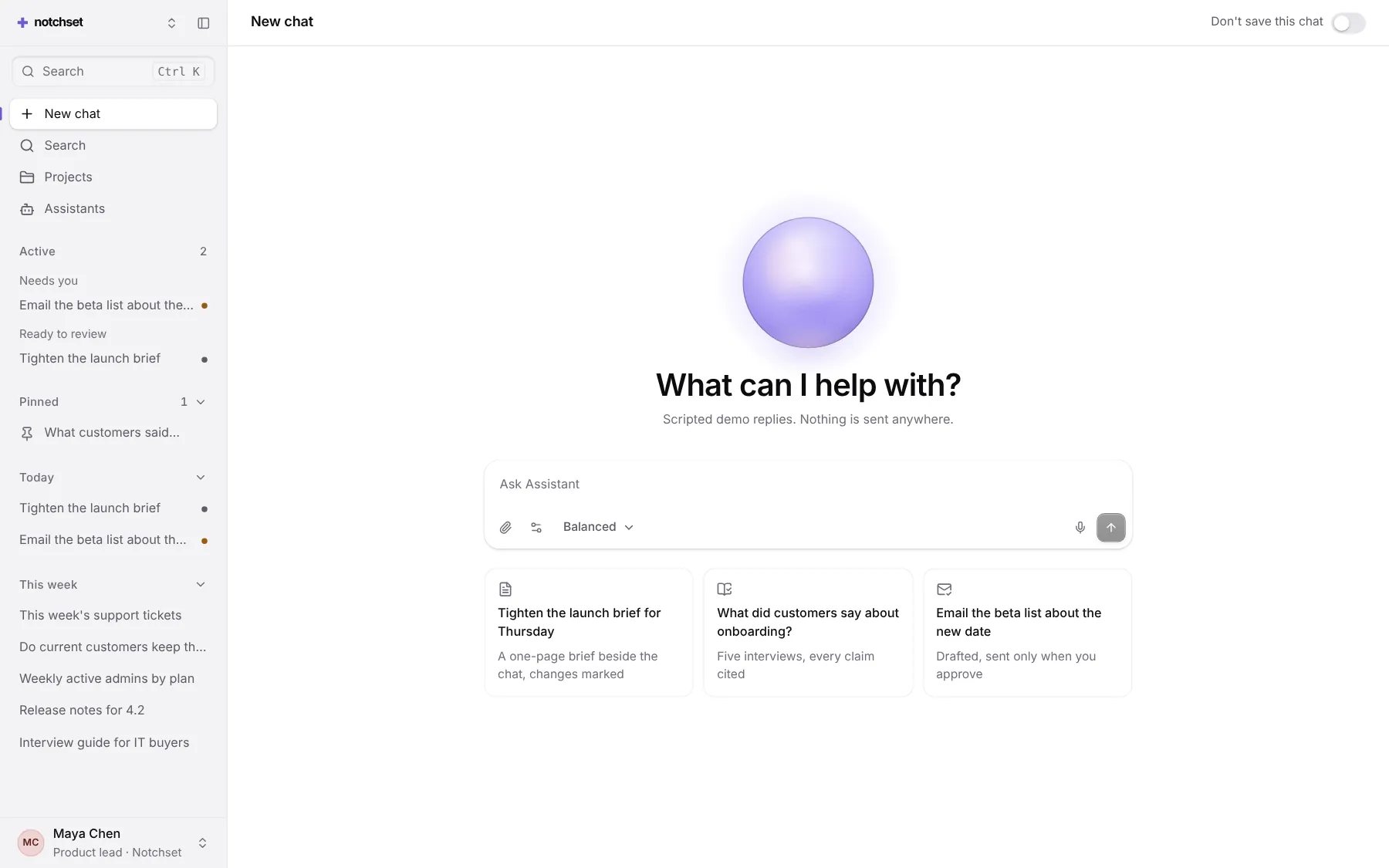
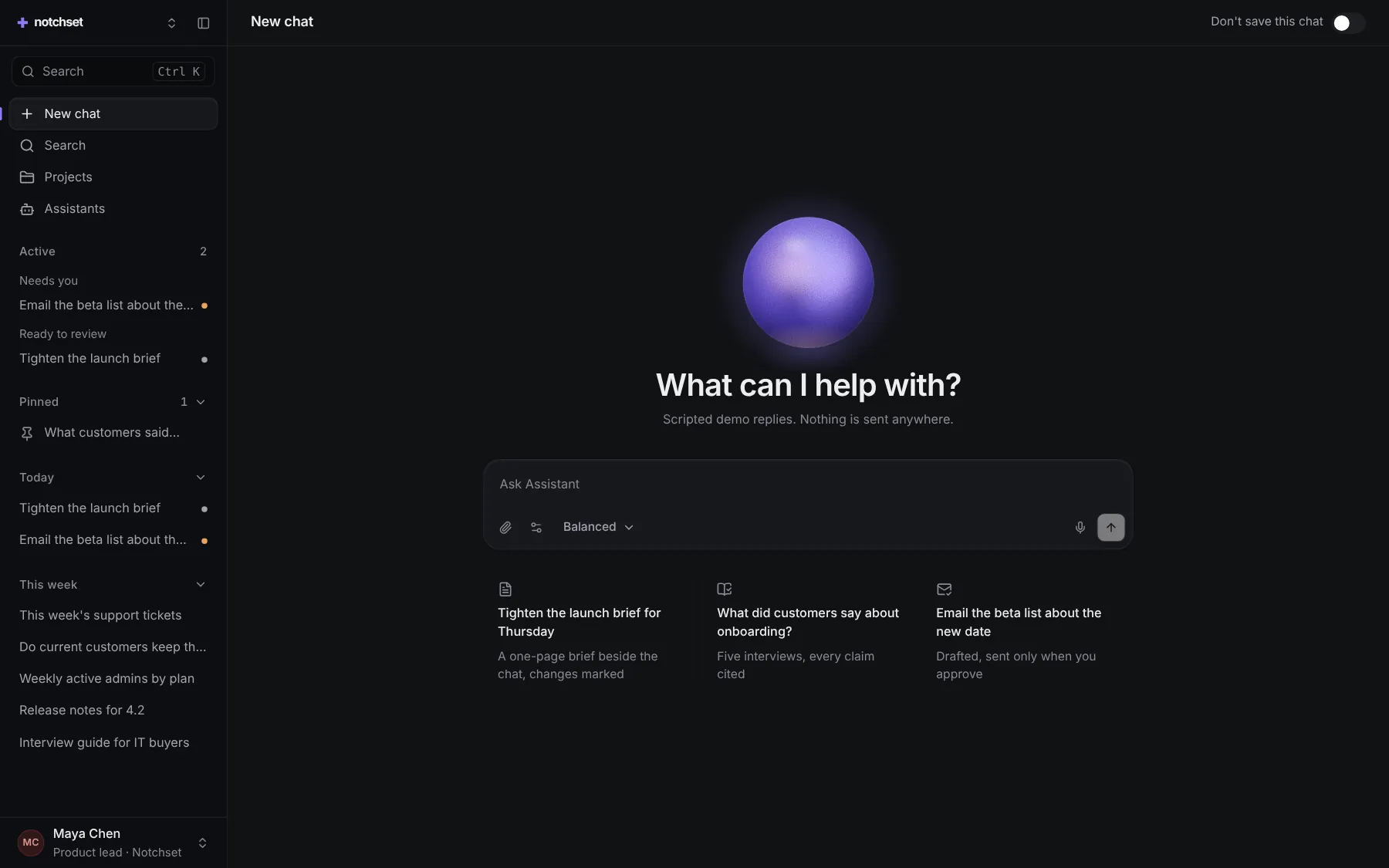
The same file, at work in a finished app. Open it live and find it on its pages.
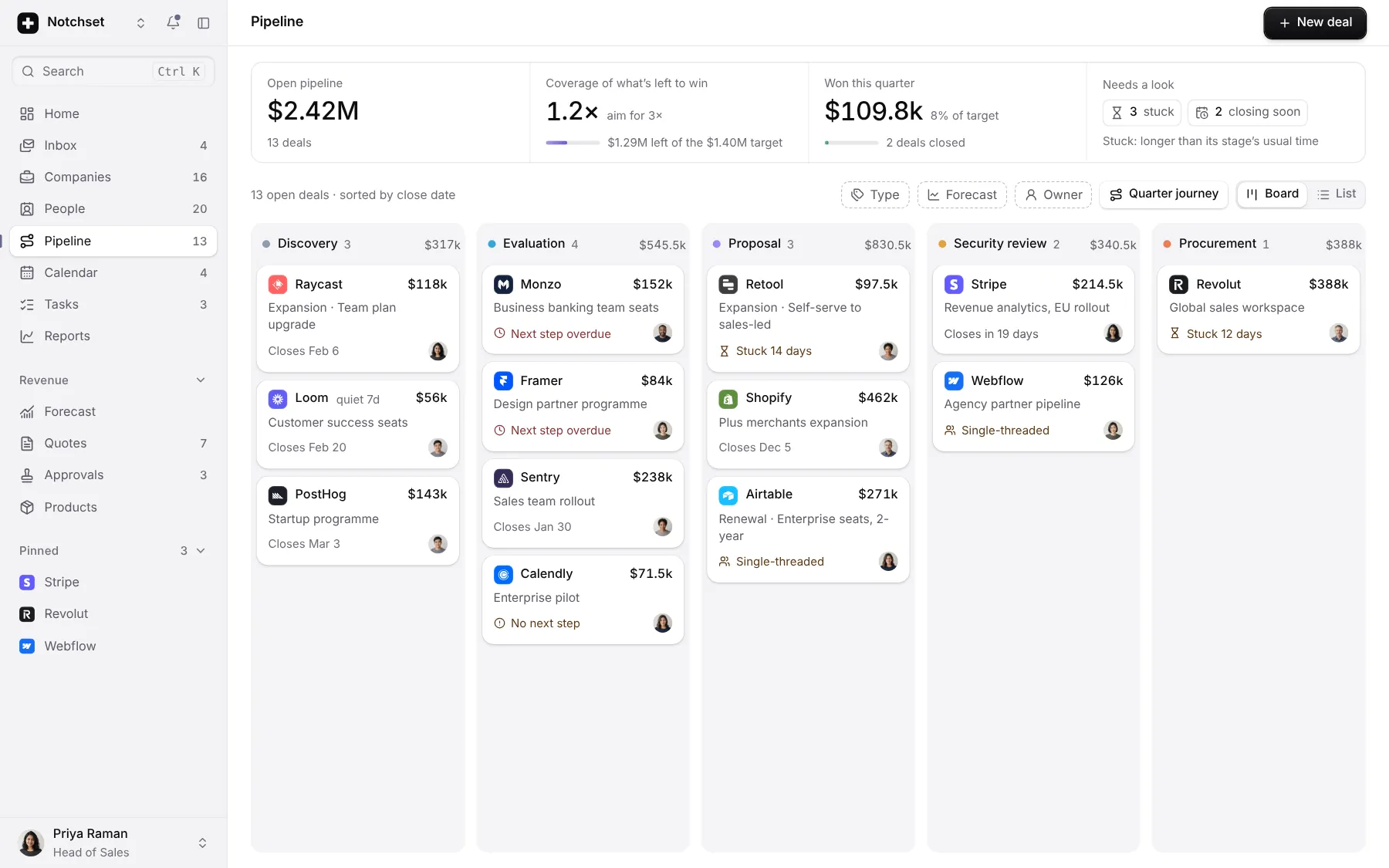
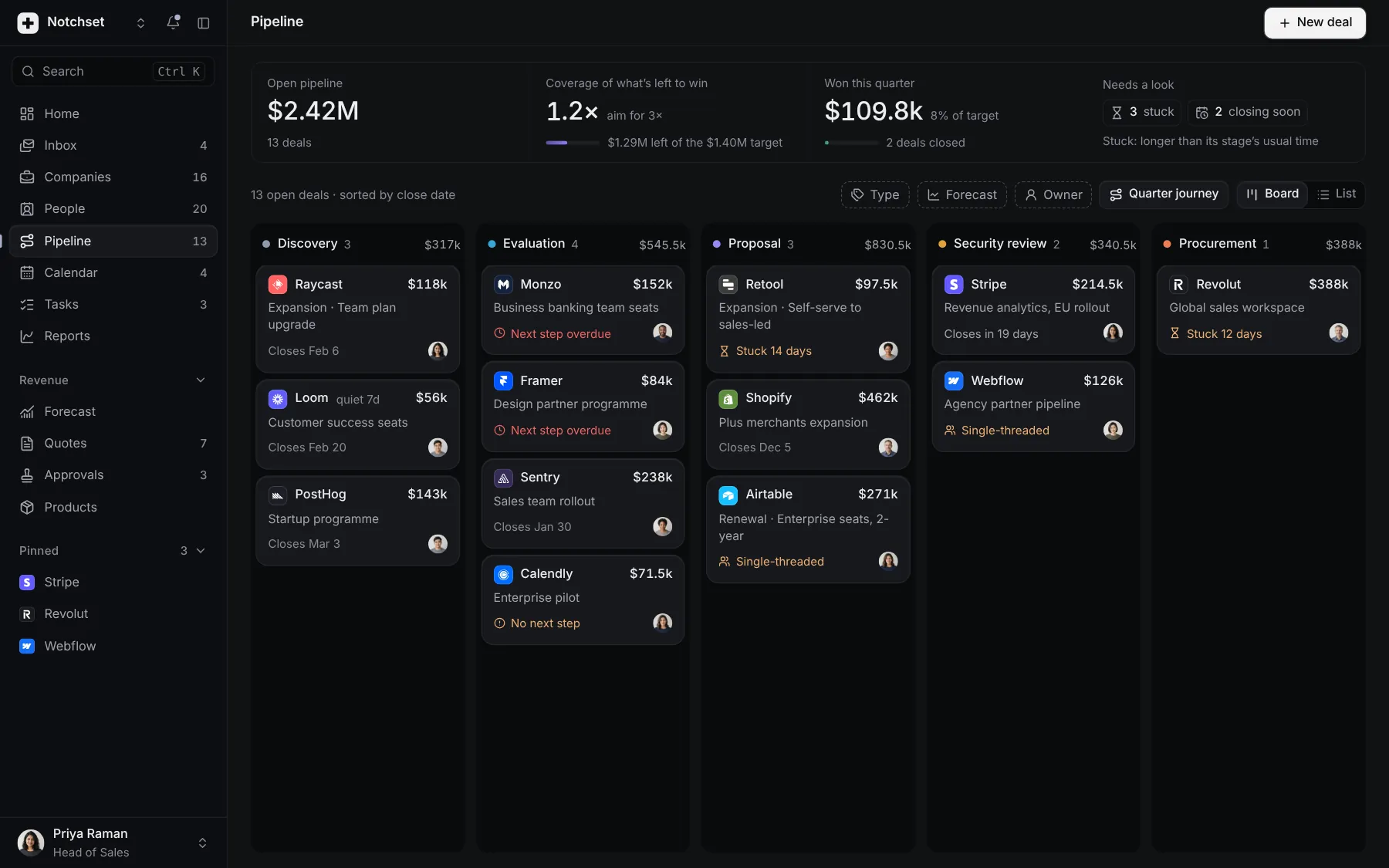
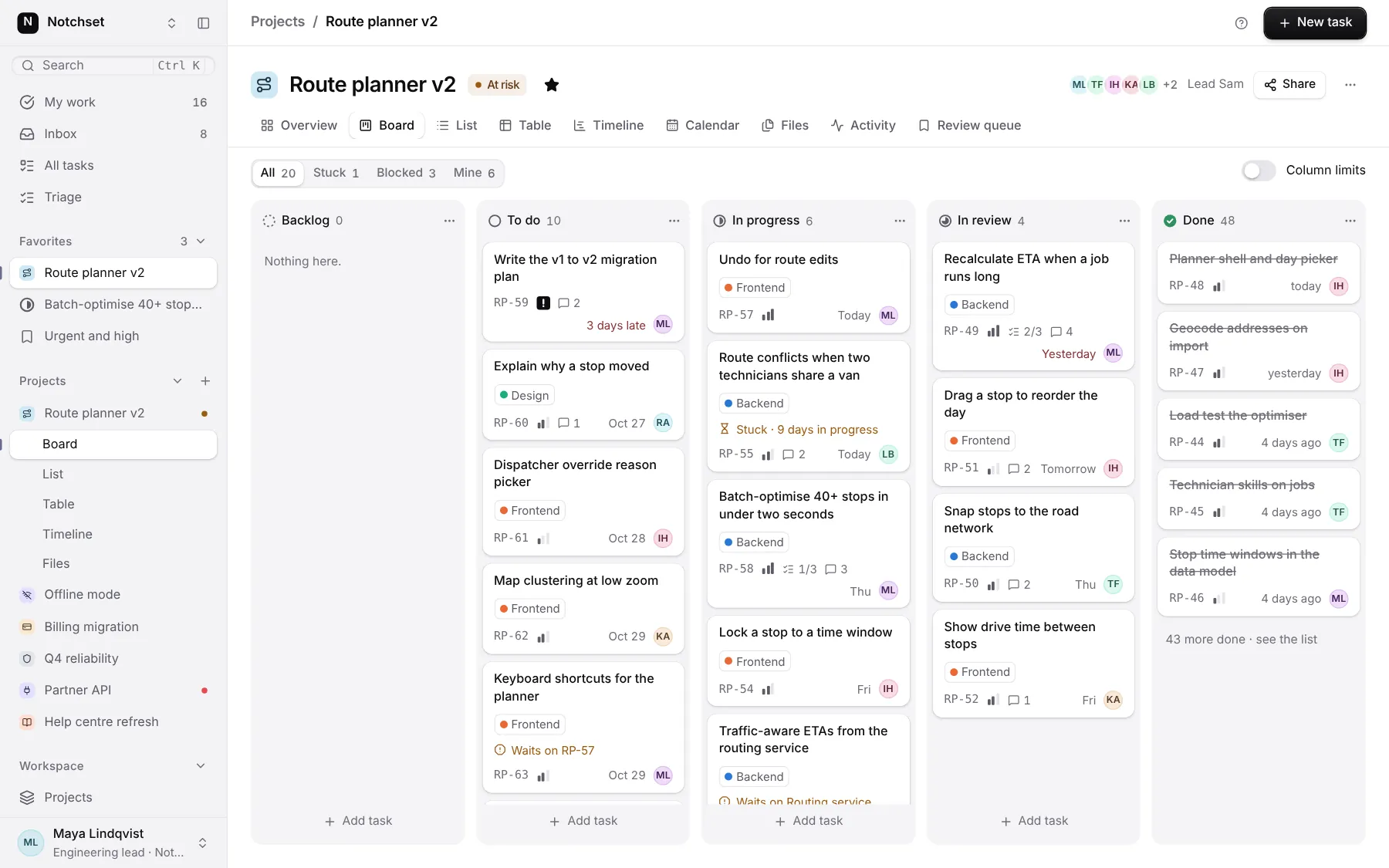
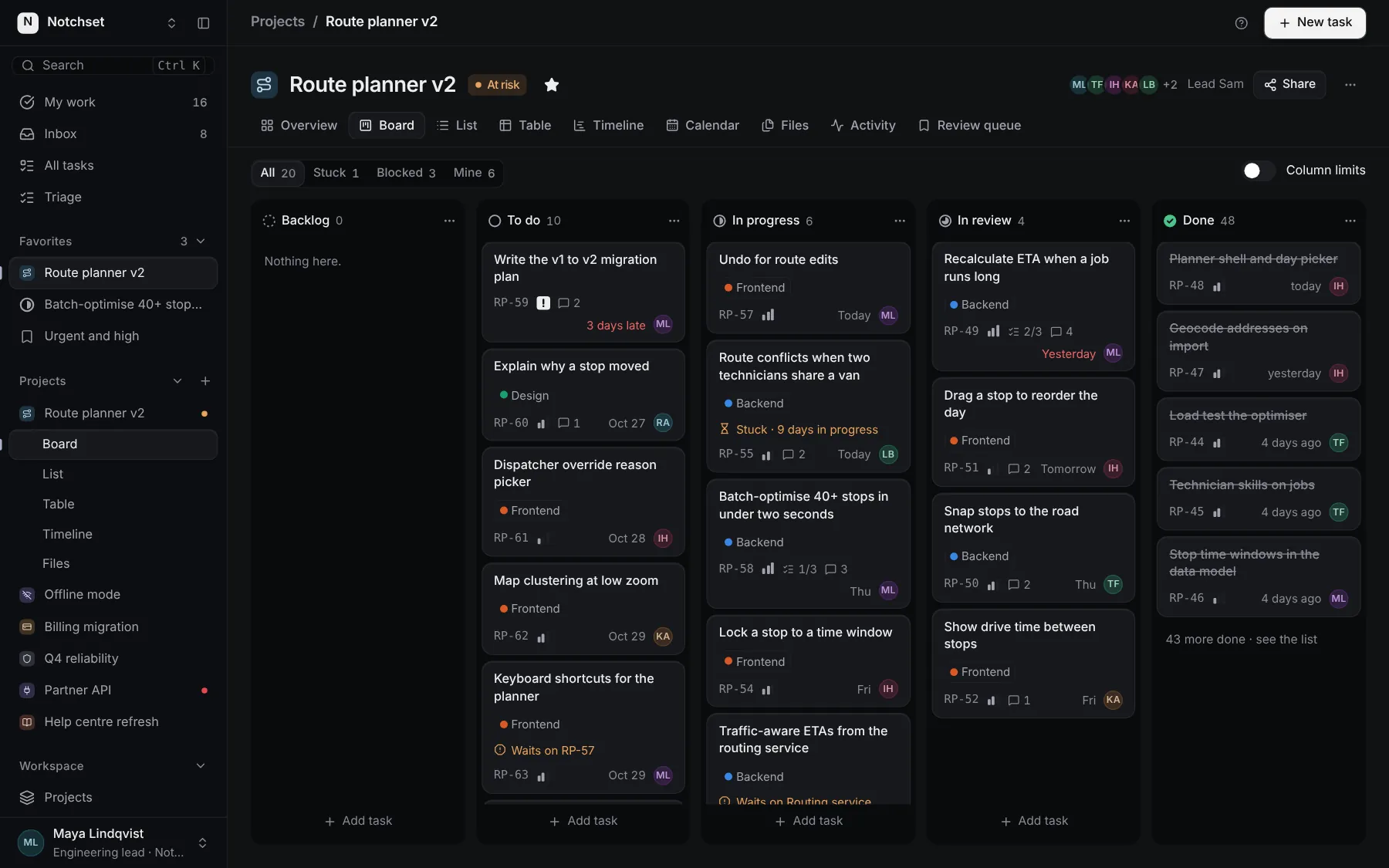
Part of a kit
App shell and the day. The frame every screen sits in, and what a person should do today.
4 free · 5 ProSee the App shell and the day kit
Part of
Included with Pro
Pro is in early access.