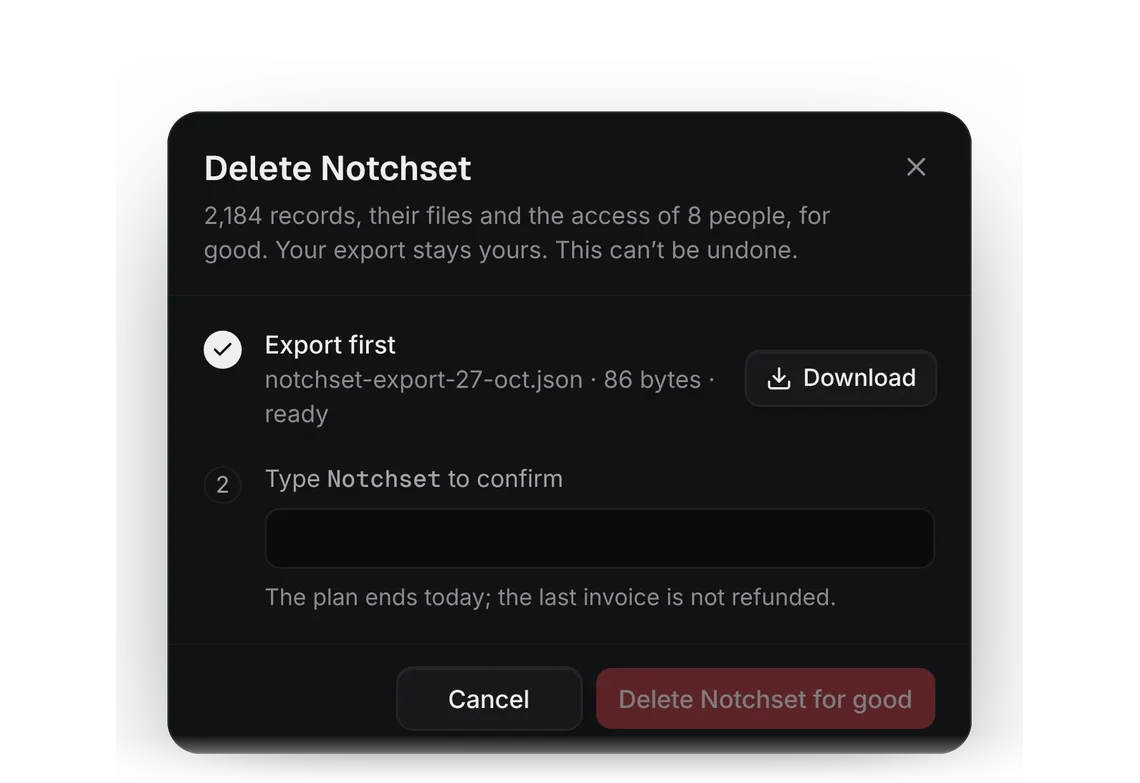
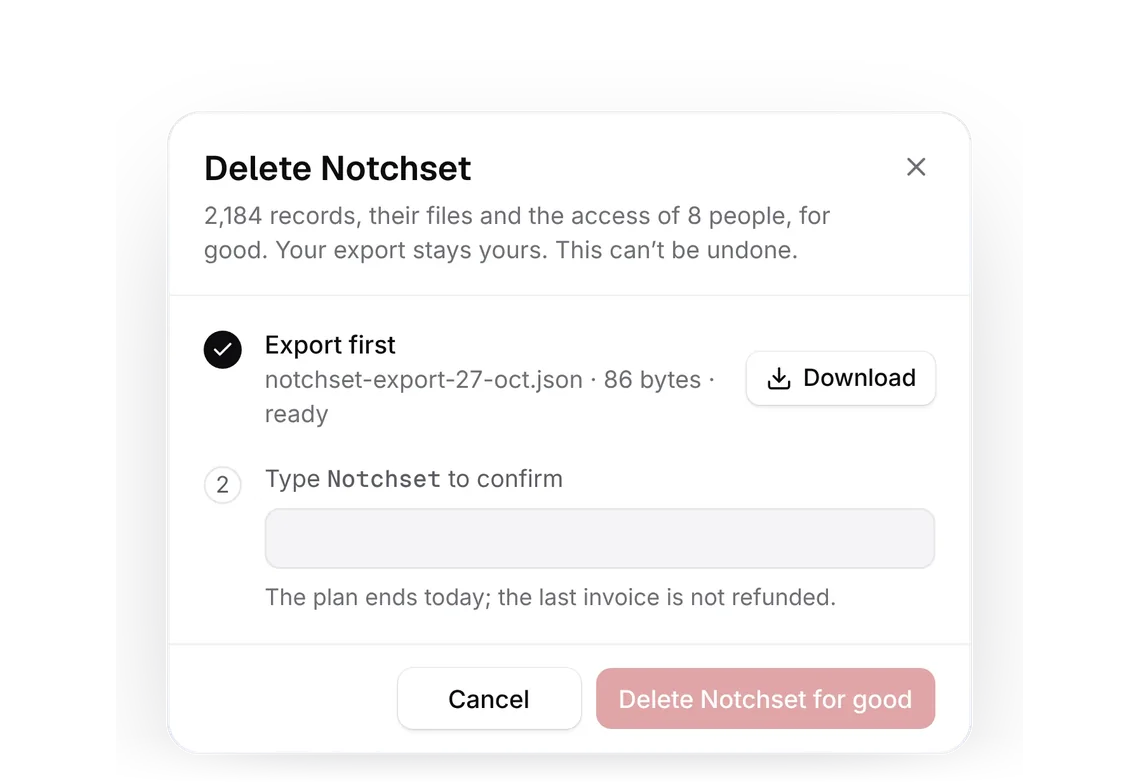
Notification preferences
PROPresets per group, one group open as a switch grid.
Every shadcn style · one file
v2.0 · Updated Oct 13Live preview
pnpm dlx shadcn@latest add @notchset-pro/notification-prefsInstallation
pnpm dlx shadcn@latest add @notchset-pro/notification-prefsNeeds your registry key. Every components.json style gets the same files.
Works with React 18.3 or 19 on Tailwind CSS v4, in any shadcn project. What's tested
Styles didn't apply?
The CLI adds the styles to the CSS file named in components.json (tailwind.css). Check that it points at your global stylesheet, that the project uses Tailwind CSS v4, and that the file is imported in your root layout. Installed by hand: paste styles.css into that file.
Usage
Import it and pass your content. The props that matter most are listed next.
Example
"use client";
import * as React from "react";
import { type NotifyChannel, type NotifyGroup, type NotifyPrefs, NotificationPrefs } from "@/components/ui/notchset/blocks/notification-prefs";

const GROUPS: NotifyGroup[] = [
  { key: "deals", label: "Deals", all: "every deal", mine: "deals you own", events: [
    { key: "assigned", label: "Assigned to you", hint: "A deal or company becomes yours" },
    { key: "stage", label: "Moves stage", hint: "On deals you own or follow" },
    { key: "quiet", label: "Goes quiet", hint: "No email, call or meeting for 14 days" },
    { key: "close", label: "Close date passes", hint: "Still open the day after" },
  ] },
  { key: "conversations", label: "Conversations", all: "every conversation", mine: "your threads and mentions", events: [
    { key: "mentions", label: "Mentions and replies", hint: "Someone writes @Maya in a note" },
    { key: "replies", label: "A contact replies", hint: "To an email you sent from Notchset" },
  ] },
  { key: "work", label: "Work", all: "the team’s work", mine: "work handed to you", events: [
    { key: "task", label: "Task assigned" },
    { key: "approval", label: "Approval requested", hint: "A discount over your limit" },
  ] },
];
const CHANNELS: NotifyChannel[] = [
  { key: "inbox", label: "Inbox", always: true },
  { key: "email", label: "Email", to: "maya@notchset.com", summary: true },
  { key: "push", label: "Push", to: "iPhone 15", waits: true },
  { key: "slack", label: "Slack", to: "#sales-maya", waits: true },
];
const START: NotifyPrefs = {
  scope: { deals: "mine", conversations: "all", work: "mine" },
  channels: {
    assigned: ["email", "push", "slack"], stage: ["email"], quiet: ["email", "push"], close: ["email", "push", "slack"],
    mentions: ["email", "push", "slack"], replies: ["email"], task: ["email", "push"], approval: ["email", "push"],
  },
  summary: { on: true, at: "08:30" },
  quiet: { on: true, from: "19:00", to: "07:30" },
};

export default function NotificationPrefsDemo() {
  const [prefs, setPrefs] = React.useState(START);
  return <NotificationPrefs className="w-full" groups={GROUPS} channels={CHANNELS} value={prefs} onChange={setPrefs} />;
}
Anatomy
Source
components/ui/notchset/blocks/notification-prefs.tsx
This component is included with Pro.
Try the live preview above. Get Pro to install the source.
Props
groups–NotifyGroup[]Required.
channels–NotifyChannel[]Required.
value–NotifyPrefsRequired.
onChange–(next: NotifyPrefs) => NotifyResultthe whole new value; nothing or true is saved, false or a throw (with the reason) refused
open–string | nullthe group open at first; the first by default
disabled–booleancan't be changed here (someone else's); every control is shown, none changes
For coding agents
Give your coding assistant the Markdown guide instead of screenshots.
Where agents read it
- Guide for this component: https://notchset.dev/md/notification-prefs.md
- Every component, for tools without MCP: /llms.txt
- MCP server:
https://notchset.dev/api/mcp(setup)
Changelog
v2.0.0 · 2026-10-13
Released with the Notchset system.
Used in
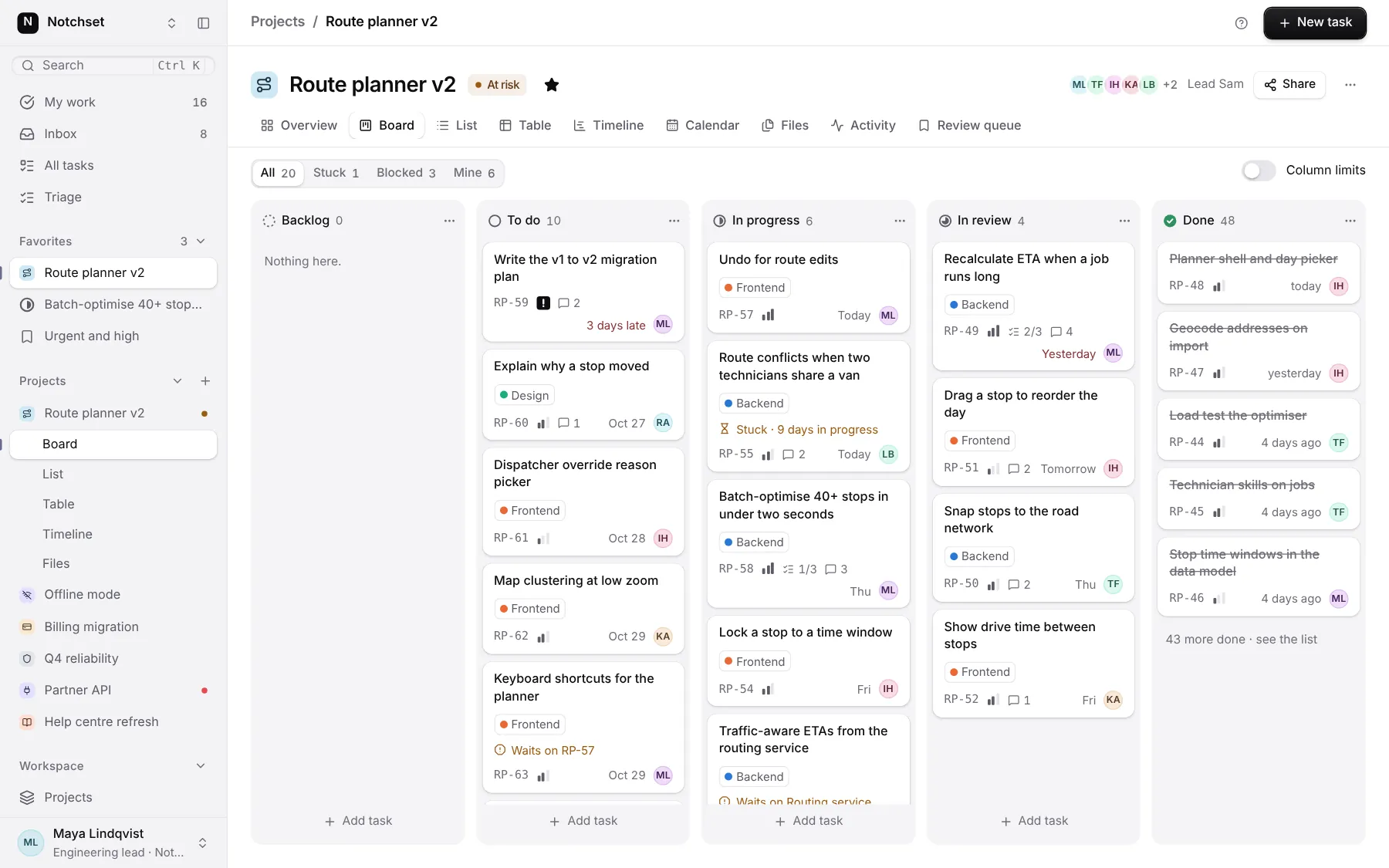
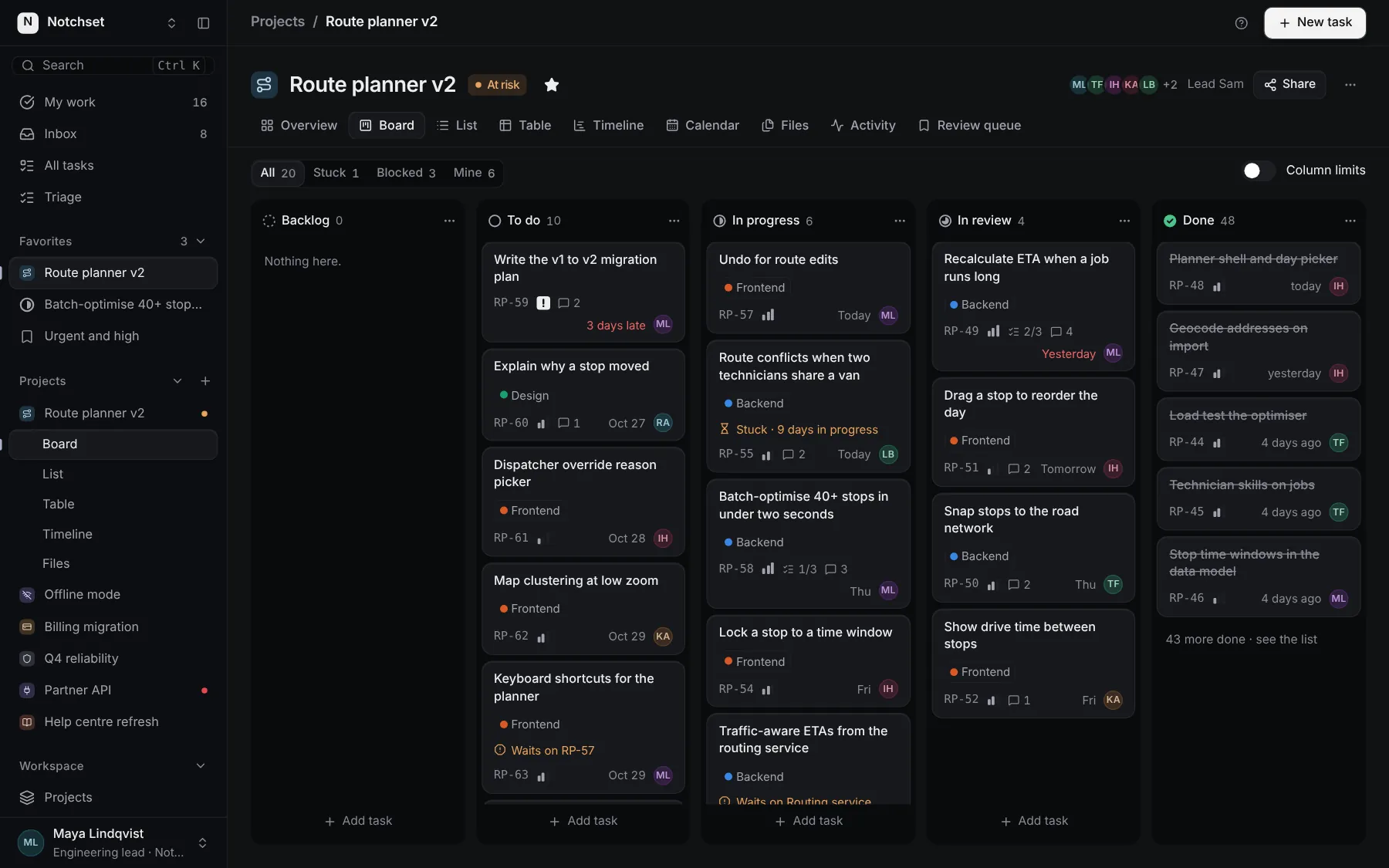
The same file, at work in a finished app. Open it live and find it on its pages.
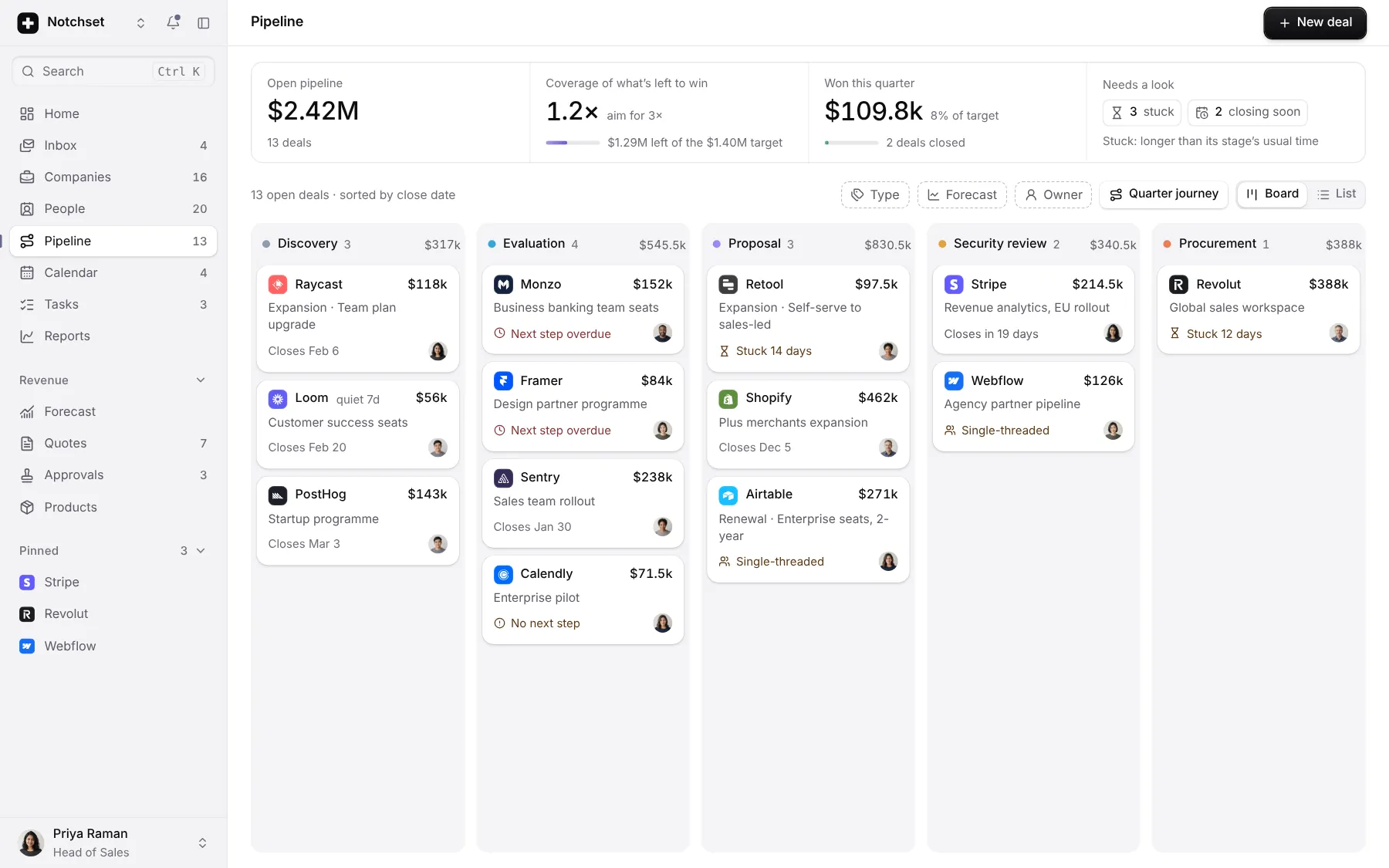
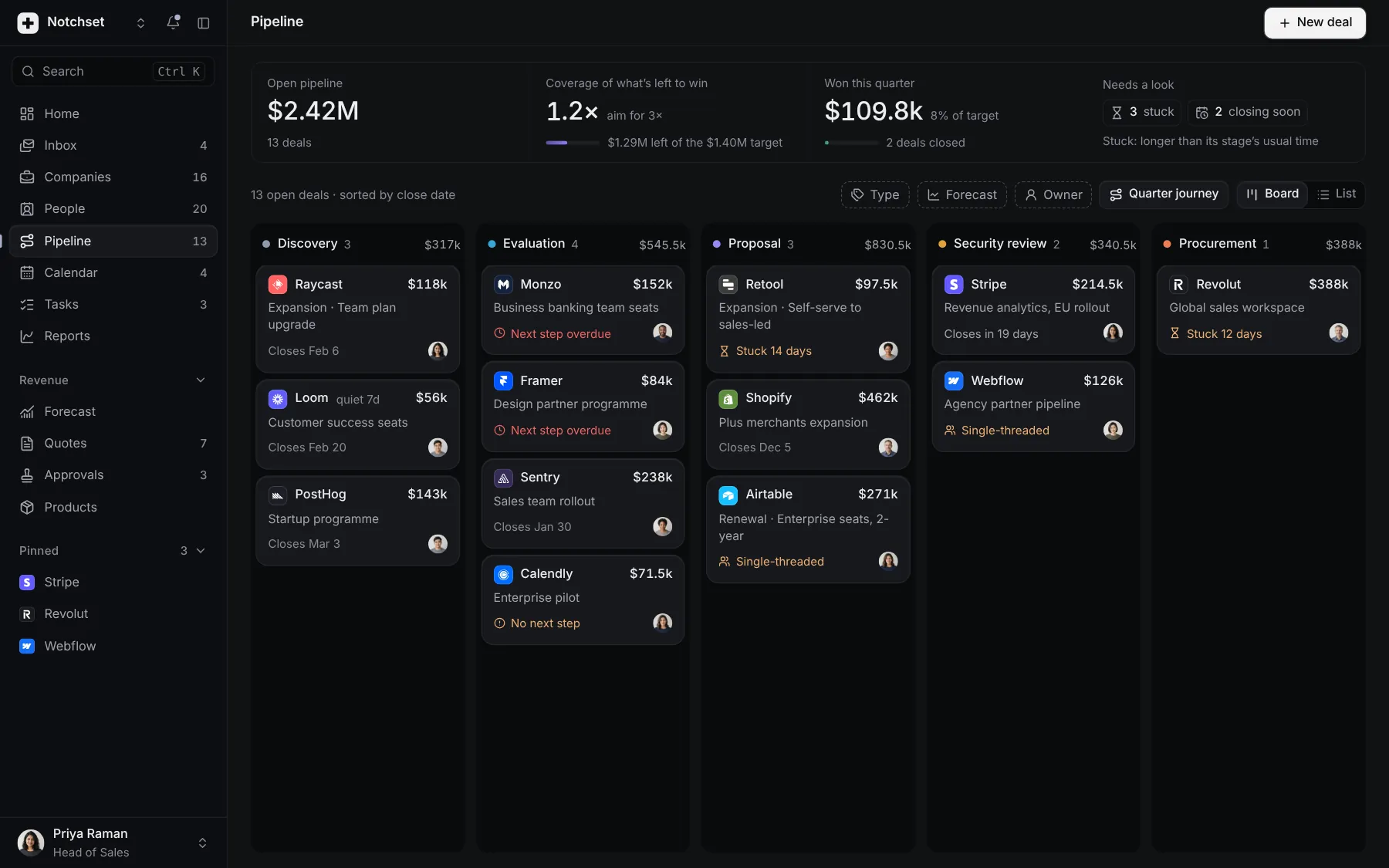
Part of a kit
Account lifecycle. An account from its first confirmed email to its last export: verify in place, cancel honestly, delete only after the export, and choose what reaches you.
2 free · 4 ProSee the Account lifecycle kit
Part of
Included with Pro
Pro is in early access.