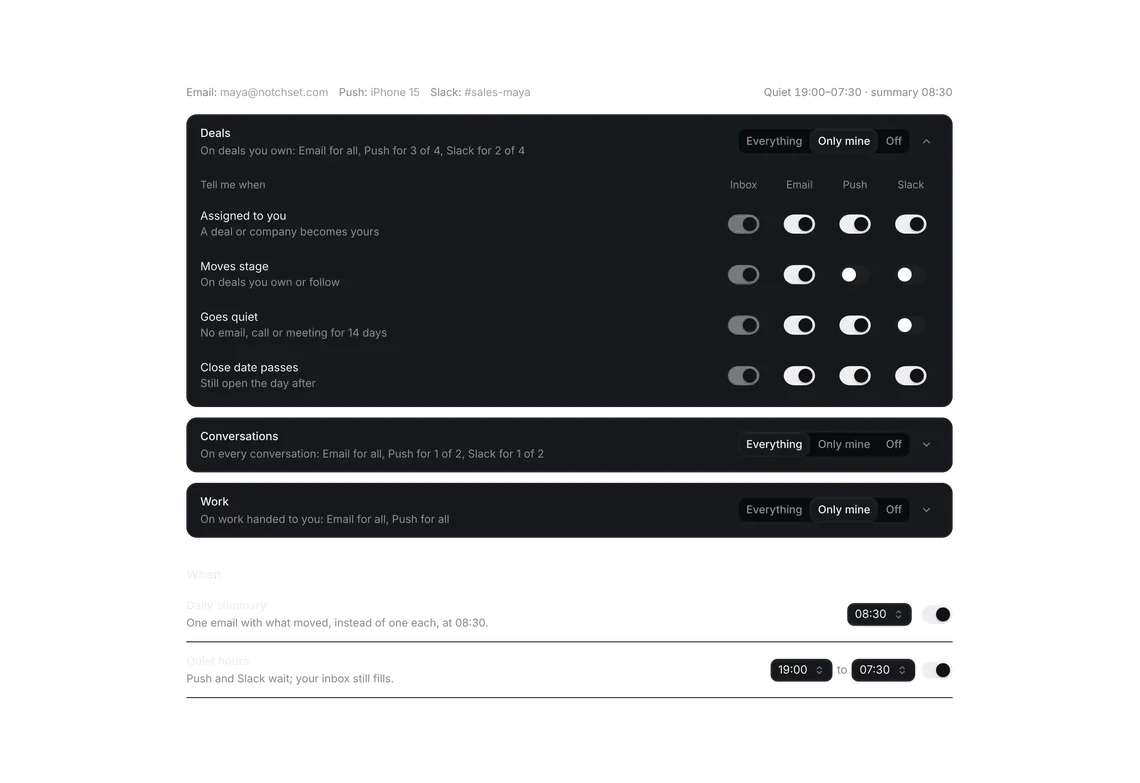
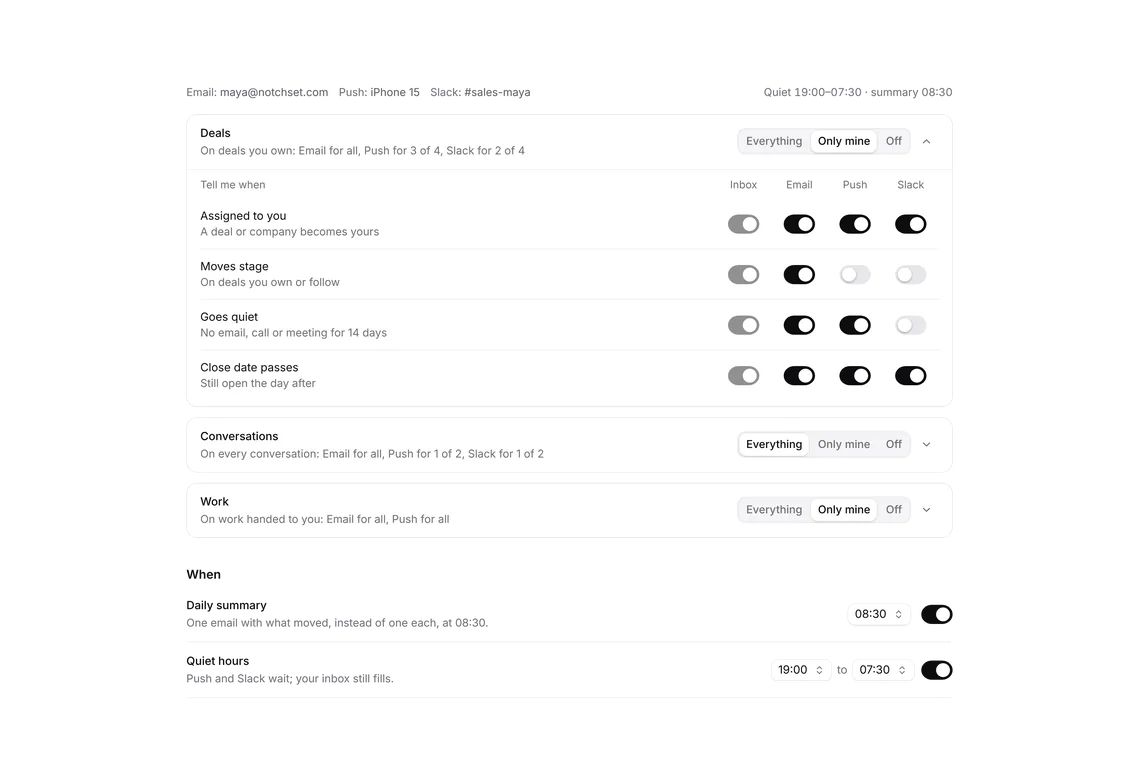
Verify email
PROConfirm an address in place, with the code in six cells.
Every shadcn style · one file
v2.0 · Updated Oct 13Live preview
pnpm dlx shadcn@latest add @notchset-pro/verify-emailInstallation
pnpm dlx shadcn@latest add @notchset-pro/verify-emailNeeds your registry key. Every components.json style gets the same files.
Works with React 18.3 or 19 on Tailwind CSS v4, in any shadcn project. What's tested
Styles didn't apply?
The CLI adds the styles to the CSS file named in components.json (tailwind.css). Check that it points at your global stylesheet, that the project uses Tailwind CSS v4, and that the file is imported in your root layout. Installed by hand: paste styles.css into that file.
Usage
Import it and pass your content. The props that matter most are listed next.
Example
"use client";
import * as React from "react";
import { CircleCheck } from "lucide-react";
import { VerifyEmailStrip } from "@/components/ui/notchset/blocks/verify-email";
import { Button } from "@/components/ui/notchset/button";

/* Any six digits confirm it, except 000000, which shows how a wrong code reads. */
export default function VerifyEmailDemo() {
  const [done, setDone] = React.useState(false);
  if (done)
    return (
      <div className="flex w-full flex-wrap items-center justify-between gap-3 rounded-[var(--ns-radius-lg)] bg-[var(--ns-well)] px-4 py-3.5 shadow-[inset_0_0_0_1px_var(--ns-line-soft)]">
        <span className="flex items-center gap-2 text-[var(--ns-ink)]">
          <CircleCheck aria-hidden className="size-4 text-[var(--ns-ok)]" />
          maya@notchset.com is confirmed
        </span>
        <Button size="sm" variant="ghost" onClick={() => setDone(false)}>
          Show it again
        </Button>
      </div>
    );
  return (
    <VerifyEmailStrip
      className="w-full"
      email="maya@notchset.com"
      onVerify={async (code) => {
        await new Promise((r) => setTimeout(r, 400));
        if (code === "000000") throw new Error("That code didn’t match. Check the newest email, or send a new code.");
        setDone(true);
      }}
      onResend={() => undefined}
      onChangeEmail={() => undefined}
      note="Any 6 digits confirm it here; 000000 shows a wrong code."
    />
  );
}
Anatomy
Built fromButton
Source
components/ui/notchset/blocks/verify-email.tsx
This component is included with Pro.
Try the live preview above. Get Pro to install the source.
Props
email–stringthe address waiting to be confirmed
waits"Until it’s confirmed, invites and exports wait."stringwhat waits until it's confirmed, in a sentence
onVerify–(code: string) => VerifyResultchecks the code: nothing or true when it matched; false, or a throw with the reason, when it didn't
onResend–() => VerifyResultsends a new code (the old one stops working); false or a throw when it wasn't sent
onChangeEmail–() => voidthe address is wrong: the host moves to where it's typed
wait60numberseconds before another code can be sent
Show all 7 propsShow fewer
note–React.ReactNodea line under the strip (a demo's "any 6 digits confirm it")
For coding agents
Give your coding assistant the Markdown guide instead of screenshots.
Where agents read it
- Guide for this component: https://notchset.dev/md/verify-email.md
- Every component, for tools without MCP: /llms.txt
- MCP server:
https://notchset.dev/api/mcp(setup)
Changelog
v2.0.0 · 2026-10-13
Released with the Notchset system.
Used in
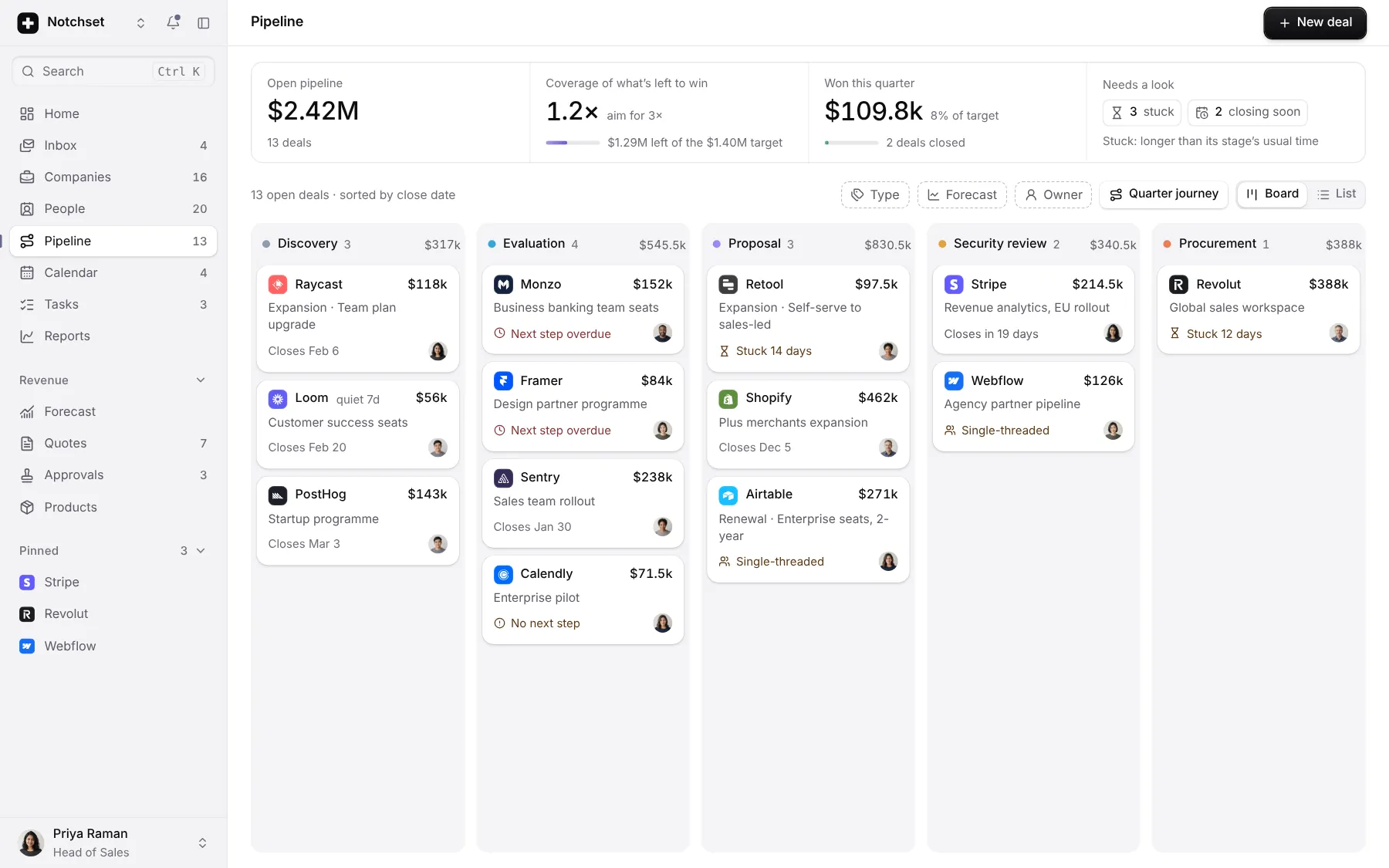
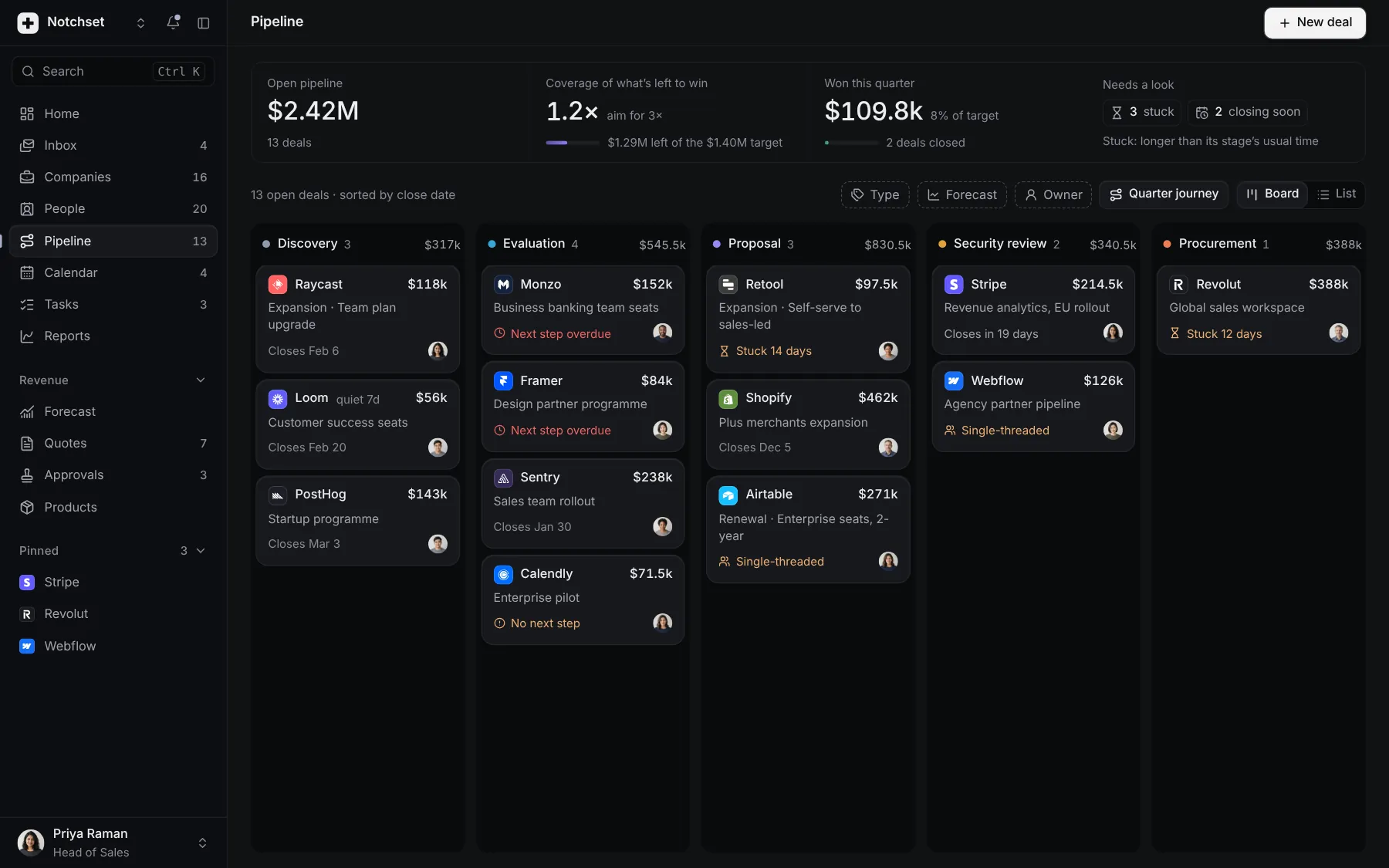
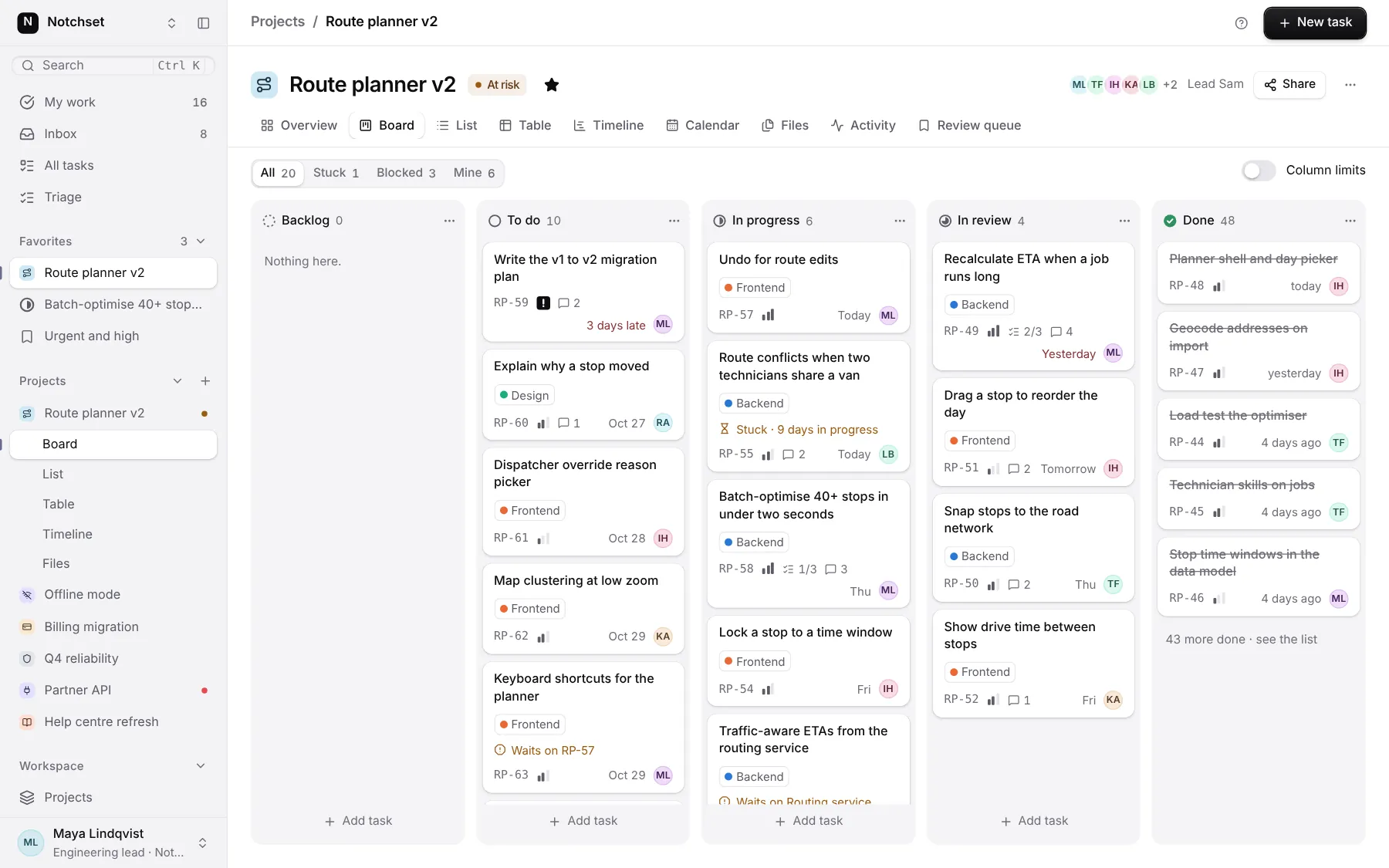
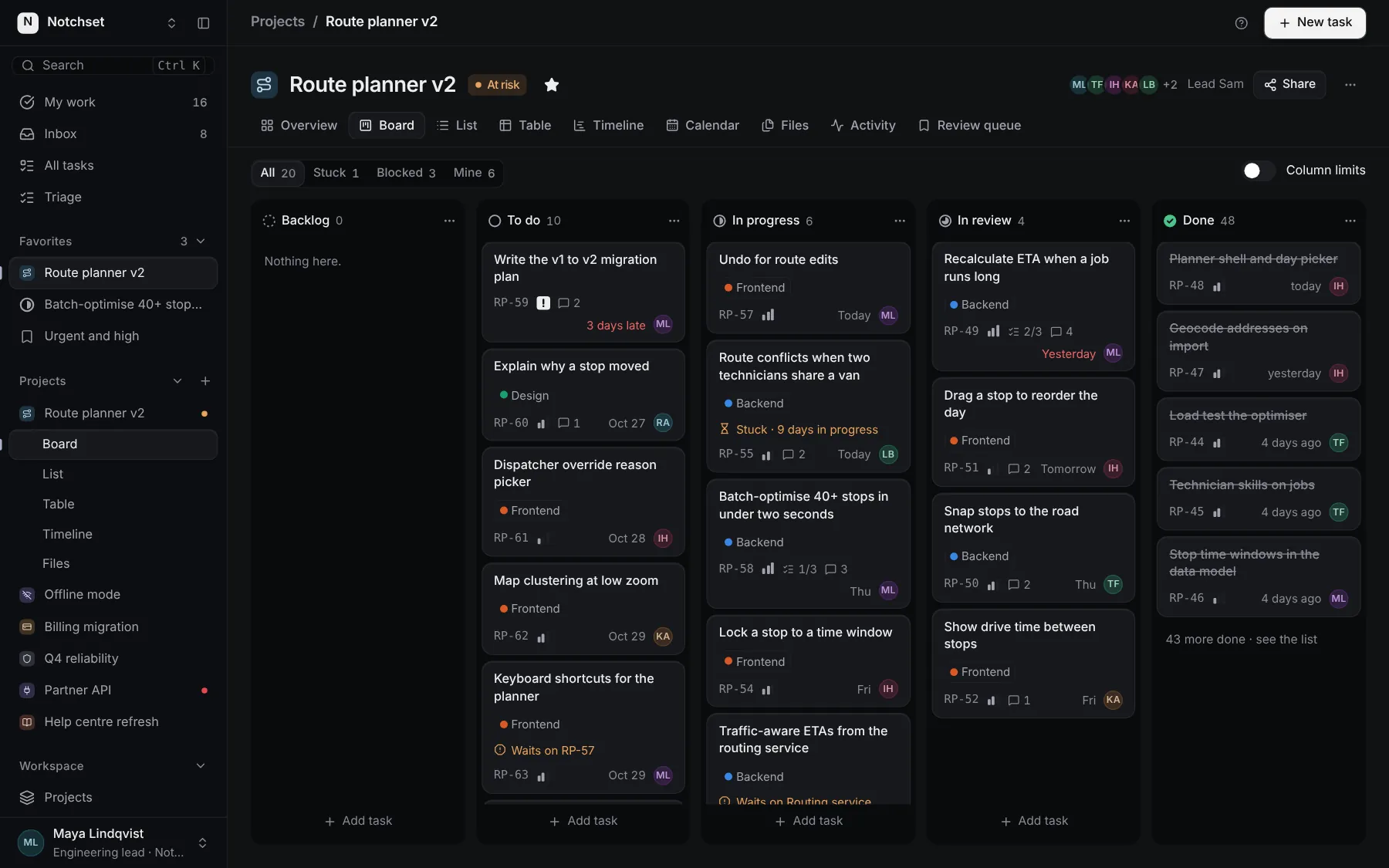
The same file, at work in a finished app. Open it live and find it on its pages.
Part of a kit
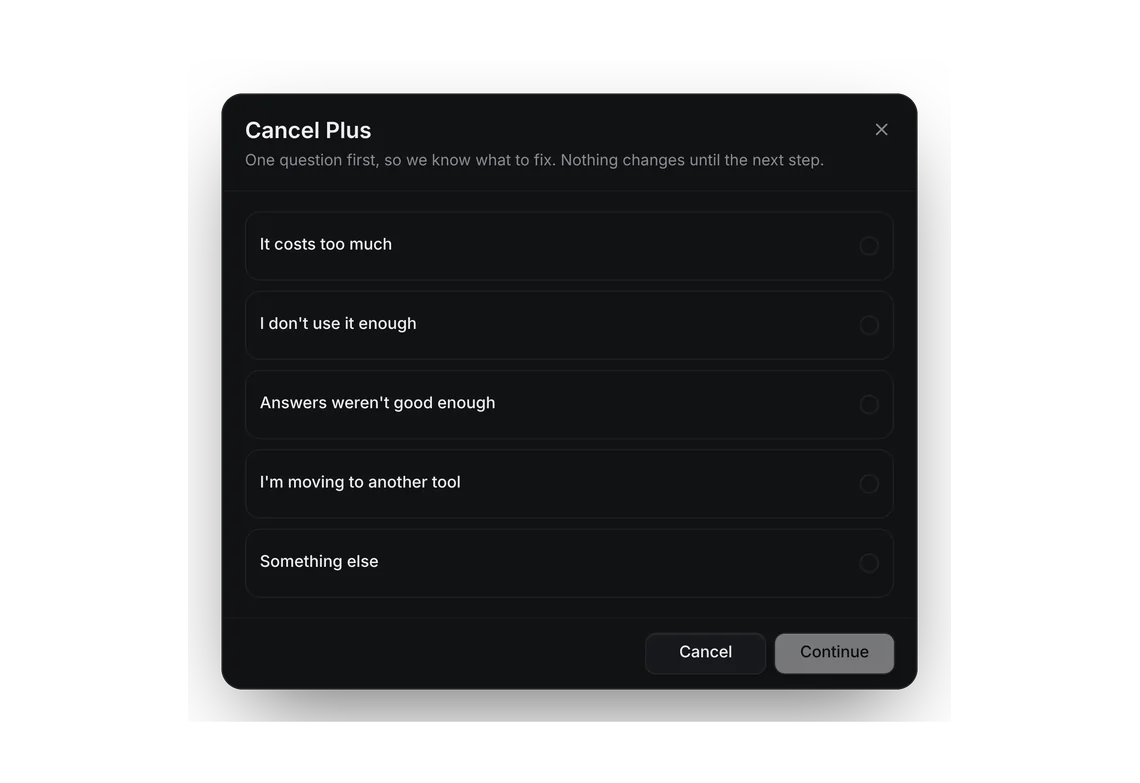
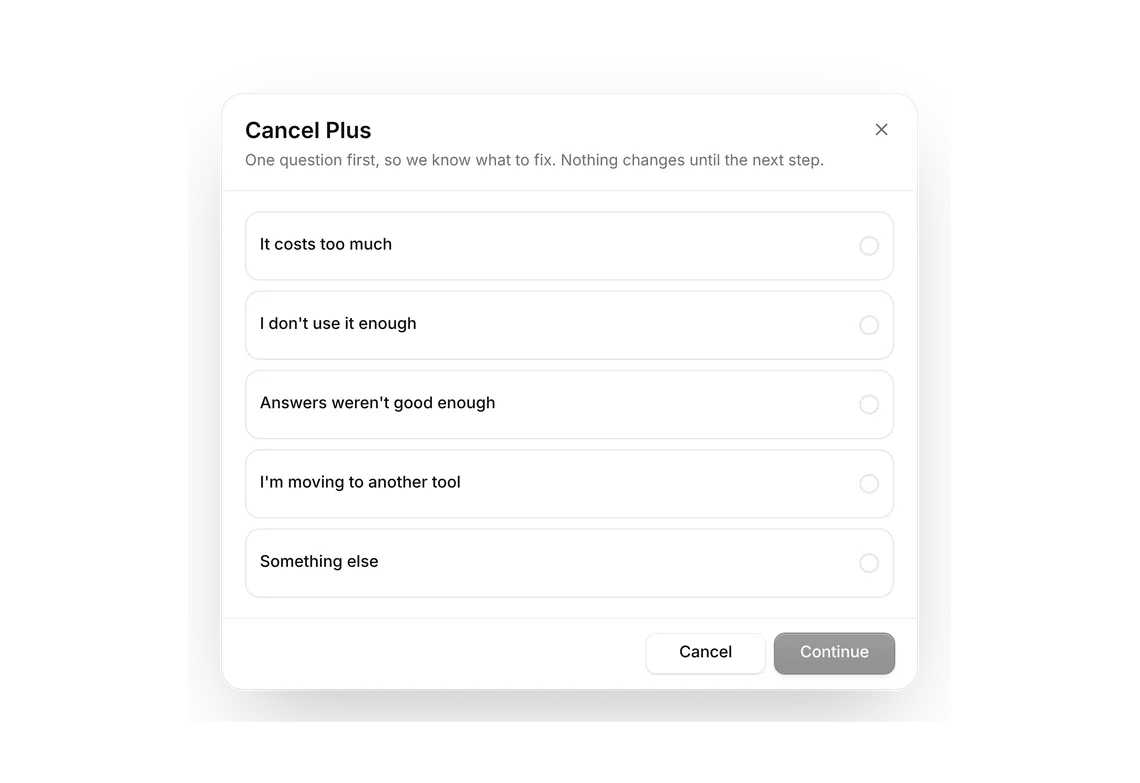
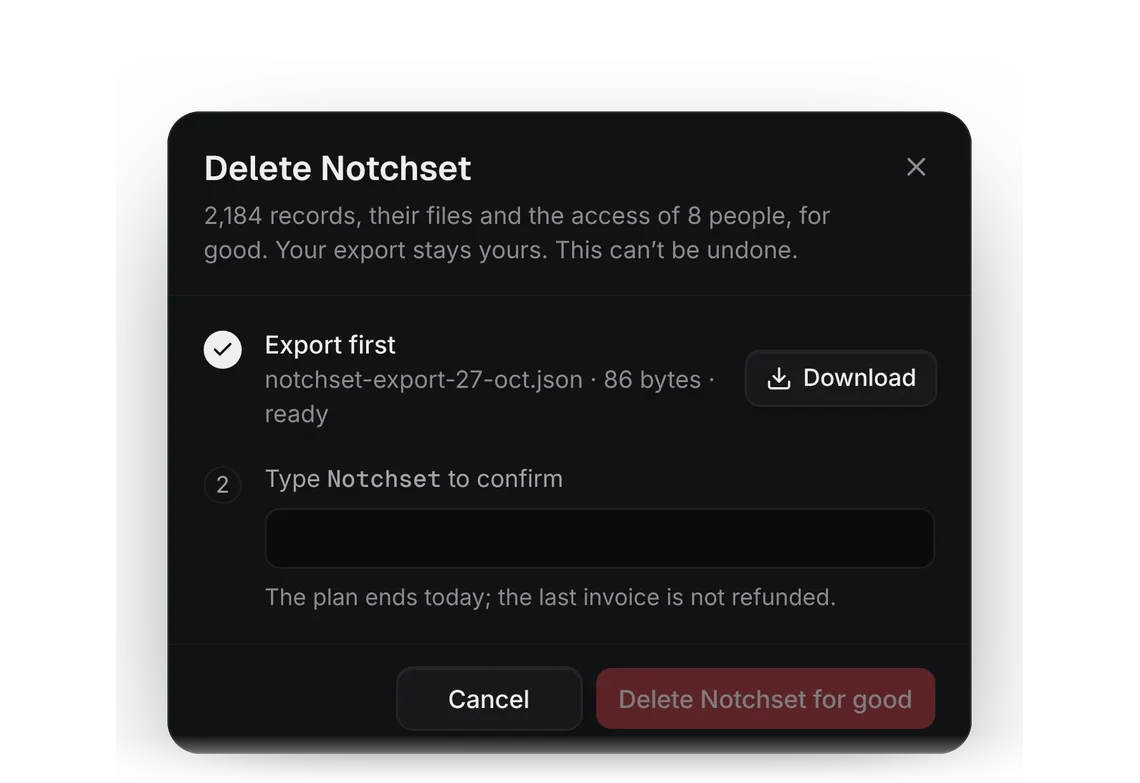
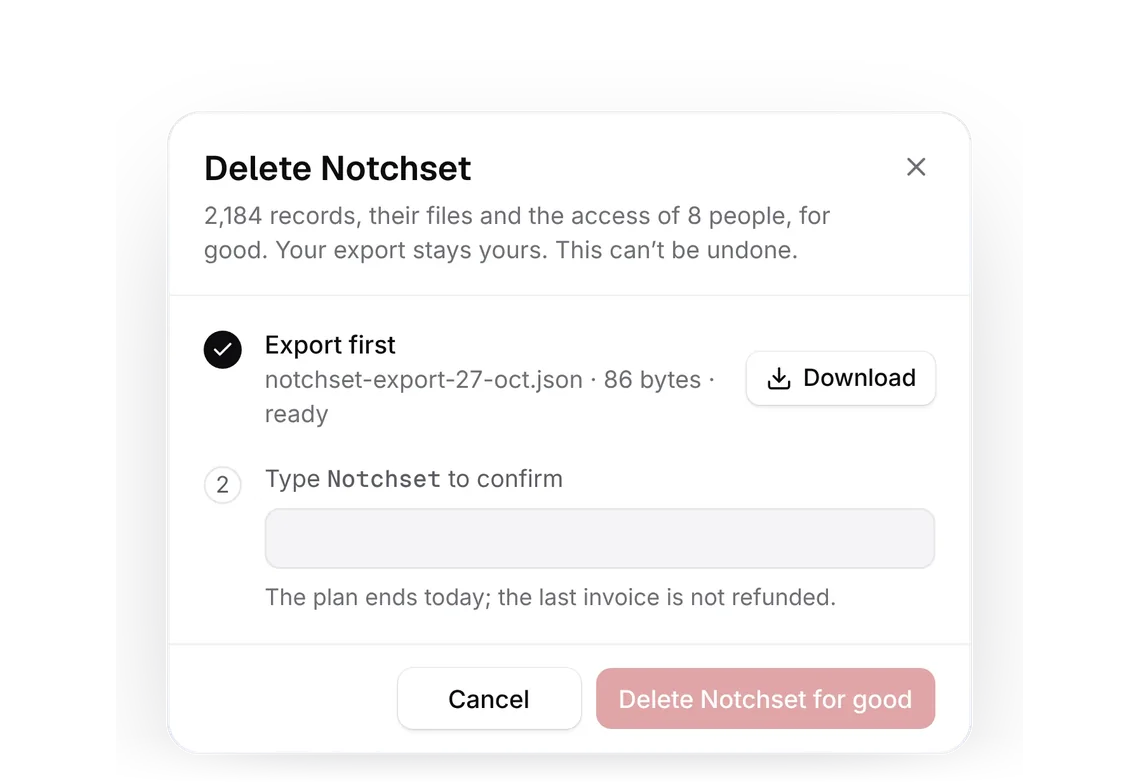
Account lifecycle. An account from its first confirmed email to its last export: verify in place, cancel honestly, delete only after the export, and choose what reaches you.
2 free · 4 ProSee the Account lifecycle kit
Part of
Included with Pro
Pro is in early access.