Task card
PROA task on a board: what, what's wrong, who and when.
Every shadcn style · one file
v2.1 · Updated Oct 21Live preview
pnpm dlx shadcn@latest add @notchset-pro/task-cardInstallation
pnpm dlx shadcn@latest add @notchset-pro/task-cardNeeds your registry key. Every components.json style gets the same files.
Works with React 18.3 or 19 on Tailwind CSS v4, in any shadcn project. What's tested
Styles didn't apply?
The CLI adds the styles to the CSS file named in components.json (tailwind.css). Check that it points at your global stylesheet, that the project uses Tailwind CSS v4, and that the file is imported in your root layout. Installed by hand: paste styles.css into that file.
Usage
Import it and pass your content. The props that matter most are listed next.
Example
import { Hourglass, MessageSquare, OctagonAlert } from "lucide-react";
import { Avatar } from "@/components/ui/notchset/avatar";
import { PriorityMark } from "@/components/ui/notchset/priority-mark";
import { TaskCard } from "@/components/ui/notchset/blocks/task-card";

export default function TaskCardDemo() {
  return (
    <div className="grid w-full max-w-[560px] grid-cols-2 gap-2 max-[600px]:grid-cols-1">
      <TaskCard
        id="RP-55"
        code="RP-55"
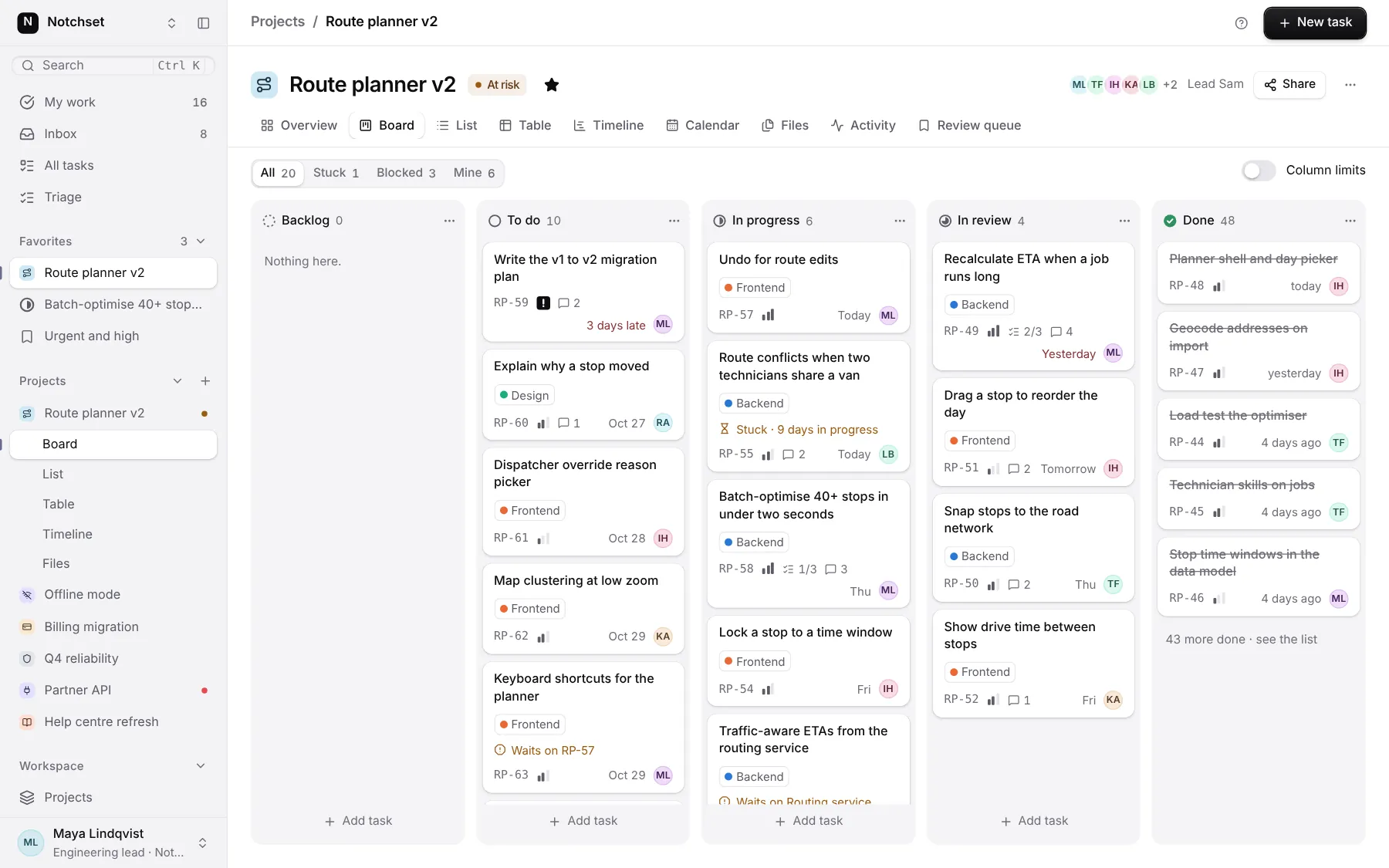
        title="Route conflicts when two technicians share a van"
        labels={["Backend"]}
        flag={{ icon: <Hourglass />, text: "Stuck · 9 days in progress" }}
        priority={<PriorityMark priority={2} />}
        meta={<span className="inline-flex items-center gap-1"><MessageSquare aria-hidden />2</span>}
        due="Today"
        avatar={<Avatar name="Leo Brandt" size={20} />}
      />
      <TaskCard id="RP-63" code="RP-63" title="Keyboard shortcuts for the planner" labels={["Frontend"]} flag={{ icon: <OctagonAlert />, text: "Waits on RP-57" }} priority={<PriorityMark priority={2} />} due="Oct 29" avatar={<Avatar name="Maya Lindqvist" size={20} />} />
      <TaskCard id="RP-59" code="RP-59" title="Write the v1 to v2 migration plan" priority={<PriorityMark priority={4} />} due="3 days late" late avatar={<Avatar name="Maya Lindqvist" size={20} />} />
      <TaskCard id="RP-48" code="RP-48" title="Planner shell and day picker" done dim due="today" avatar={<Avatar name="Ines Halvorsen" size={20} />} />
    </div>
  );
}
This example also uses Avatar, Priority mark, lucide-react. This command installs them with it, so the example pastes as it is:
pnpm dlx shadcn@latest add @notchset-pro/task-card @notchset/avatar @notchset/priority-markSource
components/ui/notchset/blocks/task-card.tsx
This component is included with Pro.
Try the live preview above. Get Pro to install the source.
Props
id–stringRequired.
title–stringRequired.
labels[](string | { label: string; color?: string | undefined })[]its labels, each a name or a name with its identity colour (a dot beside the name, which stays ink)
flag–{ icon?: React.ReactNode; text: string; tone?: "warn" | "bad" | undefined }the one thing wrong with it, in words
code–stringpriority–React.ReactNode
Show all 14 propsShow fewer
meta–React.ReactNodesmall marks: comments, subtasks
due–stringlate–booleanavatar–React.ReactNodedone–booleandim–booleanactive–booleanthe card the keyboard or the open drawer is on: ringed in ink
description–stringwhat a screen reader hears for the card beyond its title ("In progress, due today, Leo")
For coding agents
Give your coding assistant the Markdown guide instead of screenshots.
Where agents read it
- Guide for this component: https://notchset.dev/md/task-card.md
- Every component, for tools without MCP: /llms.txt
- MCP server:
https://notchset.dev/api/mcp(setup)
Changelog
v2.1.0 · 2026-10-21
New: a task on a board, with its label dots, status, priority and assignee; a lens's dimmed card recedes its chrome, never its words (data-dimmed).
v2.0.0 · 2026-10-13
Released with the Notchset system.
Used in
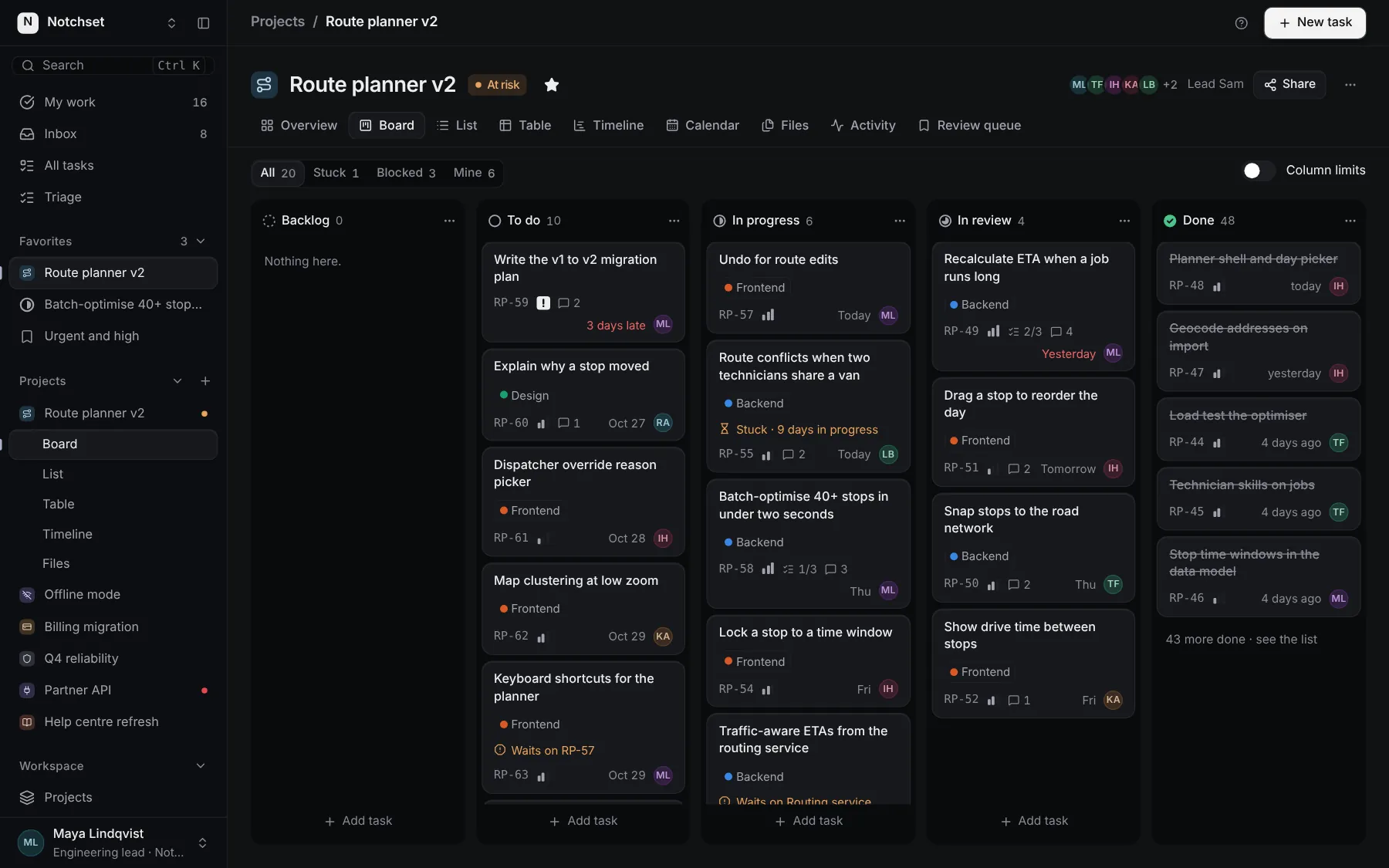
The same file, at work in a finished app. Open it live and find it on its pages.
Part of
Included with Pro
Pro is in early access.