Health template for shadcn/ui
Health data, read for people.
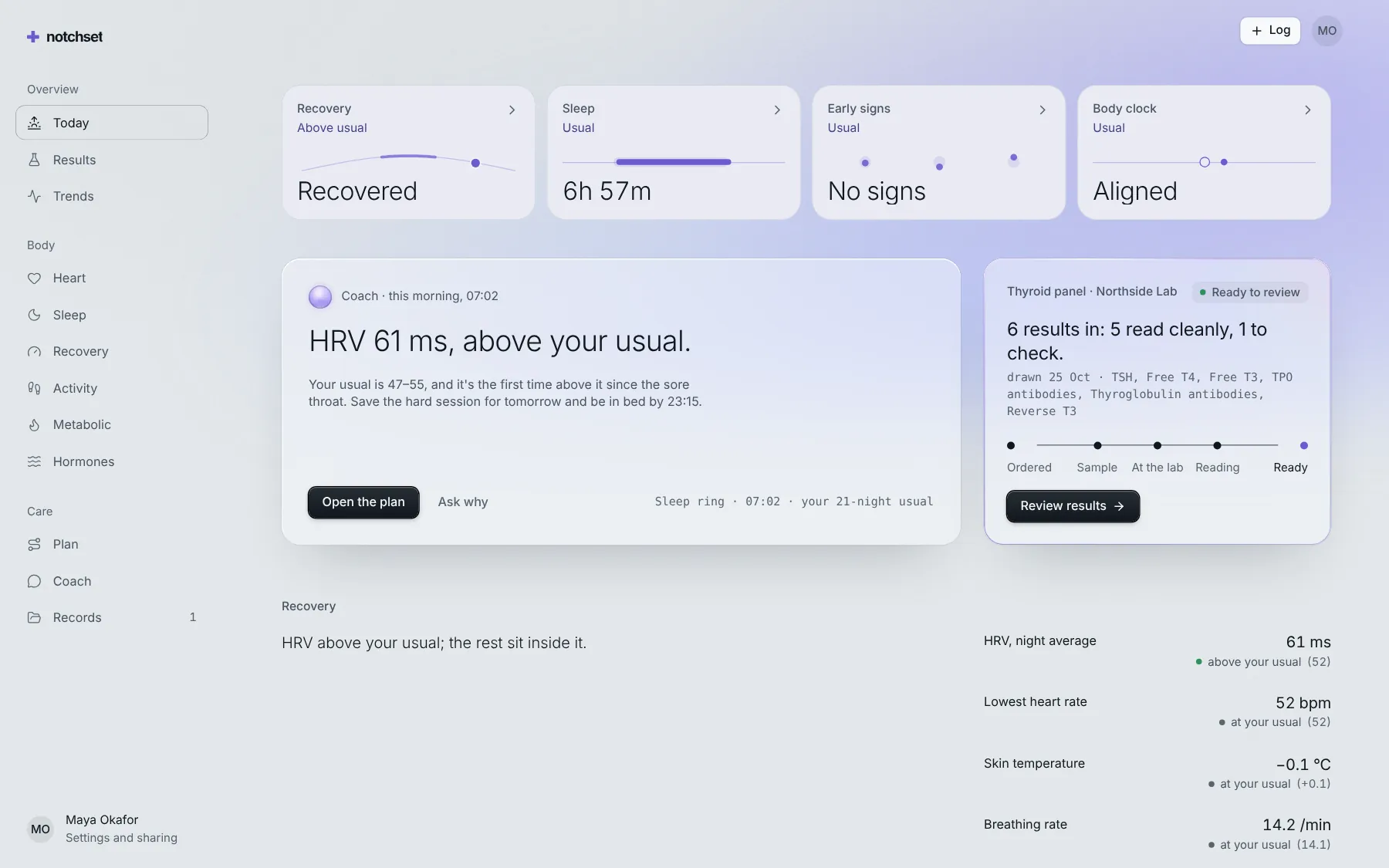
Labs read against their ranges, wearable trends and a coach that cites your values. Every state designed, on a desk or a phone.
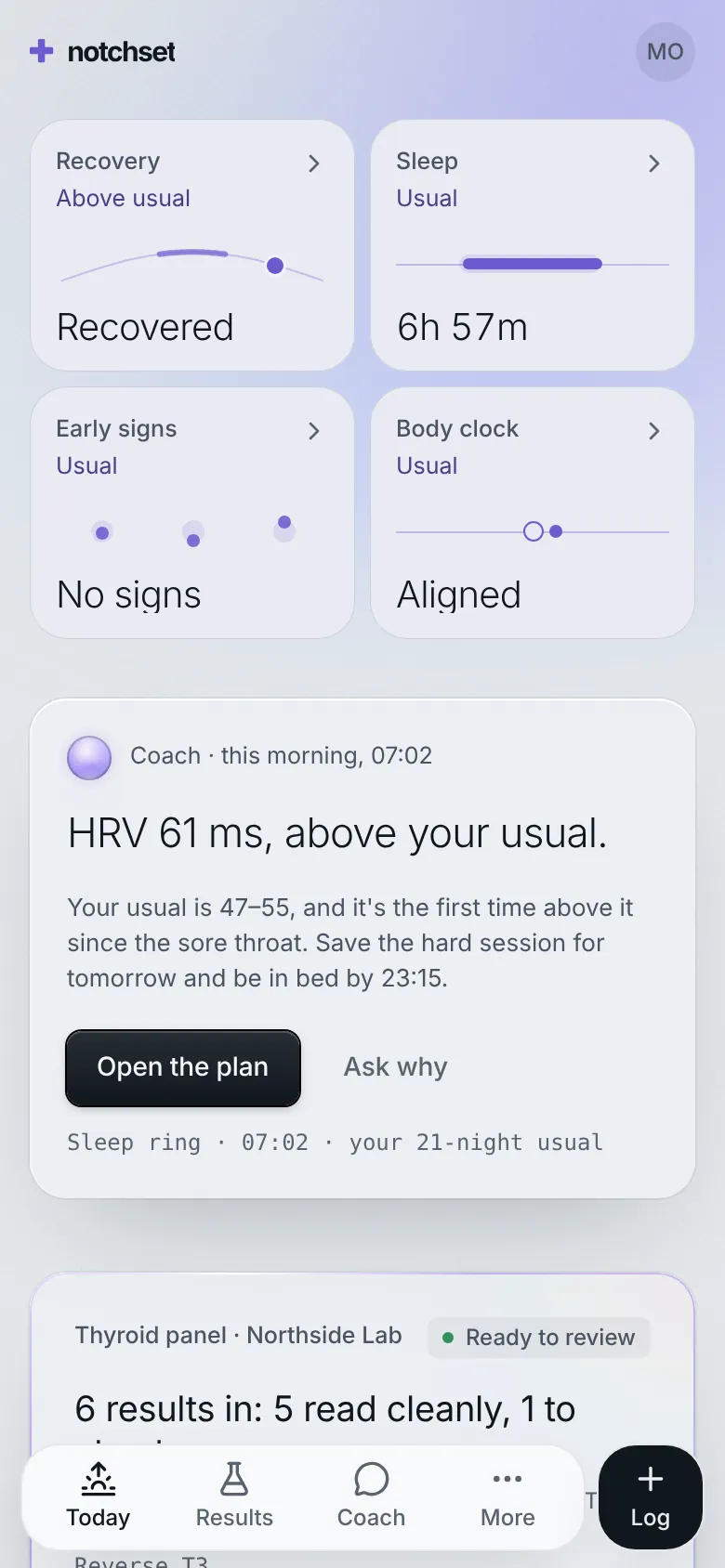
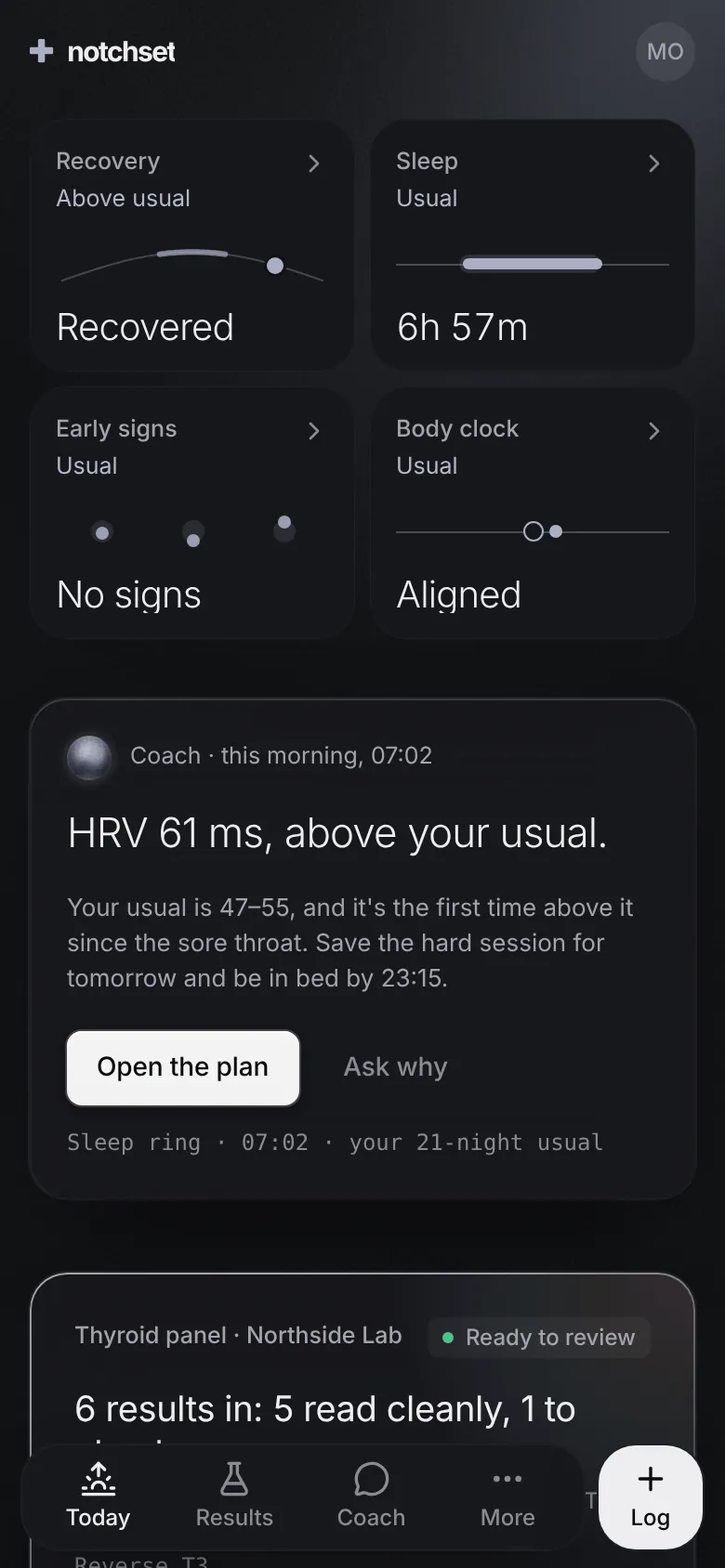
This is the app, not a video. Your changes stay in this browser.Press ⌘K inside it for everything.
17pages, each with its own phone layout
64screens under the accessibility gate
48open states checked too
2themes, each designed
What’s inside.
Every screen opens live, right here. And every block it’s built from has its own page.
 Open live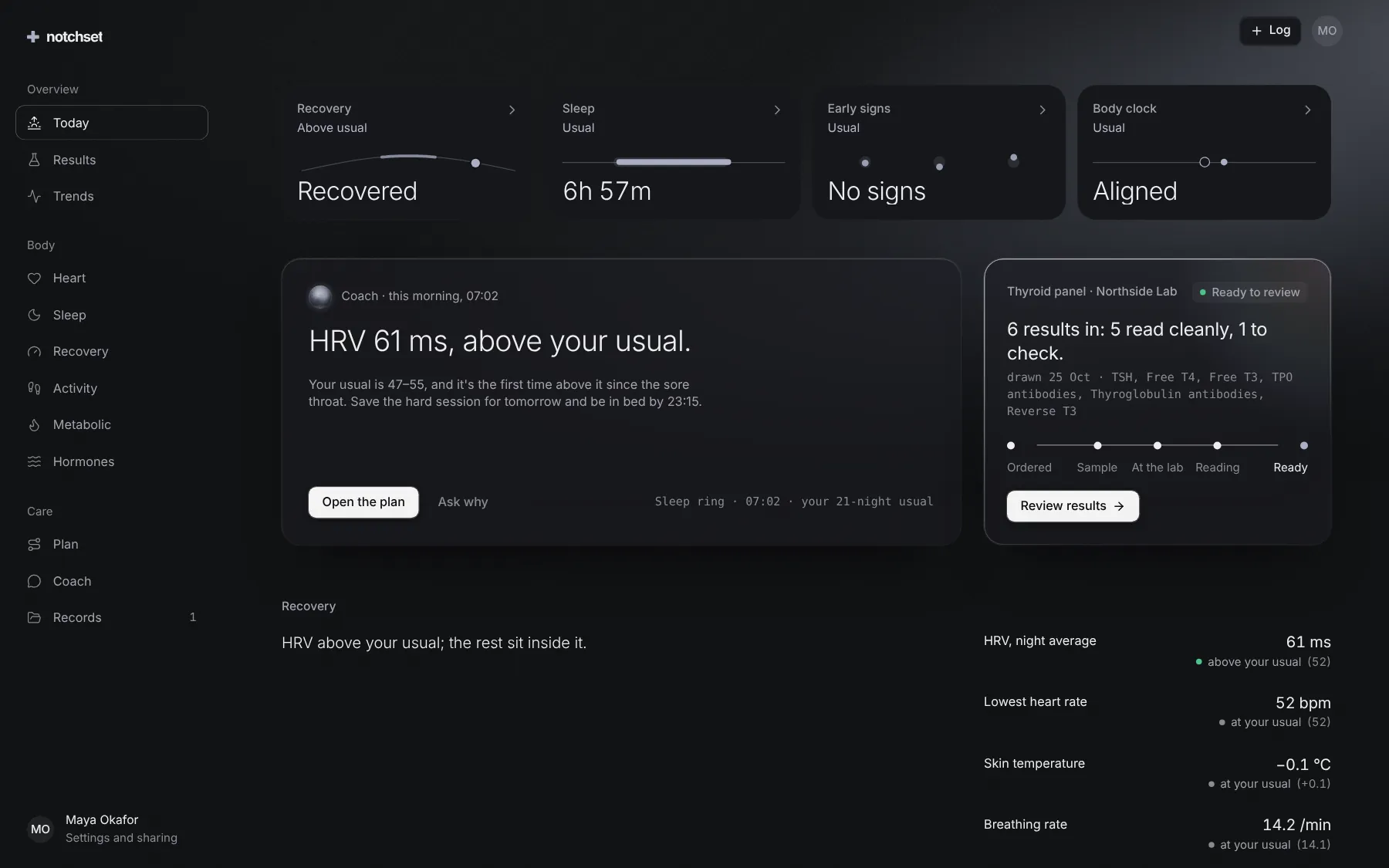
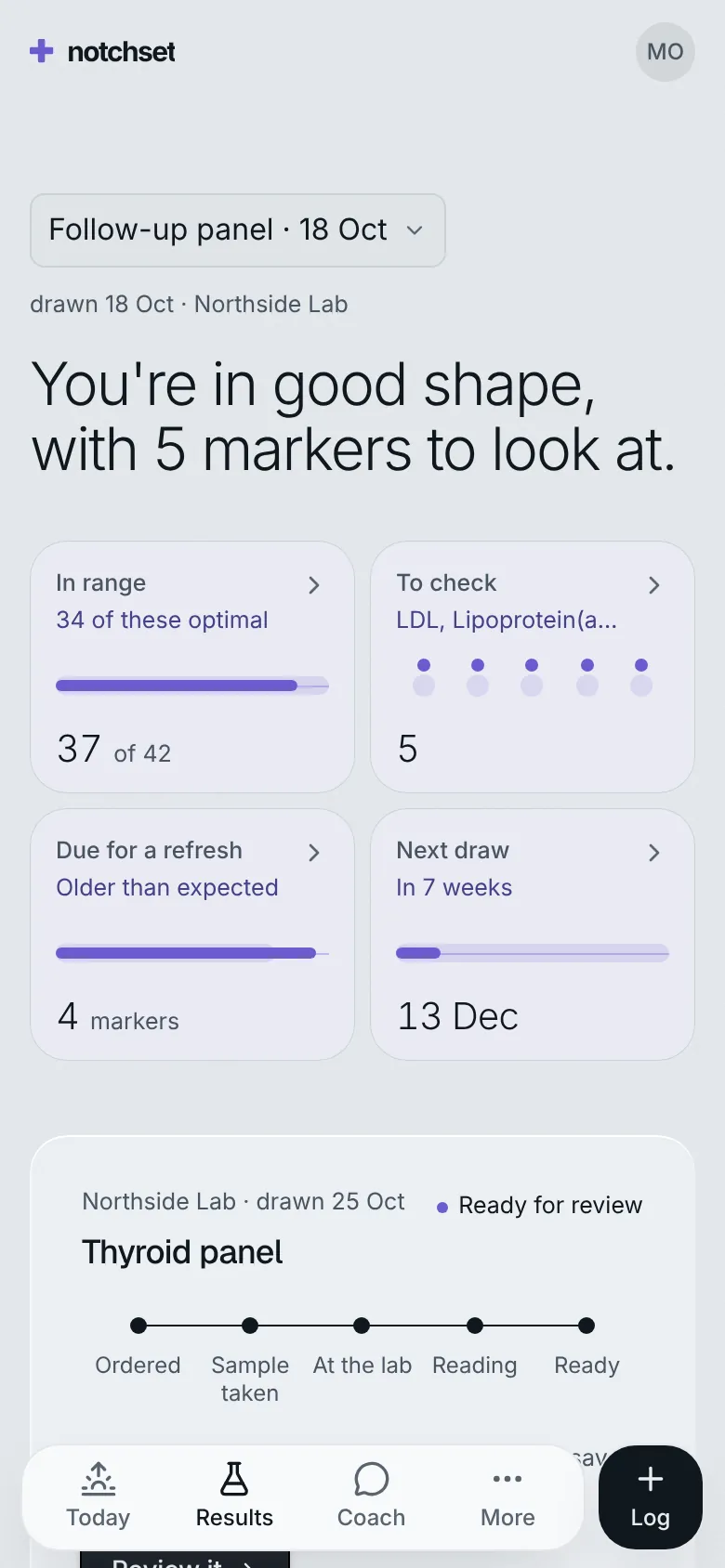
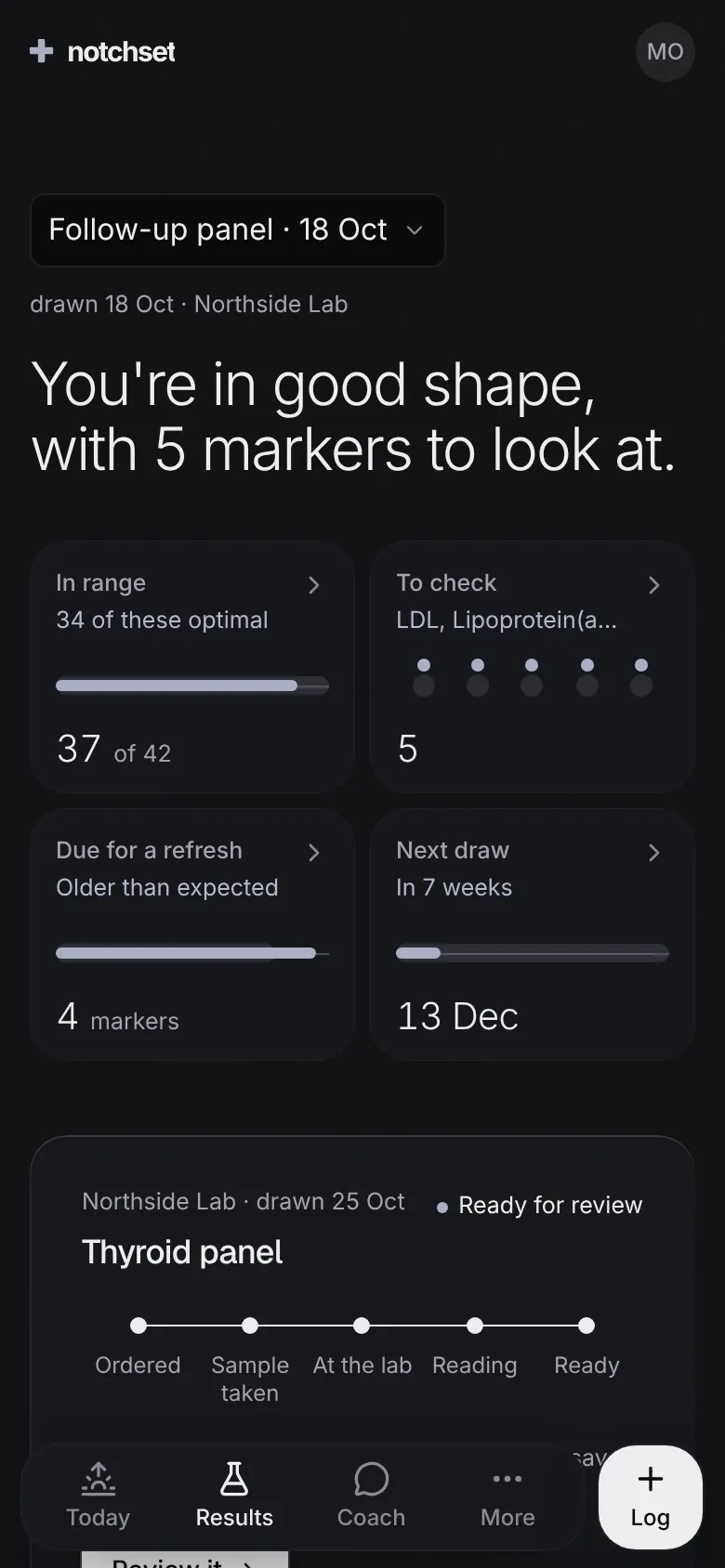
TodayFour glances and the coach's note
 Open live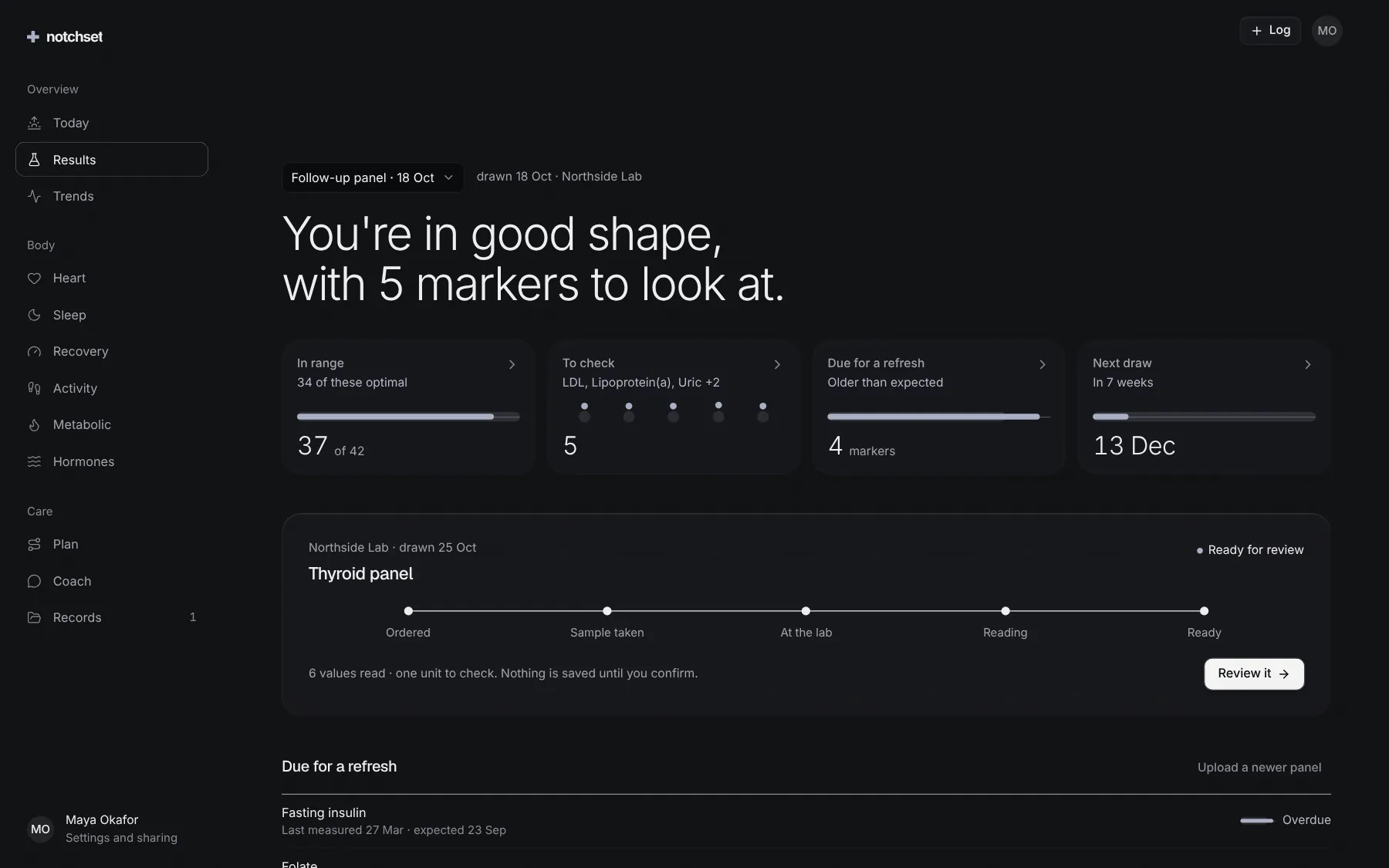
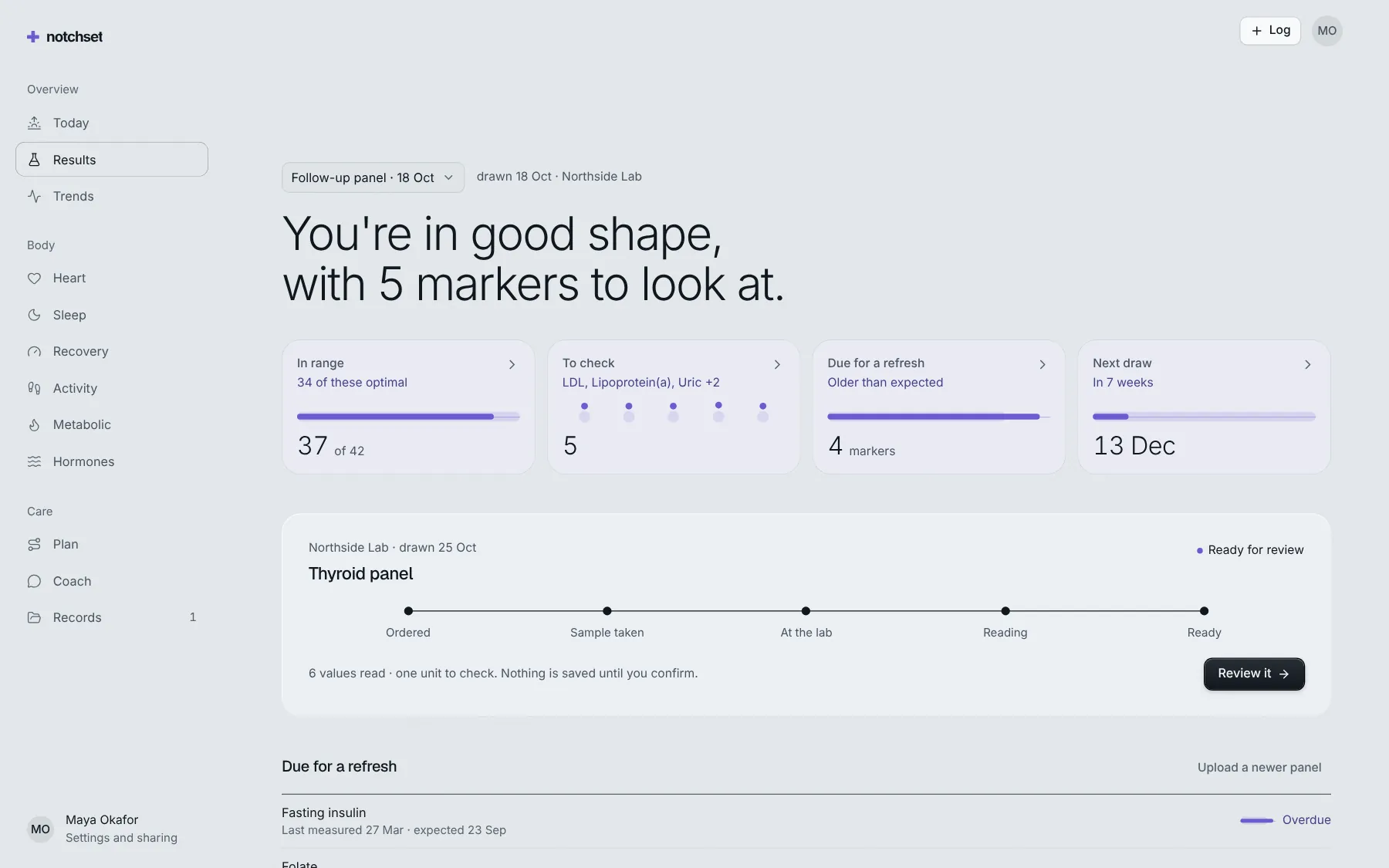
ResultsEvery lab read against its range
 Open live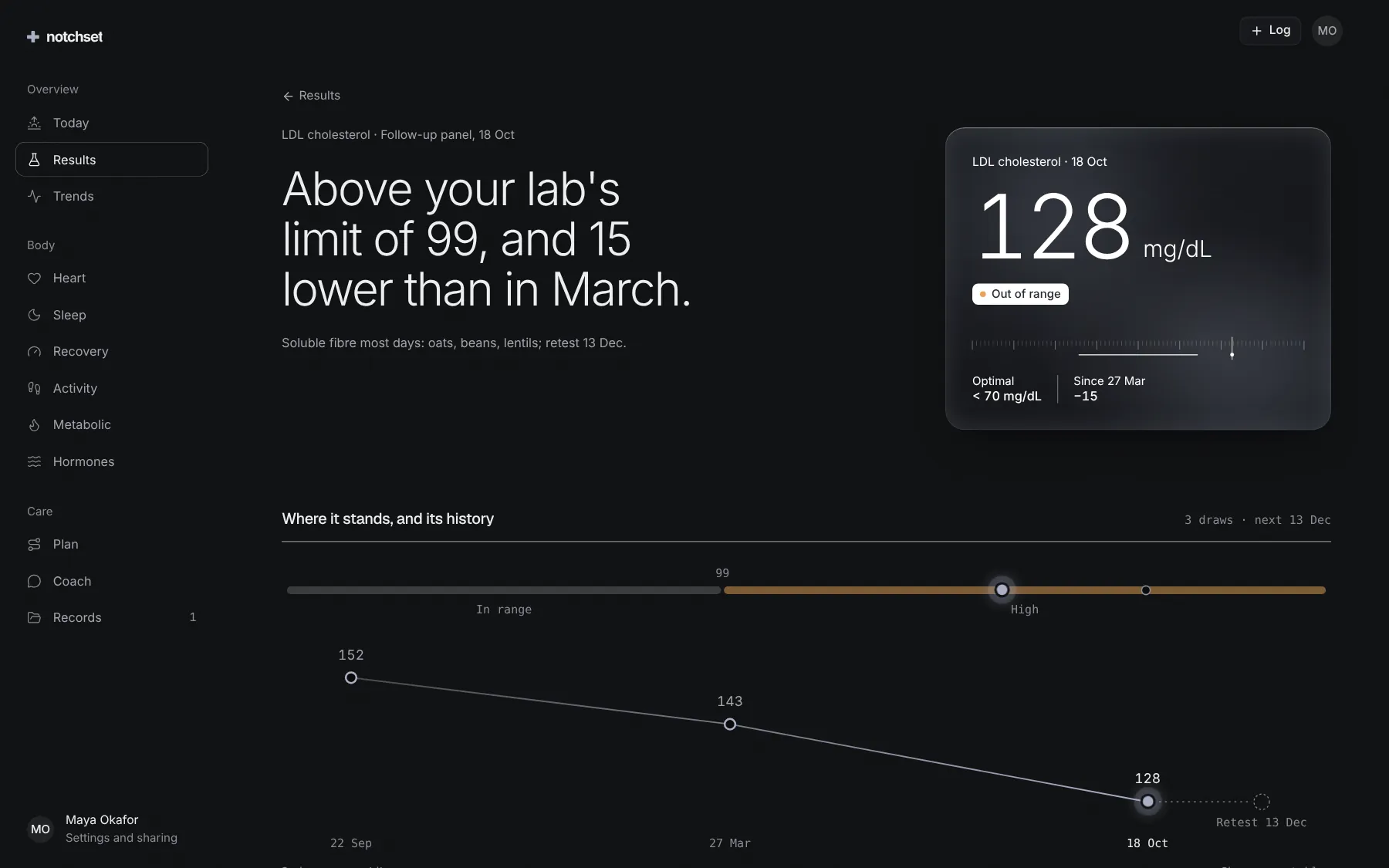
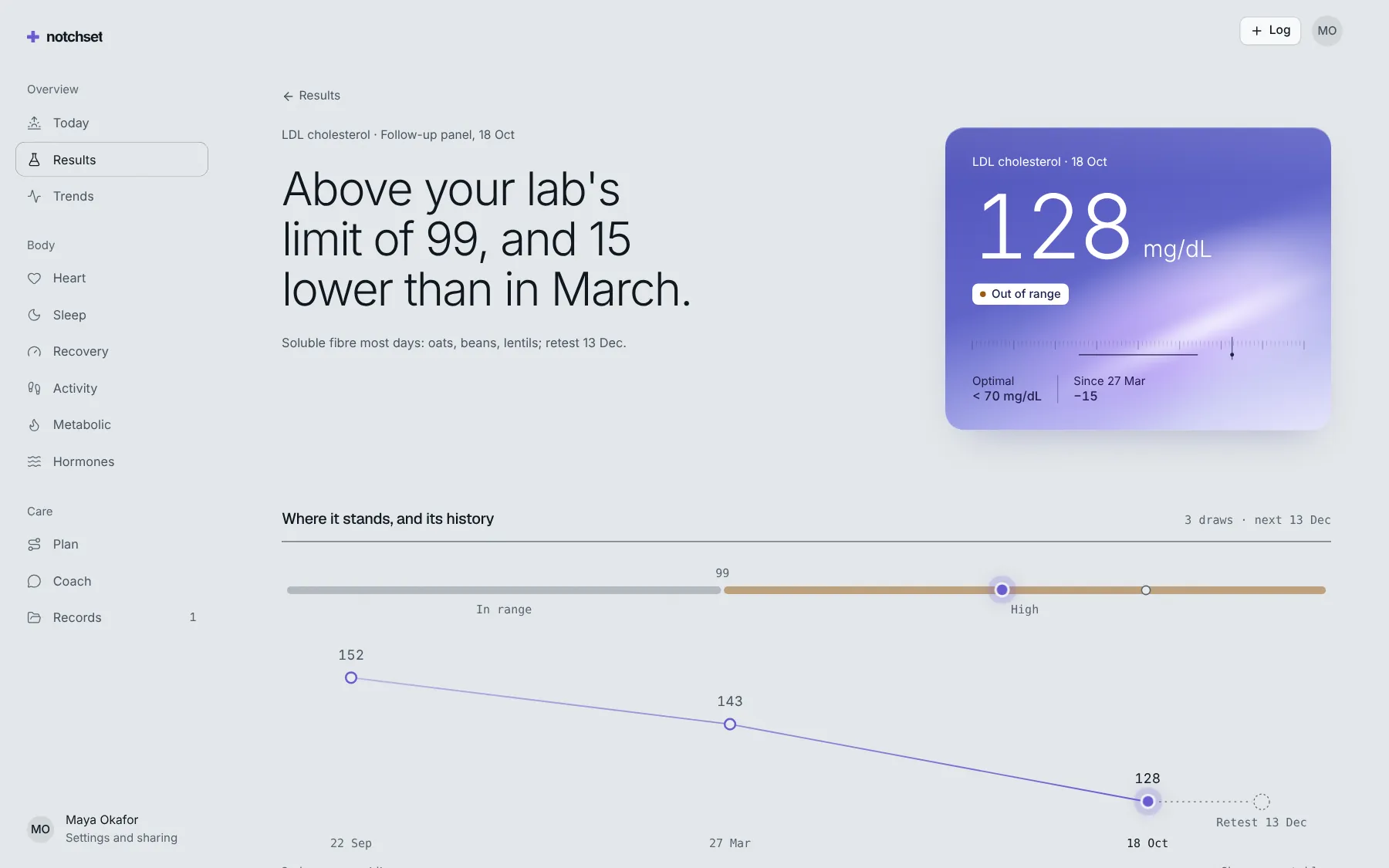
A biomarkerIts history, its range, its source
 Open live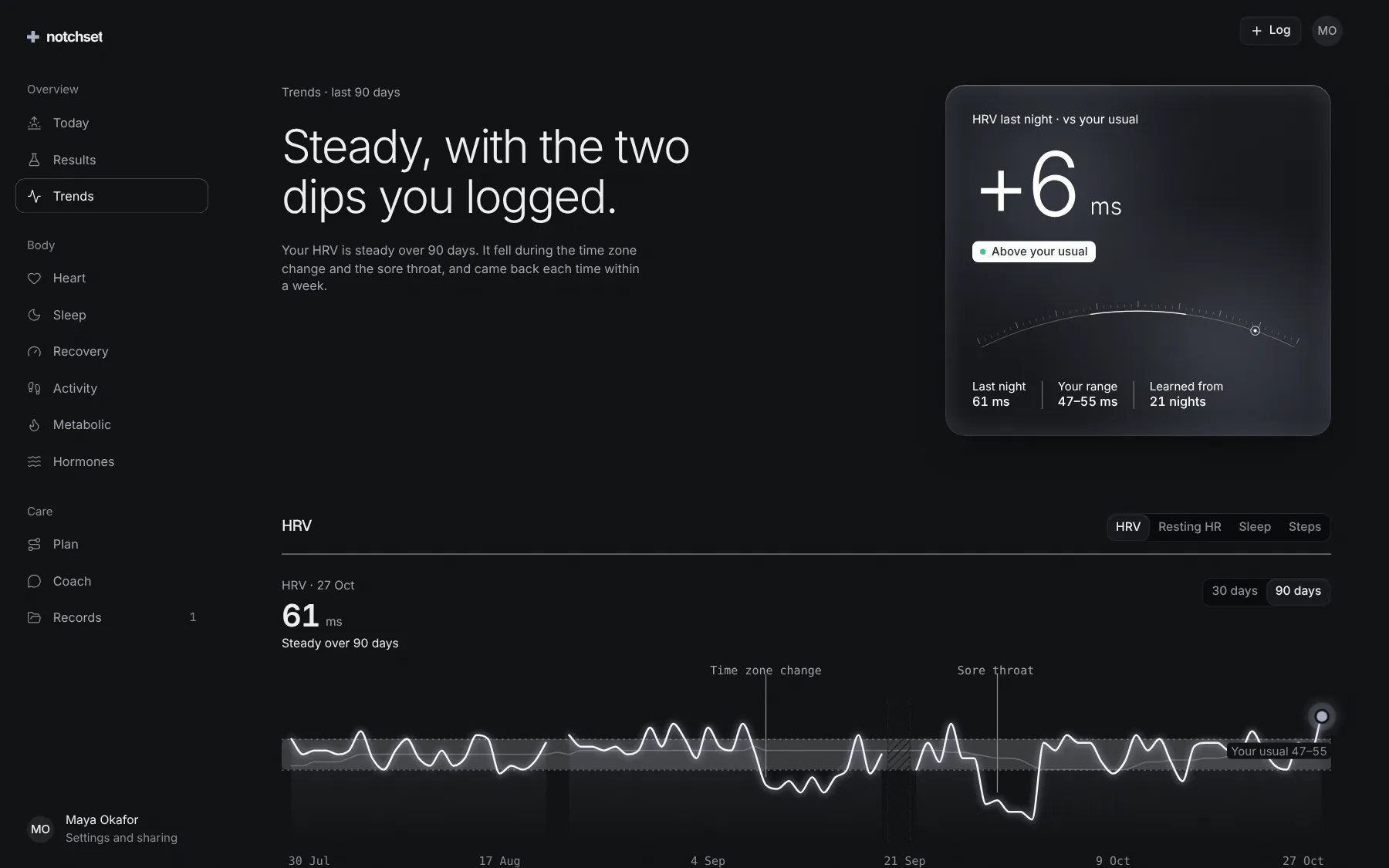
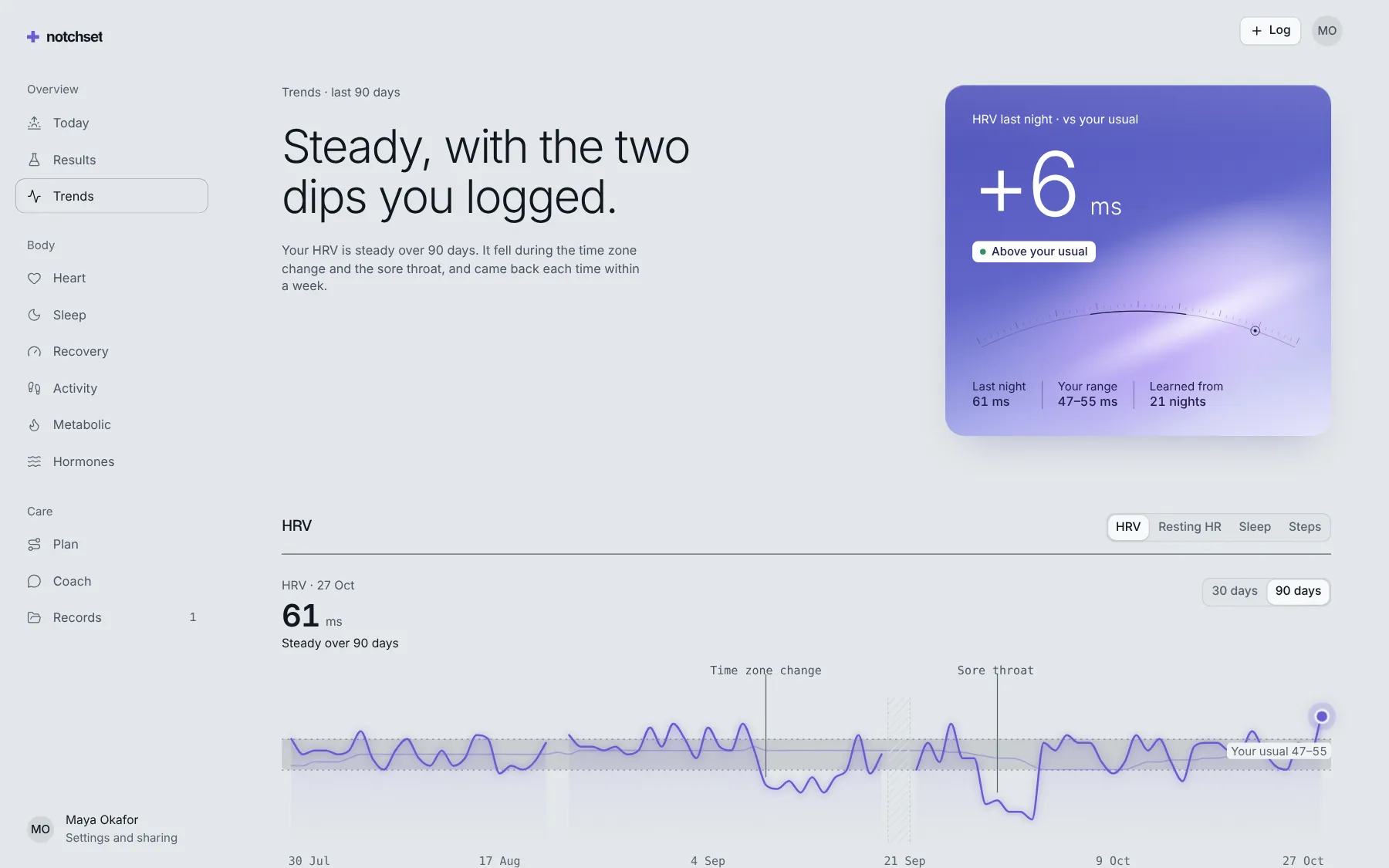
TrendsWearable data against your usual
 Open live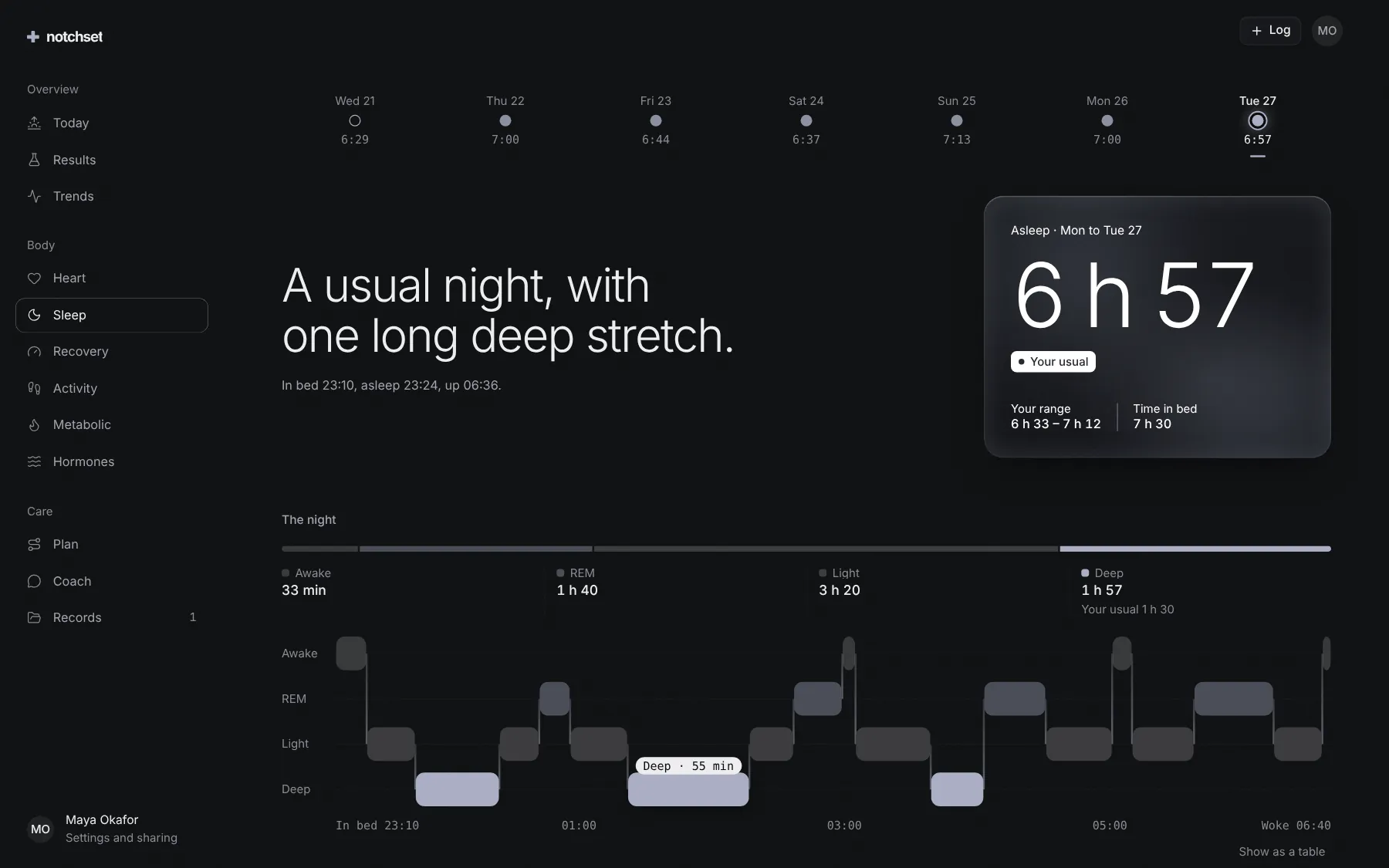
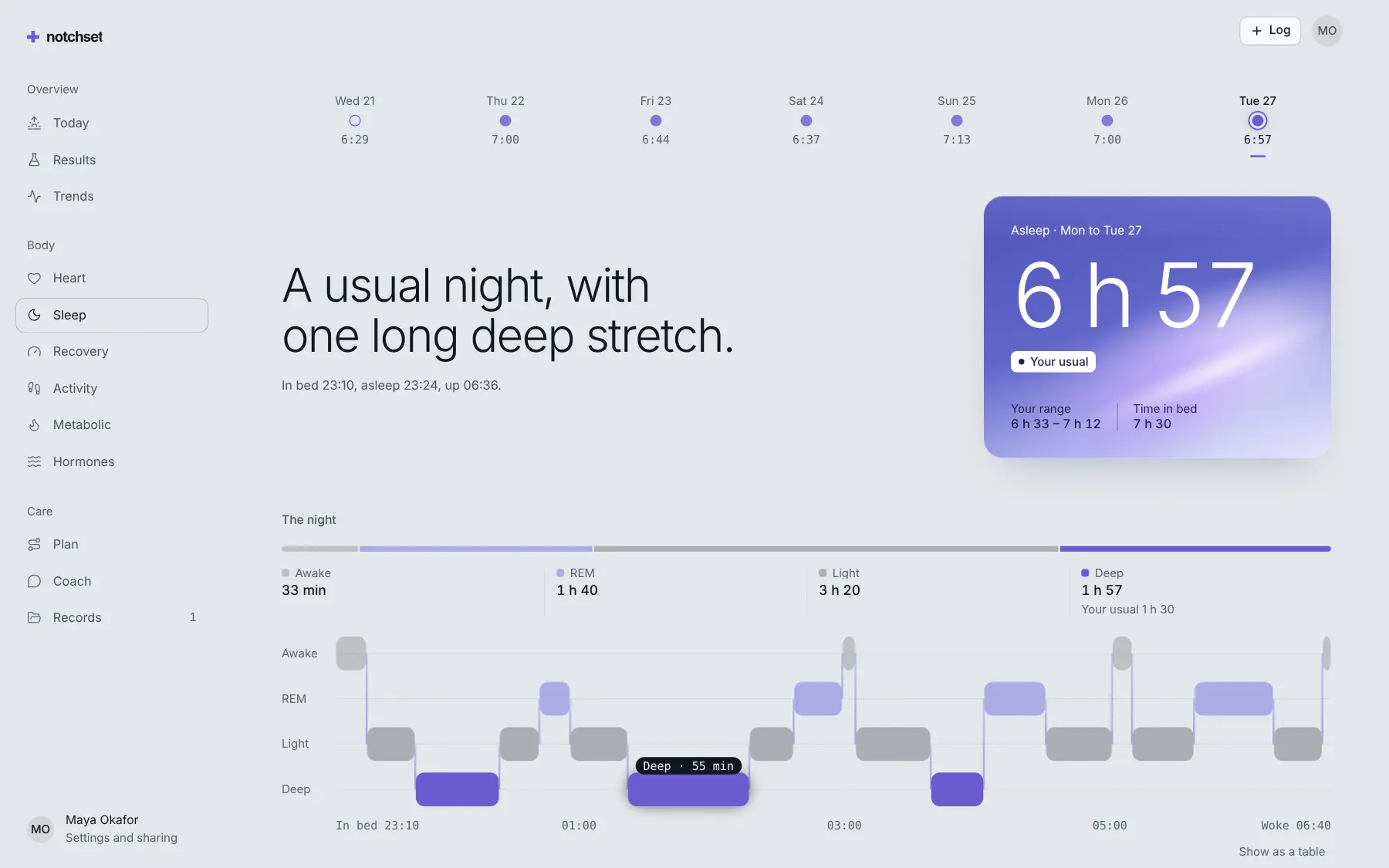
SleepThe night against its usual window
 Open live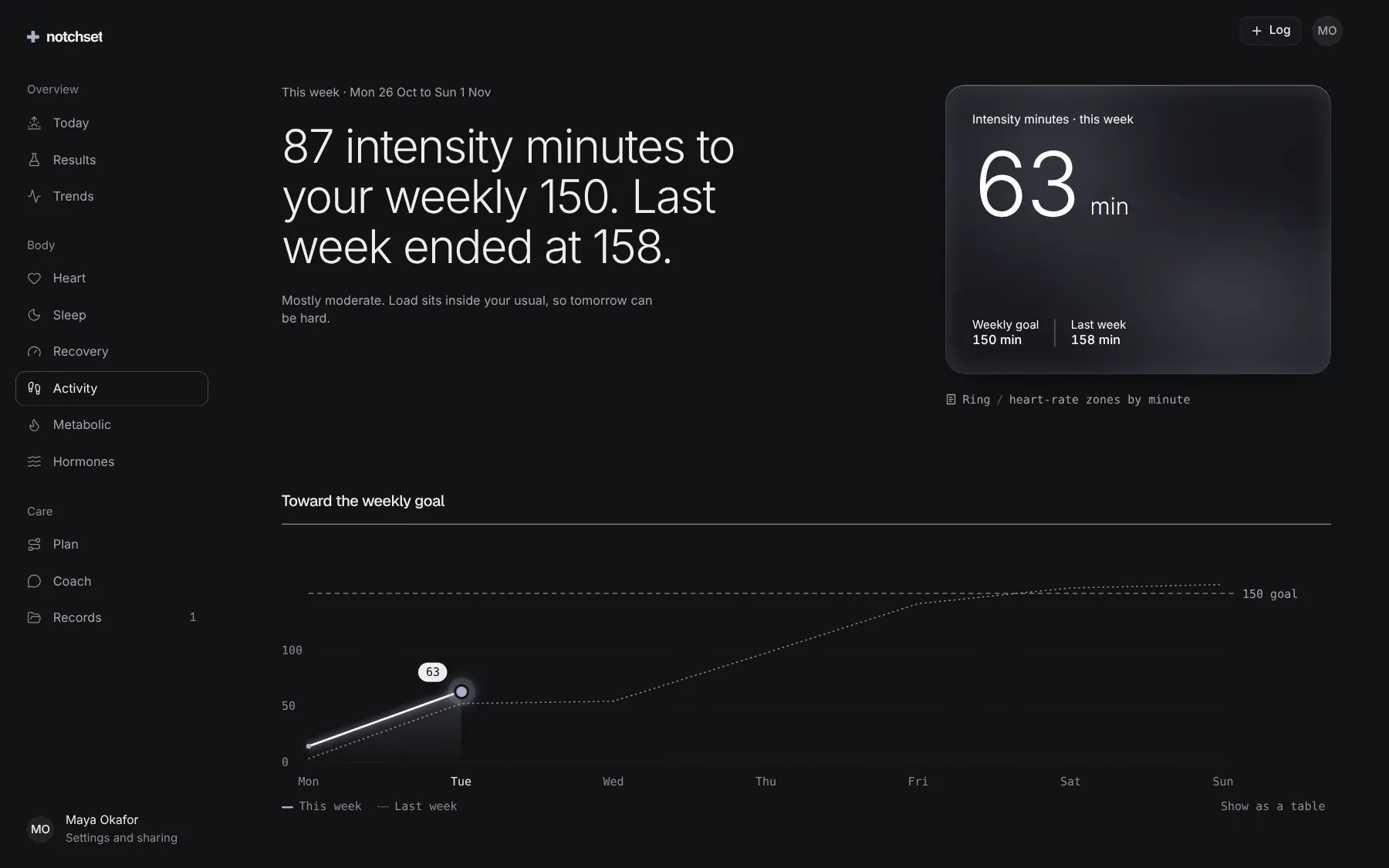
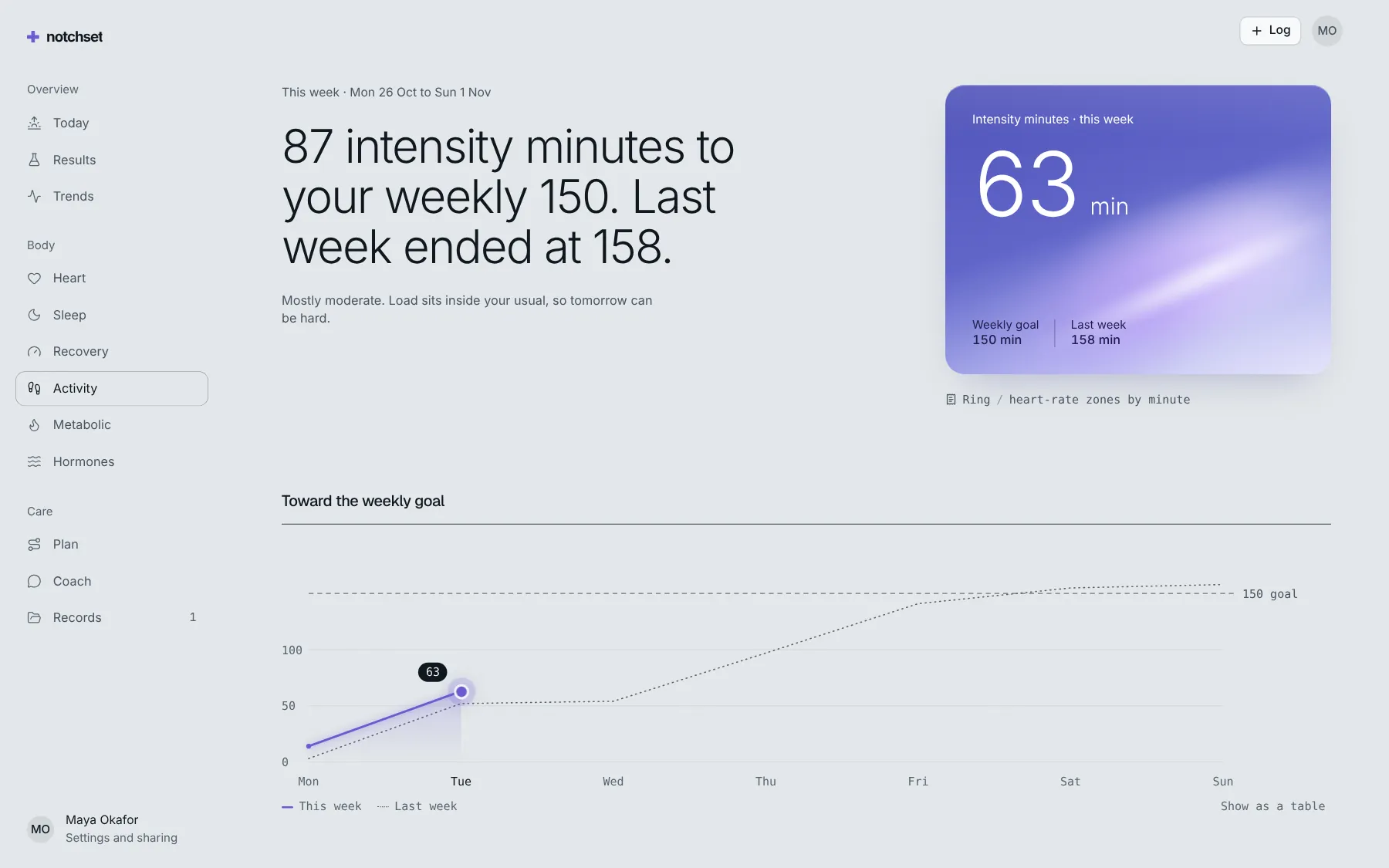
ActivitySessions, routes and records
 Open live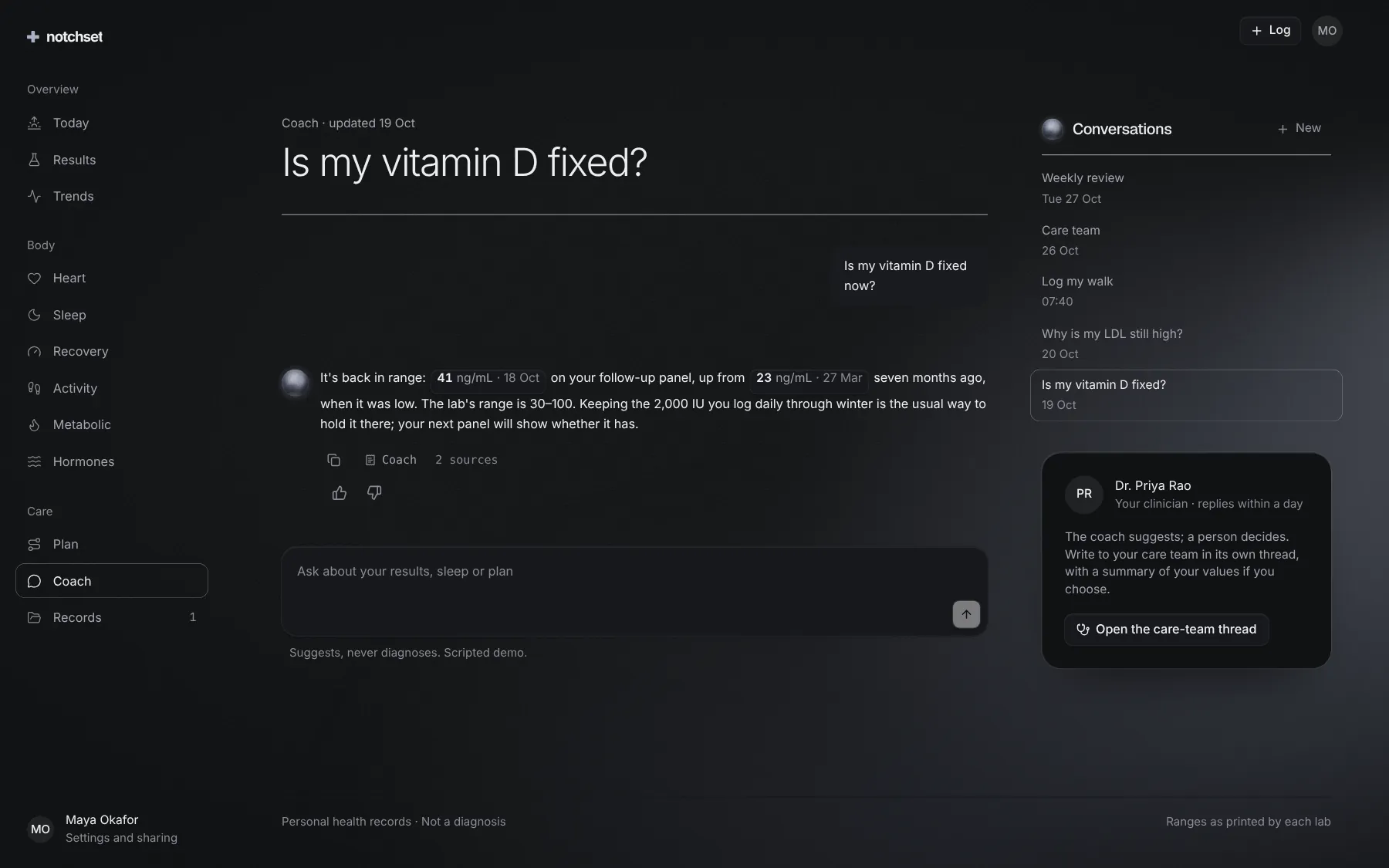
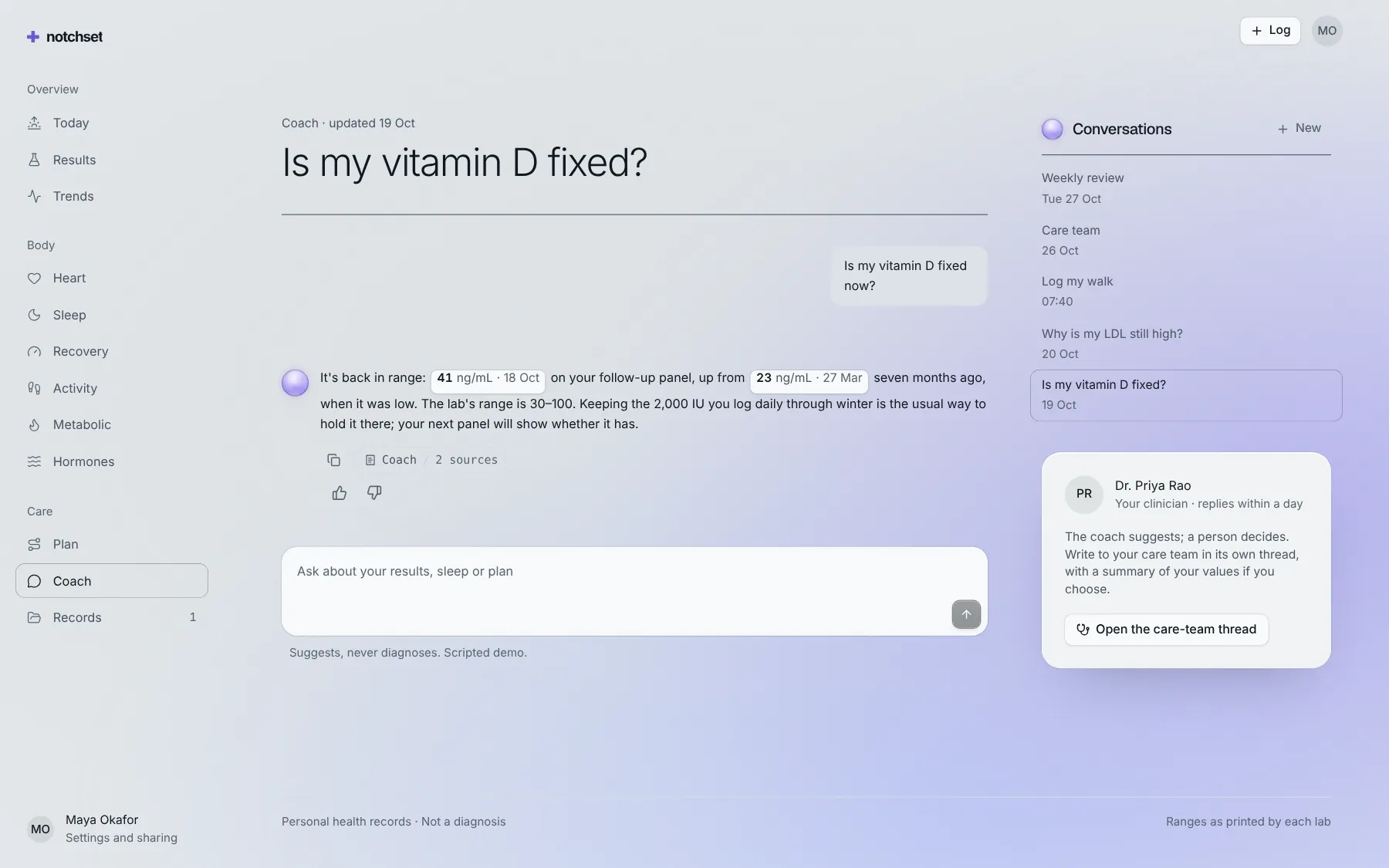
CoachAnswers that cite your values
 Open live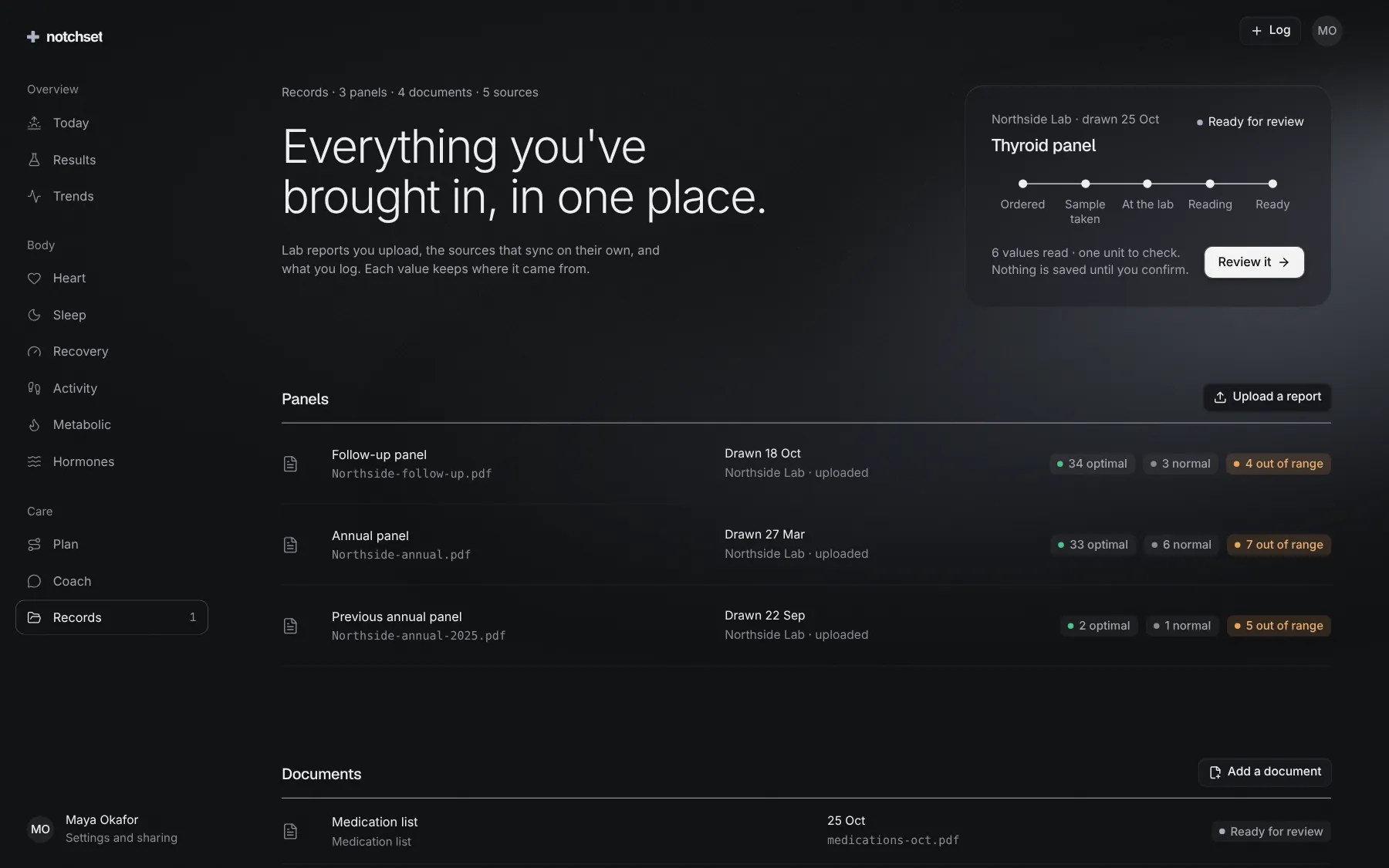
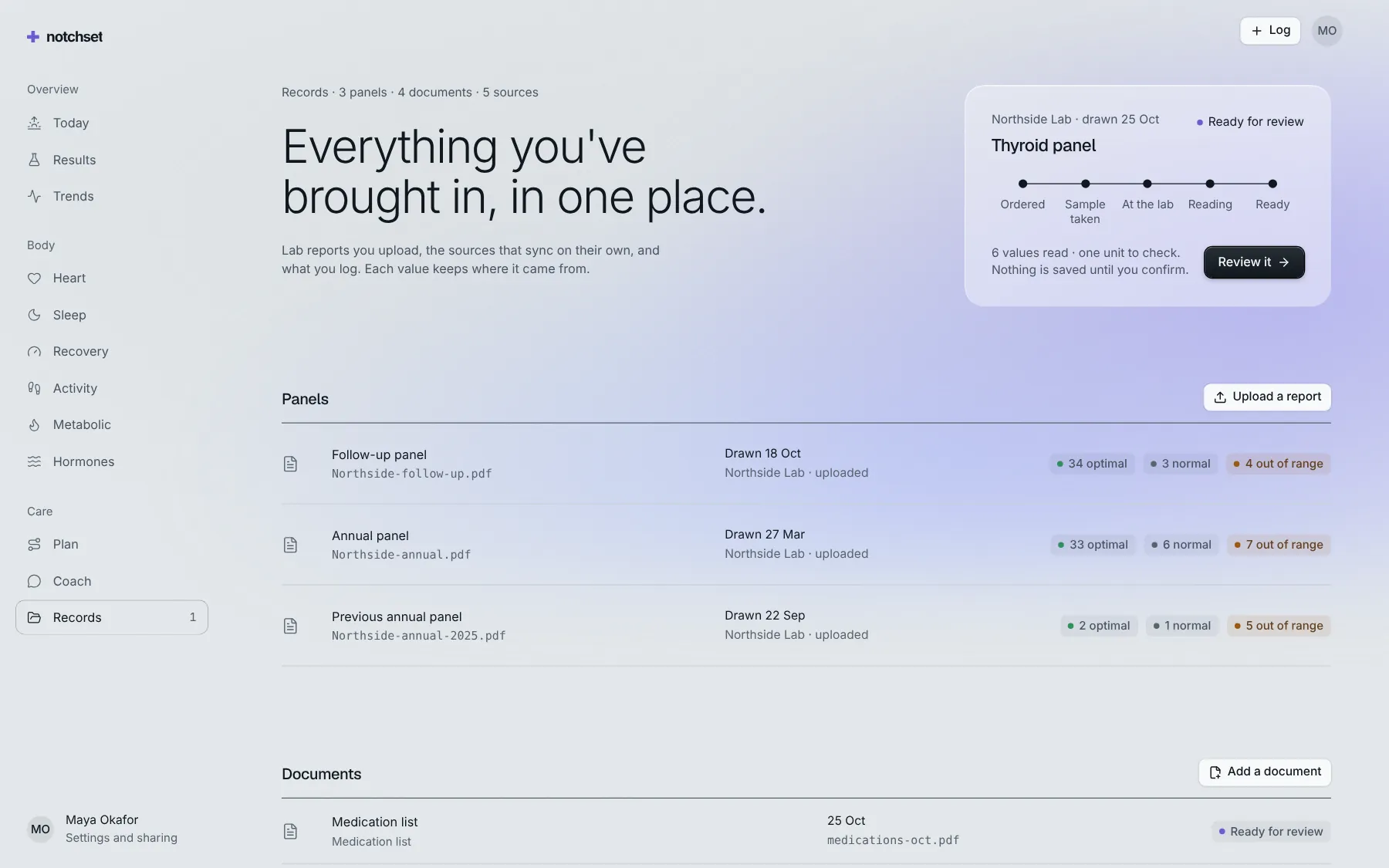
RecordsUpload, review, keep
Built from
Works with
- React 18.3 & 19
- Tailwind v4
- shadcn/ui
- Base UI
- Radix
Install.
One command brings the app and everything it’s made of into your repo, as source you own.
01 · Add it
With the shadcn CLI
npx shadcn@latest add @notchset-pro/healthOnce your key is set up (Pro setup). Updates arrive the same way.
02 · Mount it
Point it at your data
import { HealthApp } from "@/components/ui/notchset/templates/health/app";

export default function Page() {
  return <HealthApp demo />; // the demo's seed; pass an adapter for yours
}
Recipes.
The changes everyone makes, end to end. In the template’s README too.
Connect your API
One adapter. It starts empty and shows only what your backend returns.
<HealthApp adapter={httpAdapter("/api/health")} />
// reference/: the catch-all routes,
// labs, coach and wearables
The coach and your key
Anthropic or OpenAI on your server; the browser only calls your route.
# .env
COACH_PROVIDER=anthropic
ANTHROPIC_API_KEY=…
COACH_MODEL=claude-opus-5-5
Connect a wearable
Junction or Terra, through one route. Readings arrive by webhook.
# .env
AGGREGATOR=junction
JUNCTION_API_KEY=…
# POST /sources/connect
What to try first.
Six things that show the care. Do them in the frame above, or full screen.
- Read a resultOpen LDL. The lab's printed range sits beside the optimal one, each with its source.
- Ask the coachEvery answer cites the values it used, numbered, and refers symptoms out.
- Start a walkStart one from Activity. The route draws live, and the zone beats at your heart rate.
- Import a lab reportUpload one in Records. Each value comes back with its confidence; nothing saves until you confirm.
- Share with a clinicianA summary that is opt-in, expires and can be revoked, with each view logged.
- Open it on a phoneToday, Results and the live walk each have their own phone layout.