Task Management template for shadcn/ui
Projects that say if they'll land.
Boards, cycles, a timeline and insights. Every state designed, on a desk or a phone.
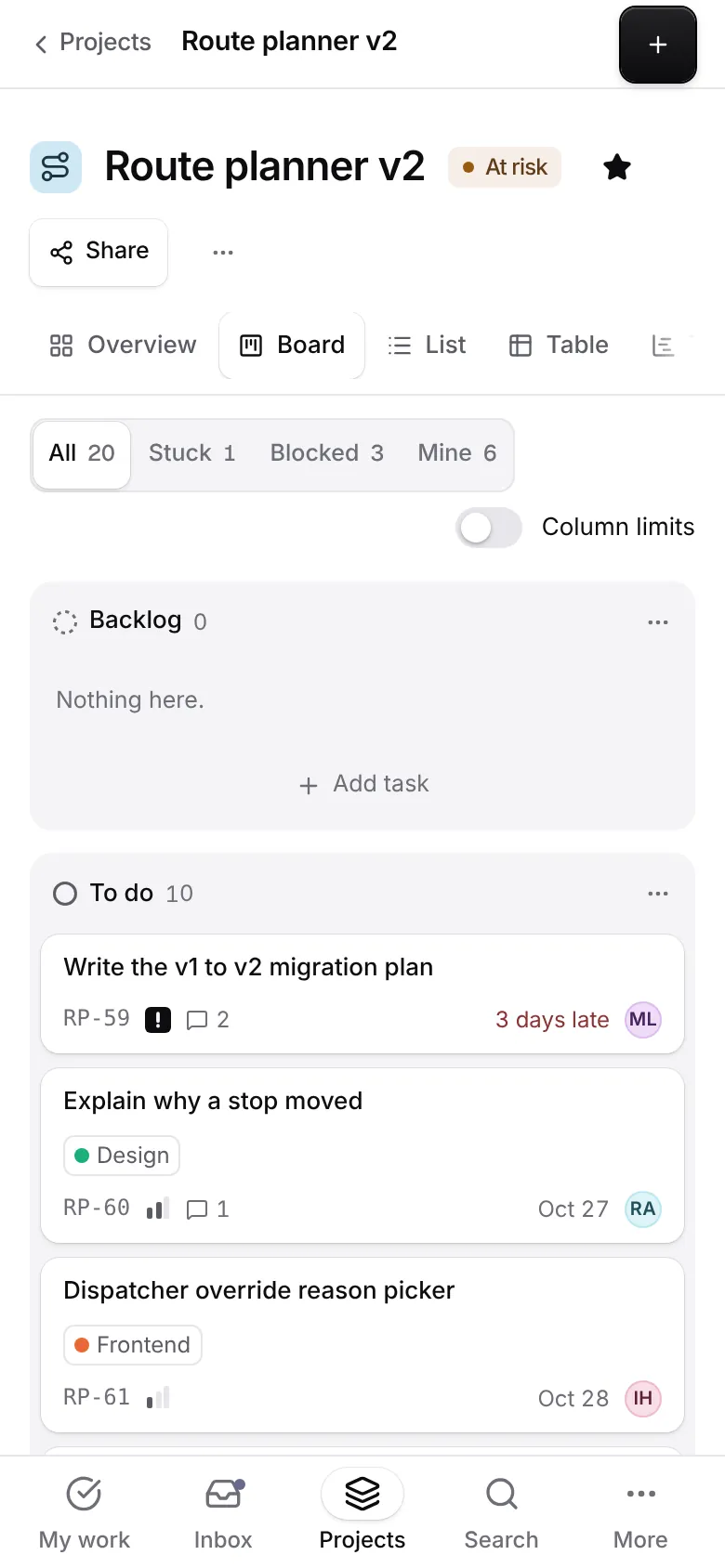
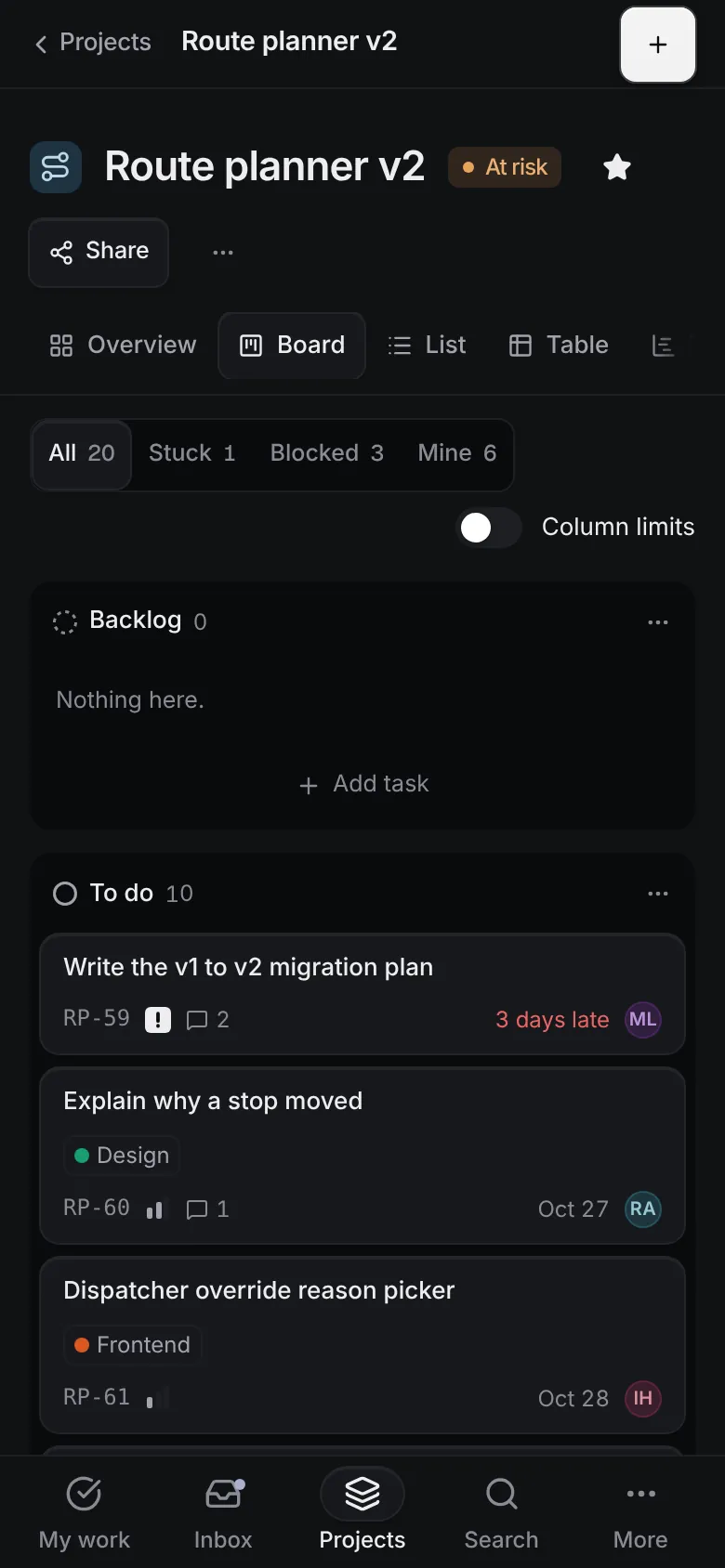
This is the app, not a video. Your changes stay in this browser.Press ⌘K inside it for everything.
23pages, each with its own phone layout
94screens under the accessibility gate
62open states checked too
2themes, each designed
What’s inside.
Every screen opens live, right here. And every block it’s built from has its own page.
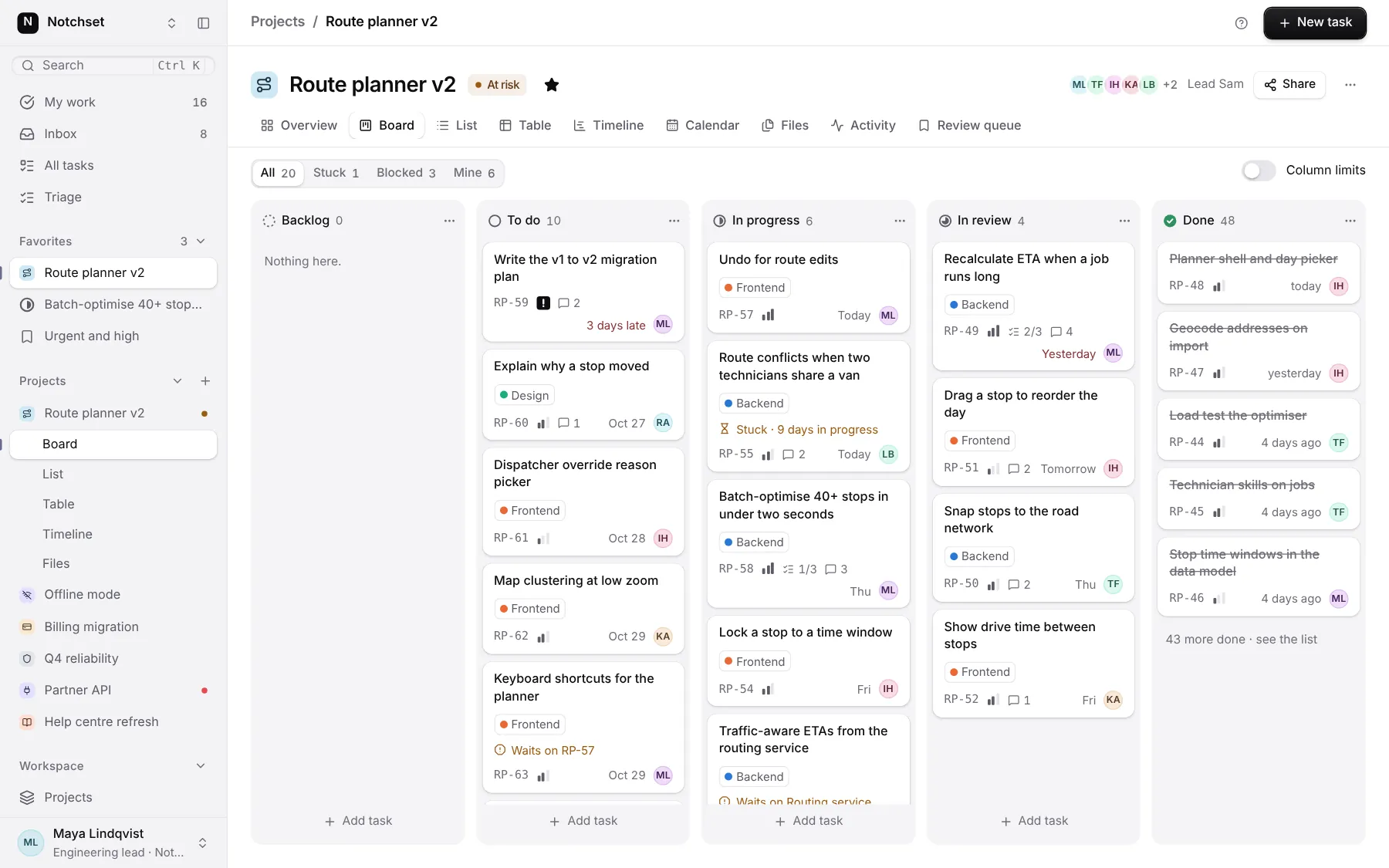 Open live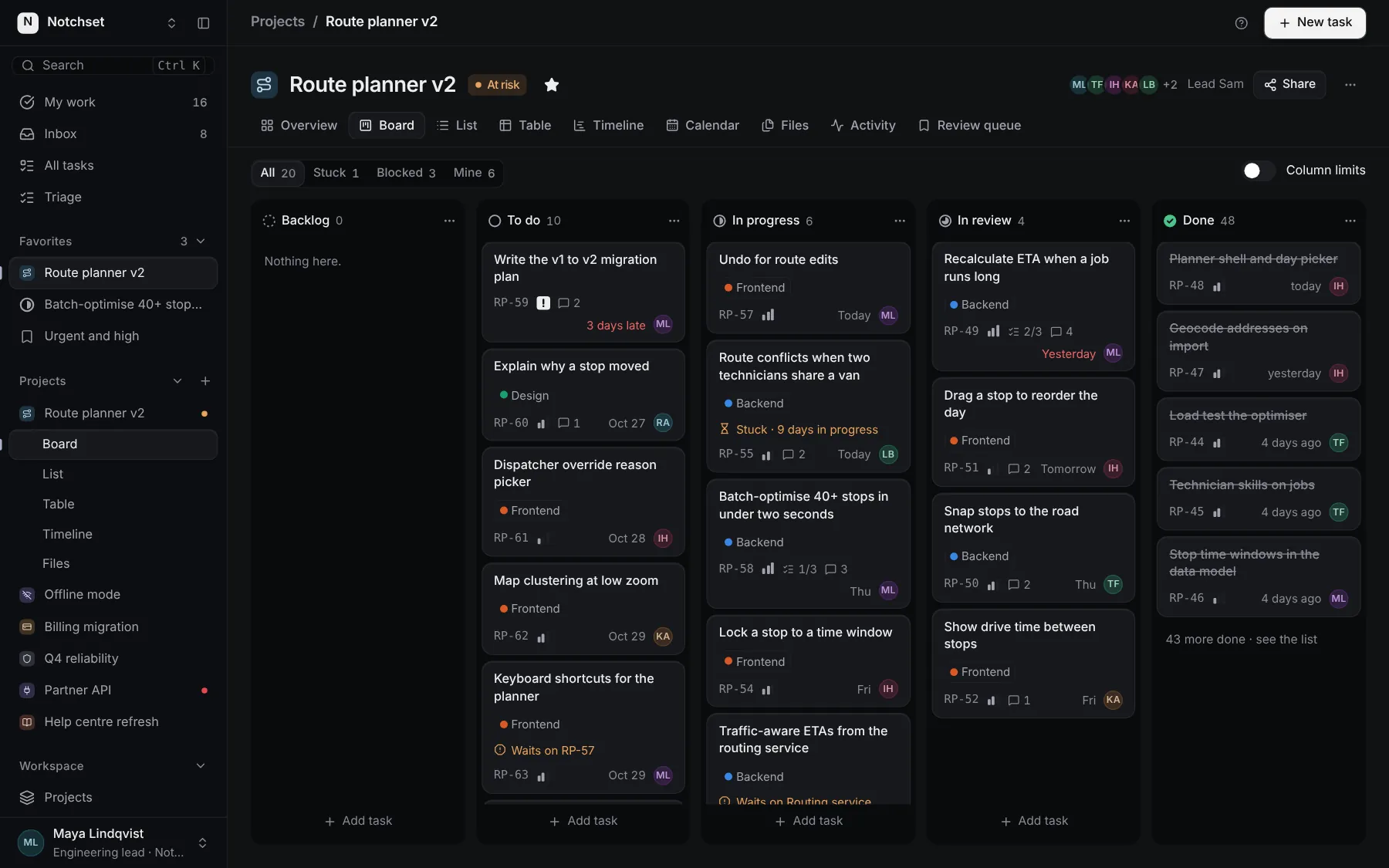
BoardColumns with limits and Undo
 Open live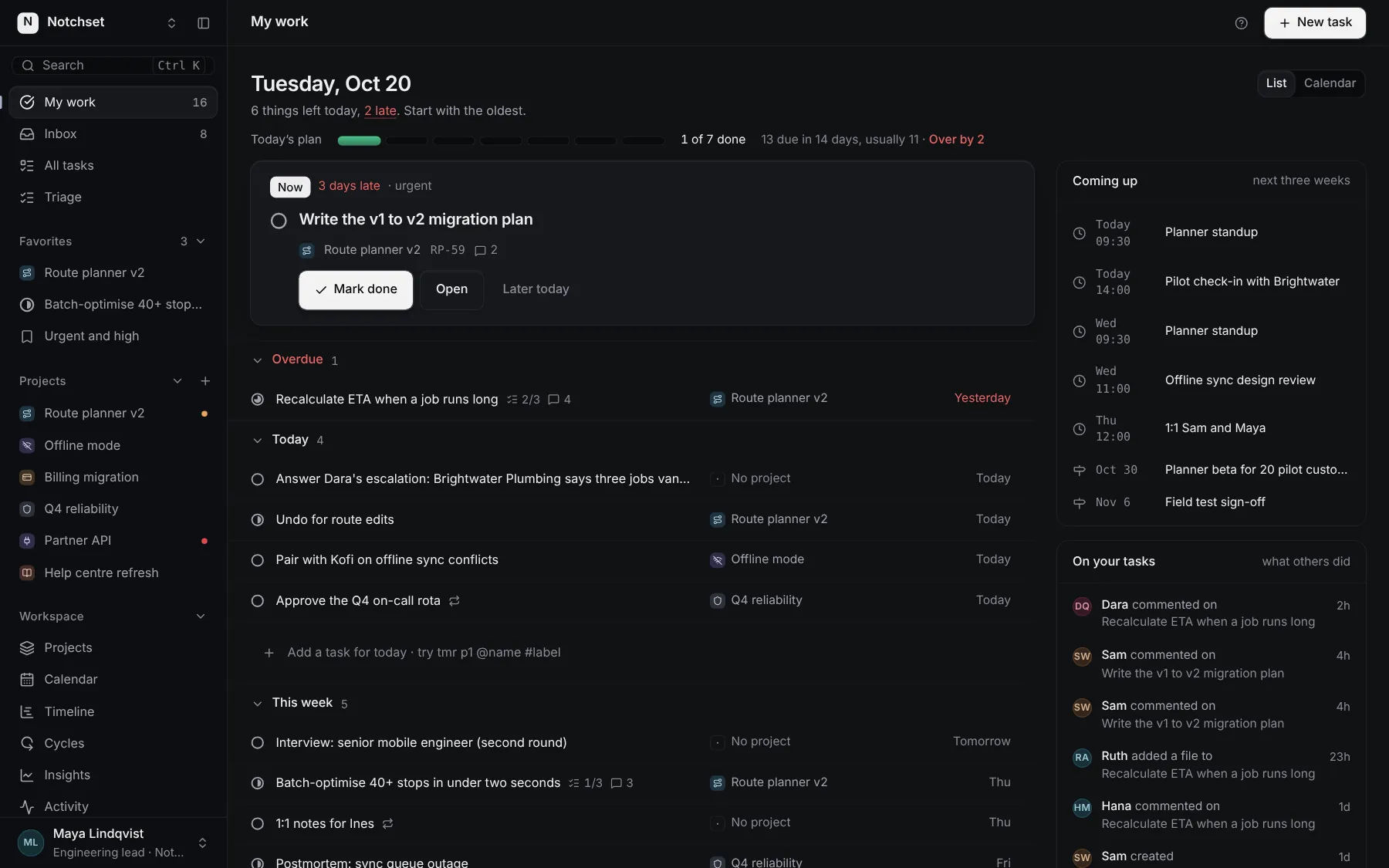
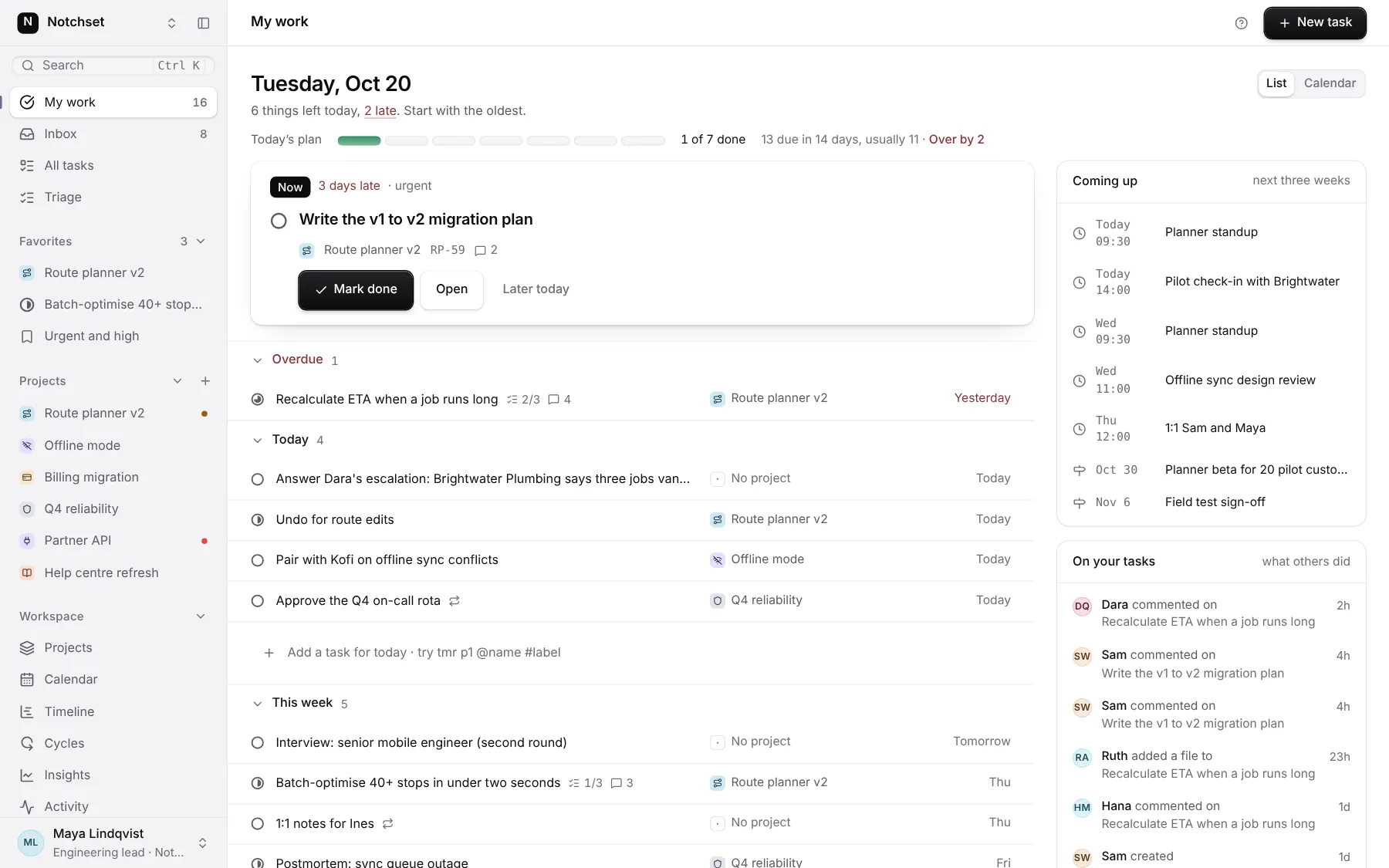
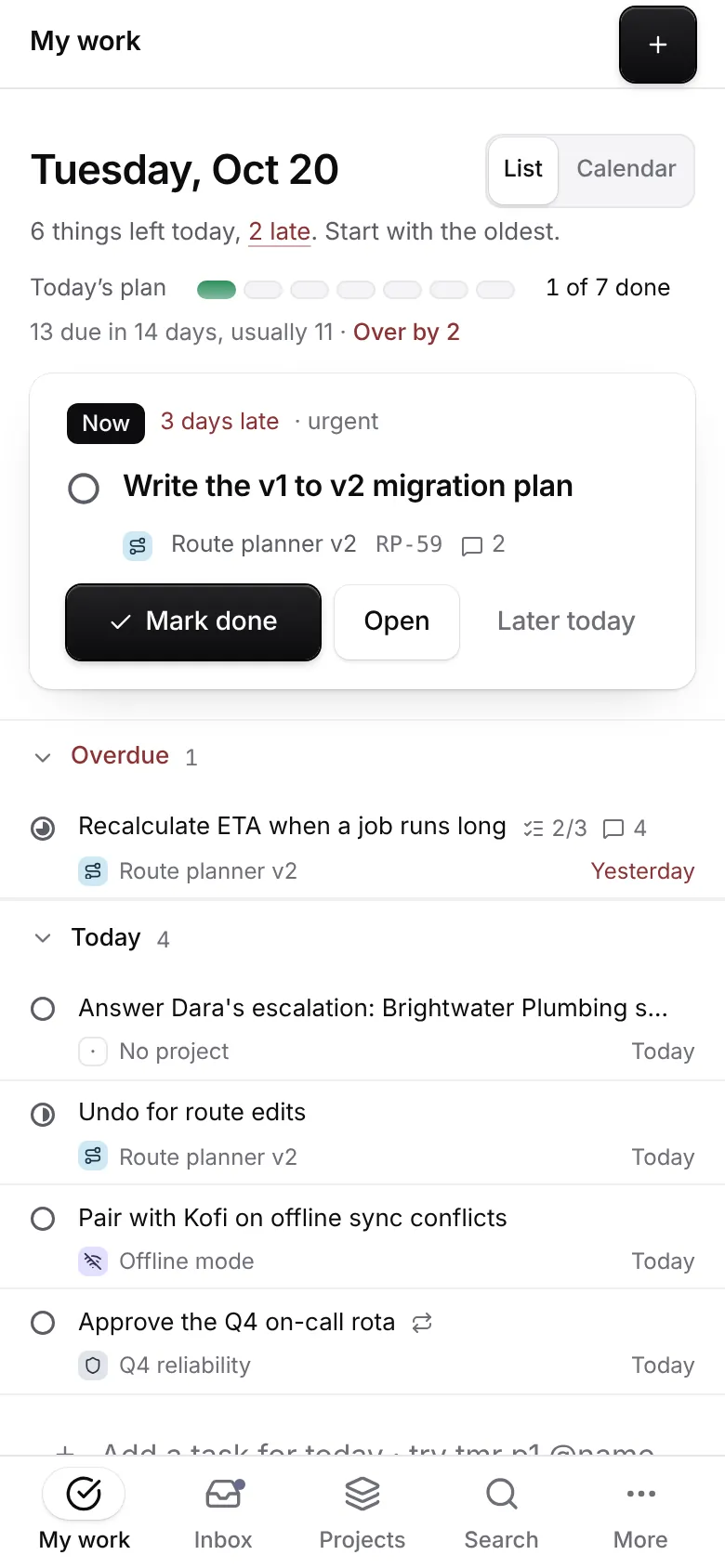
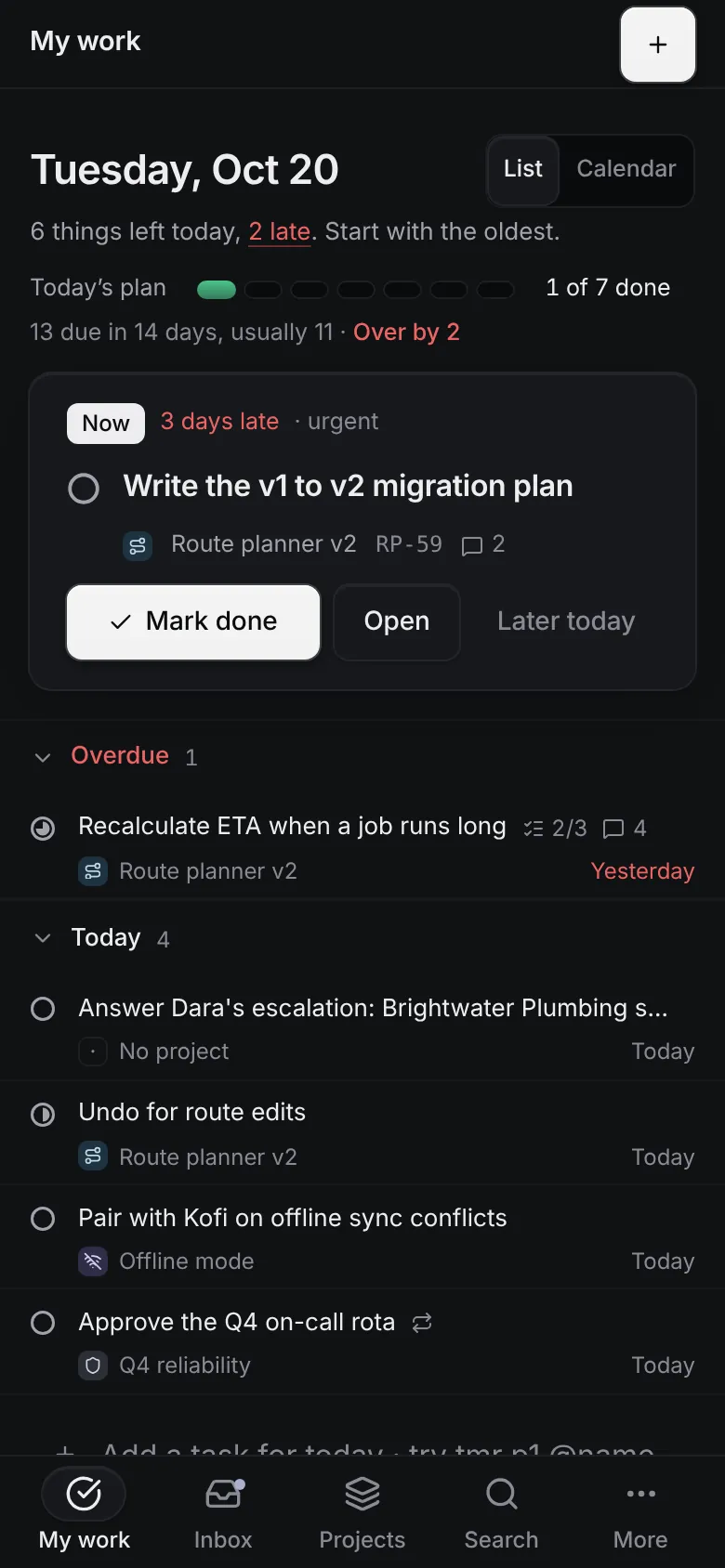
My workToday's plan, oldest first
 Open live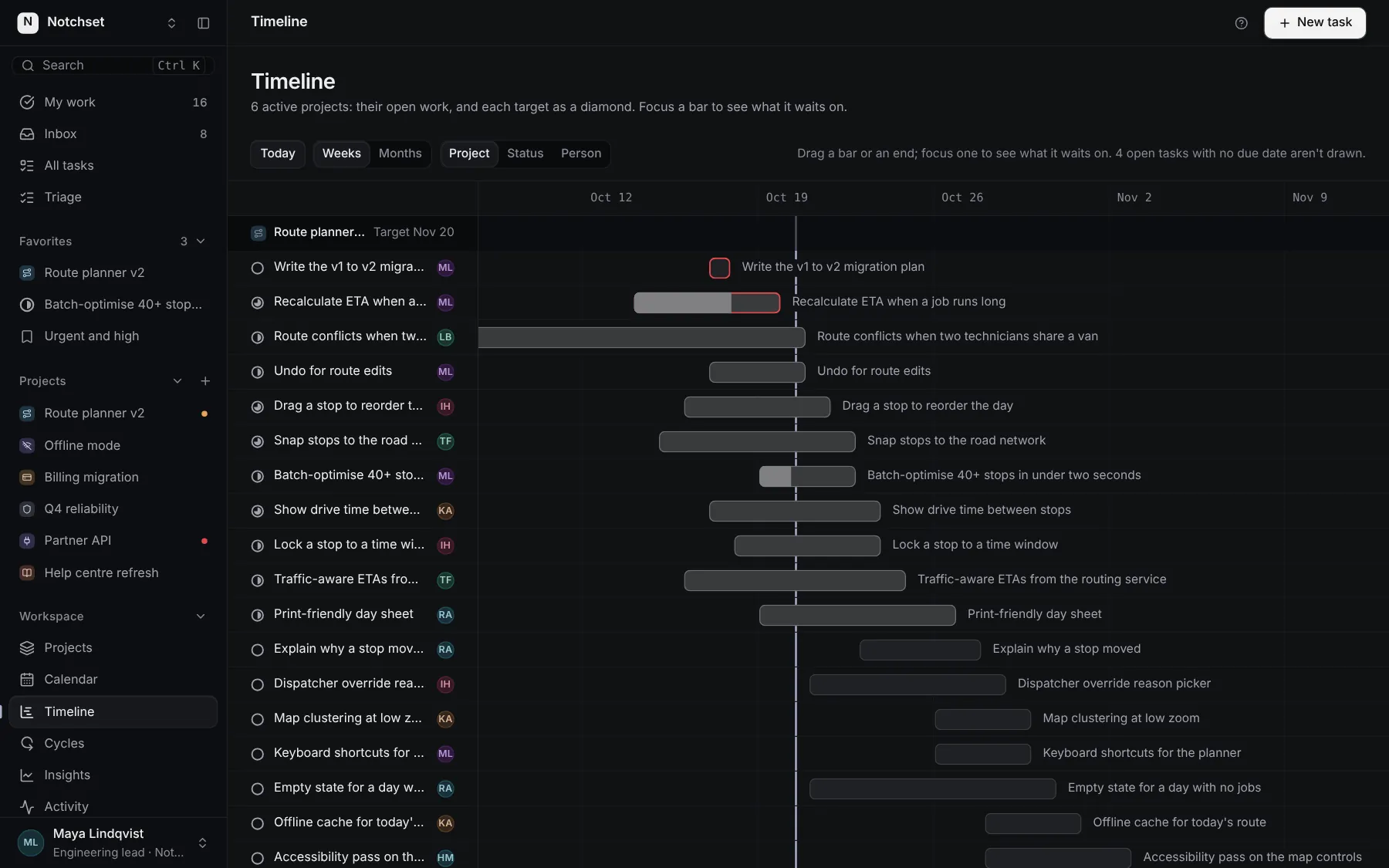
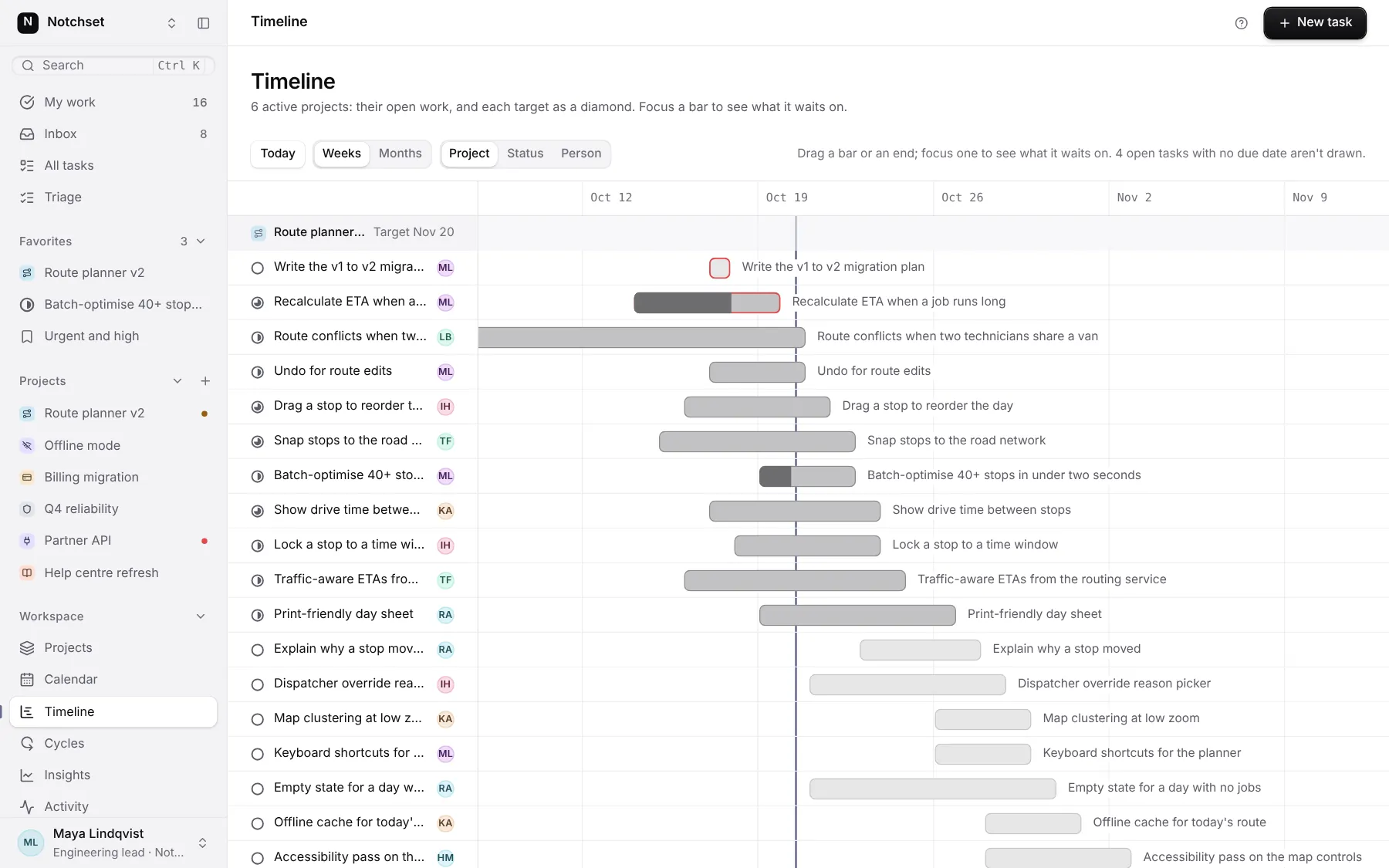
TimelineEvery project against its date
 Open live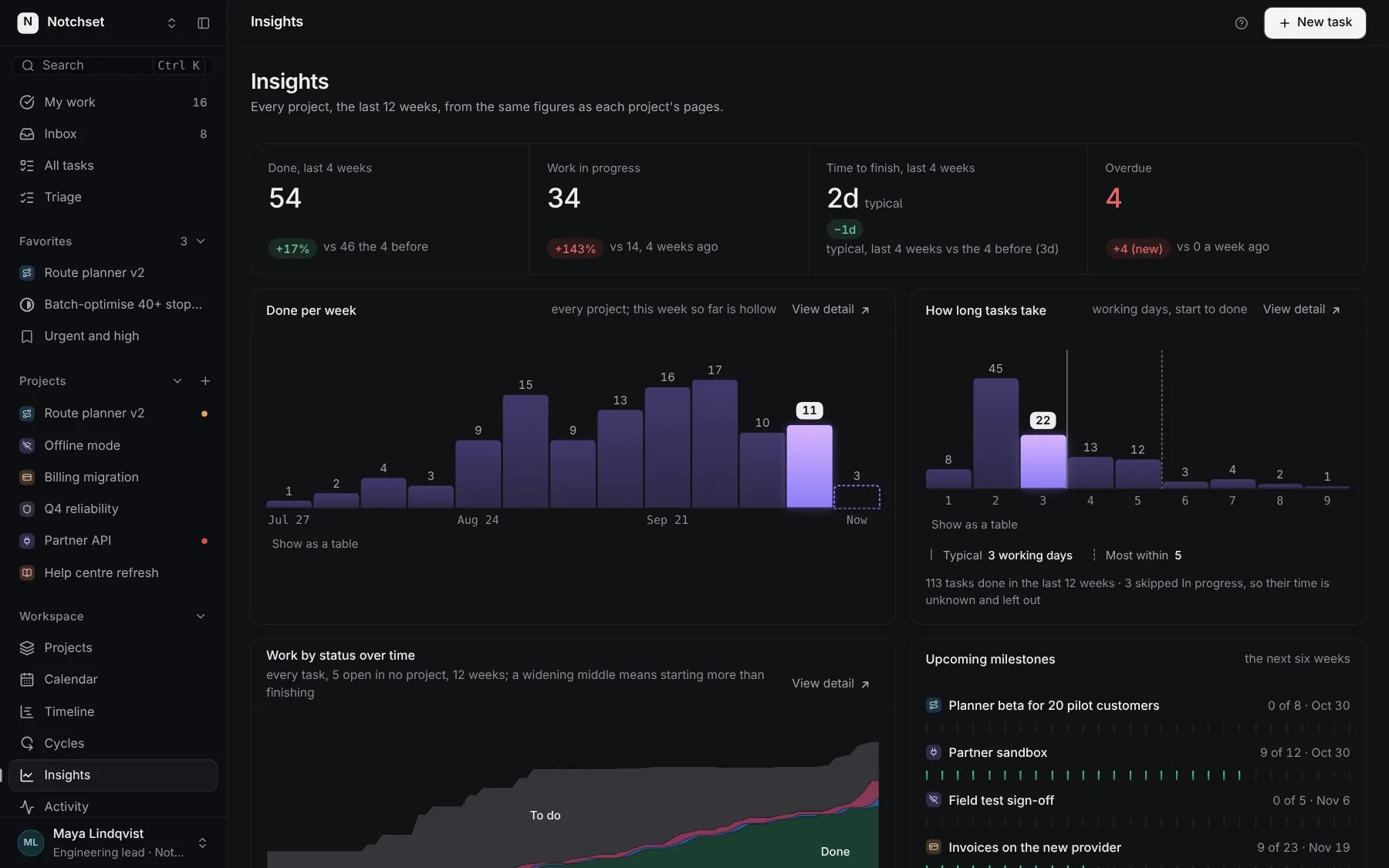
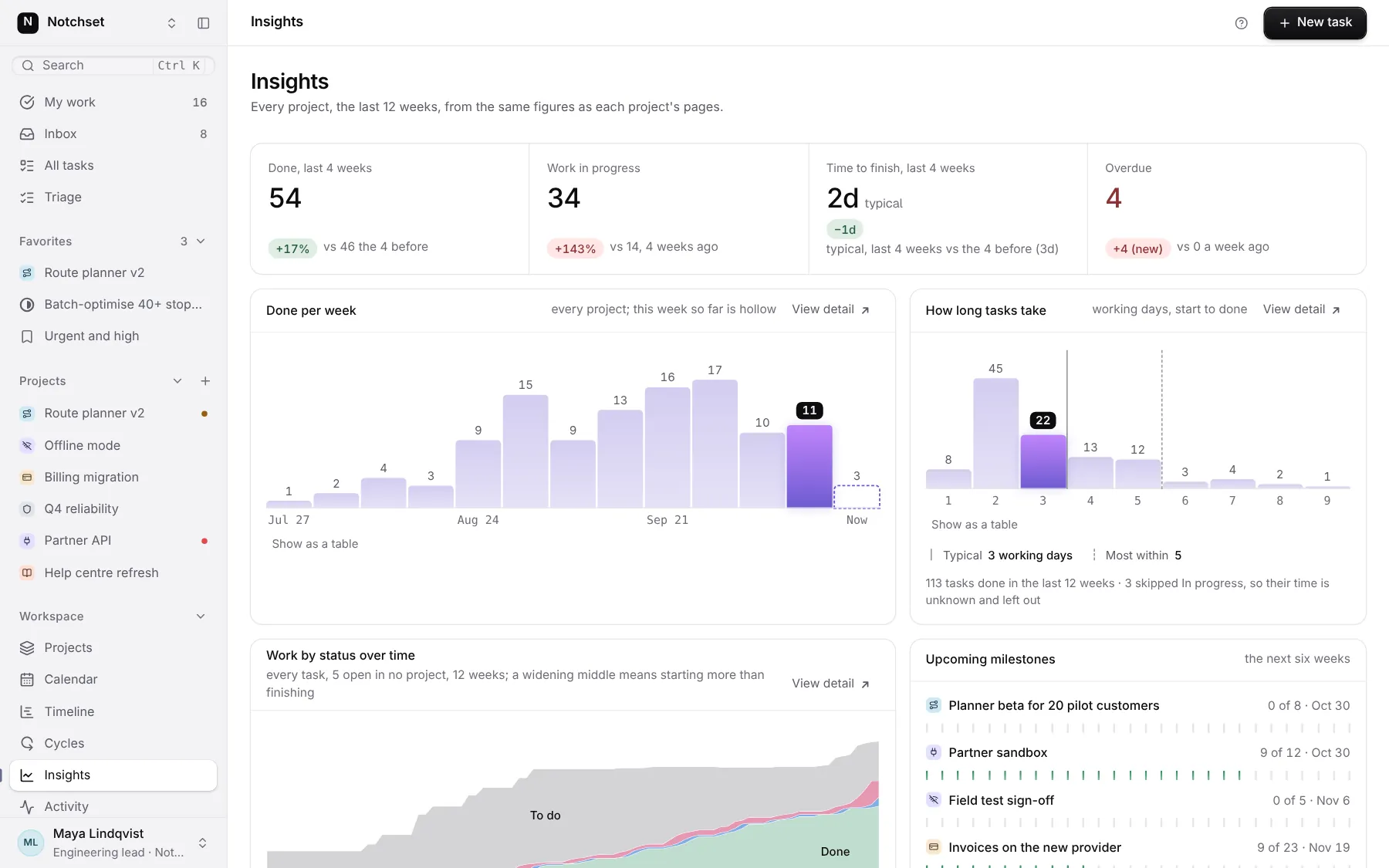
InsightsDone per week, time to finish
 Open live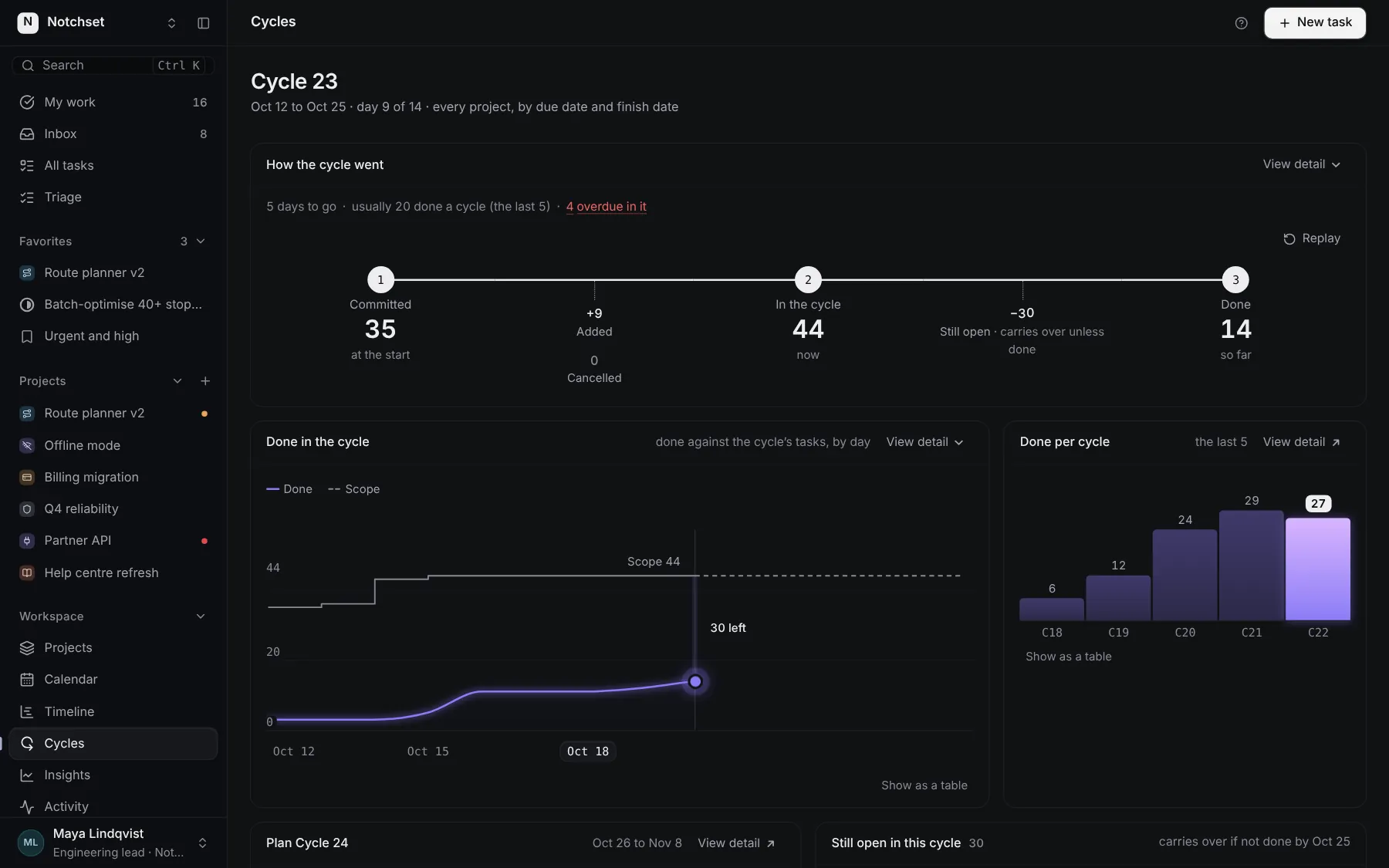
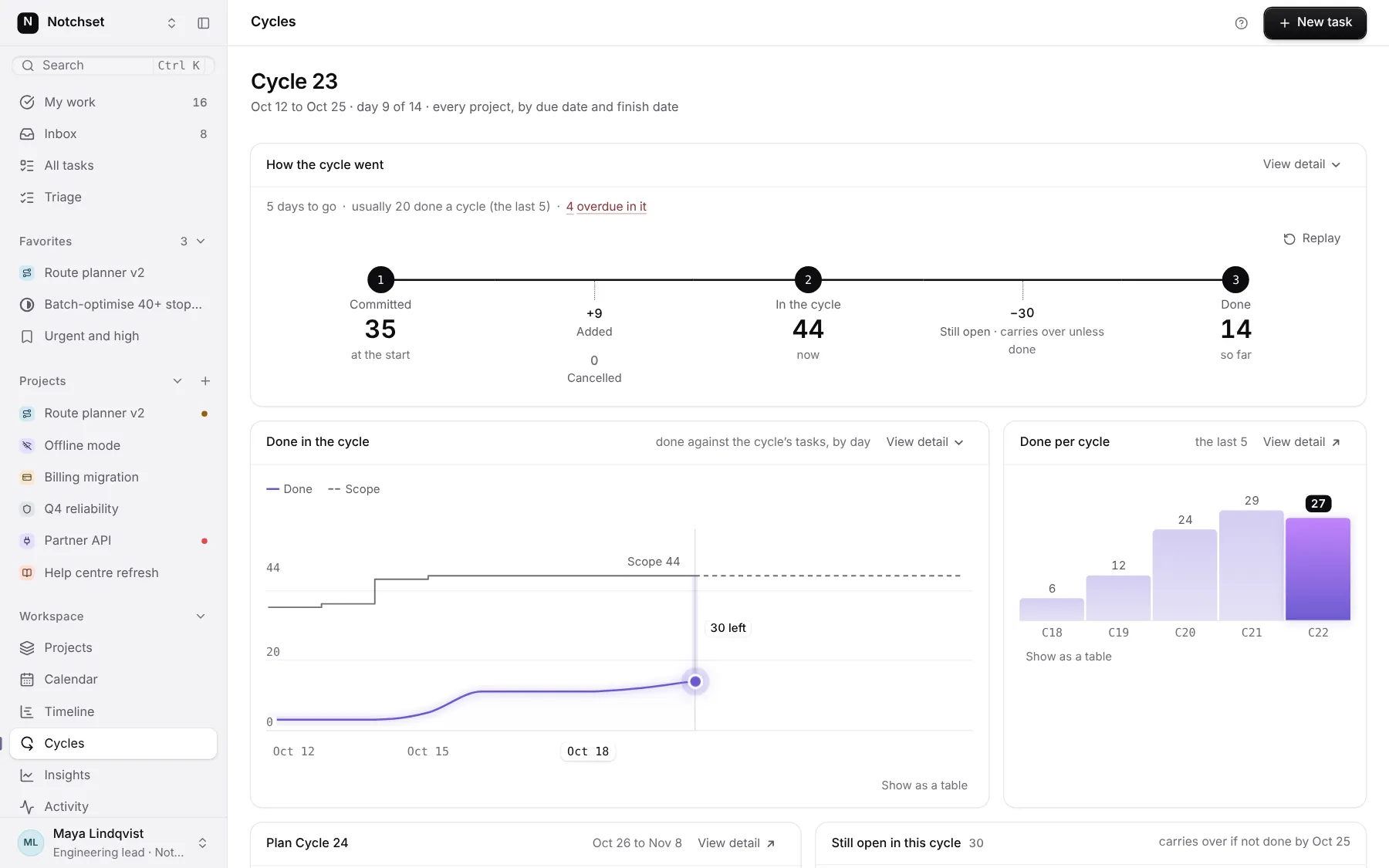
CyclesThe journey of a cycle
 Open live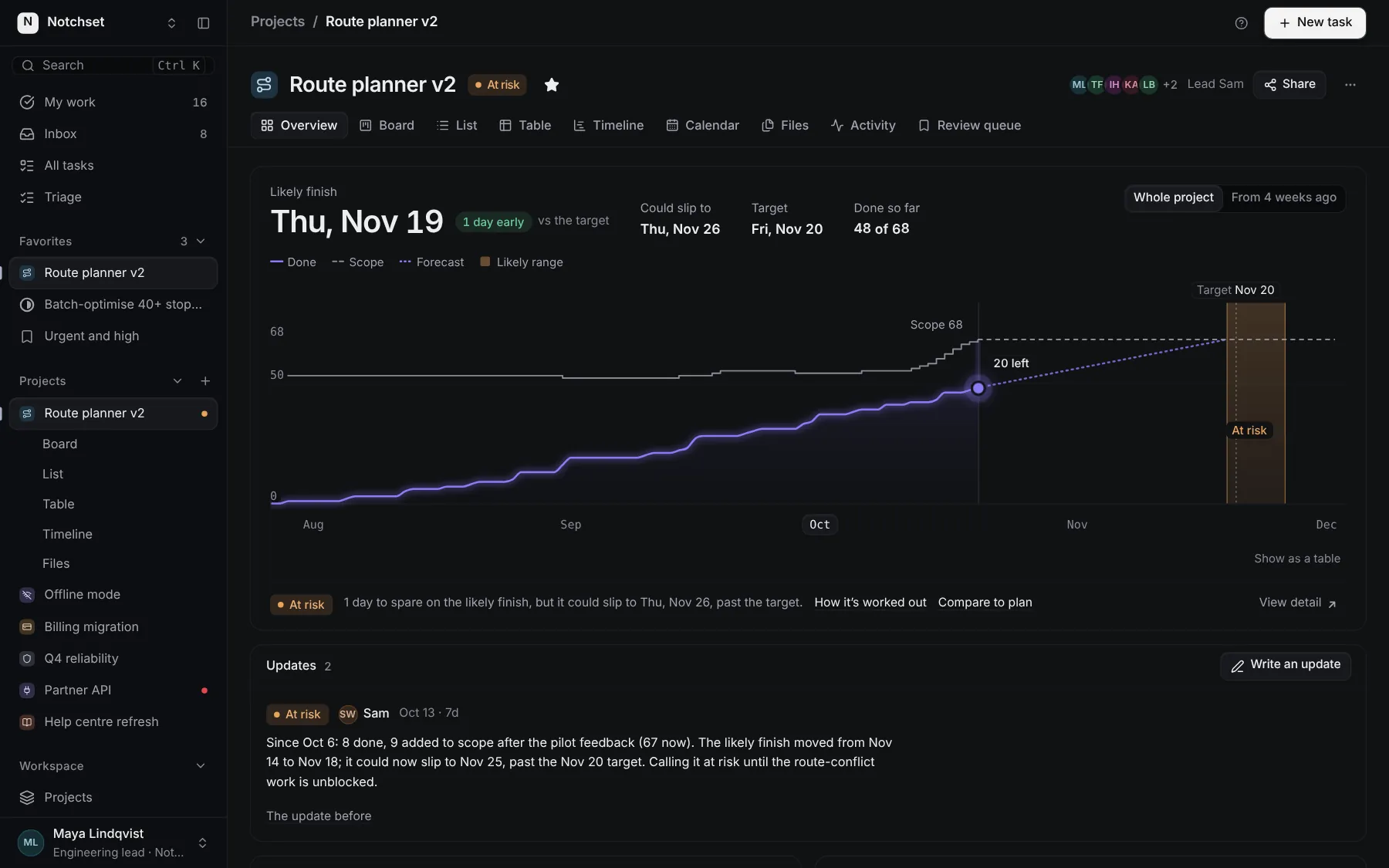
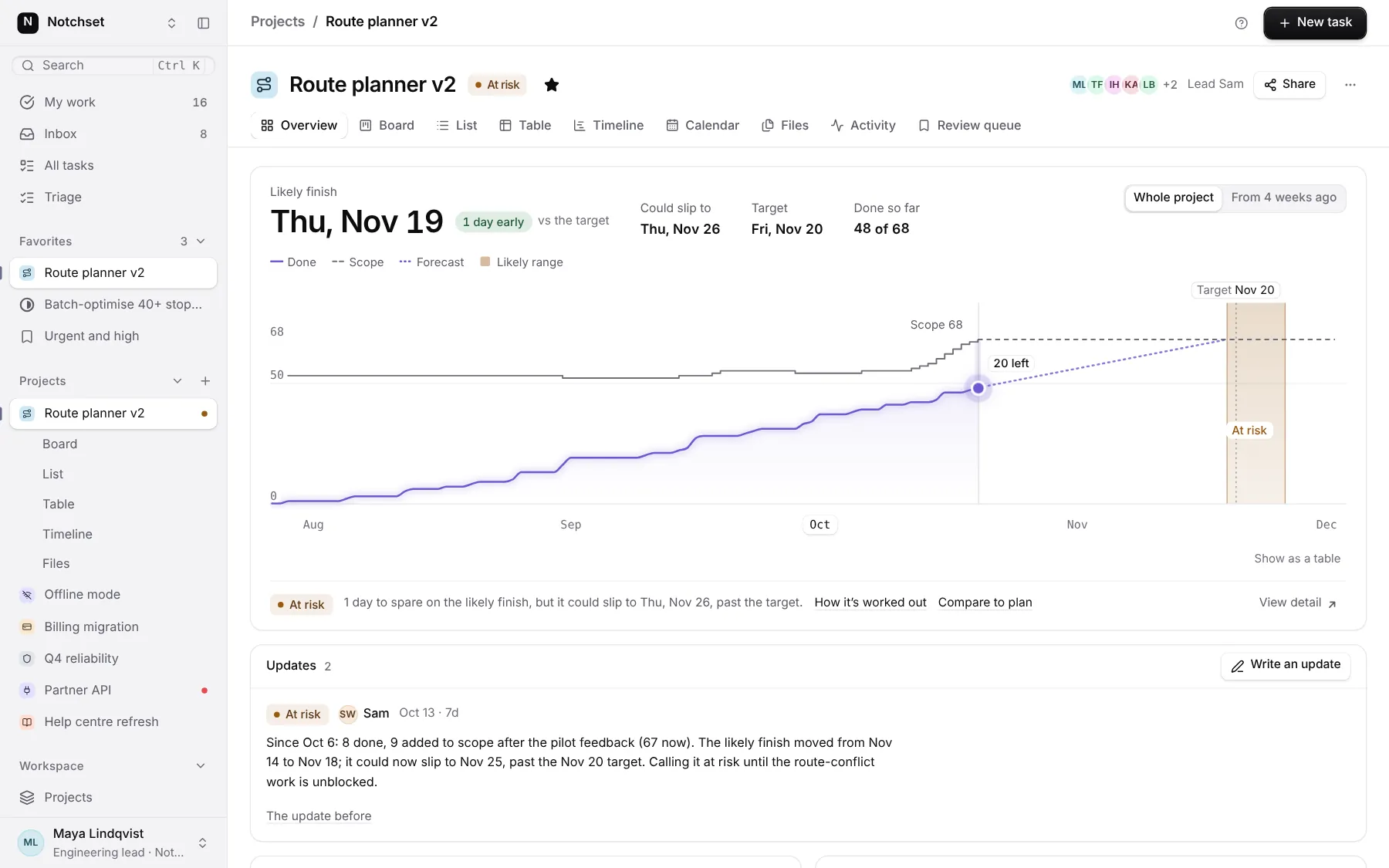
ProjectWill it land on time?
 Open live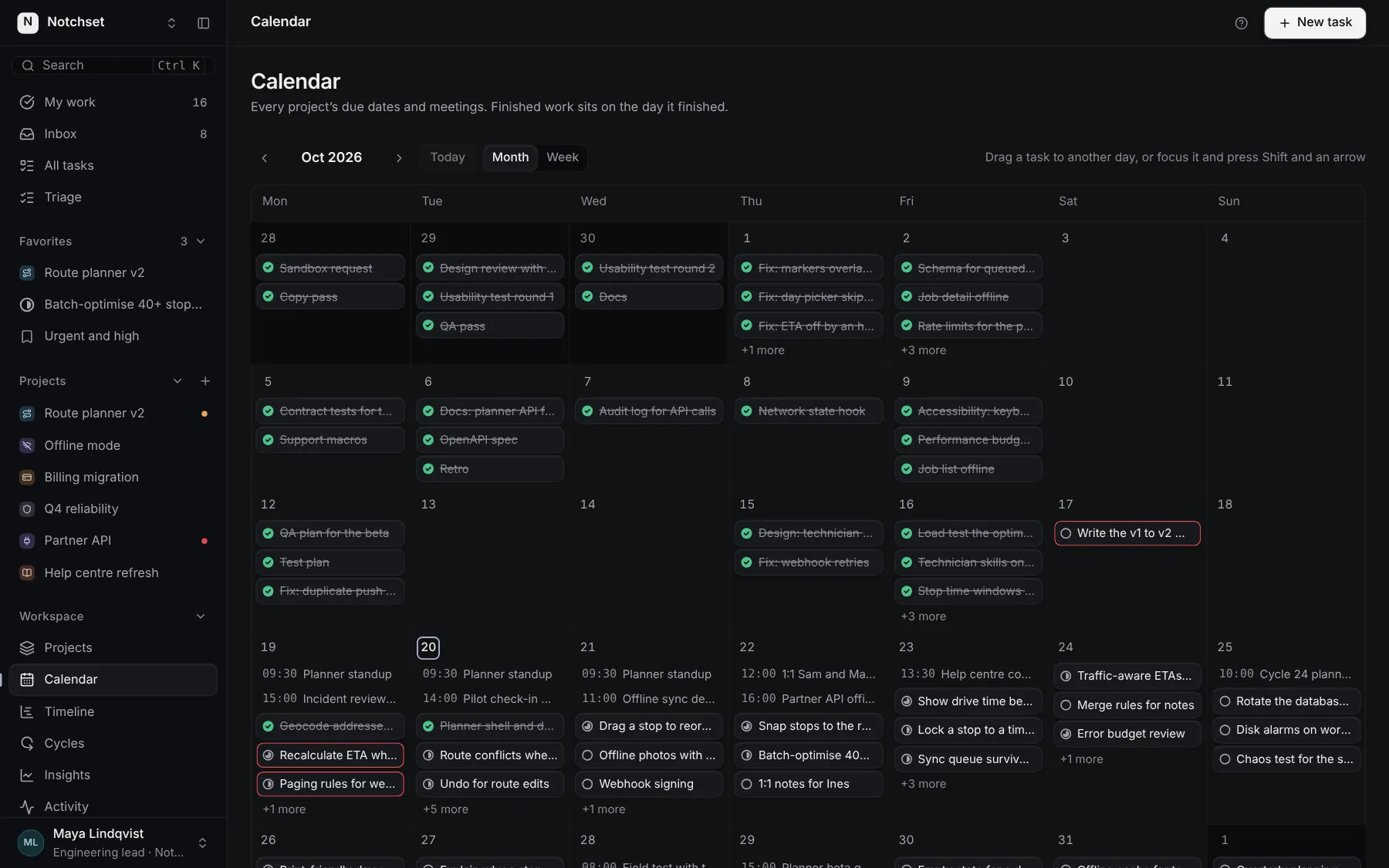
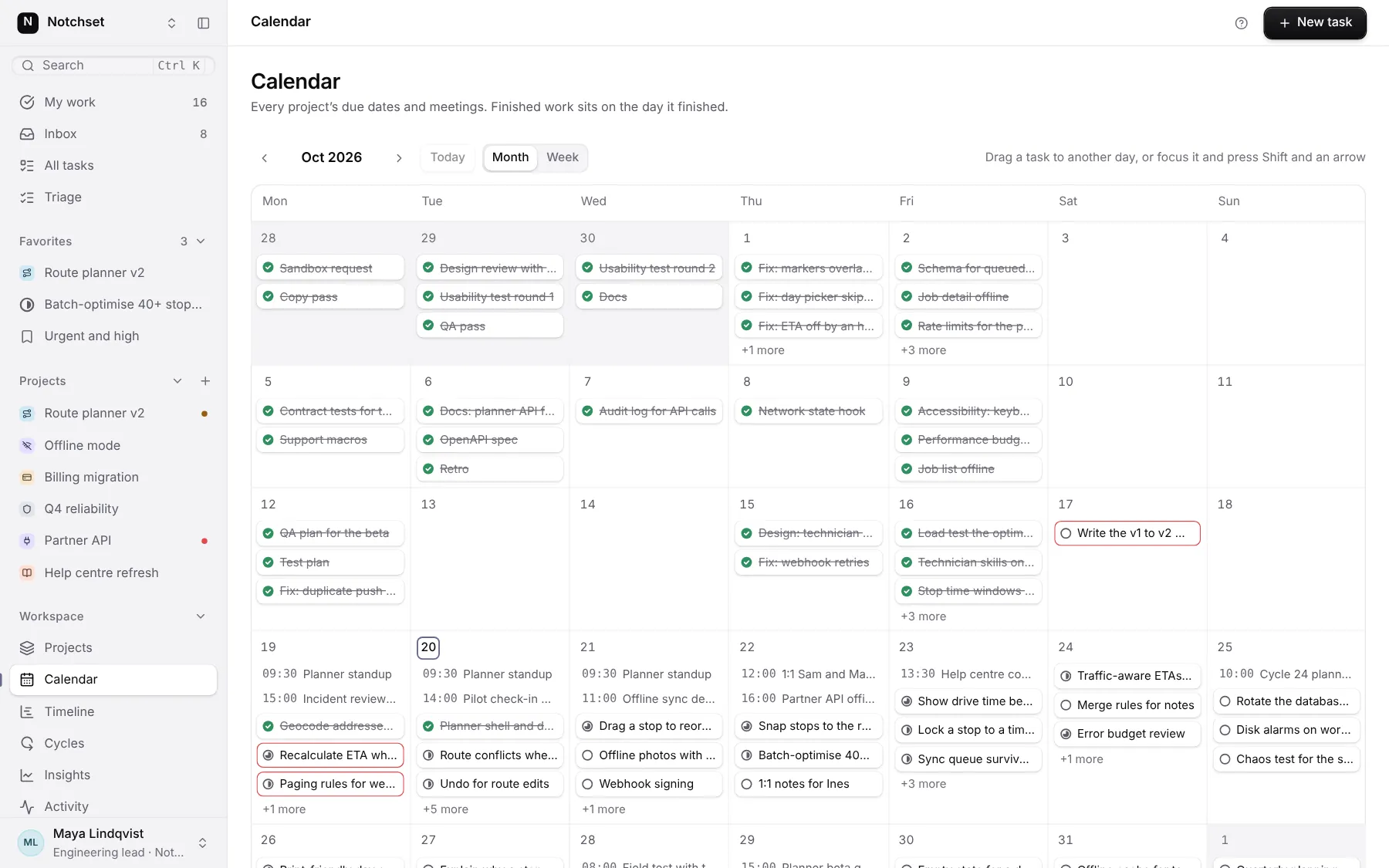
CalendarDue dates by day
 Open live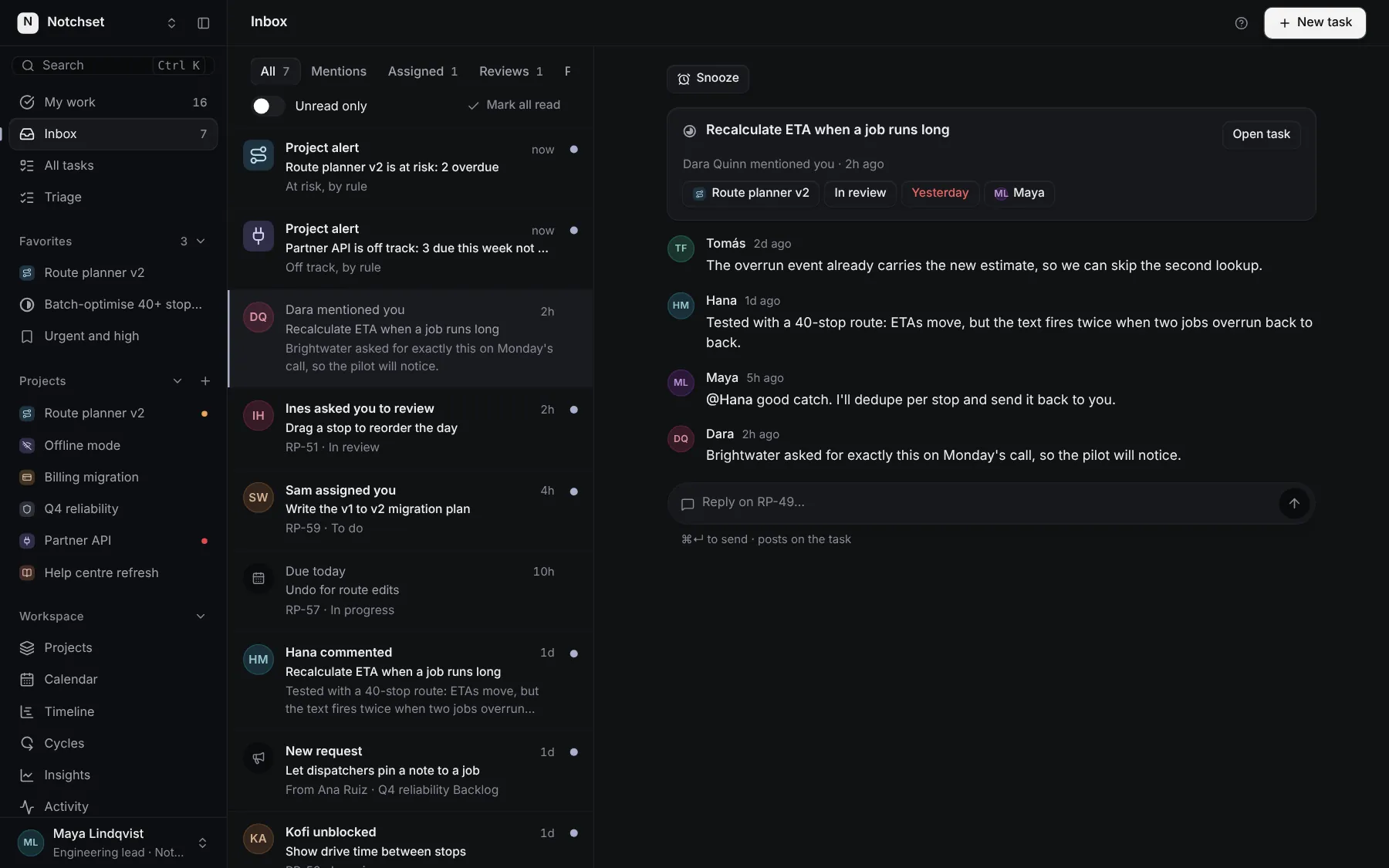
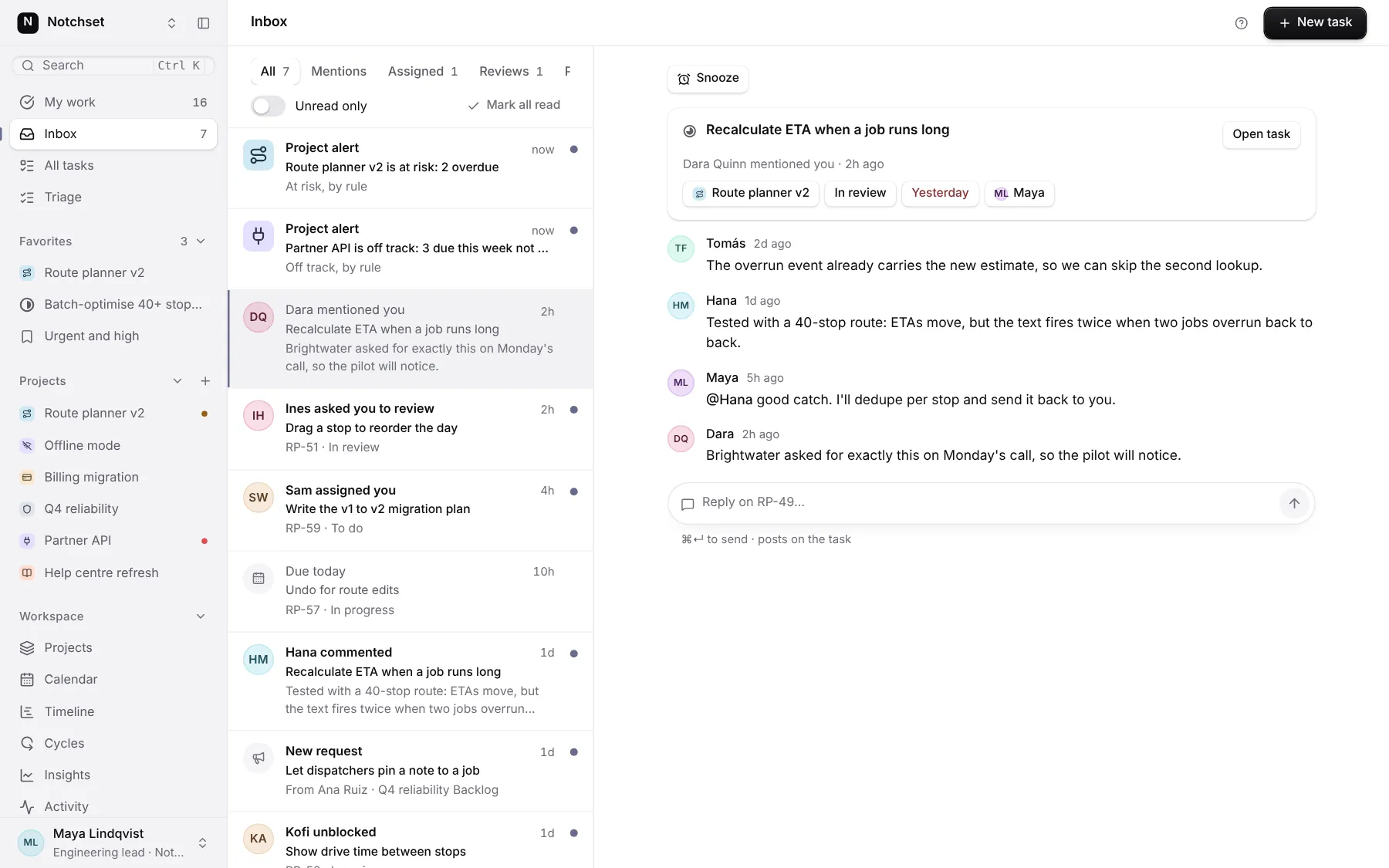
InboxWhat changed for you
Built from
Works with
- React 18.3 & 19
- Tailwind v4
- shadcn/ui
- Base UI
- Radix
Install.
One command brings the app and everything it’s made of into your repo, as source you own.
01 · Add it
With the shadcn CLI
npx shadcn@latest add @notchset-pro/task-managementOnce your key is set up (Pro setup). Updates arrive the same way.
02 · Mount it
Point it at your data
import { TasksApp } from "@/components/ui/notchset/templates/task-management/app";

export default function Page() {
  return <TasksApp />; // demo data until you pass an adapter
}
Recipes.
The changes everyone makes, end to end. In the template’s README too.
Change the brand
The accent, the corners and the chart: every page follows.
/* globals.css, light and dark */
--ring: #6d5bd0;
--radius: 0.5rem;
--chart-series: #6d5bd0;
Name your statuses
Columns, glyphs, the board and the reports follow.
// templates/task-management/config.ts
statusNames: { review: "QA", ... },
wipLimits: { doing: 4, review: 3 },
Connect your API
One adapter gets each change. A refusal comes back undone, with its reason.
<TasksApp adapter={yourAdapter} />
// engine/types.ts: TaskAdapter
What to try first.
Six things that show the care. Do them in the frame above, or full screen.
- Finish a taskTick it on My work. The plan, the count and the burn-up move with it.
- Drag a cardColumns keep their limits and say when one is full.
- Ask if it will landA project's overview answers with a date range, not a guess.
- Type a task in words“Fix login tmr p1 @maya” sets the date, priority and owner.
- Take it backEvery change offers Undo, from a tick to a bulk move.
- Open it on a phoneMy work, the board and the drawer each have their own phone layout.