Approval card
PROA step that leaves the app, asked before it runs.
Every shadcn style · one file
v2.0 · Updated Oct 13Live preview
pnpm dlx shadcn@latest add @notchset-pro/confirmationInstallation
pnpm dlx shadcn@latest add @notchset-pro/confirmationNeeds your registry key. Every components.json style gets the same files.
Works with React 18.3 or 19 on Tailwind CSS v4, in any shadcn project. What's tested
Styles didn't apply?
The CLI adds the styles to the CSS file named in components.json (tailwind.css). Check that it points at your global stylesheet, that the project uses Tailwind CSS v4, and that the file is imported in your root layout. Installed by hand: paste styles.css into that file.
Usage
Import it and pass your content. The props that matter most are listed next.
Example
"use client";
import * as React from "react";
import { Confirmation, type ConfirmationState } from "@/components/ui/notchset/blocks/confirmation";
import { Button } from "@/components/ui/notchset/button";

export default function ConfirmationDemo() {
  const [state, setState] = React.useState<ConfirmationState>("requested");
  const [reason, setReason] = React.useState<string | undefined>();
  return (
    <div className="flex max-w-[520px] flex-col gap-3">
      <Confirmation
        title="Send 3 emails to the beta list"
        effect={[
          { label: "To", value: "Ana Ruiz, Kofi Mensah, Ines Duarte" },
          { label: "Subject", value: "Our launch moves to Tuesday" },
          { label: "When", value: "As soon as you approve" },
        ]}
        state={state}
        outcome="Sent 3 emails at 4:12 pm (sample: nothing is sent)"
        reason={reason}
        onApprove={() => {
          setState("approving");
          setTimeout(() => setState("approved"), 900);
        }}
        onDeny={(r) => {
          setReason(r);
          setState("denied");
        }}
      />
      {(state === "approved" || state === "denied") && (
        <Button size="sm" variant="ghost" className="self-start" onClick={() => (setState("requested"), setReason(undefined))}>
          Ask again
        </Button>
      )}
    </div>
  );
}
Anatomy
Source
components/ui/notchset/blocks/confirmation.tsx
This component is included with Pro.
Try the live preview above. Get Pro to install the source.
Props
title–stringthe effect in one line, a verb first: "Send 3 emails to the beta list"
effect–{ label: string; value: React.ReactNode }[]the exact effect, line by line: who, what, when
state–ConfirmationStateRequired.
outcome–stringwhat happened, once it ran: "Sent 3 emails at 4:12 pm"
reason–stringwhy it was denied, or why it failed
onApprove–() => voidRequired.
Show all 9 propsShow fewer
onDeny–(reason?: string) => voidthe reason, when the card asks for one
askReasontruebooleanask why before denying (the reason goes back to the assistant)
unaffected–stringwhat it will not touch, said beside the effect ("Your files and other chats won't change")
For coding agents
Give your coding assistant the Markdown guide instead of screenshots.
Where agents read it
- Guide for this component: https://notchset.dev/md/confirmation.md
- Every component, for tools without MCP: /llms.txt
- MCP server:
https://notchset.dev/api/mcp(setup)
Changelog
v2.0.0 · 2026-10-13
Released with the Notchset system.
Used in
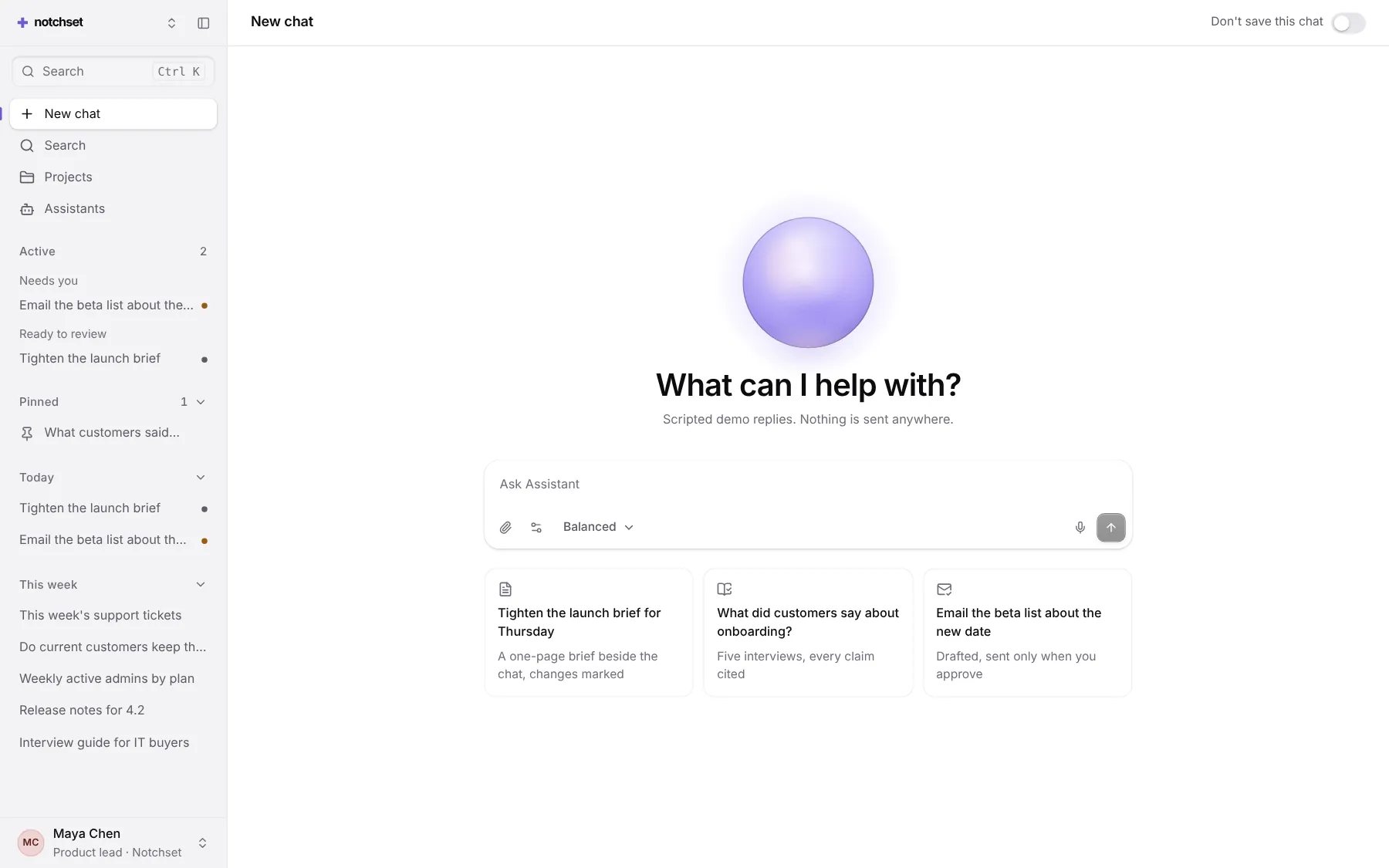
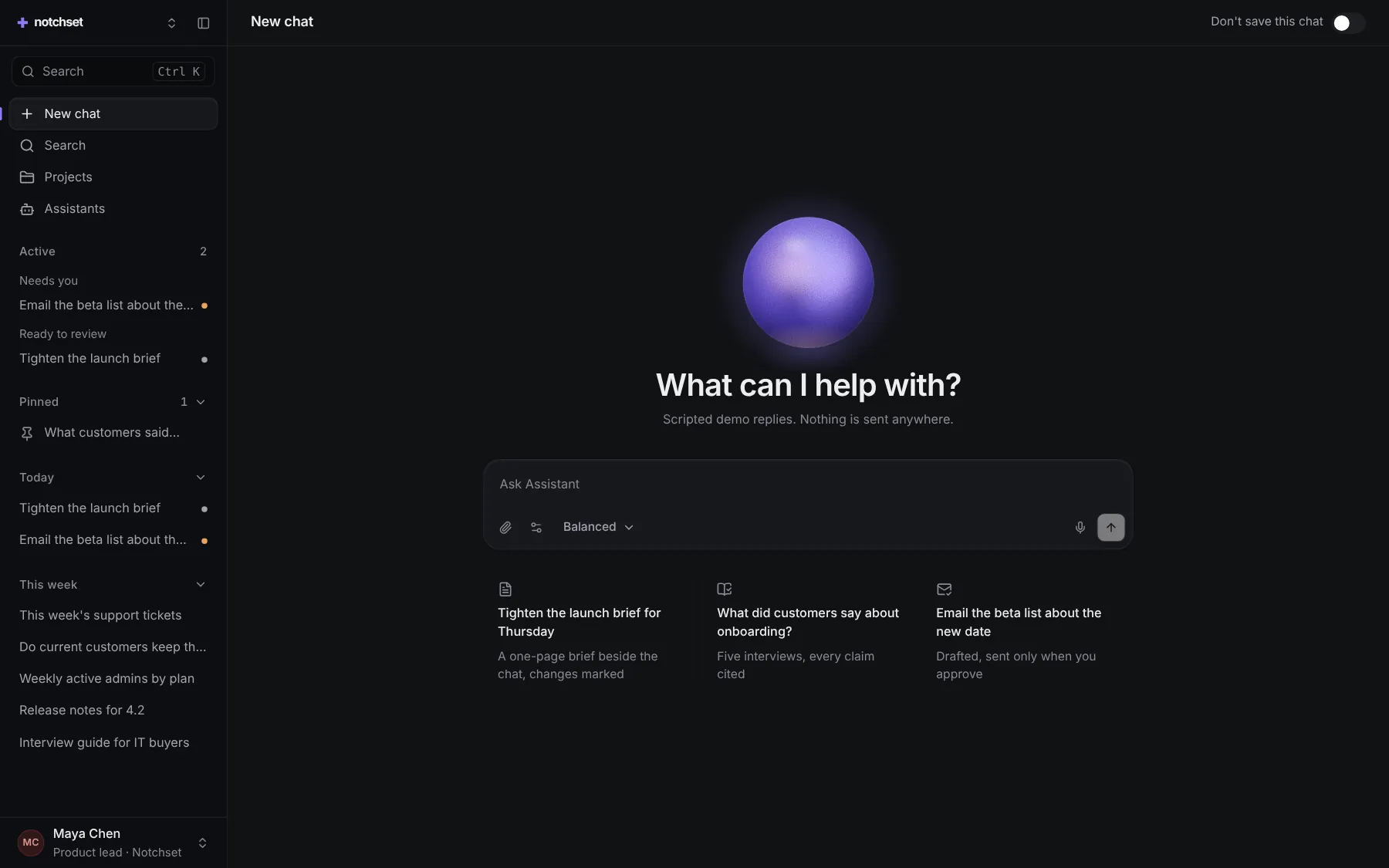
The same file, at work in a finished app. Open it live and find it on its pages.
Part of a kit
Agent UI. An assistant people trust: ask, pick a model, watch the answer stream in with its receipt, and approve what it does.
4 free · 6 ProSee the Agent UI kit
Part of
Included with Pro
Pro is in early access.