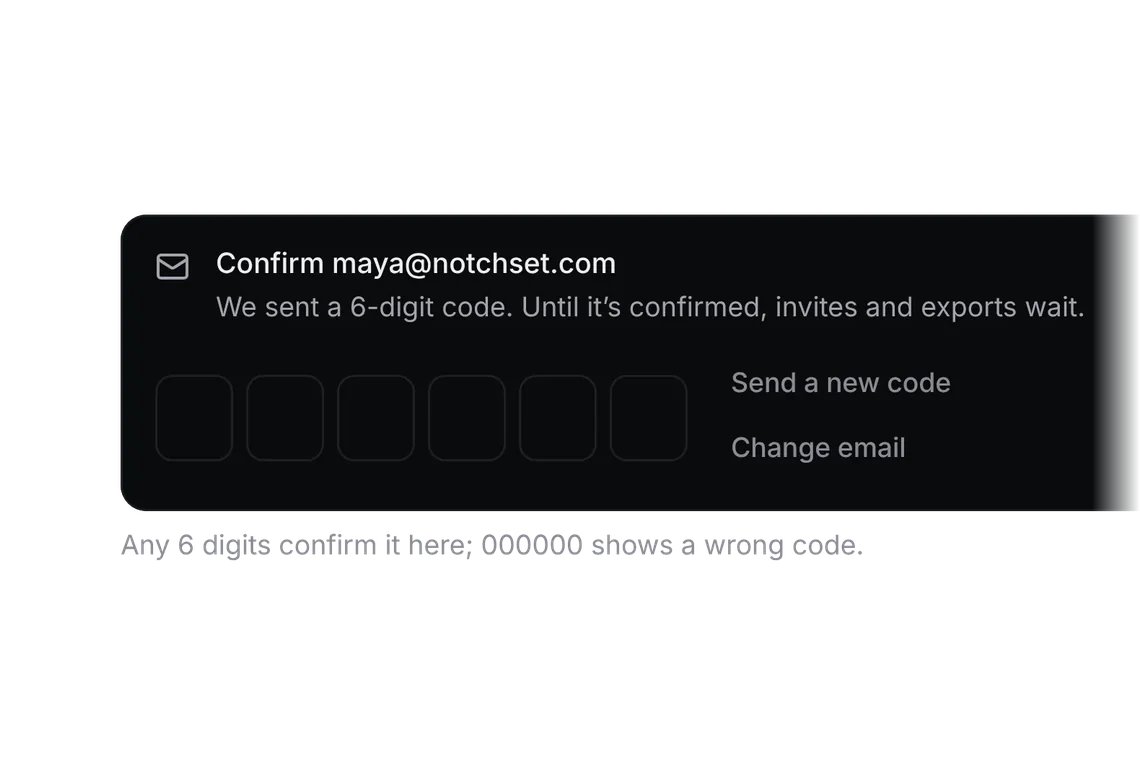
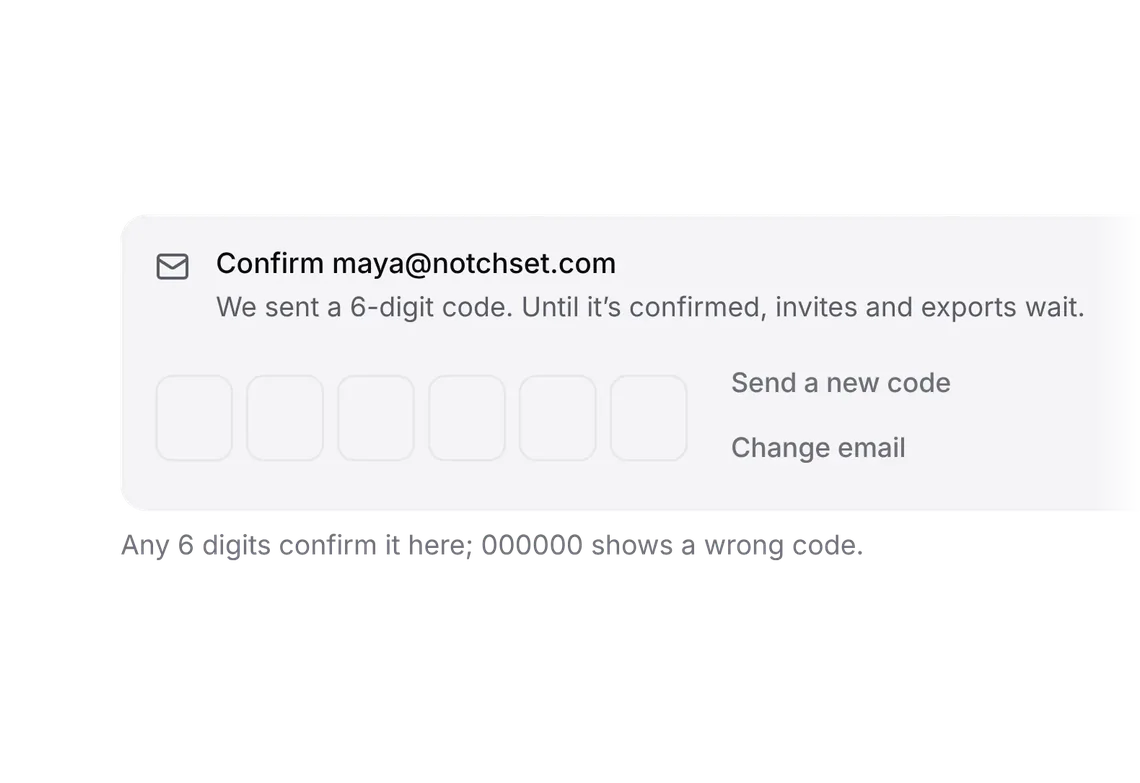
Export and delete
PROExport everything, then delete with the export shown done.
Every shadcn style · one file
v2.0 · Updated Oct 13Live preview
pnpm dlx shadcn@latest add @notchset-pro/delete-workspaceInstallation
pnpm dlx shadcn@latest add @notchset-pro/delete-workspaceNeeds your registry key. Every components.json style gets the same files.
Works with React 18.3 or 19 on Tailwind CSS v4, in any shadcn project. What's tested
Styles didn't apply?
The CLI adds the styles to the CSS file named in components.json (tailwind.css). Check that it points at your global stylesheet, that the project uses Tailwind CSS v4, and that the file is imported in your root layout. Installed by hand: paste styles.css into that file.
Usage
Import it and pass your content. The props that matter most are listed next.
Example
"use client";
import * as React from "react";
import { Trash2 } from "lucide-react";
import { DeleteWorkspaceDialog, ExportEverything, makeExporter } from "@/components/ui/notchset/blocks/delete-workspace";
import { Button } from "@/components/ui/notchset/button";
import { SettingsGroup, SettingsRow } from "@/components/ui/notchset/blocks/settings-layout";

/* The demo's export: a small file made after a short wait, as a server's would be. */
const exporter = makeExporter(
  async () => {
    await new Promise((r) => setTimeout(r, 700));
    return new Blob([JSON.stringify({ workspace: "Notchset", companies: 184, people: 1240, deals: 312, exported: "27 Oct" })], { type: "application/json" });
  },
  () => "notchset-export-27-oct.json",
);

export default function DeleteWorkspaceDemo() {
  const [open, setOpen] = React.useState(false);
  const [gone, setGone] = React.useState(false);
  return (
    <div className="w-full">
      <SettingsGroup title="Your data" hint="Everything you can see in Notchset, yours to take with you.">
        <SettingsRow label="Export everything" hint="Companies, people, deals, activity and files, as one file.">
          <ExportEverything exporter={exporter} />
        </SettingsRow>
        <SettingsRow label={gone ? "Notchset was deleted" : "Delete Notchset"} hint={gone ? "In this demo it comes back: Start over." : "2,184 records and the access of 8 people, for good."}>
          {gone ? (
            <Button size="sm" onClick={() => (setGone(false), exporter.reset())}>
              Start over
            </Button>
          ) : (
            <Button size="sm" variant="ghost" className="text-[var(--ns-bad-ink)]" onClick={() => setOpen(true)}>
              <Trash2 />
              Delete workspace
            </Button>
          )}
        </SettingsRow>
      </SettingsGroup>
      <DeleteWorkspaceDialog
        open={open}
        onOpenChange={setOpen}
        name="Notchset"
        what="2,184 records, their files and the access of 8 people, for good. Your export stays yours."
        exporter={exporter}
        after="The plan ends today; the last invoice is not refunded."
        onDelete={() => setGone(true)}
      />
    </div>
  );
}
This example also uses Settings layout. This command installs them with it, so the example pastes as it is:
pnpm dlx shadcn@latest add @notchset-pro/delete-workspace @notchset/settings-layoutAnatomy
Source
components/ui/notchset/blocks/delete-workspace.tsx
This component is included with Pro.
Try the live preview above. Get Pro to install the source.
Props
open–booleanRequired.
onOpenChange–(open: boolean) => voidRequired.
name–stringthe workspace's name: typed to confirm
what–stringwhat goes with it, in a sentence ("2,184 records and the access of 8 people, for good.")
exporter–ExporterRequired.
onDelete–() => ExportResultdeletes it with the host; false or a throw (with the reason) when it's refused, and the dialog stays
Show all 8 propsShow fewer
after–stringa line under the name field: what happens to the plan, who is told
blocked–string | nullwhy it can't be deleted now (the only workspace, not the owner); the steps give way to it
For coding agents
Give your coding assistant the Markdown guide instead of screenshots.
Where agents read it
- Guide for this component: https://notchset.dev/md/delete-workspace.md
- Every component, for tools without MCP: /llms.txt
- MCP server:
https://notchset.dev/api/mcp(setup)
Changelog
v2.0.0 · 2026-10-13
Released with the Notchset system.
Used in
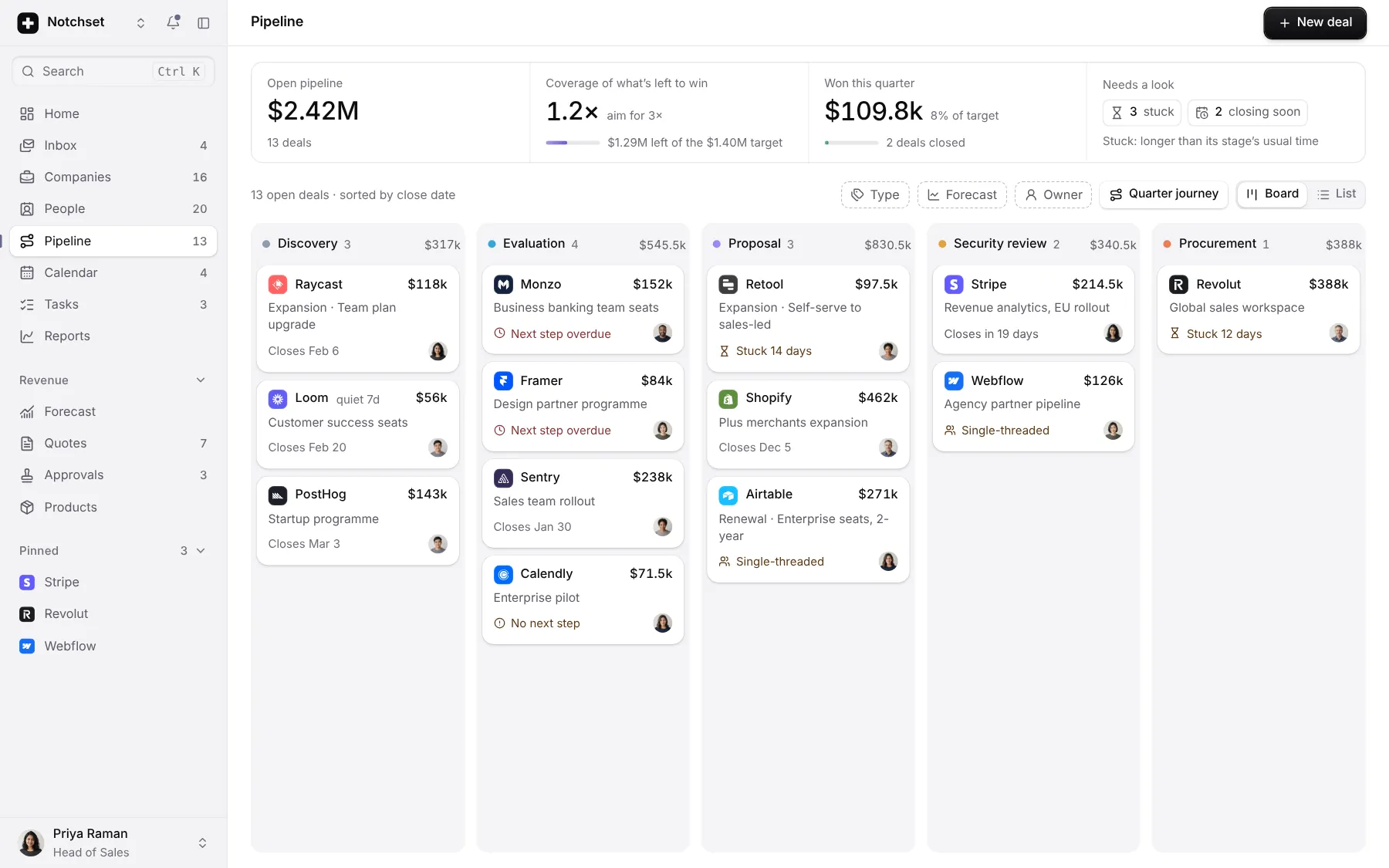
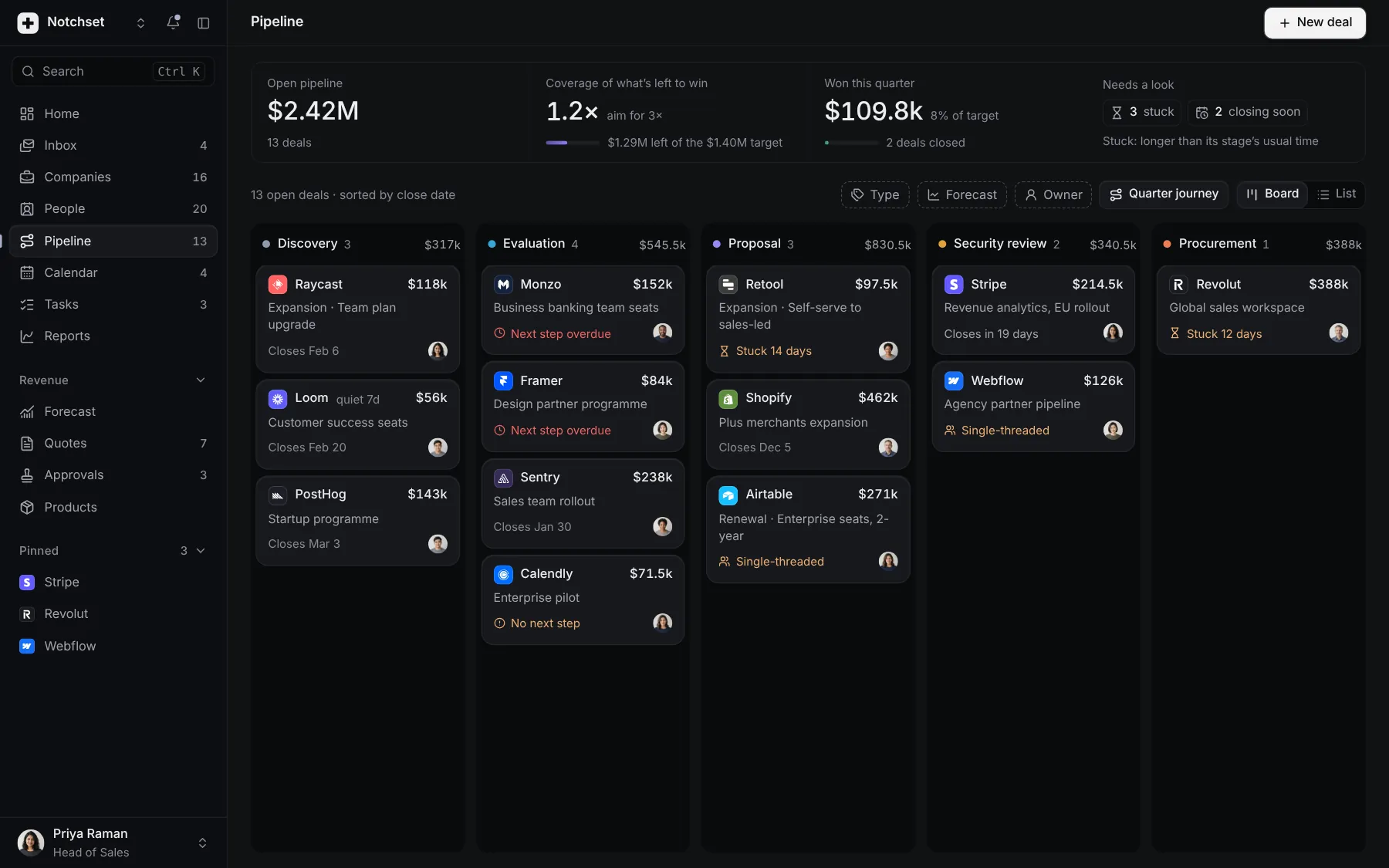
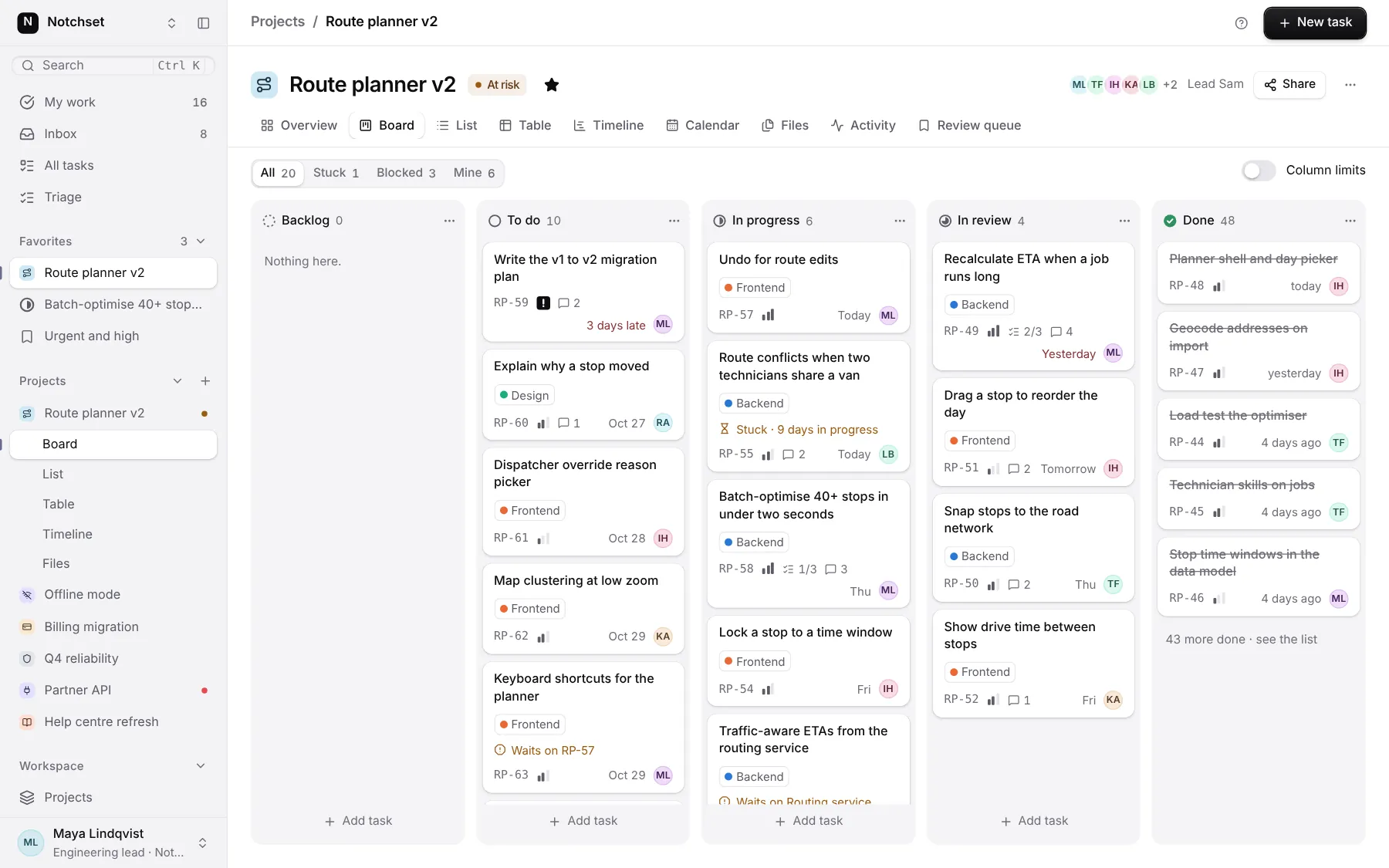
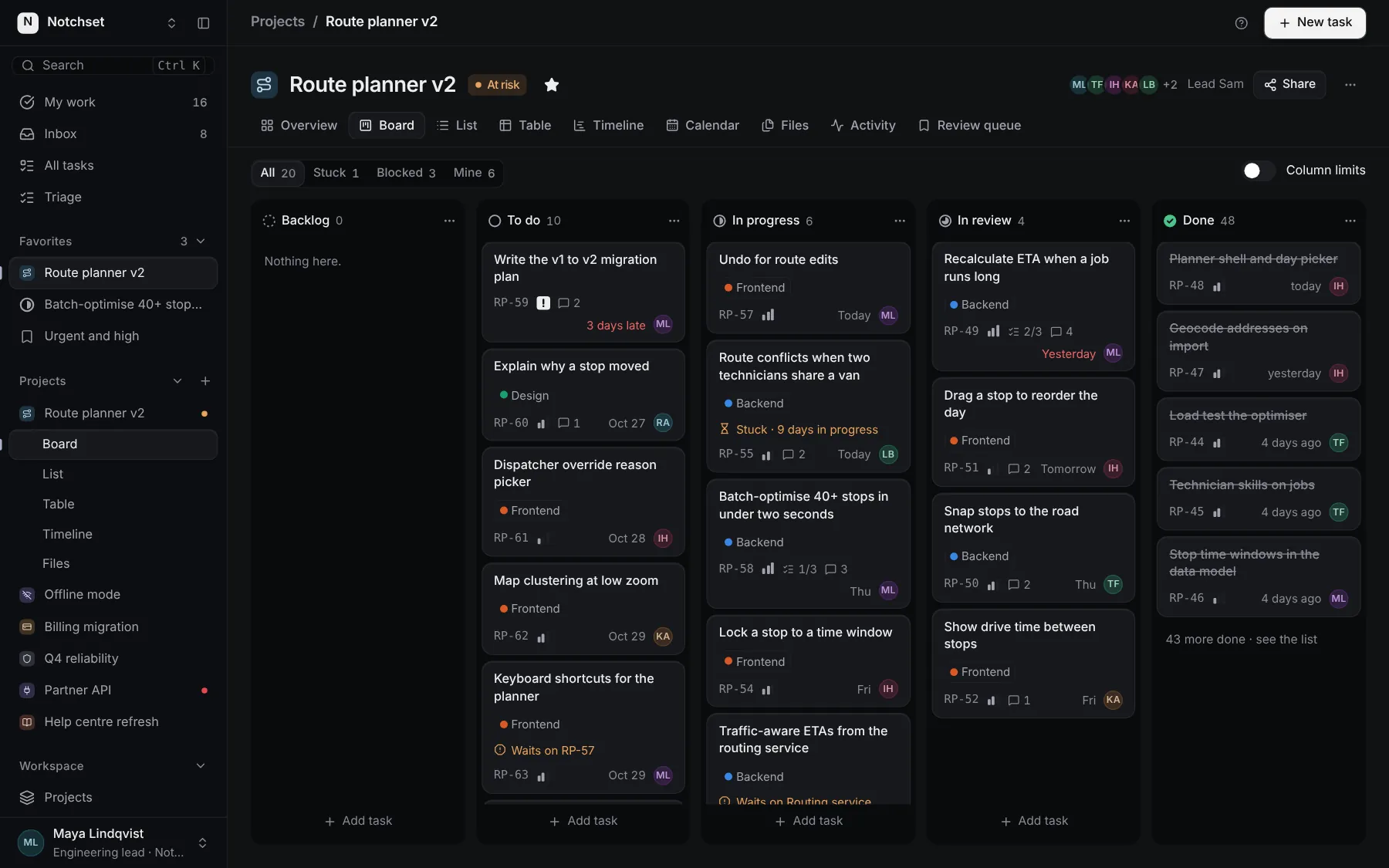
The same file, at work in a finished app. Open it live and find it on its pages.
Part of a kit
Account lifecycle. An account from its first confirmed email to its last export: verify in place, cancel honestly, delete only after the export, and choose what reaches you.
2 free · 4 ProSee the Account lifecycle kit
Part of
Included with Pro
Pro is in early access.