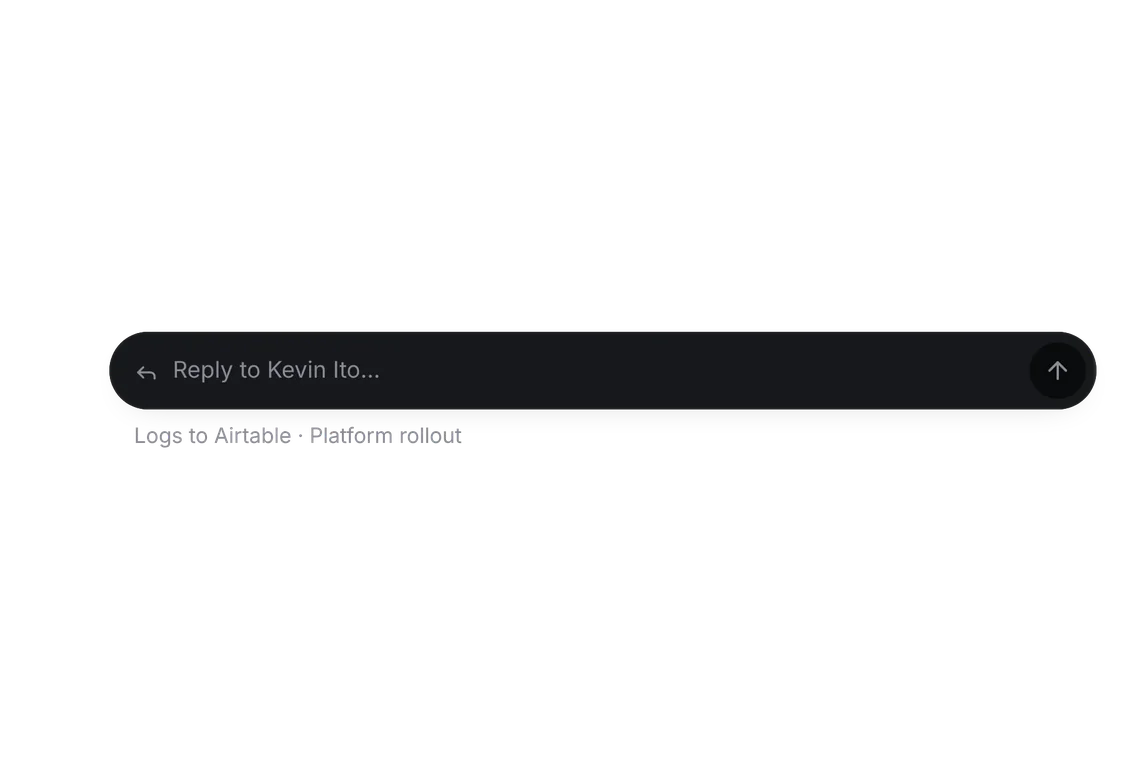
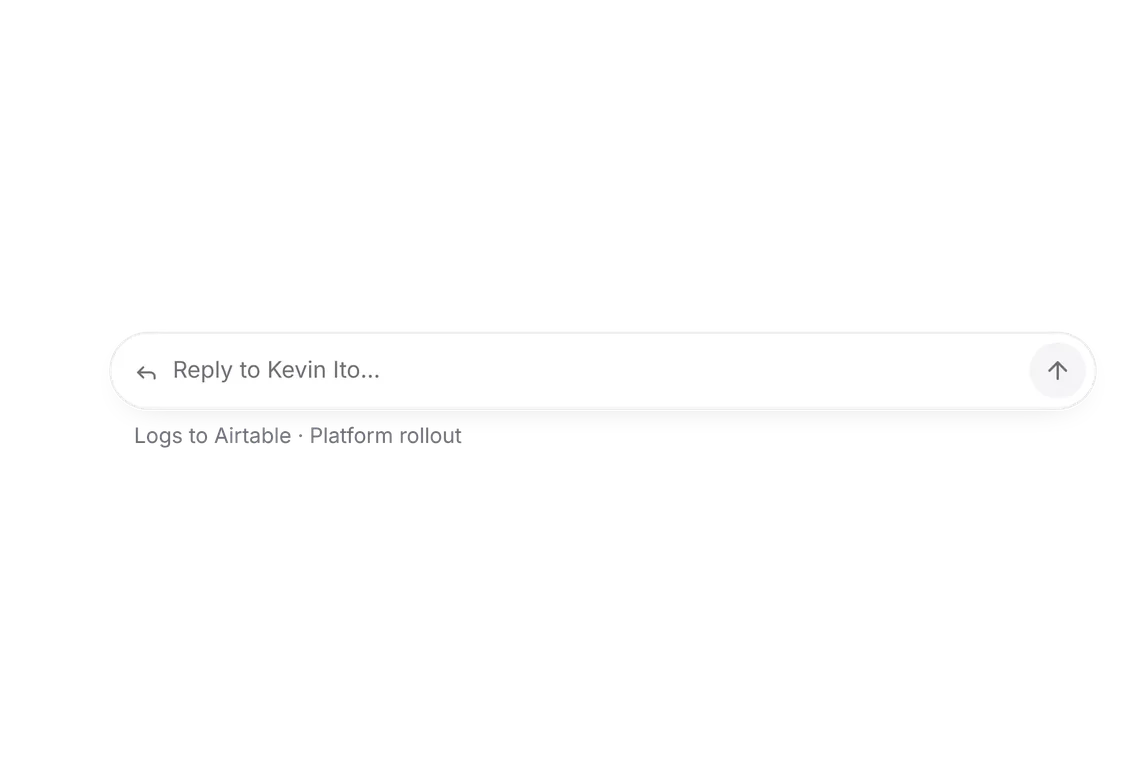
Thread list
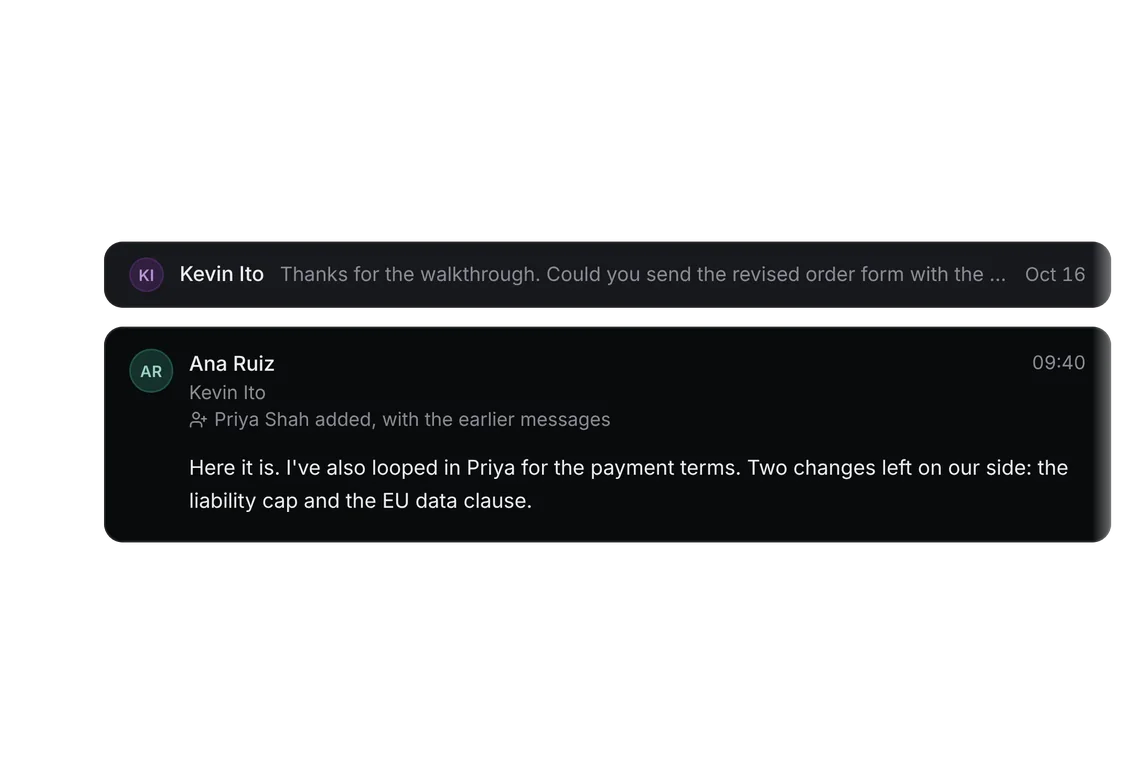
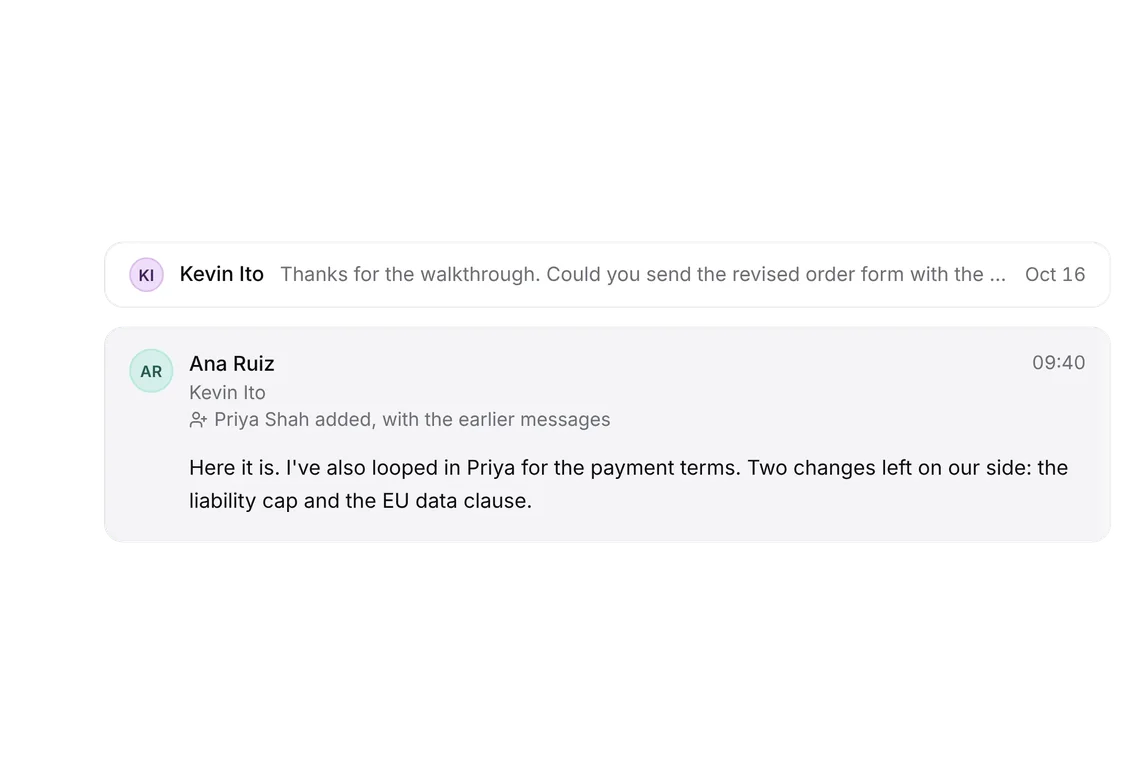
PROConversations, newest first; unread is bold with a dot.
Every shadcn style · one file
v2.1 · Updated Oct 21Live preview
pnpm dlx shadcn@latest add @notchset-pro/thread-listInstallation
pnpm dlx shadcn@latest add @notchset-pro/thread-listNeeds your registry key. Every components.json style gets the same files.
Works with React 18.3 or 19 on Tailwind CSS v4, in any shadcn project. What's tested
Styles didn't apply?
The CLI adds the styles to the CSS file named in components.json (tailwind.css). Check that it points at your global stylesheet, that the project uses Tailwind CSS v4, and that the file is imported in your root layout. Installed by hand: paste styles.css into that file.
Usage
Import it and pass your content. The props that matter most are listed next.
Example
"use client";
import * as React from "react";
import { Inbox } from "lucide-react";
import { ThreadList } from "@/components/ui/notchset/blocks/thread-list";
import { Avatar } from "@/components/ui/notchset/avatar";

const THREADS = [
  { id: "t1", who: "Kevin Ito", context: "Airtable", when: "09:58", subject: "Re: Order form", preview: "Two changes left: liability cap and the EU data clause." },
  { id: "t2", who: "Priya Shah", context: "Stripe", when: "Yesterday", subject: "Security questionnaire", preview: "Attached the completed questionnaire. Our team will review the SOC 2…" },
  { id: "t3", who: "Lena Ortiz", context: "Revolut", when: "Oct 16", subject: "Agenda for Monday", preview: "Can we cover the 2-year price, payment terms and onboarding?" },
];

export default function ThreadListDemo() {
  const [active, setActive] = React.useState("t1");
  const [read, setRead] = React.useState<Set<string>>(new Set(["t3"]));
  return (
    <div className="w-full max-w-md">
      <ThreadList
        rows={THREADS.map((t) => ({ ...t, avatar: <Avatar name={t.who} size={28} />, unread: !read.has(t.id) }))}
        active={active}
        onOpen={setActive}
        onToggleRead={(id) => setRead((s) => (s.has(id) ? new Set([...s].filter((x) => x !== id)) : new Set([...s, id])))}
        empty={{ icon: <Inbox />, title: "Inbox zero", line: "New mail with people in your CRM lands here." }}
      />
    </div>
  );
}
This example also uses Avatar. This command installs them with it, so the example pastes as it is:
pnpm dlx shadcn@latest add @notchset-pro/thread-list @notchset/avatarSource
components/ui/notchset/blocks/thread-list.tsx
This component is included with Pro.
Try the live preview above. Get Pro to install the source.
Props
rows–ThreadRow[]Required.
active–stringonOpen–(id: string) => voidRequired.
onToggleRead–(id: string) => voidempty–{ icon: React.ReactNode; title: string; line: string }Required.
For coding agents
Give your coding assistant the Markdown guide instead of screenshots.
Where agents read it
- Guide for this component: https://notchset.dev/md/thread-list.md
- Every component, for tools without MCP: /llms.txt
- MCP server:
https://notchset.dev/api/mcp(setup)
Changelog
v2.1.0 · 2026-10-21
The unread dot is an image with its label.
v2.0.0 · 2026-10-13
Released with the Notchset system.
Used in
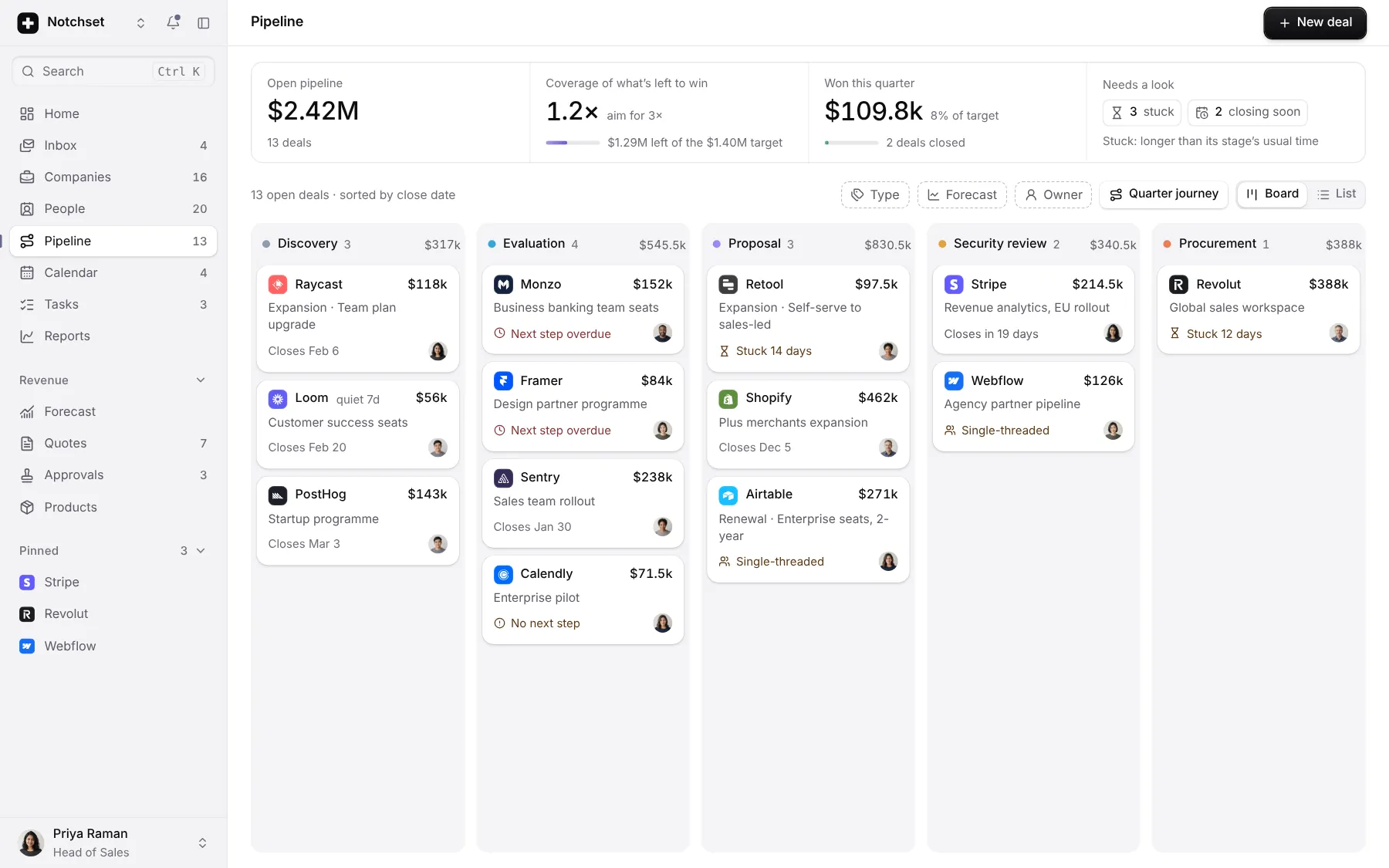
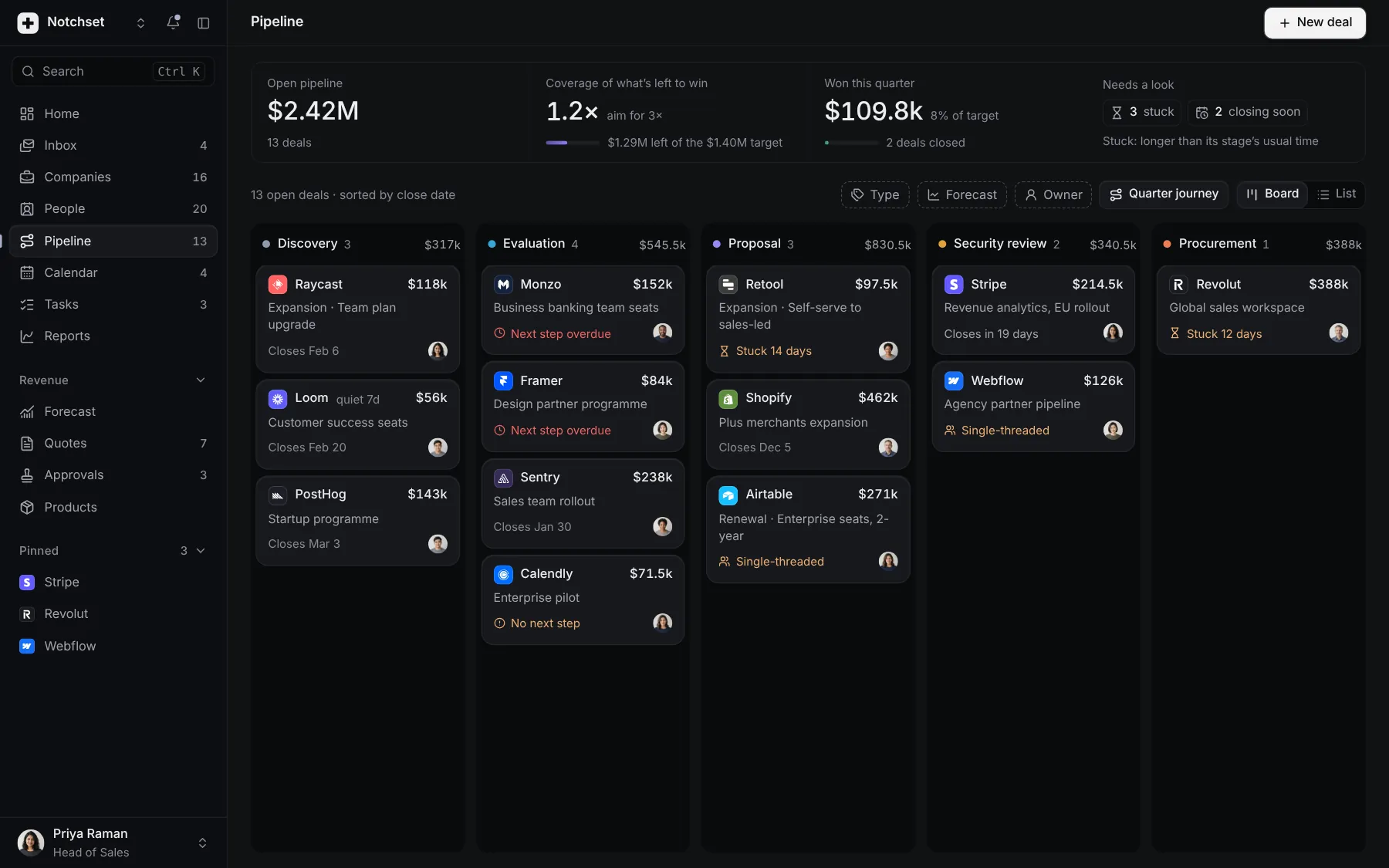
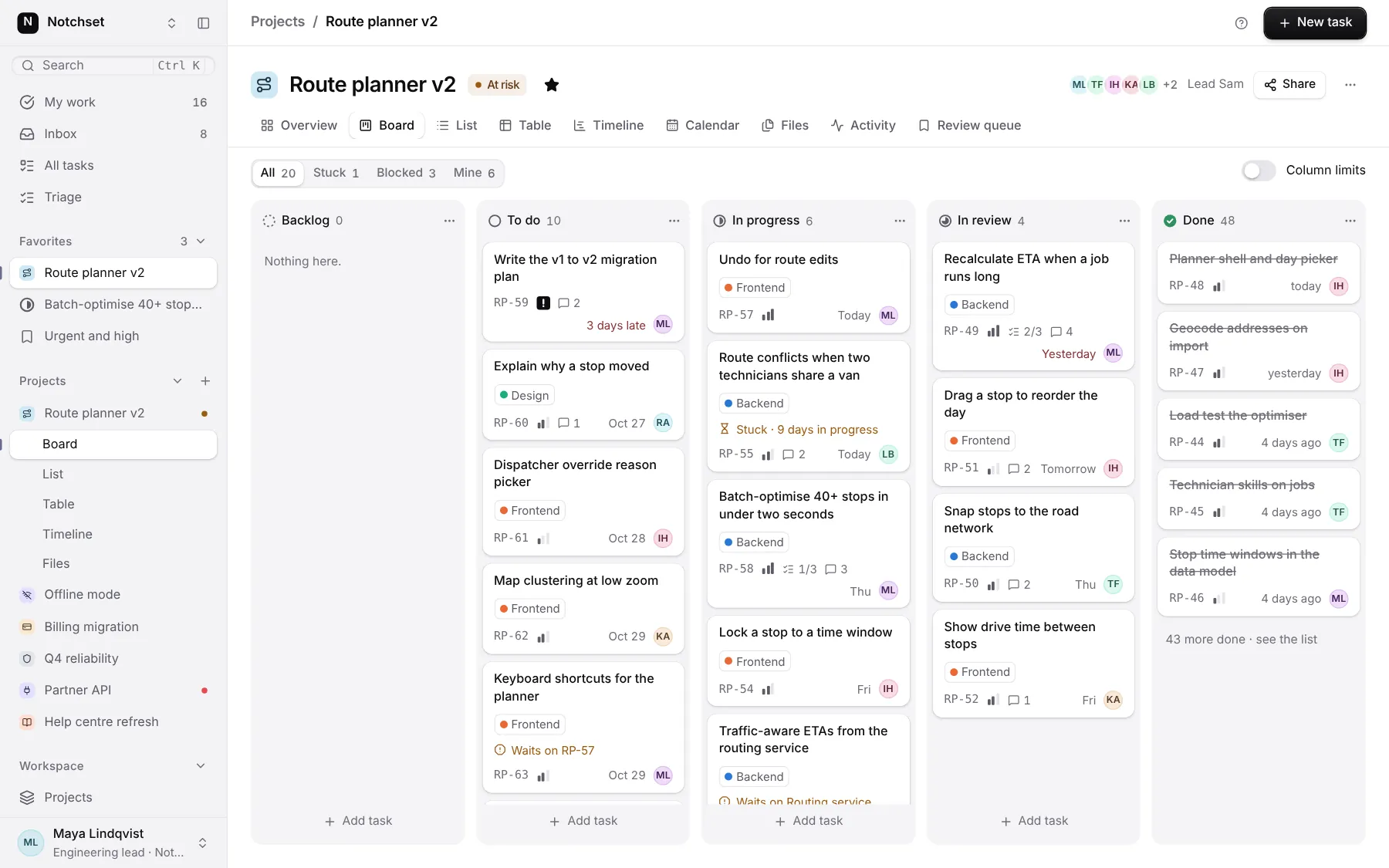
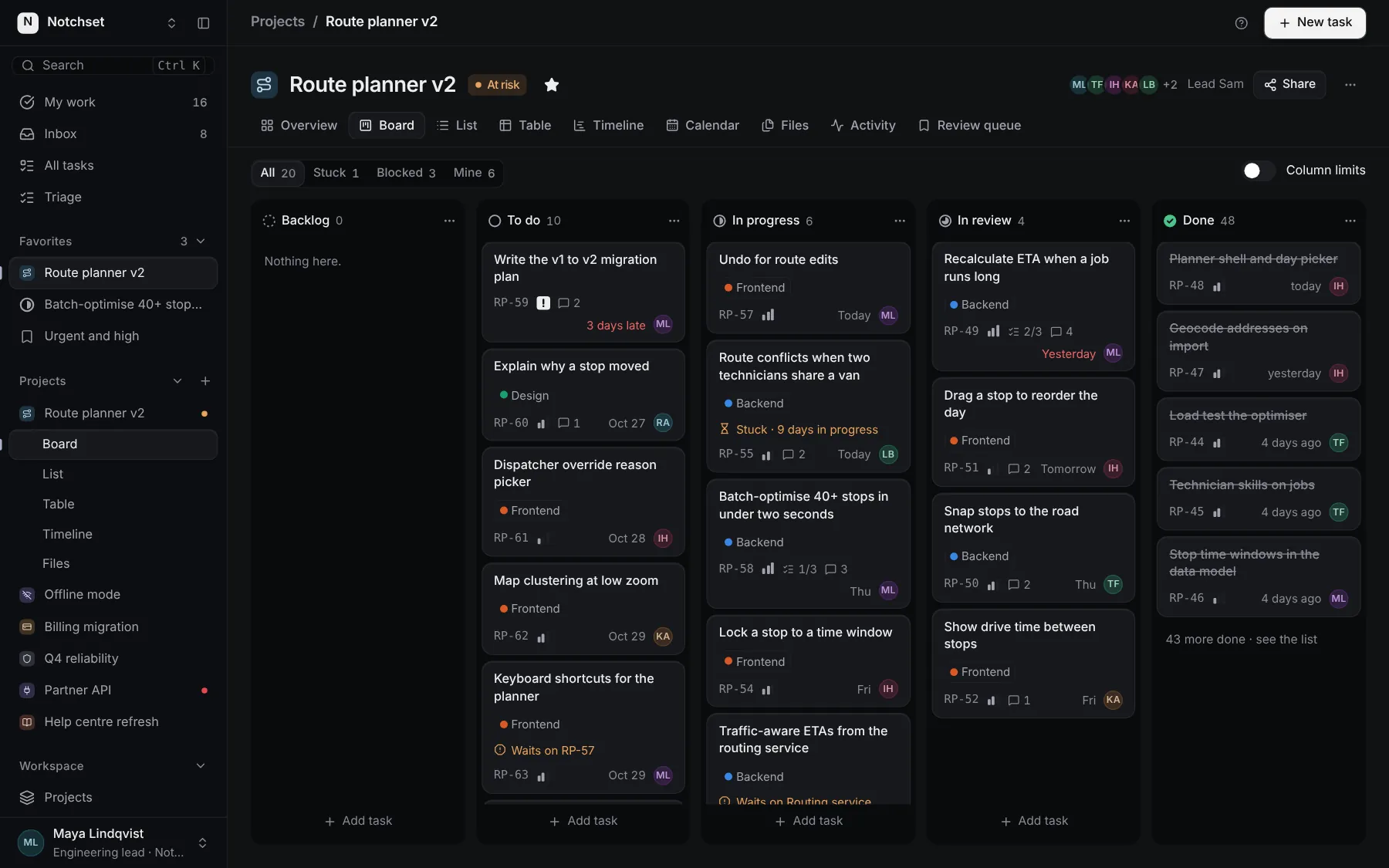
The same file, at work in a finished app. Open it live and find it on its pages.
Part of a kit
Inbox and email. Threads, messages, replies and the activity around a record, in one place.
2 free · 5 ProSee the Inbox and email kit
Part of
Included with Pro
Pro is in early access.