View tabs
PROA list's slices and the views people saved, with counts.
Every shadcn style · one file
v2.1 · Updated Oct 21Live preview
pnpm dlx shadcn@latest add @notchset-pro/view-tabsInstallation
pnpm dlx shadcn@latest add @notchset-pro/view-tabsNeeds your registry key. Every components.json style gets the same files.
Works with React 18.3 or 19 on Tailwind CSS v4, in any shadcn project. What's tested
Styles didn't apply?
The CLI adds the styles to the CSS file named in components.json (tailwind.css). Check that it points at your global stylesheet, that the project uses Tailwind CSS v4, and that the file is imported in your root layout. Installed by hand: paste styles.css into that file.
Usage
Import it and pass your content. The props that matter most are listed next.
Example
"use client";
import * as React from "react";
import { ViewTabs } from "@/components/ui/notchset/blocks/view-tabs";

export default function ViewTabsDemo() {
  const [view, setView] = React.useState("all");
  const [tabs, setTabs] = React.useState([
    { id: "all", label: "Every company", count: 16 },
    { id: "mine", label: "Owned by me", count: 5 },
    { id: "q4", label: "Closing in Q4", count: 7 },
    { id: "emea", label: "EMEA enterprise", count: 3, saved: true },
  ]);
  return (
    <ViewTabs
      label="Company views"
      value={view}
      onChange={setView}
      onSave={() => {}}
      onDelete={(id) => {
        setTabs(tabs.filter((t) => t.id !== id));
        setView("all");
      }}
      tabs={tabs}
    />
  );
}
Anatomy
Built fromTabs
Source
components/ui/notchset/blocks/view-tabs.tsx
This component is included with Pro.
Try the live preview above. Get Pro to install the source.
Props
tabs–ViewTab[]Required.
value–stringRequired.
onChange–(id: string) => voidRequired.
onDelete–(id: string) => voidonSave–() => voidWhen set, a "Save view" tab is shown.
tabMenu–(tab: ViewTab, trigger: React.ReactElement) => React.ReactNodeA saved tab's own menu: (tab, trigger) => <Menu trigger={trigger}>…; replaces the ×
Show all 7 propsShow fewer
label–stringRequired.
For coding agents
Give your coding assistant the Markdown guide instead of screenshots.
Where agents read it
- Guide for this component: https://notchset.dev/md/view-tabs.md
- Every component, for tools without MCP: /llms.txt
- MCP server:
https://notchset.dev/api/mcp(setup)
Changelog
v2.1.0 · 2026-10-21
A saved tab can carry its own menu (rename, update, delete), also on right-click; that menu's button and Save view sit beside the tablist, never inside it.
v2.0.0 · 2026-10-13
Released with the Notchset system.
Used in
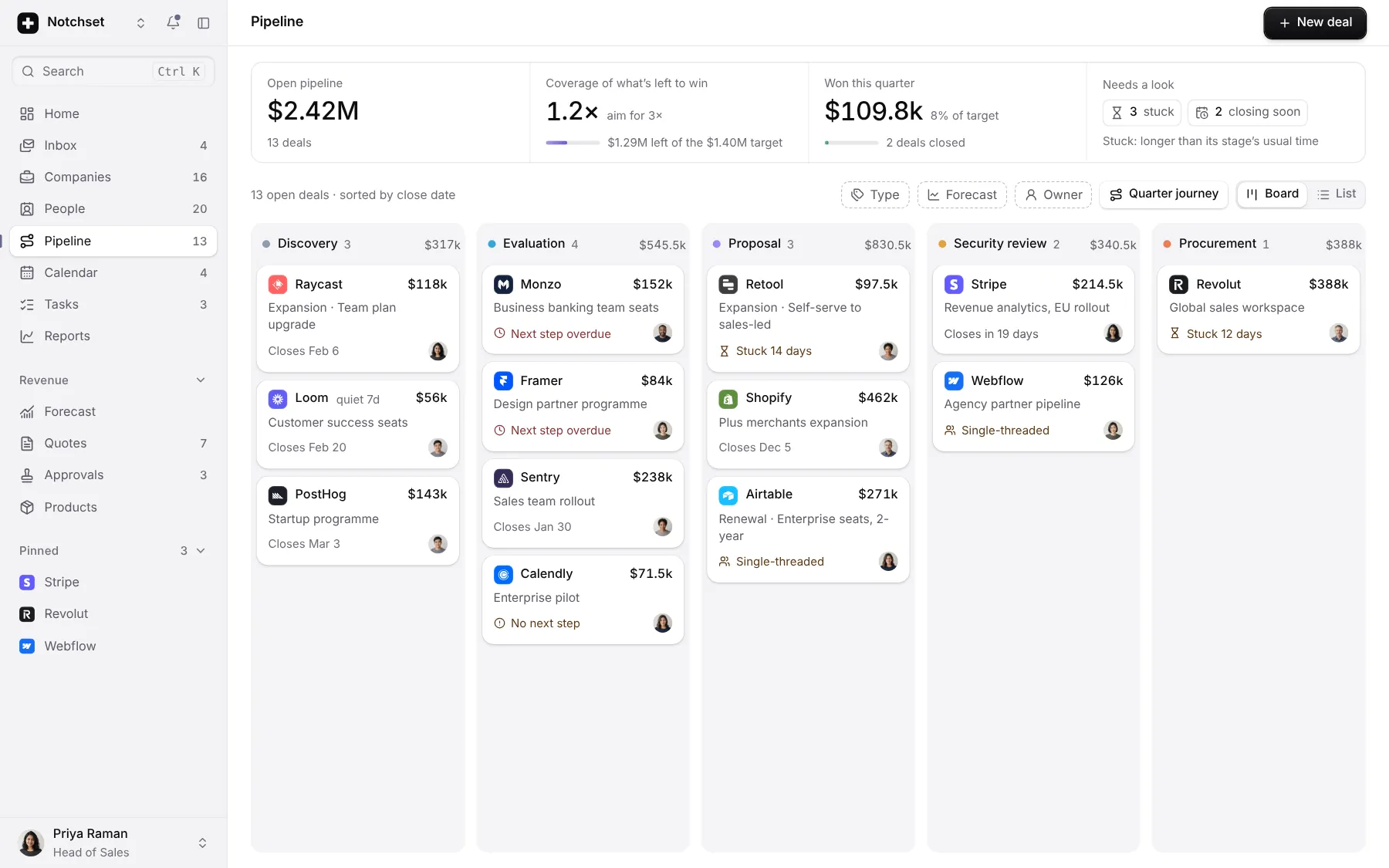
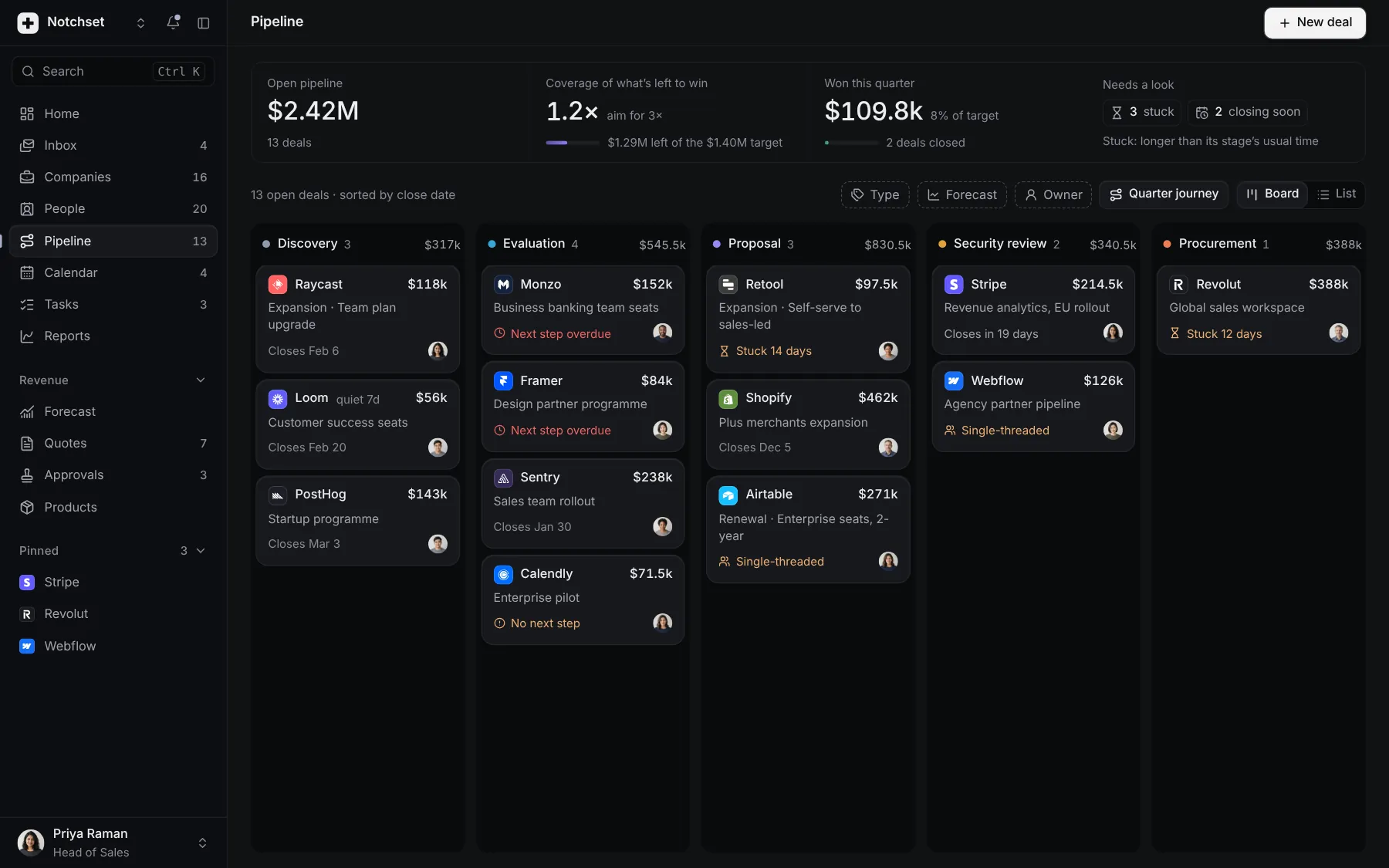
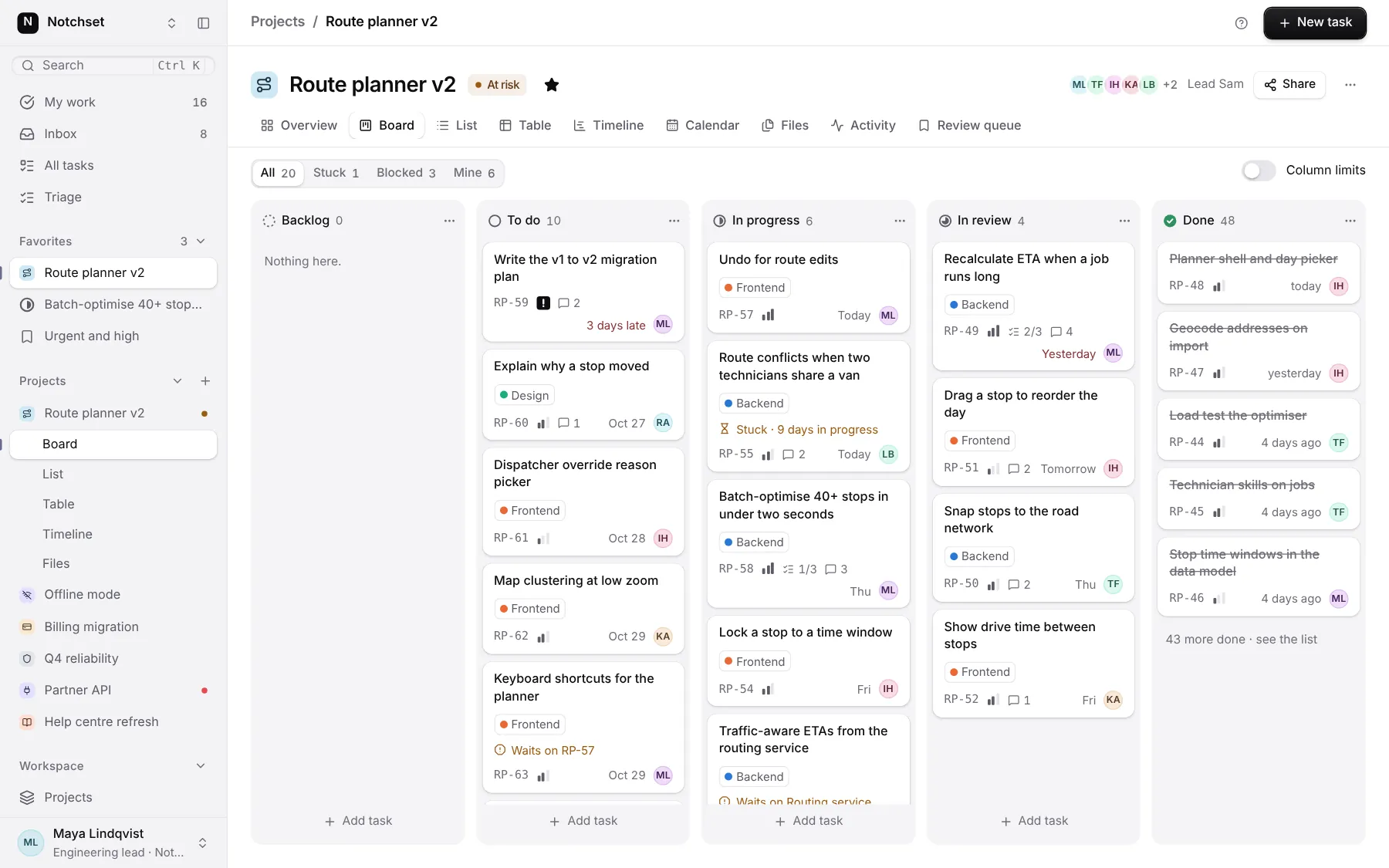
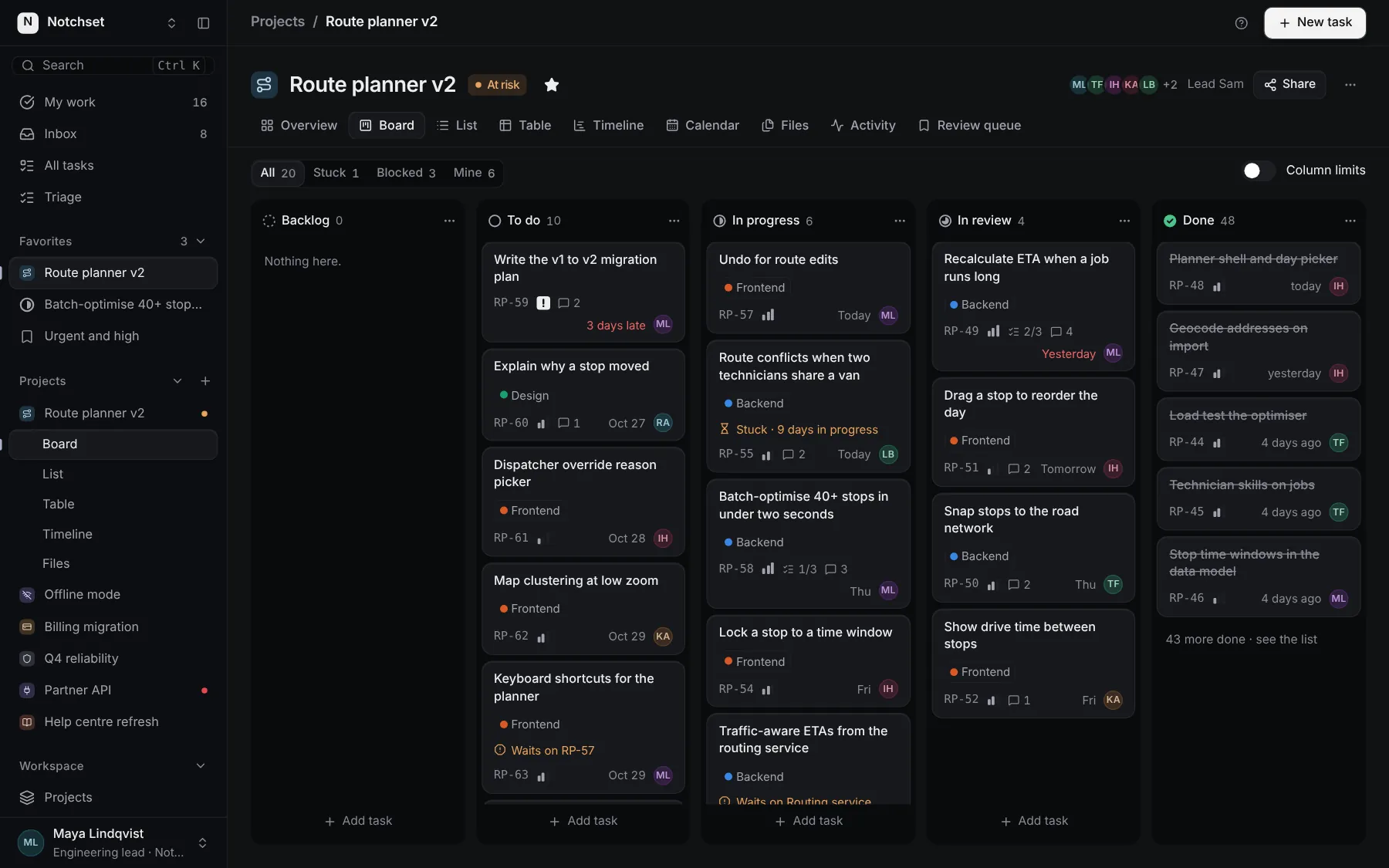
The same file, at work in a finished app. Open it live and find it on its pages.
Part of a kit
Records and tables. Lists you scan and records you work in: a table, its views and filters, and a record with its details.
5 free · 3 ProSee the Records and tables kit
Part of
Included with Pro
Pro is in early access.