CRM template for shadcn/ui
A sales app, finished.
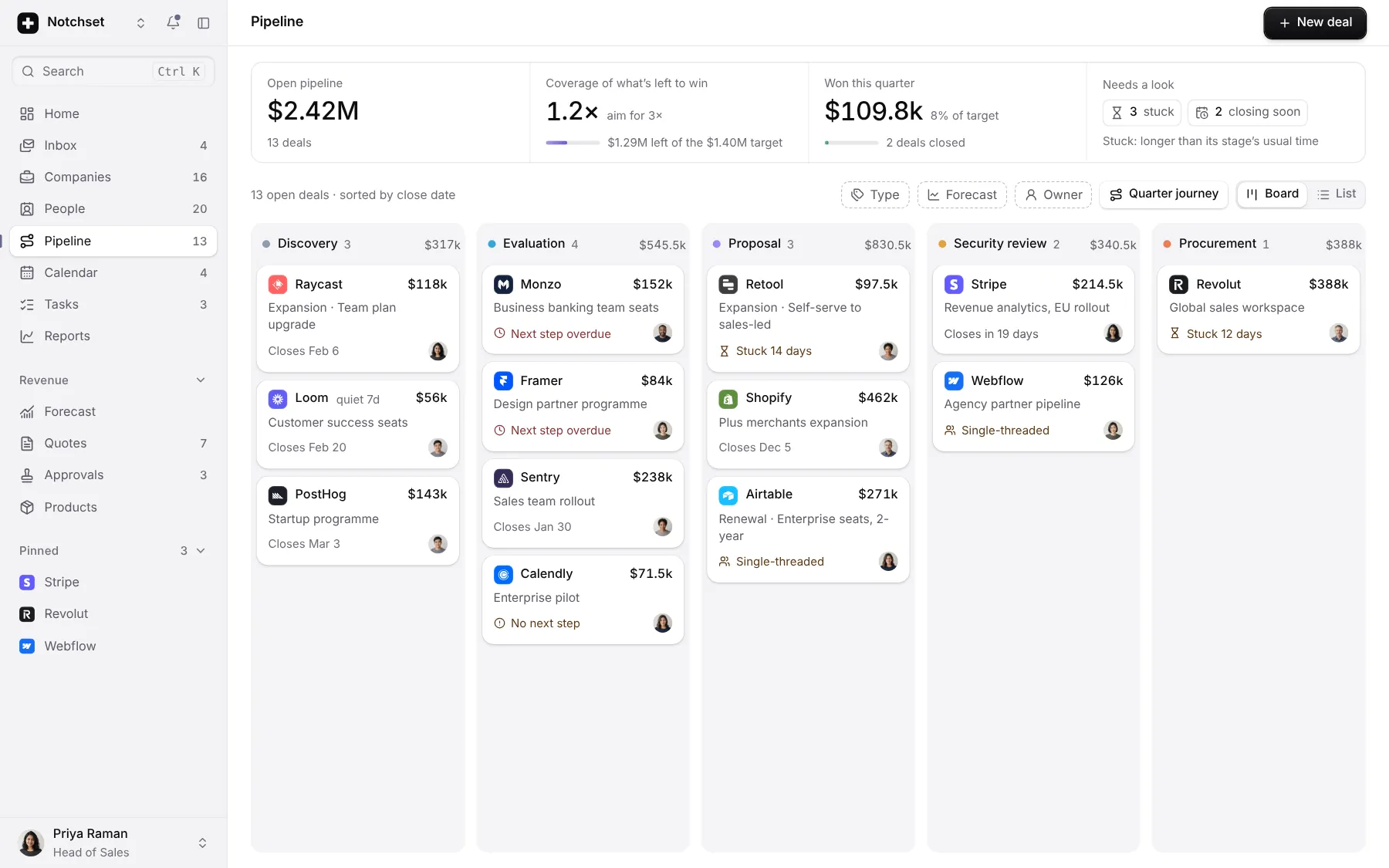
Pipeline, quotes, forecast and inbox. Every state designed, on a desk or a phone.
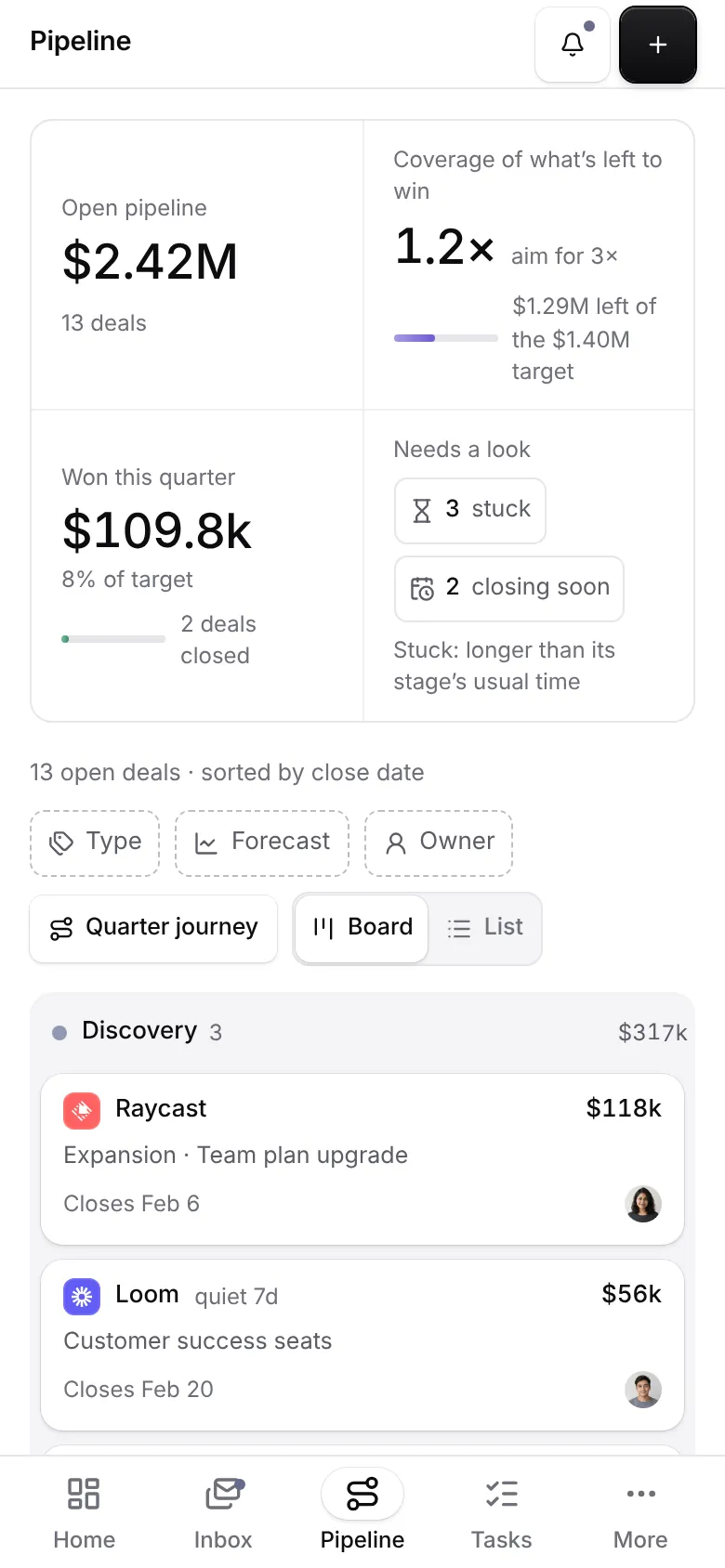
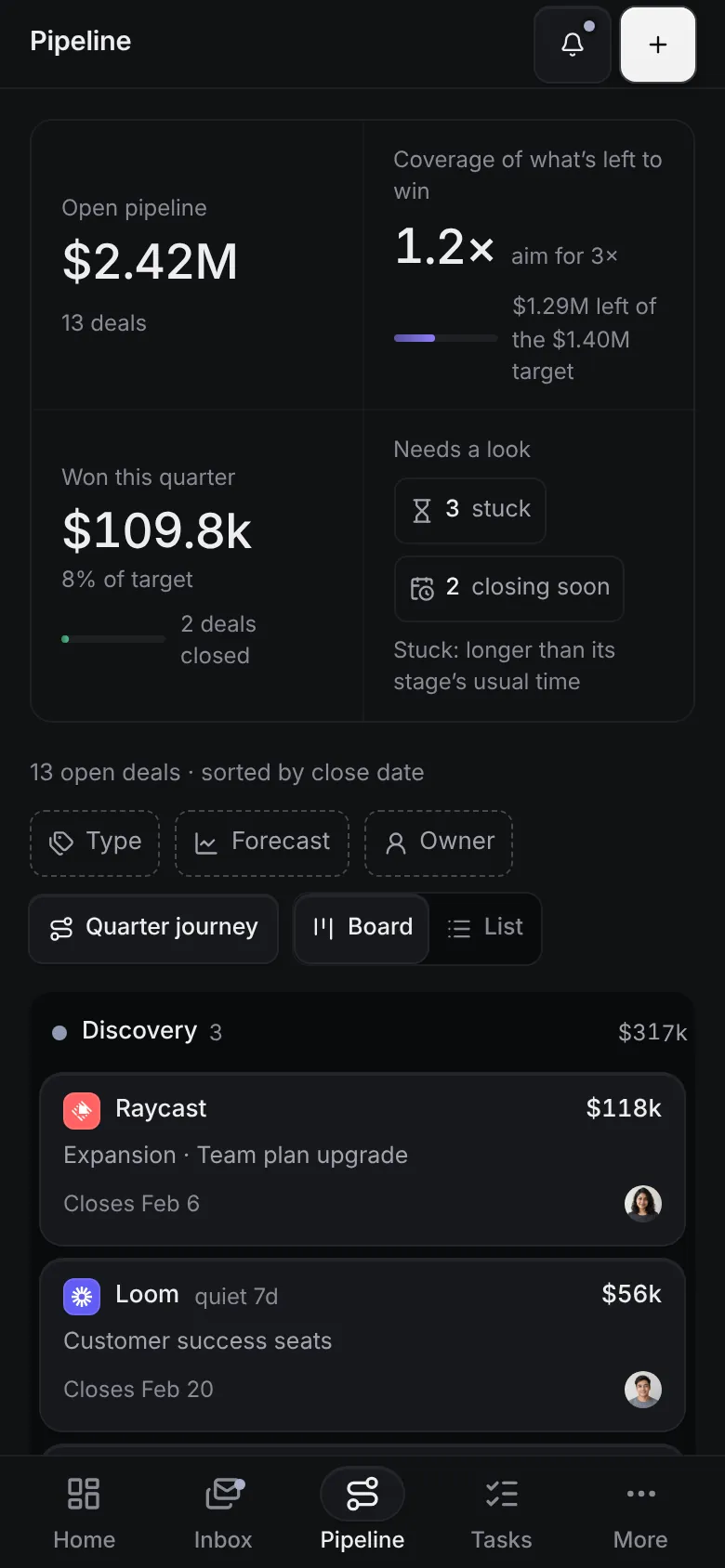
This is the app, not a video. Your changes stay in this browser.Press ⌘K inside it for everything.
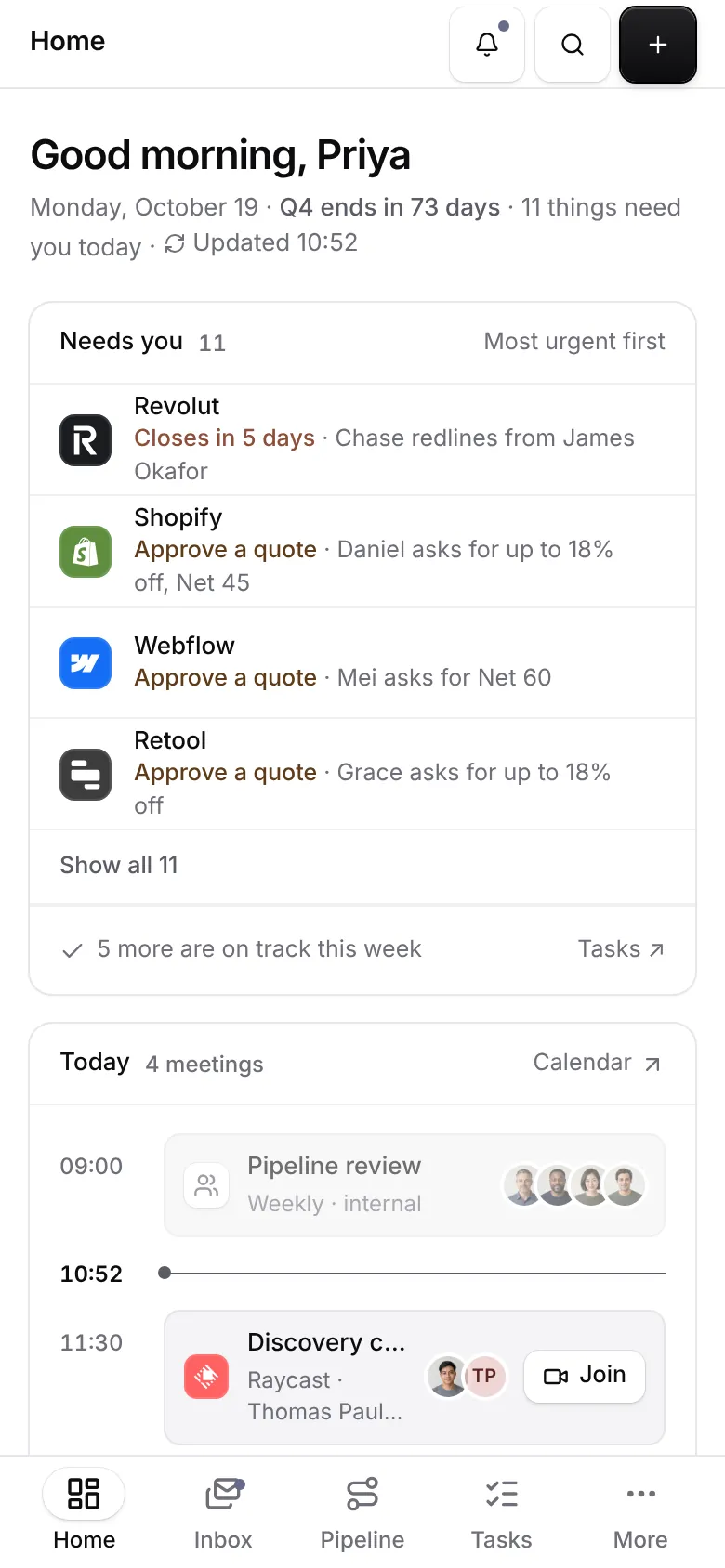
20pages, each with its own phone layout
40screens under the accessibility gate
35open states checked too
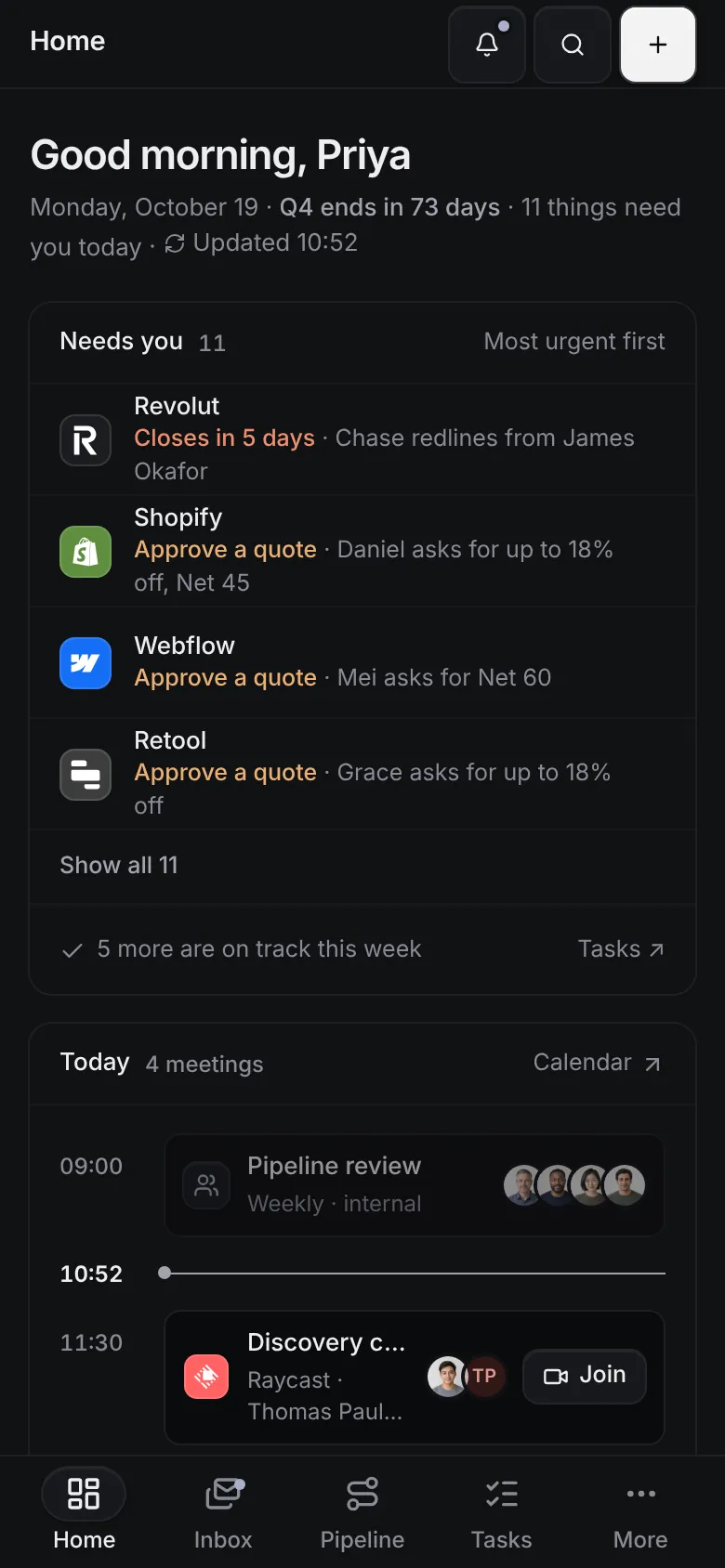
2themes, each designed
What’s inside.
Every screen opens live, right here. And every block it’s built from has its own page.
 Open live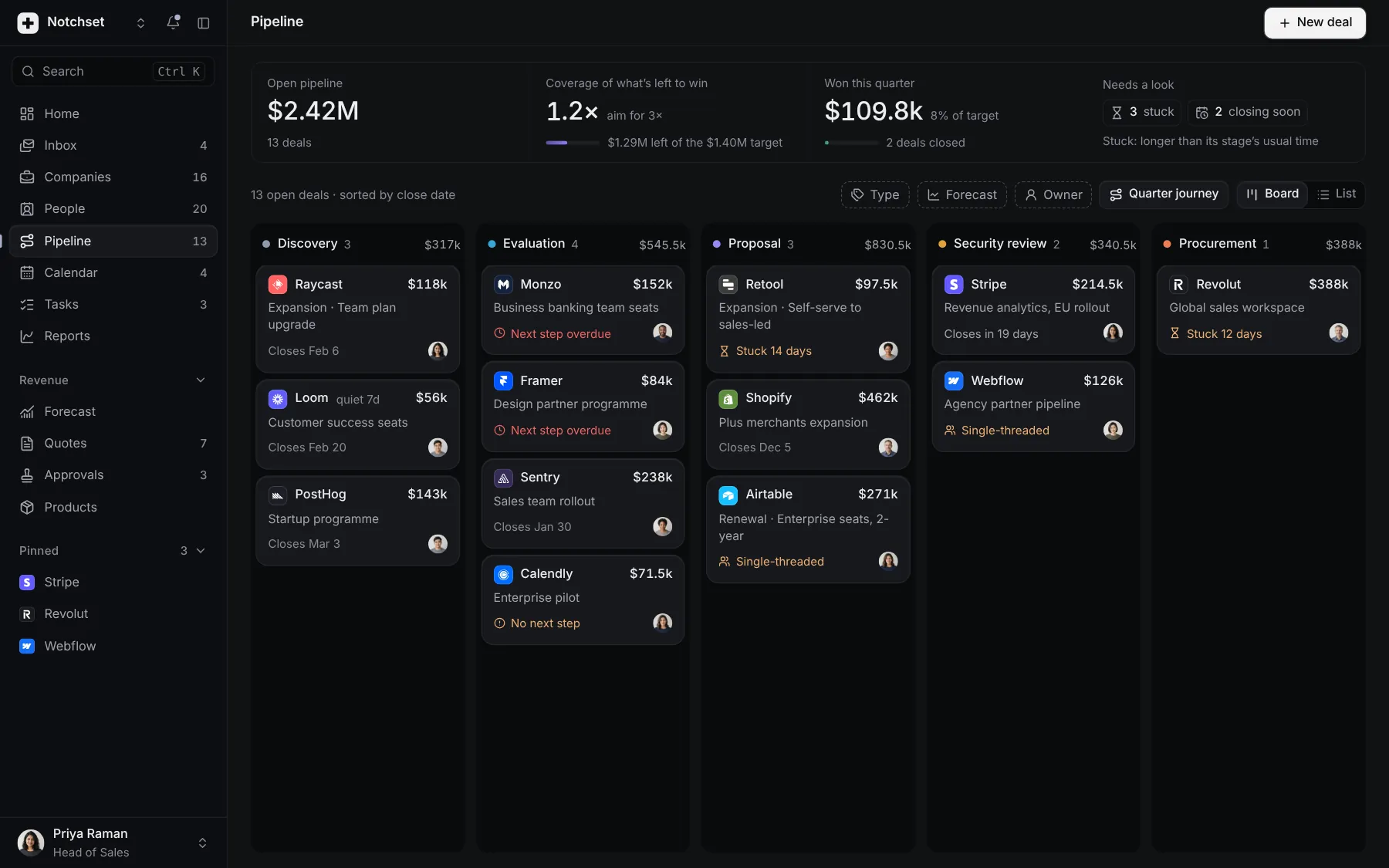
PipelineBoard, list and the quarter's journey
 Open live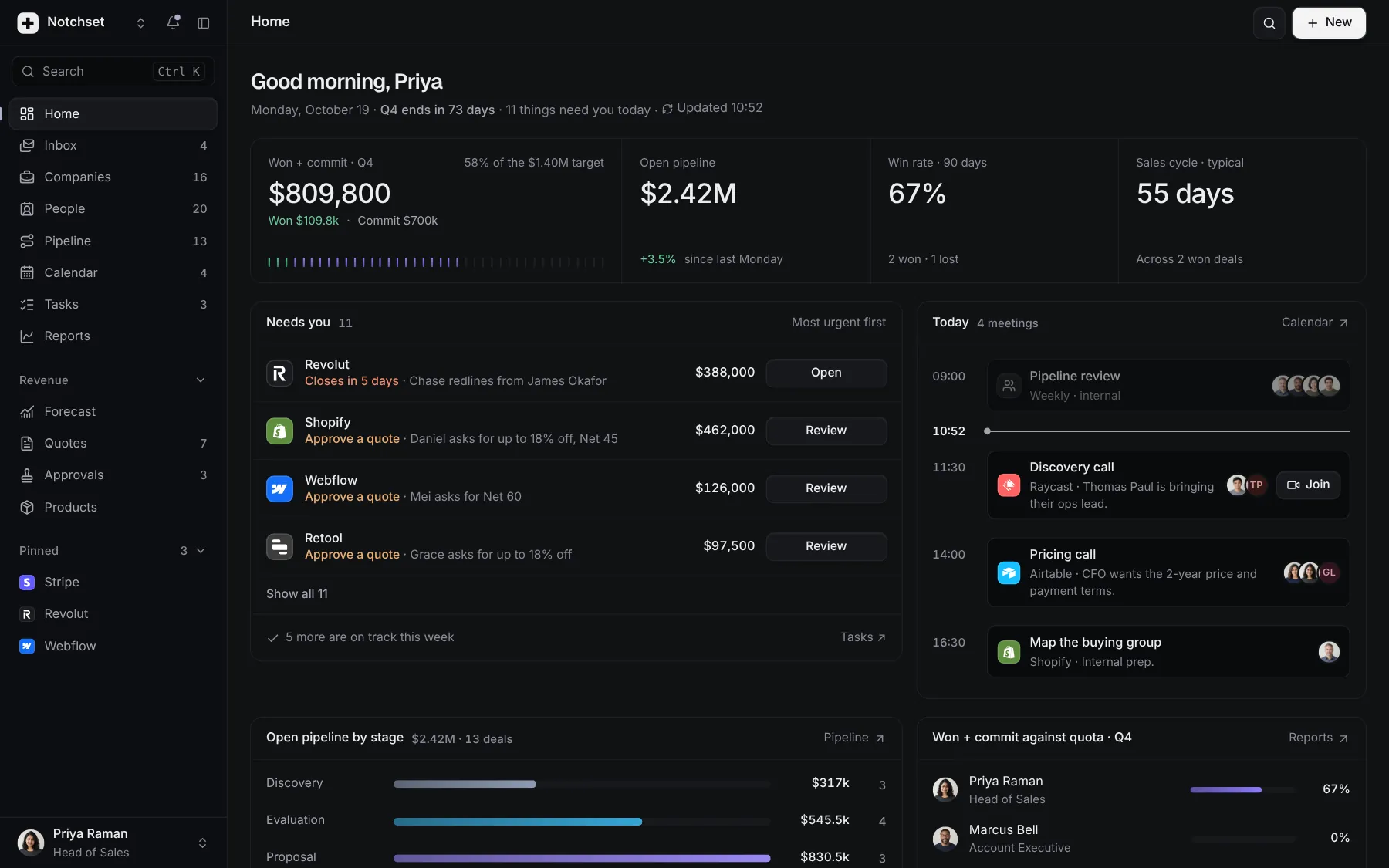
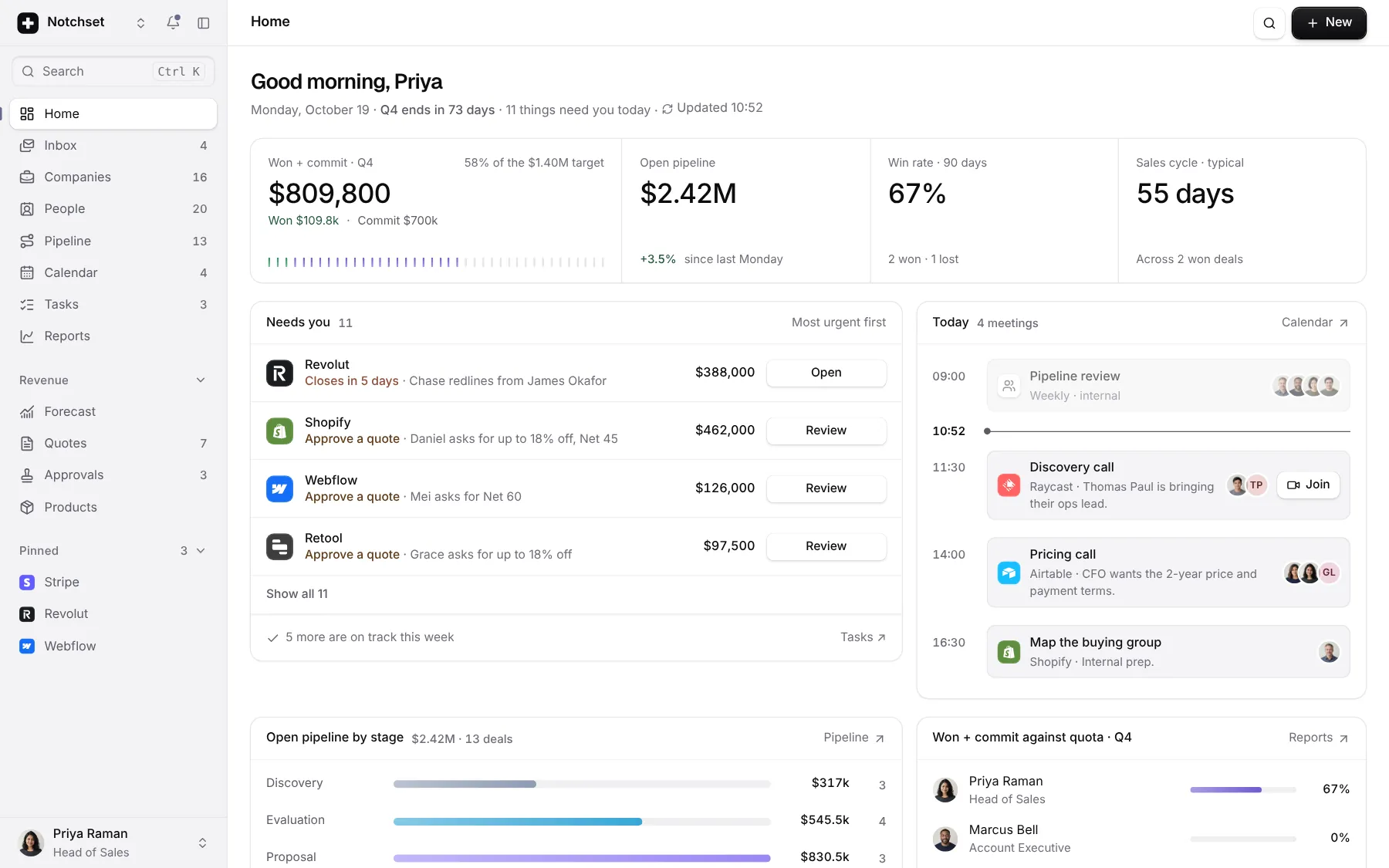
HomeNeeds you, today, quota
 Open live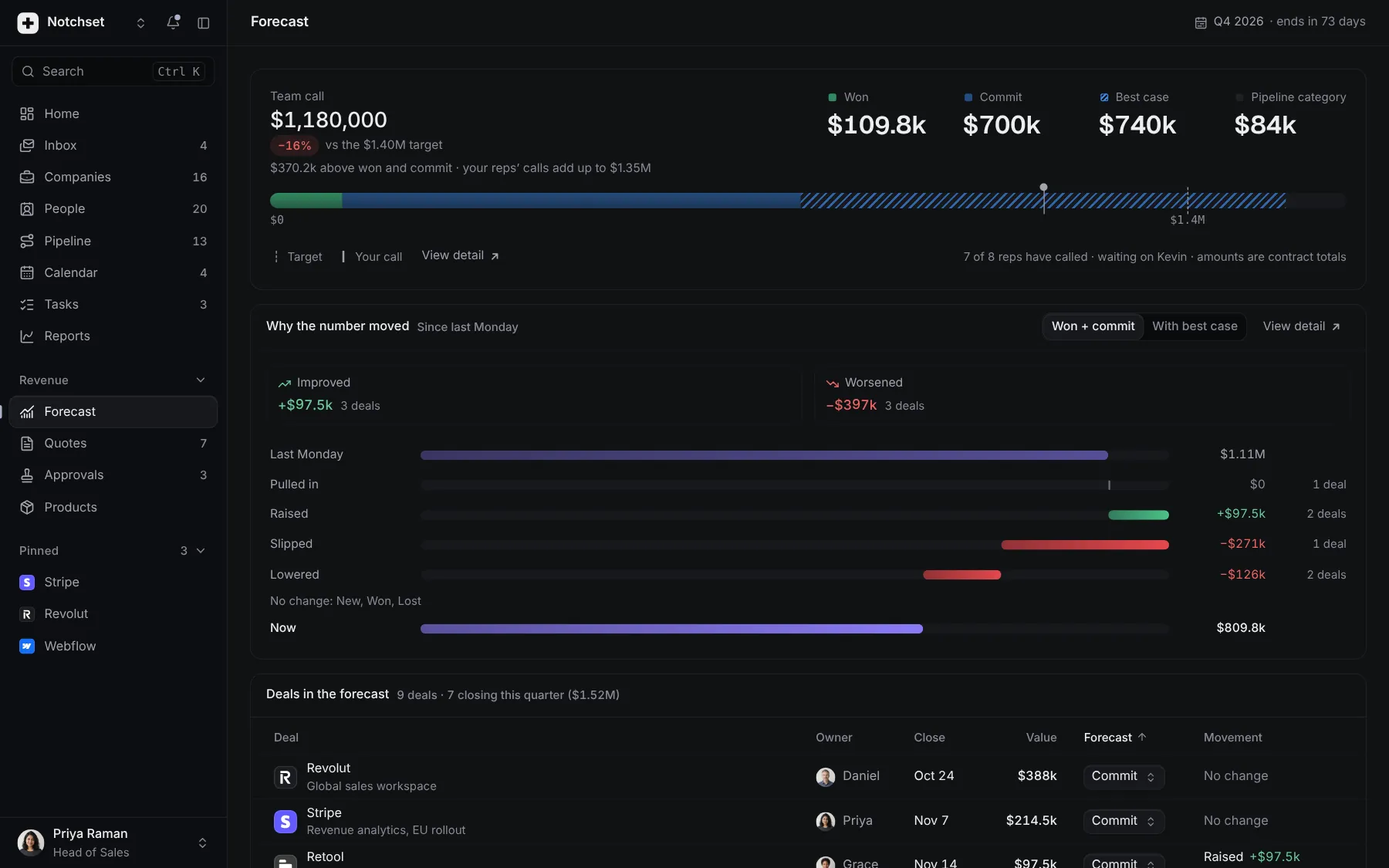
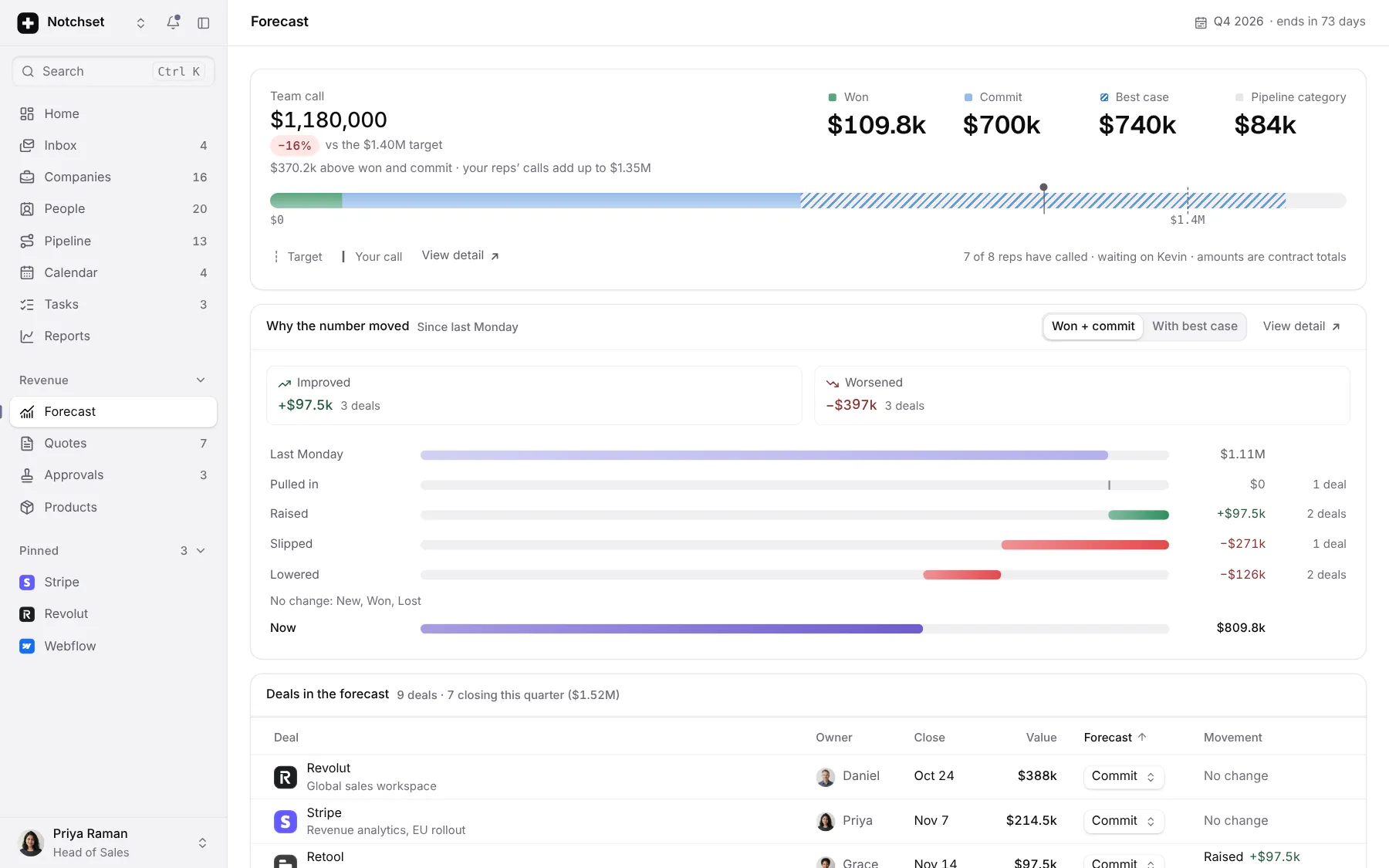
ForecastThe call and why it moved
 Open live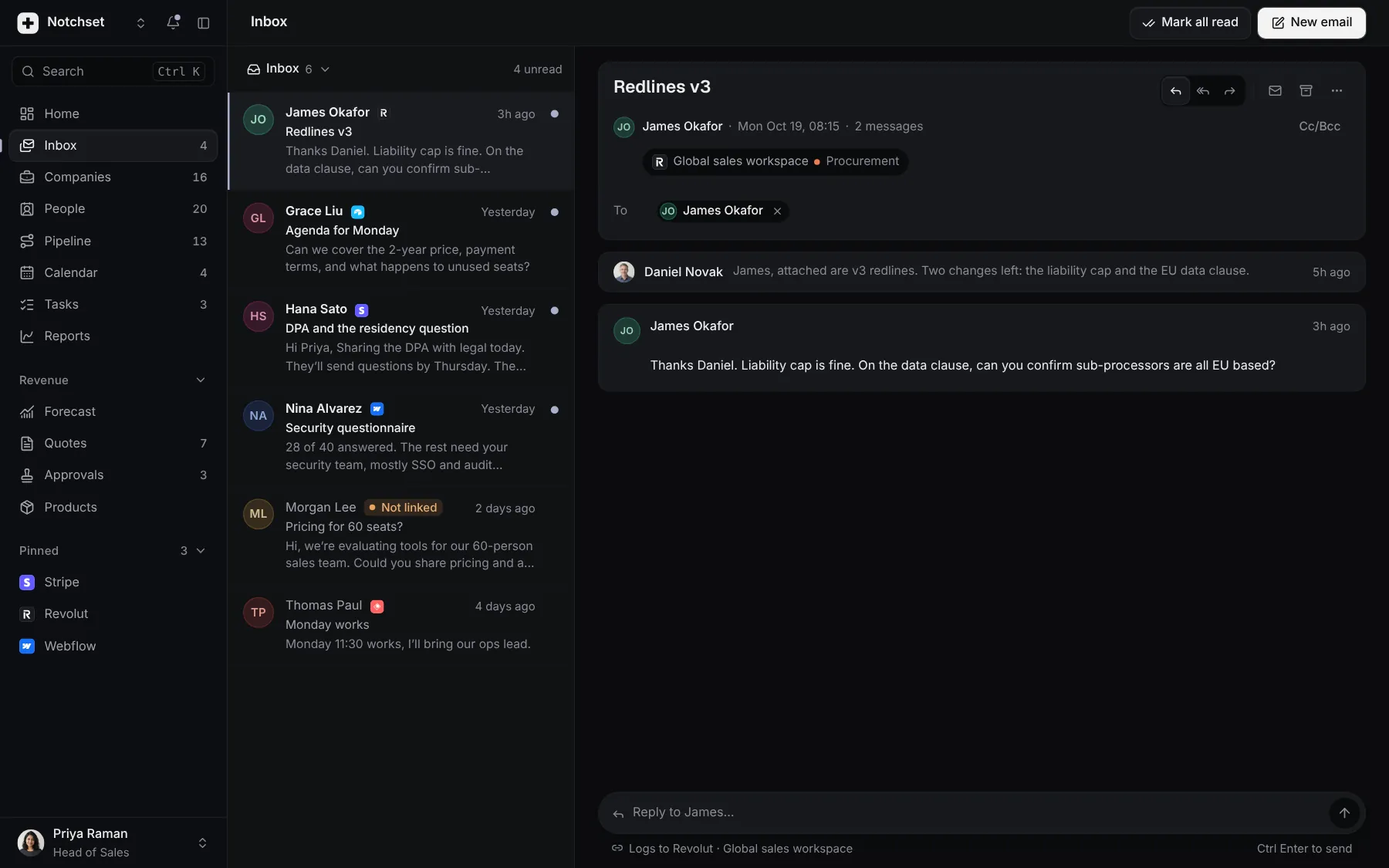
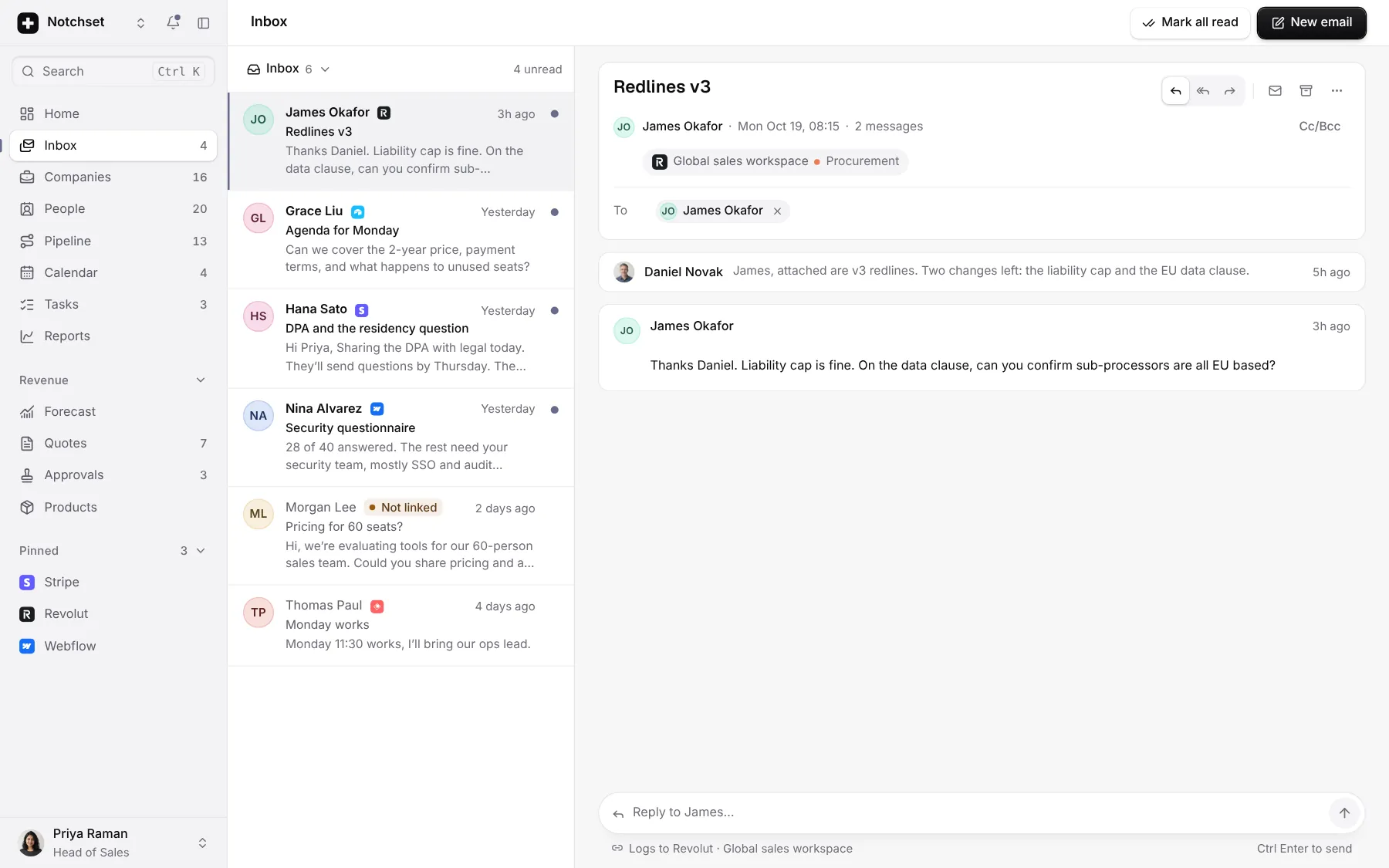
InboxThreads beside the deal
 Open live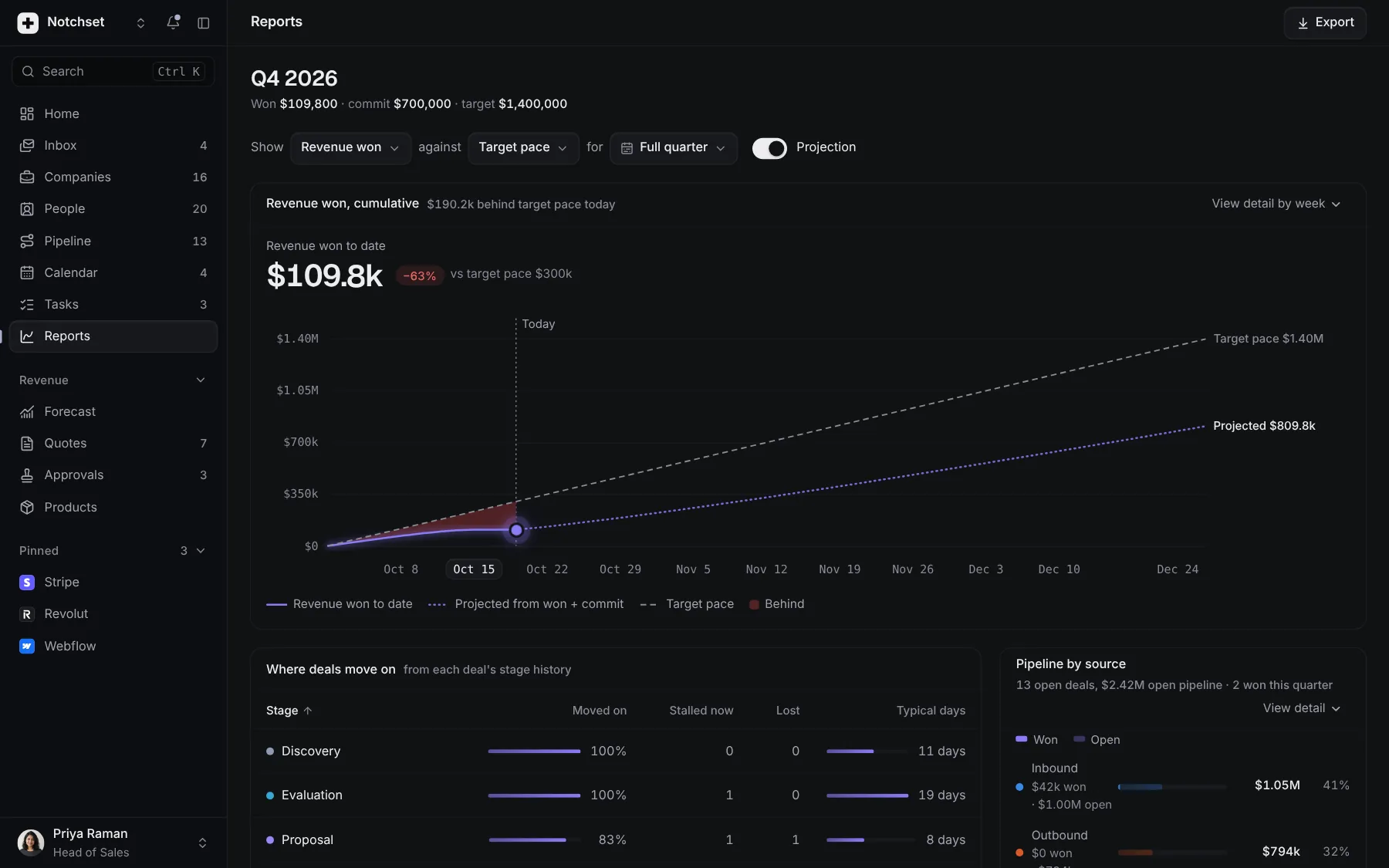
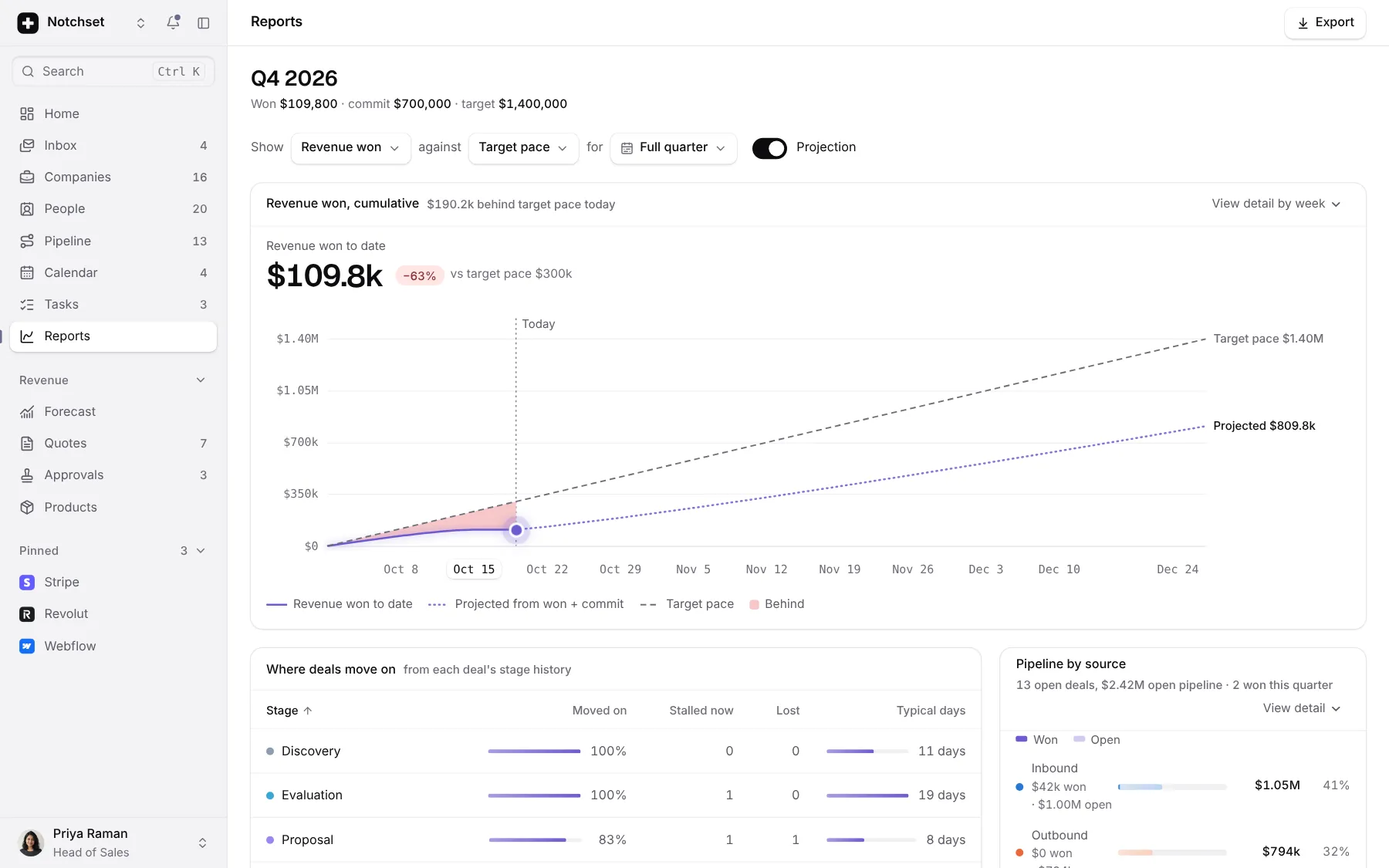
ReportsCumulative and by stage
 Open live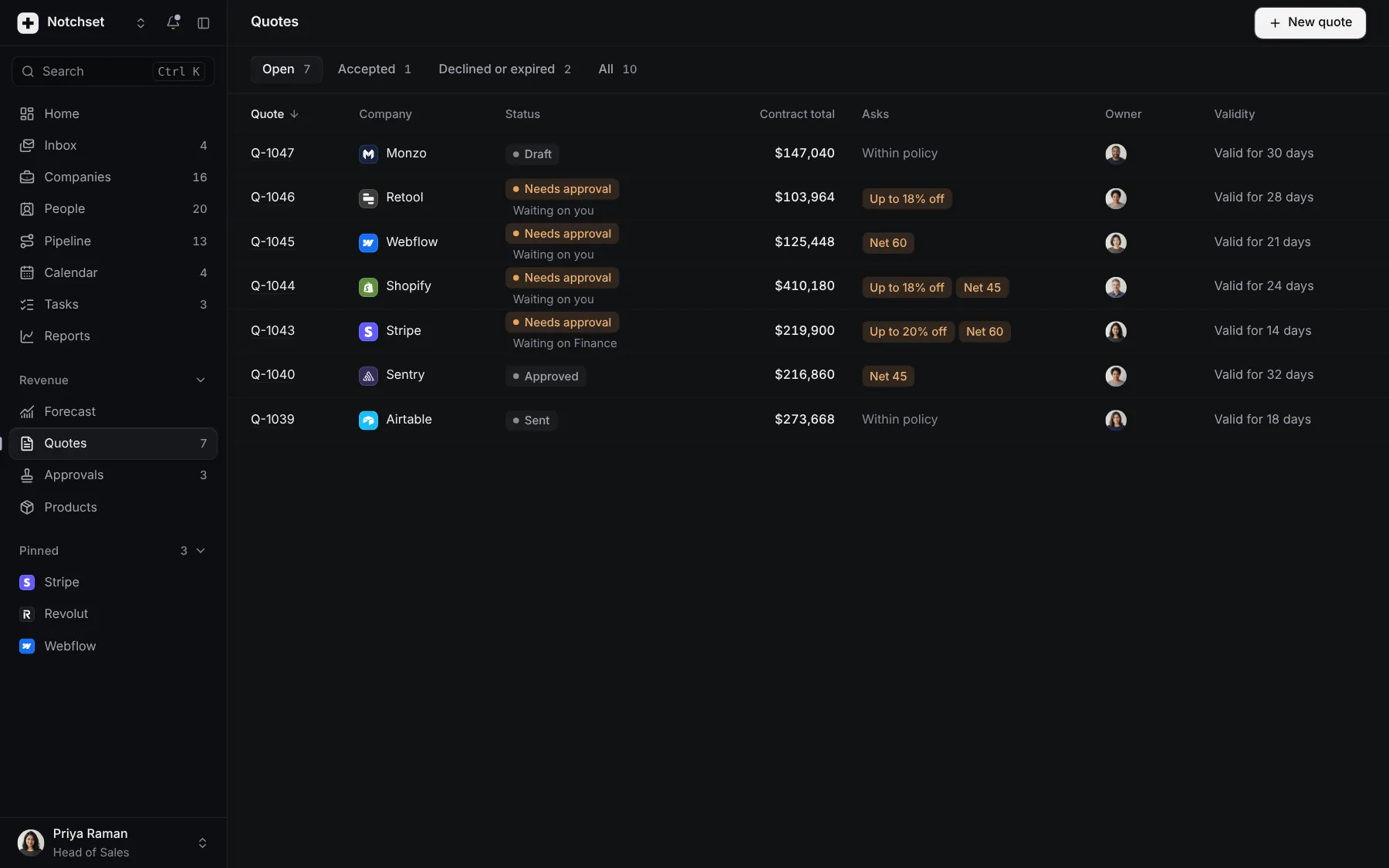
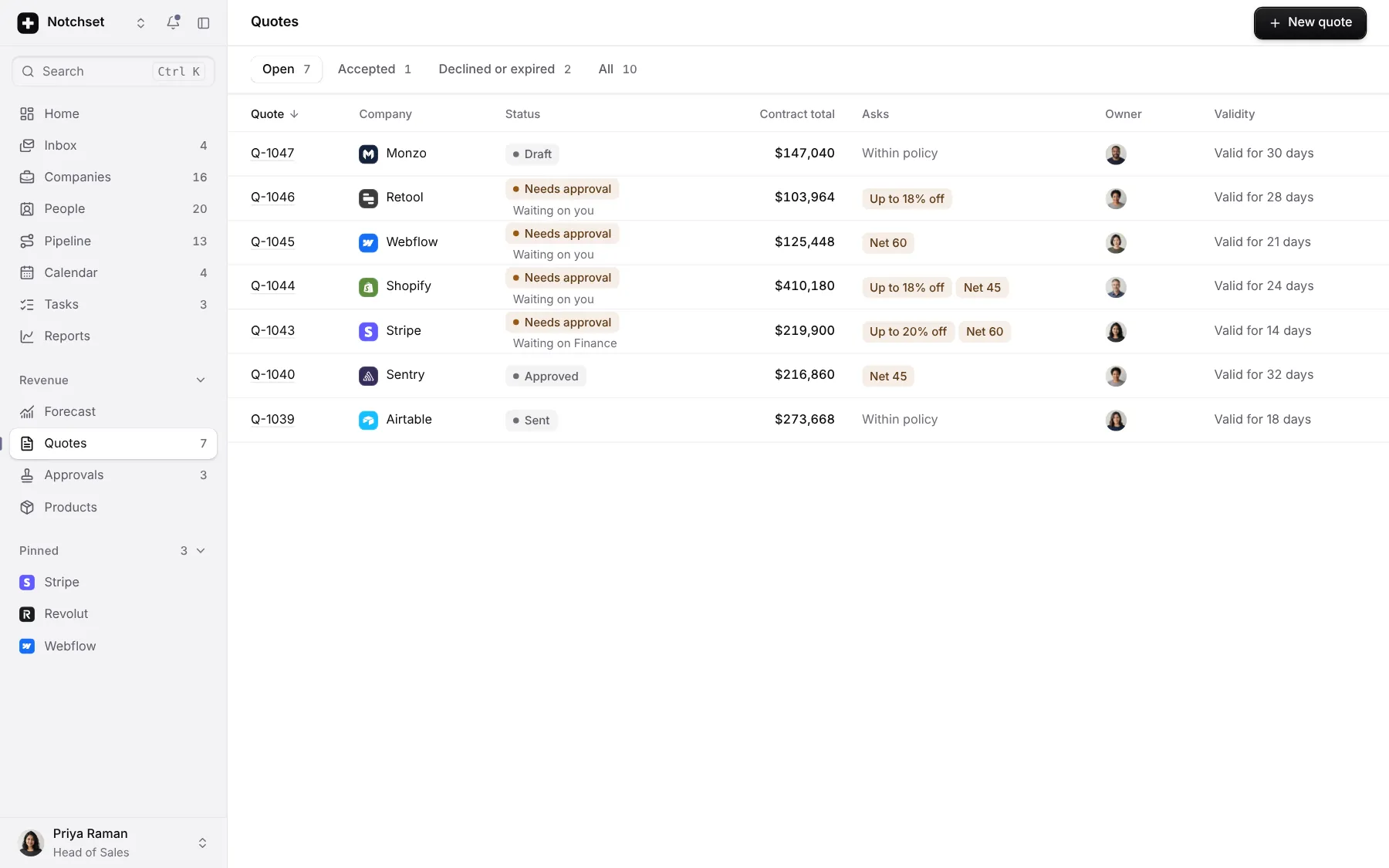
QuotesApprovals and discounts
 Open live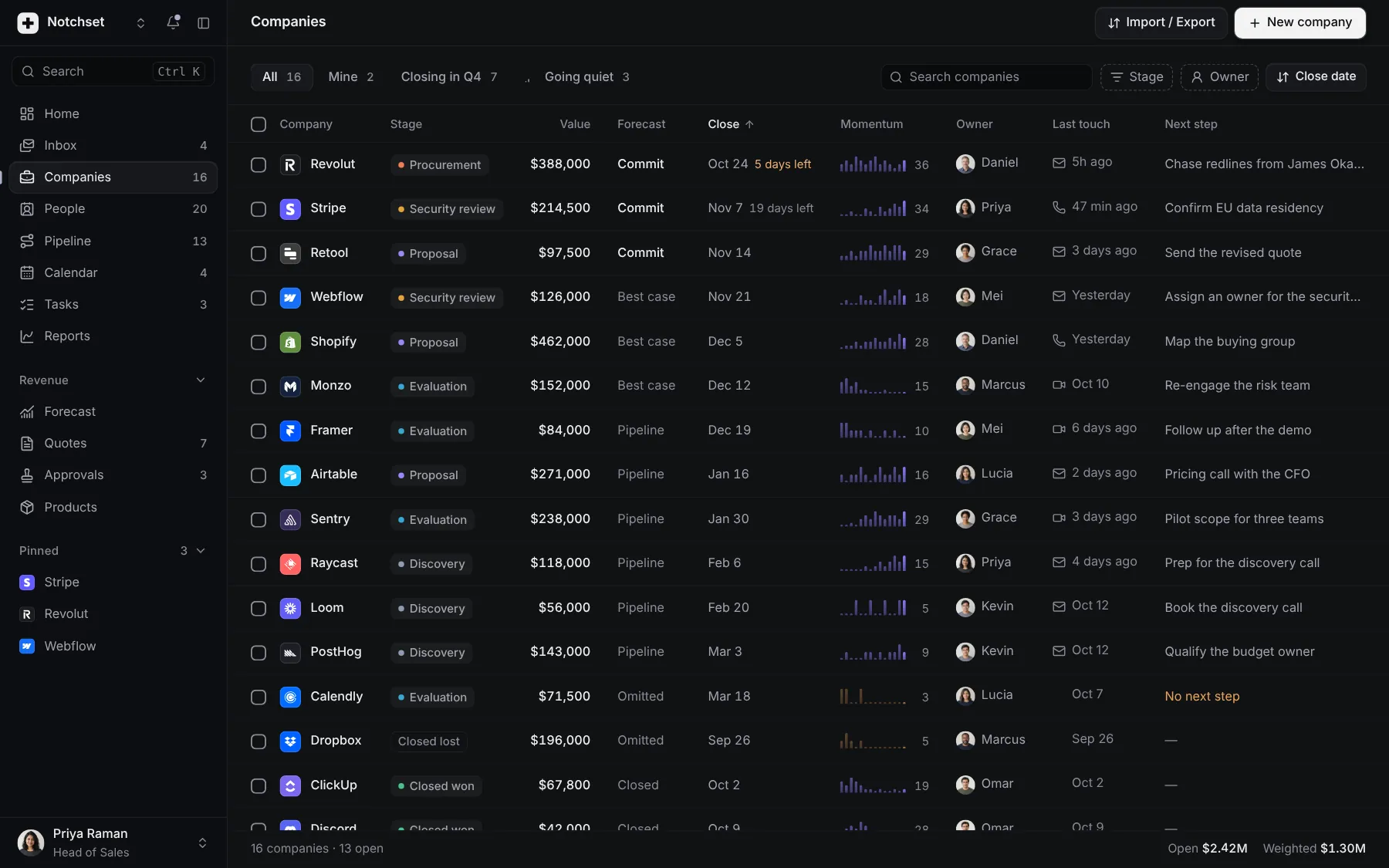
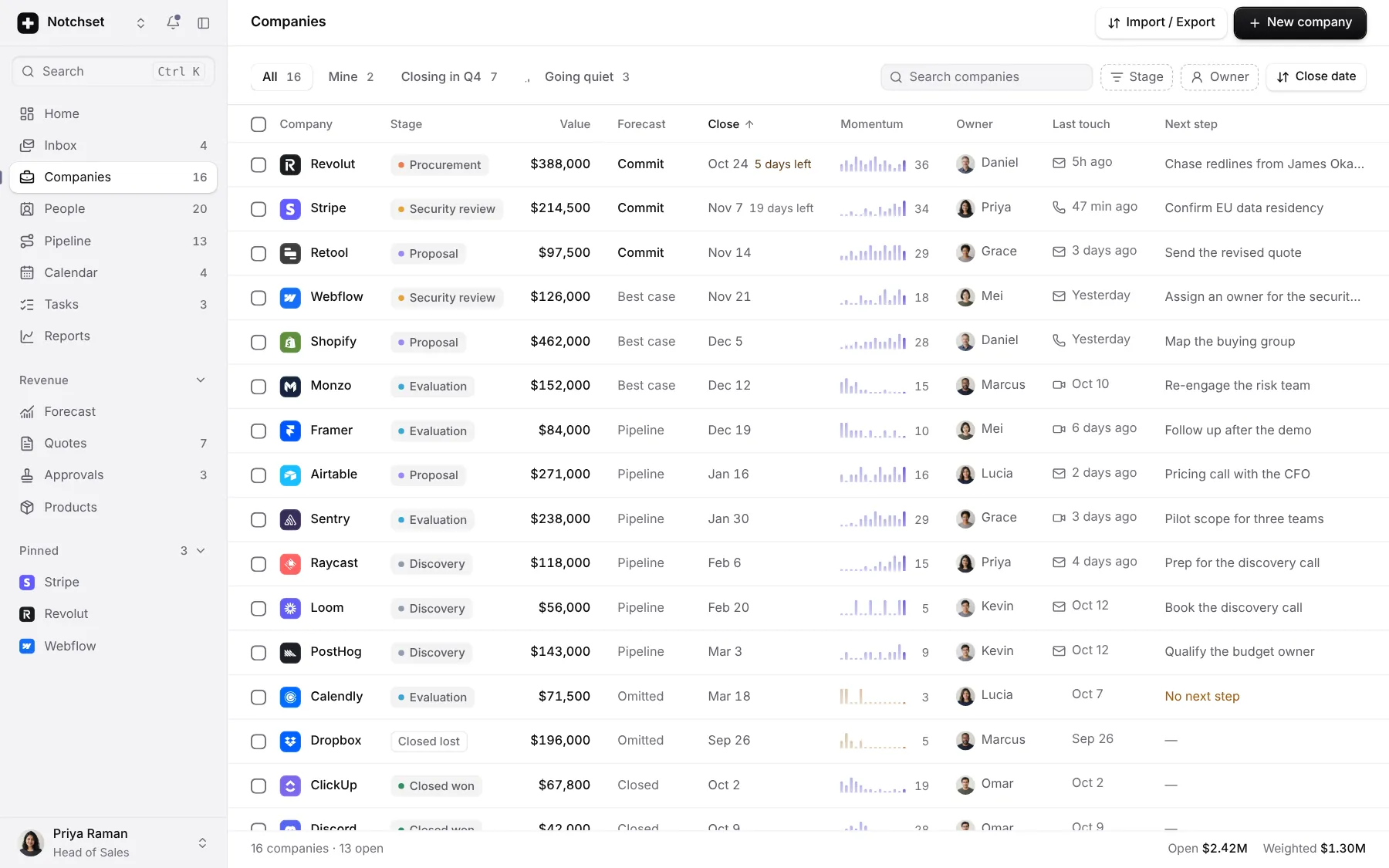
CompaniesMomentum per account
 Open live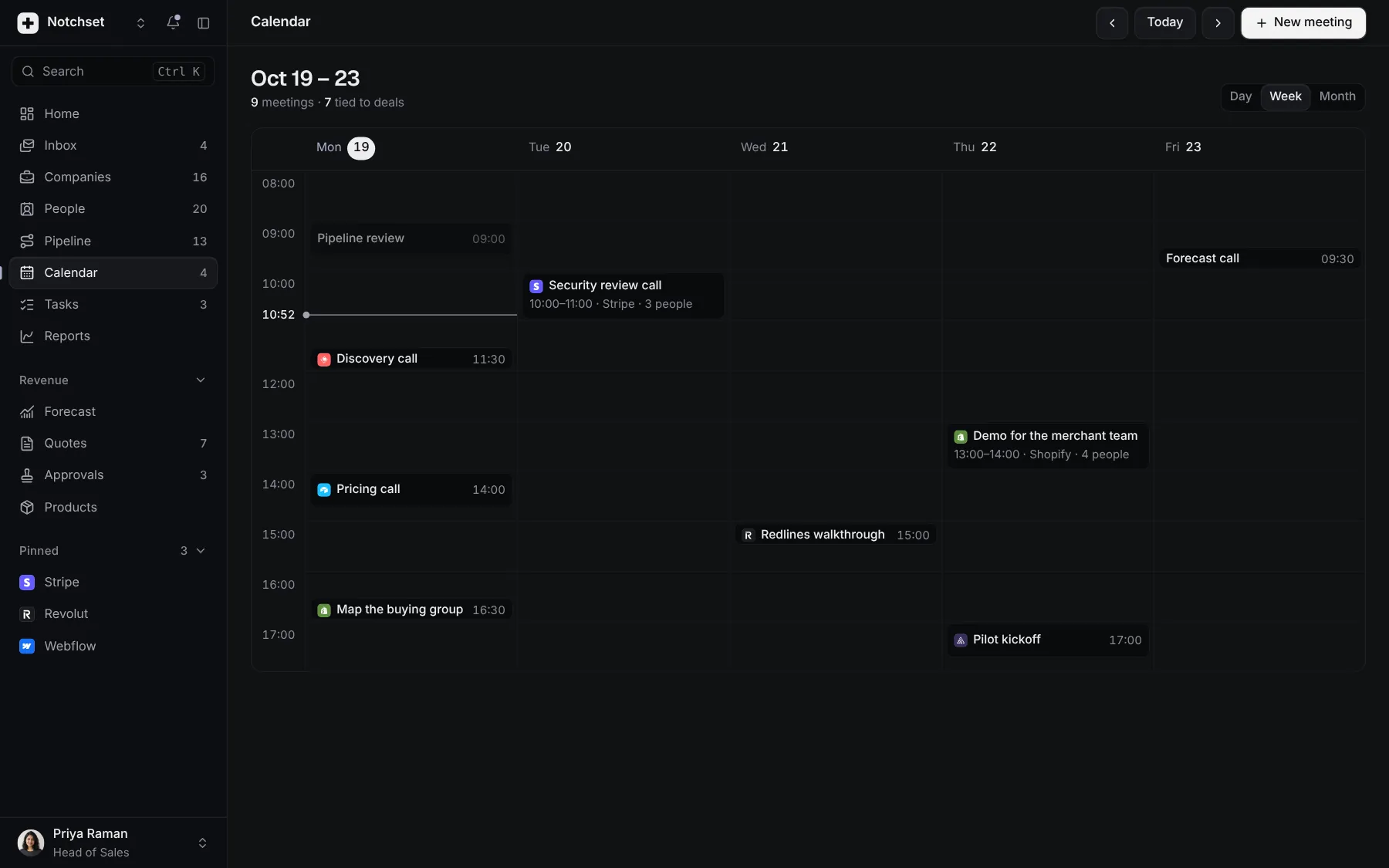
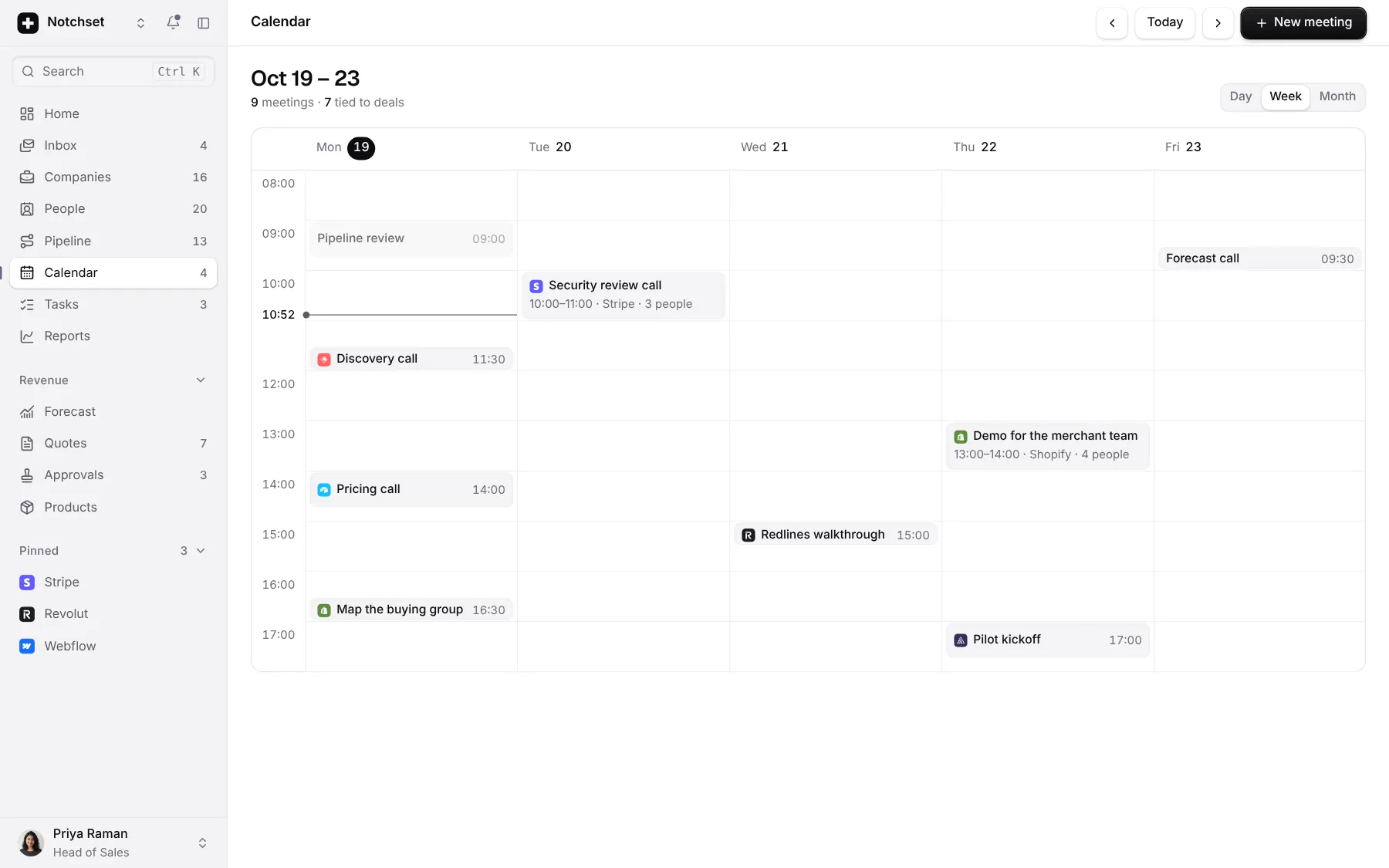
CalendarWeek, month, agenda
Built from
Works with
- React 18.3 & 19
- Tailwind v4
- shadcn/ui
- Base UI
- Radix
Install.
One command brings the app and everything it’s made of into your repo, as source you own.
01 · Add it
With the shadcn CLI
npx shadcn@latest add @notchset-pro/crmOnce your key is set up (Pro setup). Updates arrive the same way.
02 · Mount it
Point it at your data
import { CrmApp } from "@/components/ui/notchset/templates/crm/app";

export default function Page() {
  return <CrmApp />; // demo data until you pass an adapter
}
Recipes.
The changes everyone makes, end to end. In the template’s README too.
Change the brand
The accent, the corners and the chart: every page follows.
/* globals.css, light and dark */
--ring: #6d5bd0;
--radius: 0.5rem;
--chart-series: #6d5bd0;
Rename an object
Navigation, titles, dialogs, empty states and ⌘K follow.
// templates/crm/config.ts
objects: {
  company: "Account",
  companies: "Accounts",
}
Connect your API
One adapter. Undo, optimistic saves and offline stay in the store.
<CrmApp adapter={httpAdapter(
  "https://api.example.com"
)} />
// or your own CrmAdapter: load, then one
// call per write (createDeal, moveDeal…)
What to try first.
Six things that show the care. Do them in the frame above, or full screen.
- Move a dealDrag a card to the next stage. The totals and the forecast follow.
- Take it backEvery change offers Undo, and puts things back exactly as they were.
- Lose one gracefullyMark a deal lost and say why. The reason lands in the report.
- Press ⌘KType two letters and you're there, on any page.
- Go offlineType anyway. Nothing is lost, and it says what's waiting.
- Open it on a phoneEvery page has its own phone layout, not a shrunk desktop.