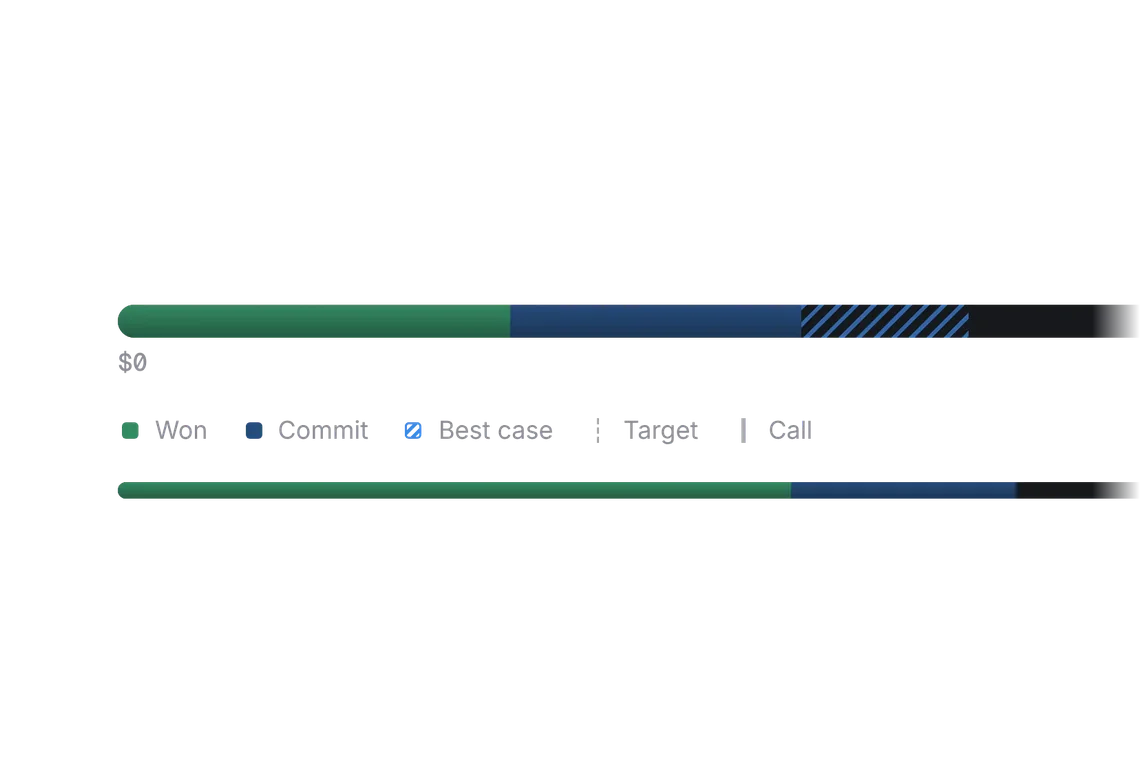
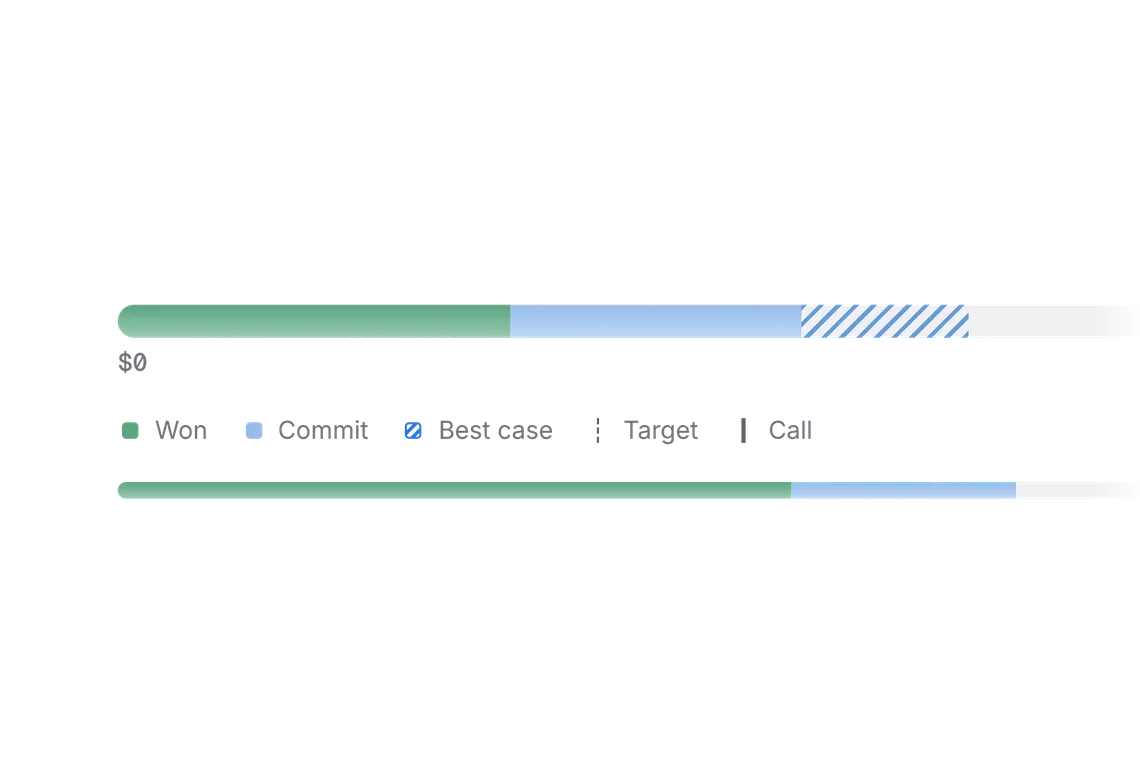
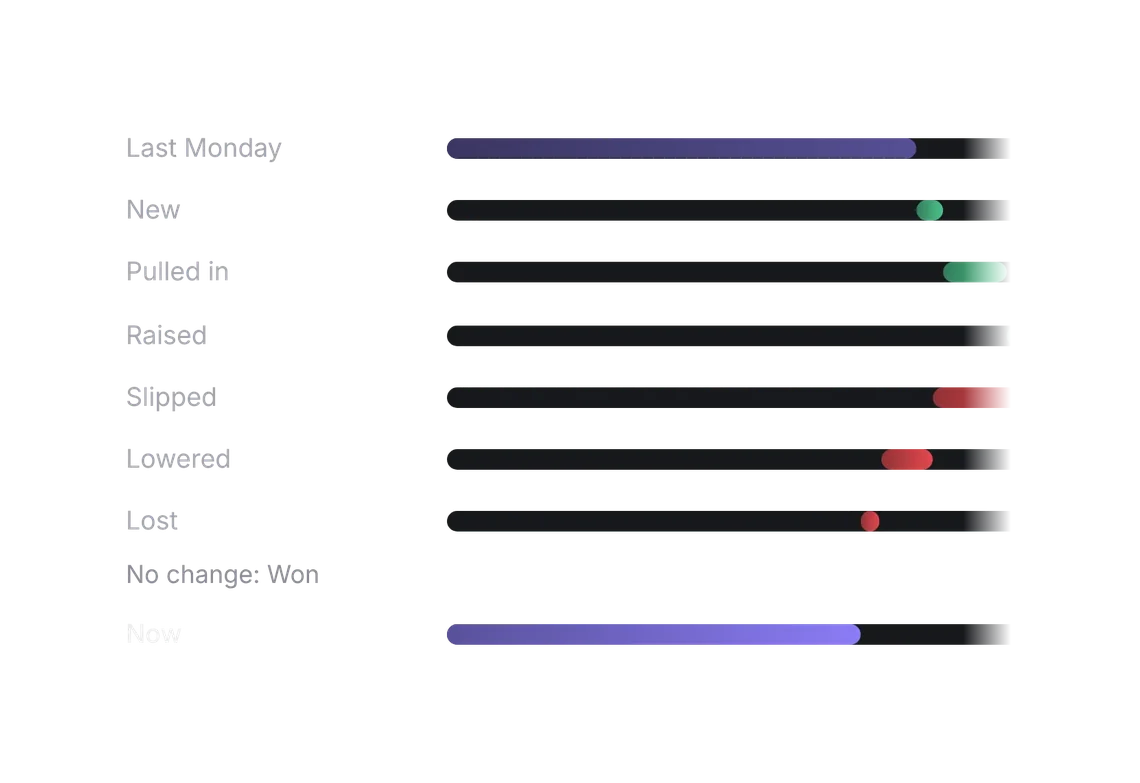
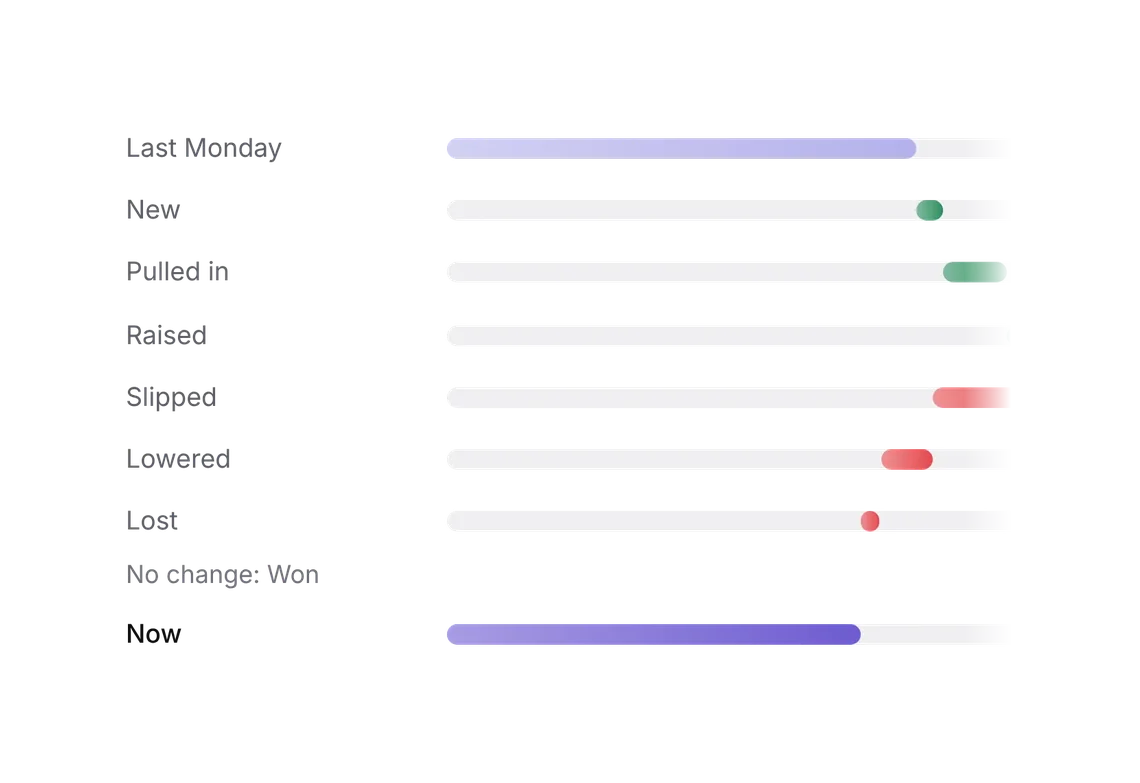
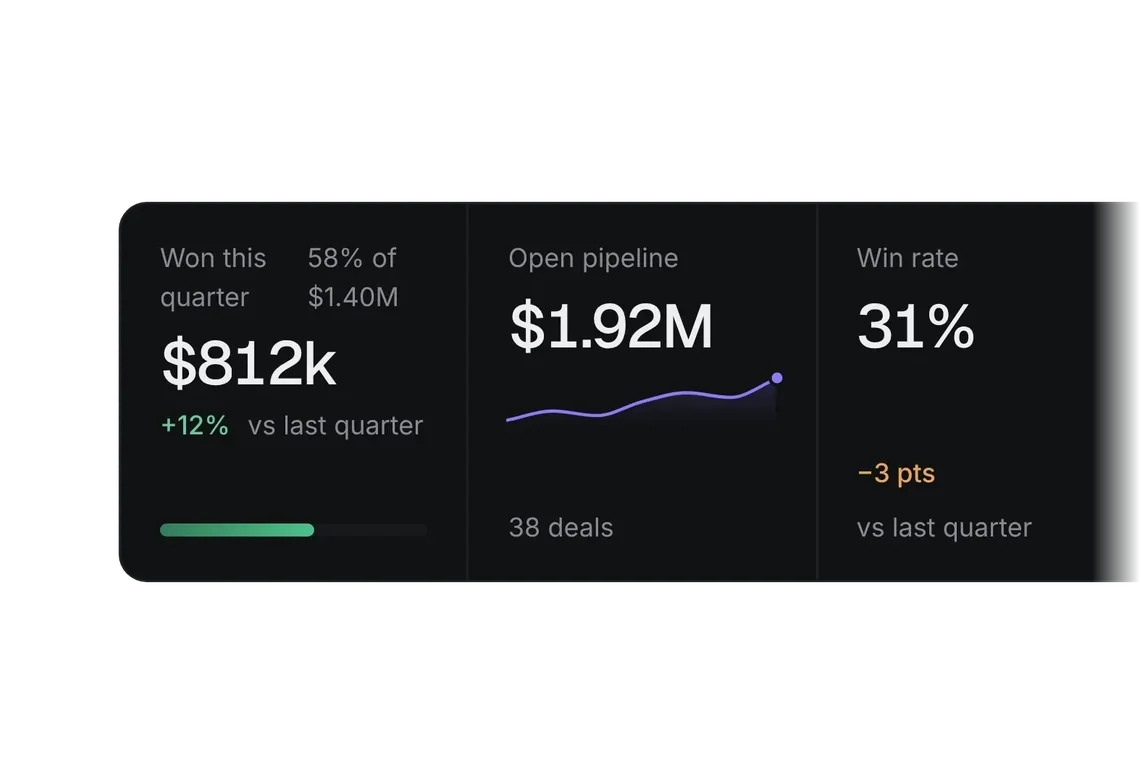
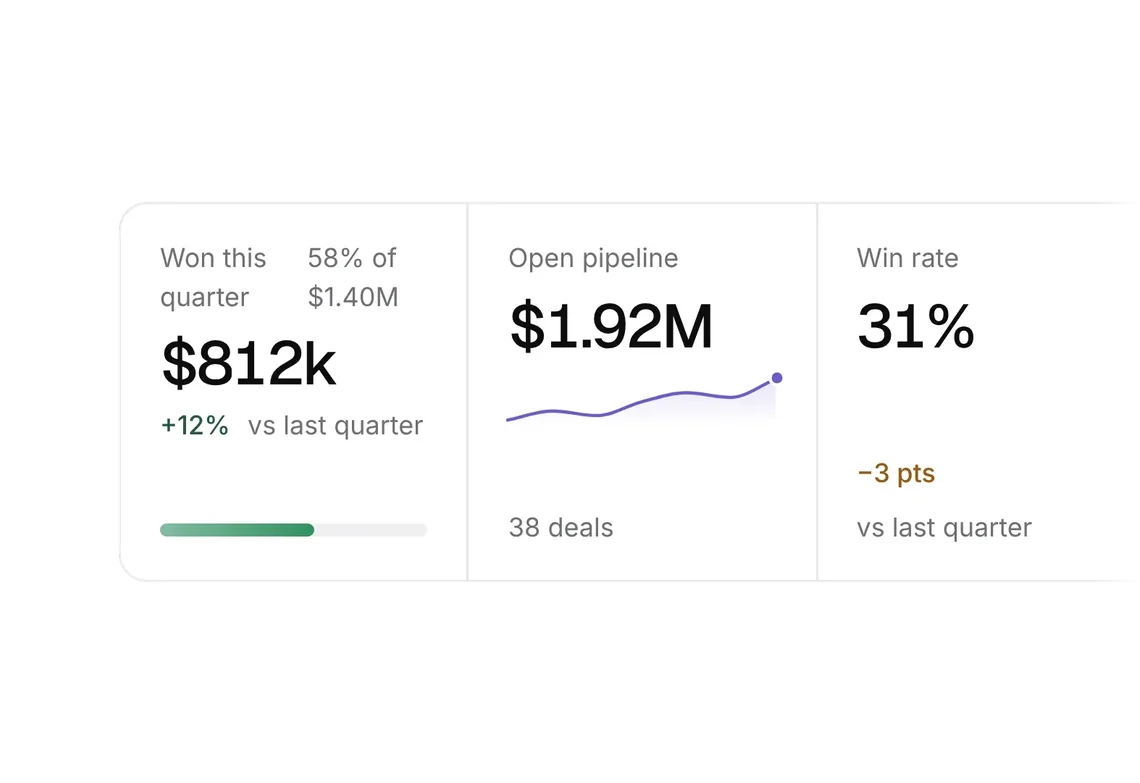
Cumulative chart and bar list
PROOne measure adding up over a period, against a goal.
Every shadcn style · one file
v2.1 · Updated Oct 21Live preview
pnpm dlx shadcn@latest add @notchset-pro/cumulative-chartInstallation
pnpm dlx shadcn@latest add @notchset-pro/cumulative-chartNeeds your registry key. Every components.json style gets the same files.
Works with React 18.3 or 19 on Tailwind CSS v4, in any shadcn project. What's tested
Styles didn't apply?
The CLI adds the styles to the CSS file named in components.json (tailwind.css). Check that it points at your global stylesheet, that the project uses Tailwind CSS v4, and that the file is imported in your root layout. Installed by hand: paste styles.css into that file.
Usage
Import it and pass your content. The props that matter most are listed next.
Example
"use client";
import { BarList, CumulativeChart } from "@/components/ui/notchset/blocks/cumulative-chart";

/* [week, $k won to date] */
const WON: [number, number][] = [[0, 0], [1, 42], [2, 42], [3, 110], [4, 152], [5, 210], [6, 268]];
const PROJECTED: [number, number][] = [[6, 268], [8, 420], [10, 560], [12, 690]];
const TARGET: [number, number][] = [[0, 0], [12, 800]];

export default function CumulativeChartDemo() {
  return (
    <div className="flex w-full flex-col gap-6">
      <CumulativeChart
        label="Revenue won, cumulative by week, this quarter, against target"
        domain={[0, 12]}
        floor={800}
        format={(v) => `$${v}k`}
        stopLabel={(x) => `Week ${x + 1}`}
        ticks={["Oct 1", "Oct 15", "Nov 1", "Nov 15", "Dec 1", "Dec 15", "Dec 31"].map((label, i) => ({ x: i * 2, label }))}
        today={{ x: 6, label: "Today" }}
        series={[
          { key: "won", label: "Won to date", kind: "actual", points: WON },
          { key: "proj", label: "Projected from won + commit", kind: "projection", points: PROJECTED, endLabel: "Projected $690k" },
          { key: "target", label: "Target", kind: "comparison", points: TARGET, endLabel: "Target $800k" },
        ]}
      />
      <BarList
        className="max-w-md"
        rows={[
          { key: "1", label: "Discovery → Evaluation", pct: 62, figure: "62%" },
          { key: "2", label: "Evaluation → Proposal", pct: 48, figure: "48%" },
          { key: "3", label: "Proposal → Won", pct: 31, figure: "31%" },
        ]}
      />
      {/* split rows: each bar in two parts with a two-item key; the figure is the sum */}
      <BarList
        className="max-w-md"
        splitKey={["Won", "Open"]}
        rows={[
          { key: "in", label: "Inbound", pct: 100, figure: "$420k", split: { a: 180, b: 240, aFigure: "$180k", bFigure: "$240k" } },
          { key: "re", label: "Referral", pct: 62, figure: "$260k", split: { a: 150, b: 110, aFigure: "$150k", bFigure: "$110k" } },
          { key: "out", label: "Outbound", pct: 33, figure: "$140k", split: { a: 20, b: 120, aFigure: "$20k", bFigure: "$120k" } },
        ]}
        total={{ label: "Won + open", figure: "$820k" }}
      />
    </div>
  );
}
Anatomy
Built fromChart
Source
components/ui/notchset/blocks/cumulative-chart.tsx
This component is included with Pro.
Try the live preview above. Get Pro to install the source.
Props
domain–[number, number]The visible span in x units (week indices).
series–ChartSeries[]Required.
ticks–{ x: number; label: string }[]Required.
today–{ x: number; label: string }floor0numberAt least this high on the y axis (a goal you want in view).
format–(v: number) => stringRequired.
Show all 9 propsShow fewer
stopLabel–(x: number) => stringWhat the tooltip calls a stop ("Today, Oct 19", "Nov 5").
label–stringRequired.
notes[]{ x: number; label: string }[]steps worth explaining on what happened ("+$120k · Stripe won"), at their x; labelled above the plot
For coding agents
Give your coding assistant the Markdown guide instead of screenshots.
Where agents read it
- Guide for this component: https://notchset.dev/md/cumulative-chart.md
- Every component, for tools without MCP: /llms.txt
- MCP server:
https://notchset.dev/api/mcp(setup)
Changelog
v2.1.0 · 2026-10-21
Notes over big jumps, ahead and behind shading split at equal samples, one coordinate system below 280px, split rows in BarList (both parts written whole, wrapping in a narrow card), and bar fills that land at once under Reduced motion. The measured line is the series violet with its soft glow (InkLine); BarList fills take the chart family's finish (the series violet unless a row has its own colour, rounded, fading back toward their start, a row you point at glowing in its colour).
v2.0.0 · 2026-10-13
Released with the Notchset system.
Used in
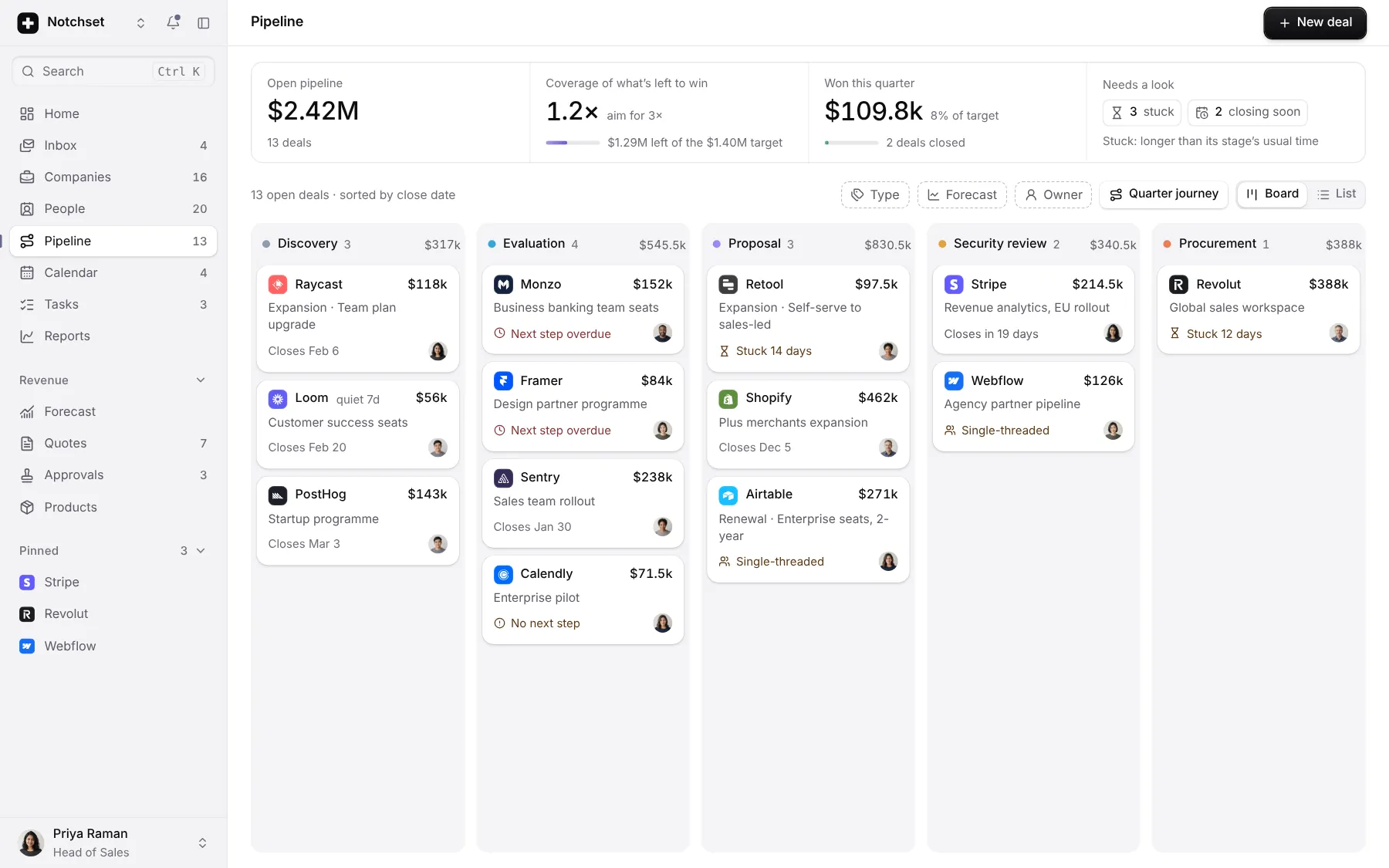
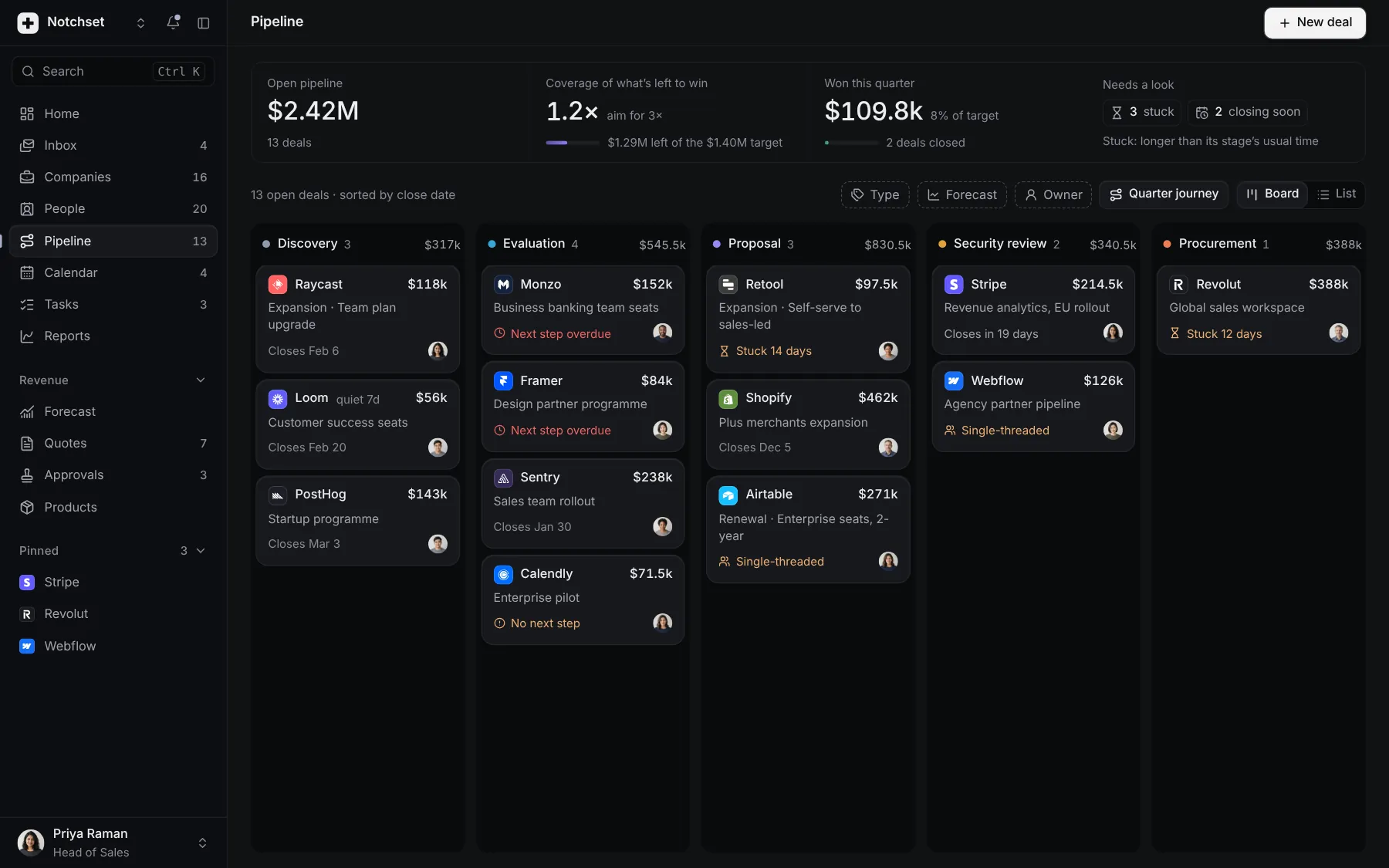
The same file, at work in a finished app. Open it live and find it on its pages.
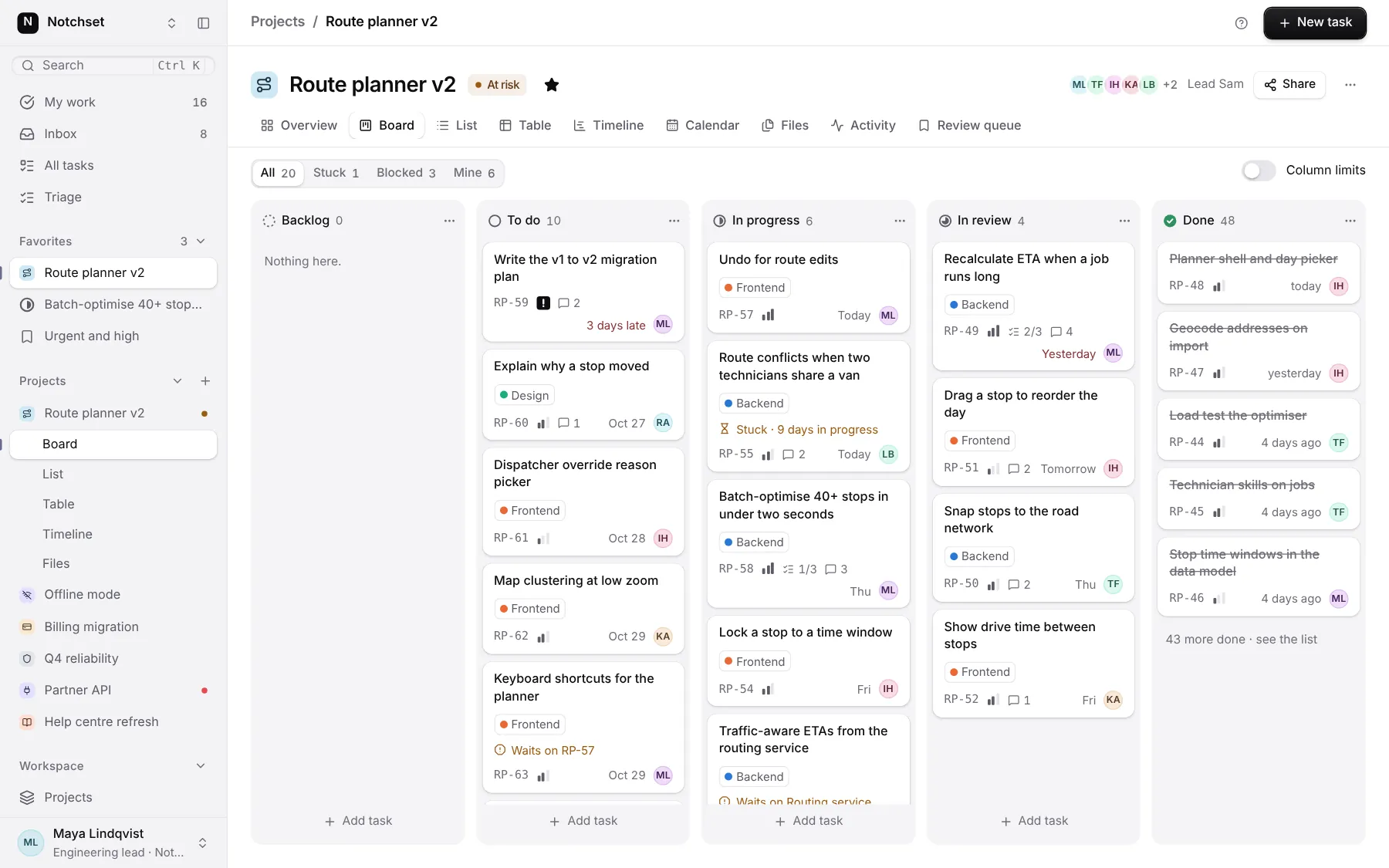
Part of a kit
Forecasts and reports. The figures a team runs on: forecast, attainment, what moved and why, with the number always written.
3 free · 6 ProSee the Forecasts and reports kit
Part of
Included with Pro
Pro is in early access.