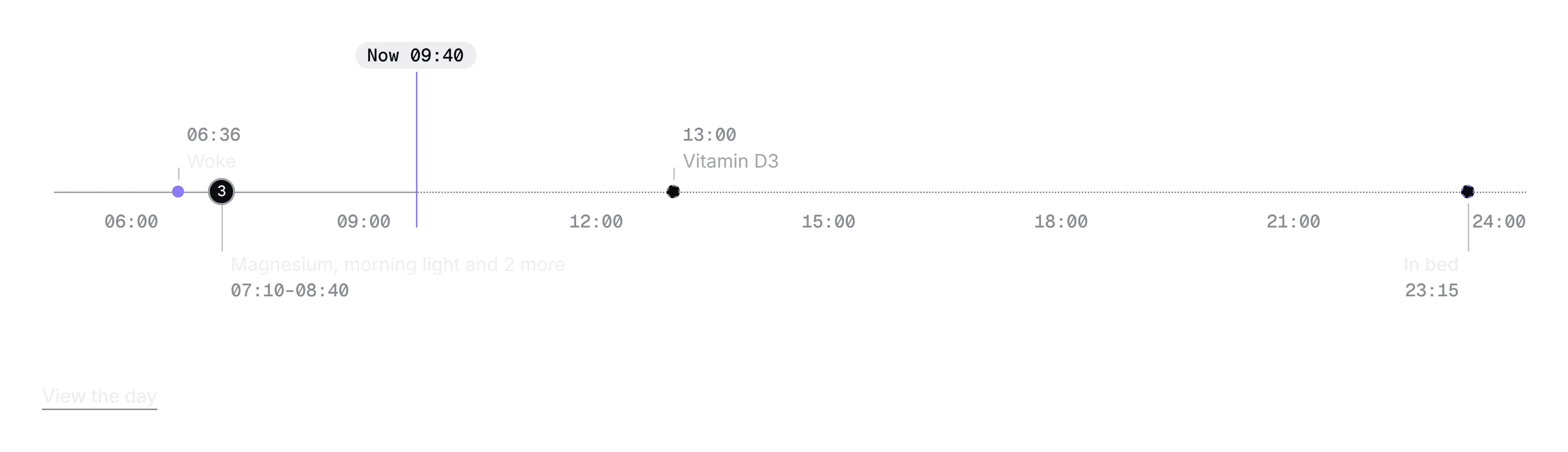
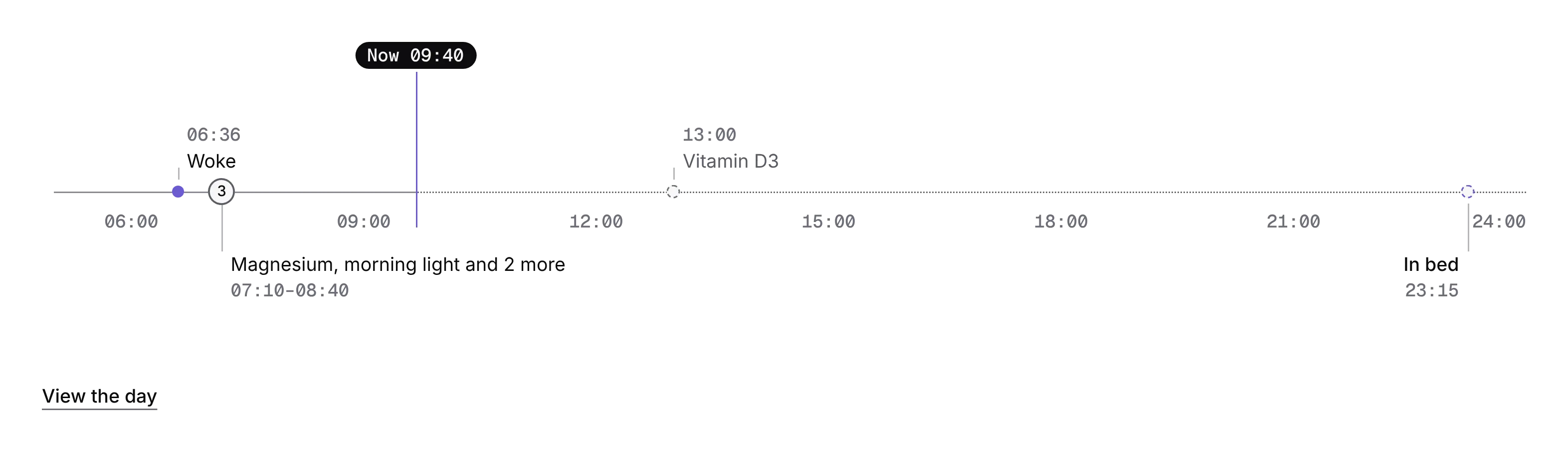
Metric card
PROOne measure today against your usual, in every state.
Every shadcn style · one file
v2.0 · Updated Oct 13Live preview
pnpm dlx shadcn@latest add @notchset-pro/metric-cardInstallation
pnpm dlx shadcn@latest add @notchset-pro/metric-cardNeeds your registry key. Every components.json style gets the same files.
Works with React 18.3 or 19 on Tailwind CSS v4, in any shadcn project. What's tested
Styles didn't apply?
The CLI adds the styles to the CSS file named in components.json (tailwind.css). Check that it points at your global stylesheet, that the project uses Tailwind CSS v4, and that the file is imported in your root layout. Installed by hand: paste styles.css into that file.
Usage
Import it and pass your content. The props that matter most are listed next.
Example
"use client";
import { MetricCard } from "@/components/ui/notchset/blocks/metric-card";

export default function MetricCardDemo() {
  return (
    <div className="grid max-w-[720px] grid-cols-[repeat(auto-fit,minmax(200px,1fr))] gap-3">
      <MetricCard title="HRV" value={61} unit="ms" baseline={{ low: 47, high: 55 }} source="Ring" at="7:02" sentence="Recovered well: above your usual." onOpen={() => {}} />
      <MetricCard title="Skin temperature" value={0.1} unit="°C" state="learning" learning={{ nights: 9, of: 14 }} source="Ring" at="7:02" />
      <MetricCard title="Blood pressure" value={117} unit="mmHg" baseline={{ low: 110, high: 122 }} state="stale" lastSynced="4 days ago" source="Cuff" onReconnect={() => {}} />
    </div>
  );
}
Anatomy
Source
components/ui/notchset/blocks/metric-card.tsx
This component is included with Pro.
Try the live preview above. Get Pro to install the source.
Props
title–stringRequired.
value–number | nullRequired.
unit–stringRequired.
baseline–{ low: number; high: number; nights?: number | undefined } | nullyour usual range (from the engine's baseline), once learned
state"ready"MetricCardStatelearning–{ nights: number; of?: number | undefined }while learning: nights so far and nights needed
Show all 22 propsShow fewer
syncing–stringwhile syncing: what's done ("3 of 9 nights")
lastSynced–stringwhen stale: how long ago it last synced, in words
source–stringwhat measured it, and when: "Ring", "7:02"
at–stringsentence–React.ReactNodeone sentence of meaning
format(n) => formatReading(n)(n: number) => stringonOpen–() => voidonConnect–() => voidonReconnect–() => voidhero–booleanthe value at the display size, with room for one more figure under it
better"in-range"Betterwhich way is better for this measure, so "Above your usual" HRV reads as good news and resting heart rate as one to watch
flat–booleandrawn flat, inside a surface it shares with others (split by hairlines), not as a card of its own
hue–1 | 2 | 3 | 4 | 5 | 6its identity hue (a body system's category hue, 1–6): the tile is lit by its mesh
delta–{ value: string; tone: "ok" | "bad" | "neutral"; against?: string | undefined }how far today sits from your usual, as a chip beside the number ("+6 vs your usual")
under–React.ReactNodea figure under the number, before the tile's one visual (the ruler)
trace–[string, React.ReactNode][]the slip its provenance line opens ("Numbers you can trace"): rows of what and words
For coding agents
Give your coding assistant the Markdown guide instead of screenshots.
Where agents read it
- Guide for this component: https://notchset.dev/md/metric-card.md
- Every component, for tools without MCP: /llms.txt
- MCP server:
https://notchset.dev/api/mcp(setup)
Changelog
v2.0.0 · 2026-10-13
Released with the Notchset system.
Used in
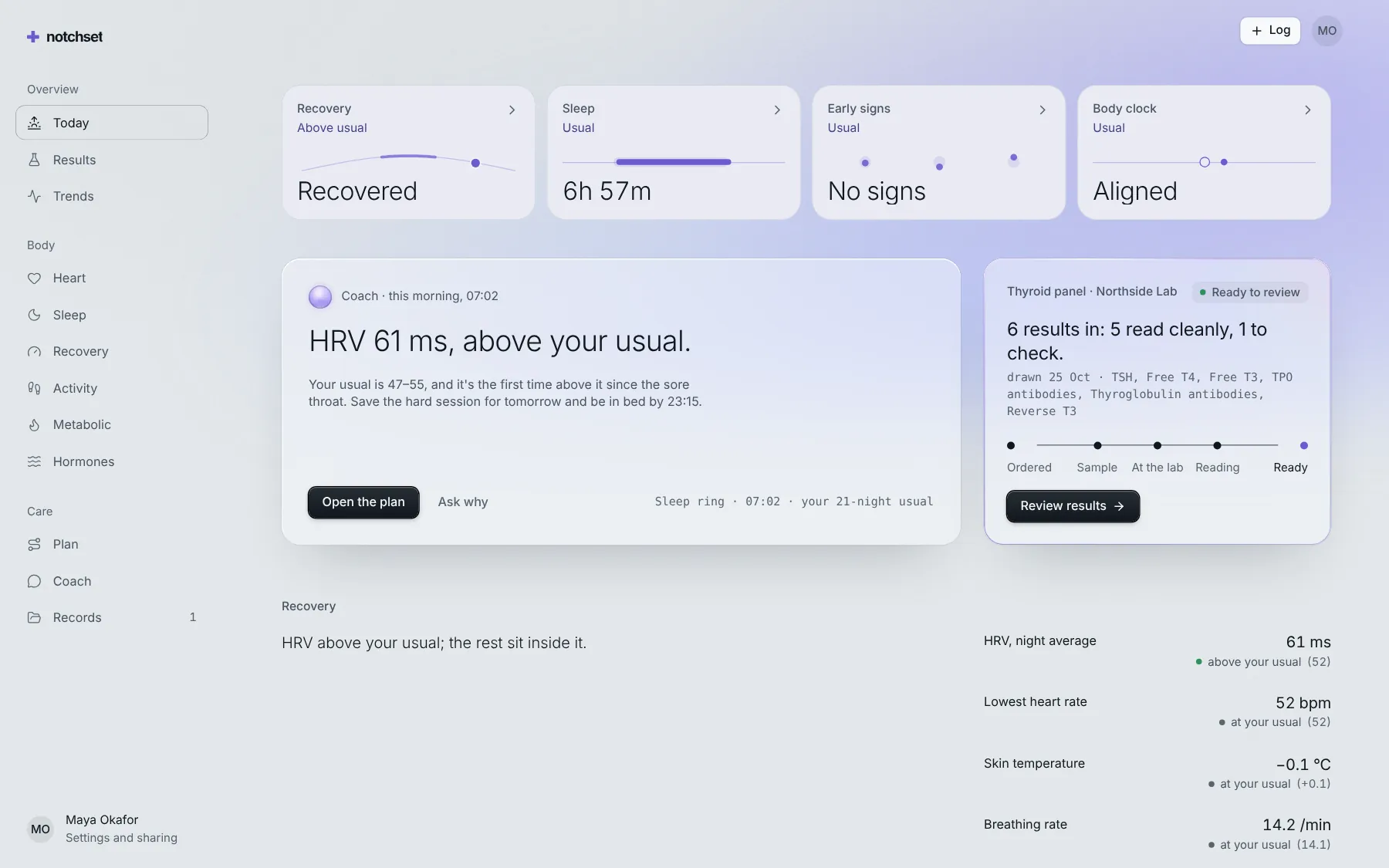
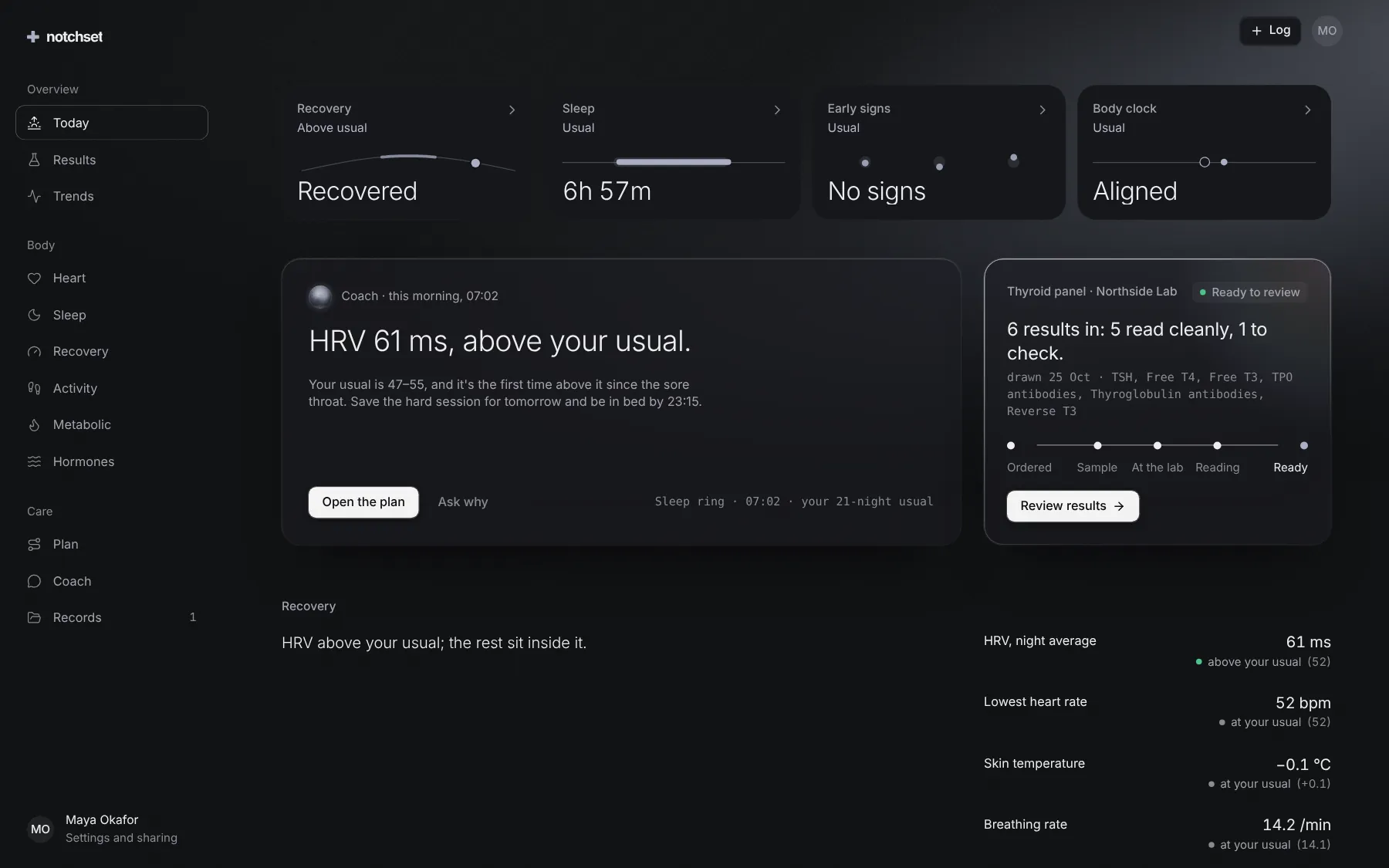
The same file, at work in a finished app. Open it live and find it on its pages.
Part of a kit
Wearables and trends. Connect a device, trust what it reports, and read any metric from Day to YTD with what drove it.
4 free · 4 ProSee the Wearables and trends kit
Part of
Included with Pro
Pro is in early access.