Flow journey
PROHow one number becomes another, step by step, with what left on the way.
Every shadcn style · one file
v2.1 · Updated Oct 21Live preview
pnpm dlx shadcn@latest add @notchset-pro/flow-journeyInstallation
pnpm dlx shadcn@latest add @notchset-pro/flow-journeyNeeds your registry key. Every components.json style gets the same files.
Works with React 18.3 or 19 on Tailwind CSS v4, in any shadcn project. What's tested
Styles didn't apply?
The CLI adds the styles to the CSS file named in components.json (tailwind.css). Check that it points at your global stylesheet, that the project uses Tailwind CSS v4, and that the file is imported in your root layout. Installed by hand: paste styles.css into that file.
Usage
Import it and pass your content. The props that matter most are listed next.
Example
"use client";
import * as React from "react";
import { FlowJourney } from "@/components/ui/notchset/blocks/flow-journey";

const money = (v: number) => `$${v >= 1000 ? `${(v / 1000).toFixed(v >= 10000 ? 0 : 1)}M` : `${v}k`}`;

/* the deals opened this quarter ($k), from opened to won, with what left on the way; pick a step to name it */
export default function FlowJourneyDemo() {
  const [pick, setPick] = React.useState<string | null>(null);
  const words: Record<string, string> = { opened: "24 deals opened", lost: "5 lost", slipped: "3 slipped past the quarter", inPlay: "16 still this quarter", open: "9 still open", won: "7 won" };
  return (
    <div className="flex w-full max-w-[760px] flex-col gap-3">
      <FlowJourney
        label="Deals opened this quarter, from opened to won"
        format={money}
        selected={pick}
        onSelect={setPick}
        openWords="show its deals"
        stages={[
          { key: "opened", label: "Opened", value: 1840, note: "24 deals" },
          { key: "inPlay", label: "Still this quarter", value: 1220, note: "16 deals" },
          { key: "won", label: "Won", value: 560, note: "7 deals" },
        ]}
        branches={[
          { key: "lost", after: 0, label: "Lost", value: 410, dir: "out", tone: "bad", note: "5 deals" },
          { key: "slipped", after: 0, label: "Slipped", value: 210, dir: "out", note: "3 deals" },
          { key: "open", after: 1, label: "Still open", value: 660, dir: "out", note: "9 deals" },
        ]}
      />
      <p className="m-0 min-h-5 text-[length:var(--ns-text-small)] text-[var(--ns-ink-2)]" aria-live="polite">
        {pick ? `Showing the ${words[pick]}.` : "Pick a step to see the records it counts."}
      </p>
    </div>
  );
}
Anatomy
Built fromRolling number
Source
components/ui/notchset/blocks/flow-journey.tsx
This component is included with Pro.
Try the live preview above. Get Pro to install the source.
Props
label–stringwhat the journey is, for its name and the screen reader
stages–FlowStage[]Required.
branches[]FlowBranch[]formatString(v: number) => stringselectednullstring | nullthe stage or branch picked (its key), whose records show beside it, or null
onSelect–(key: string | null) => voidpick a stage or branch (its key), or null to let go; without it the steps are not buttons
Show all 8 propsShow fewer
openWords"show them"stringwhat a press does, in words, for each button's name ("show them")
replaytrueboolean
For coding agents
Give your coding assistant the Markdown guide instead of screenshots.
Where agents read it
- Guide for this component: https://notchset.dev/md/flow-journey.md
- Every component, for tools without MCP: /llms.txt
- MCP server:
https://notchset.dev/api/mcp(setup)
Changelog
v2.1.0 · 2026-10-21
New: how one number becomes another, step by step, with what left on the way and a Replay; its figures roll when the journey changes.
v2.0.0 · 2026-10-13
Released with the Notchset system.
Used in
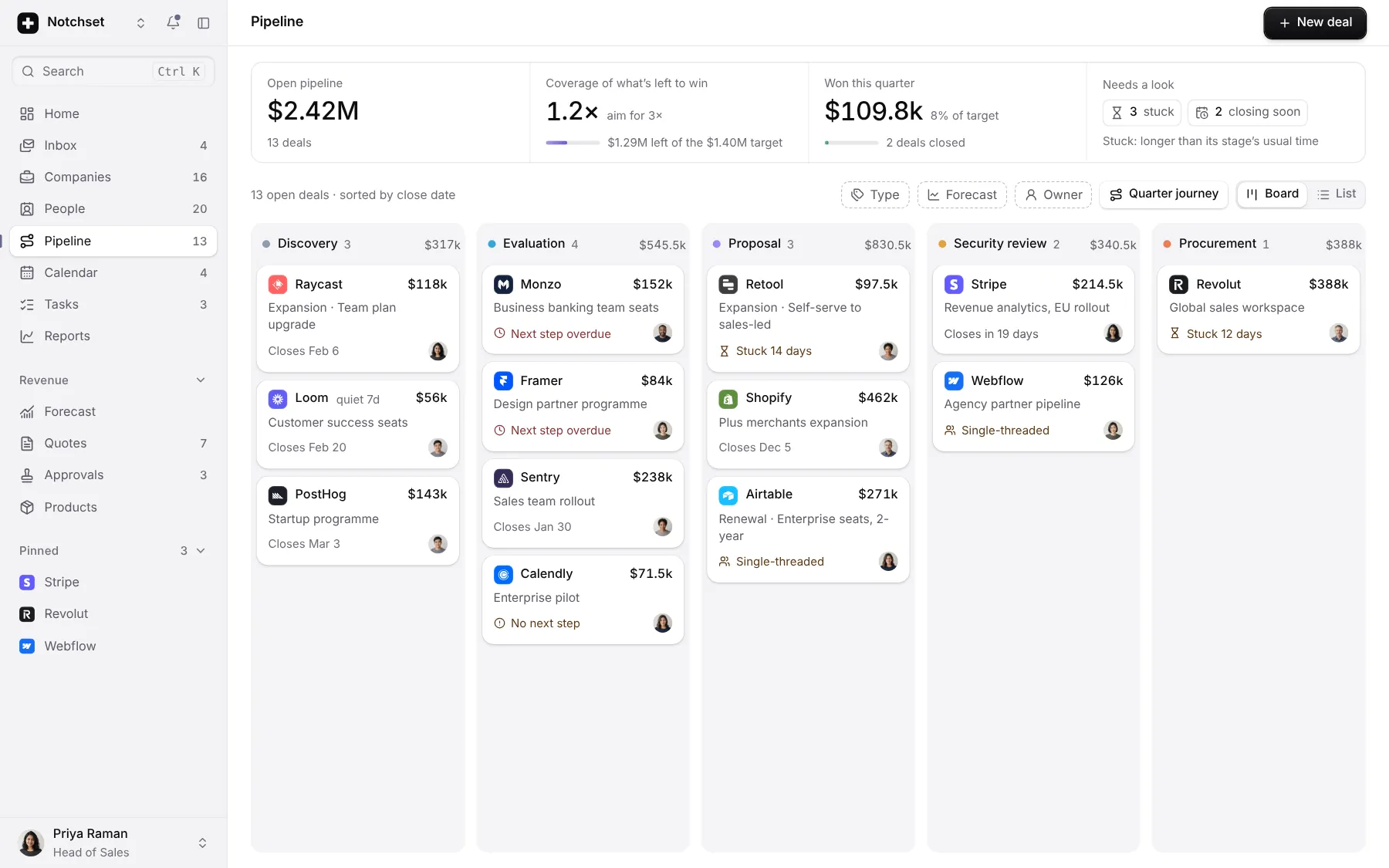
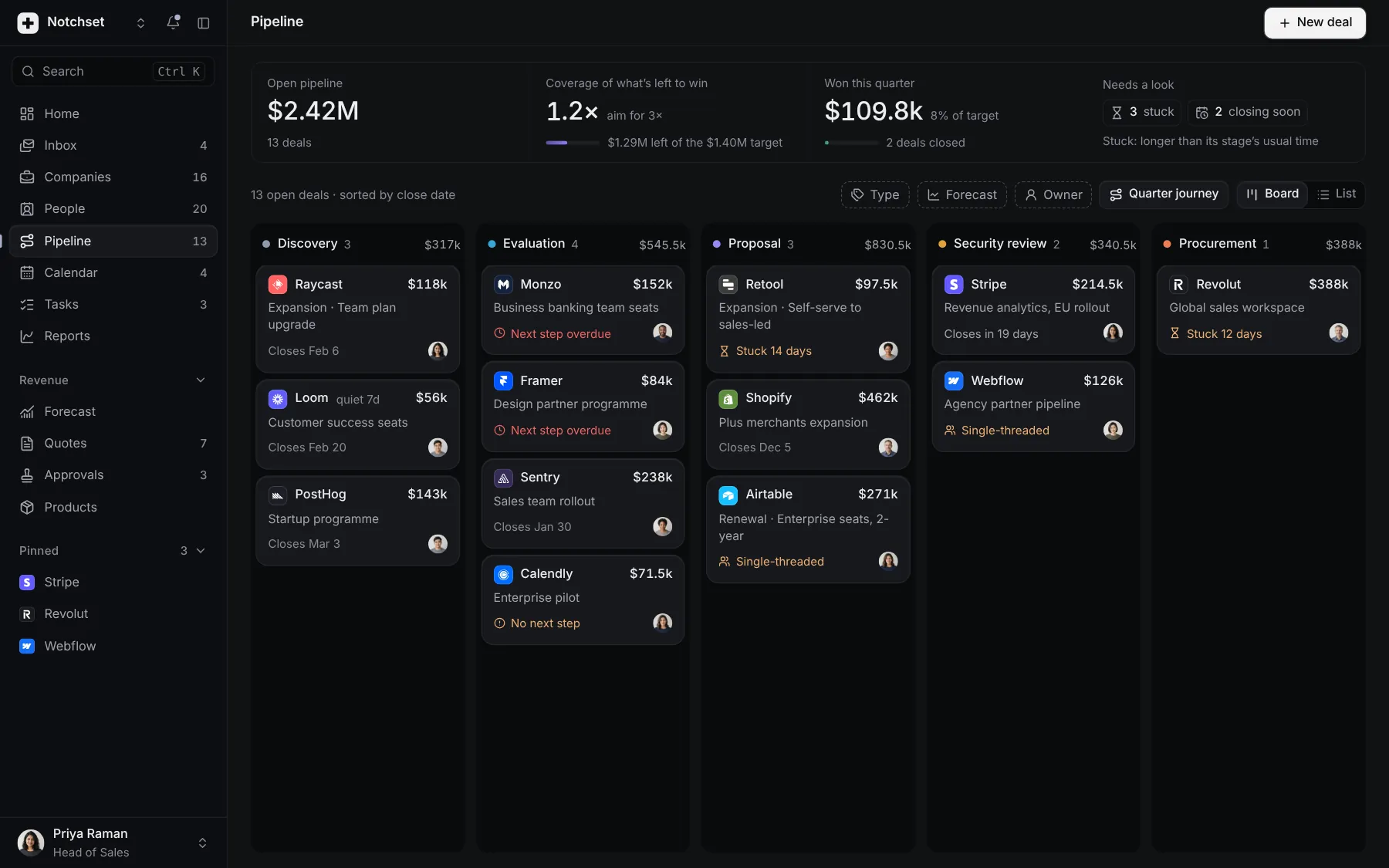
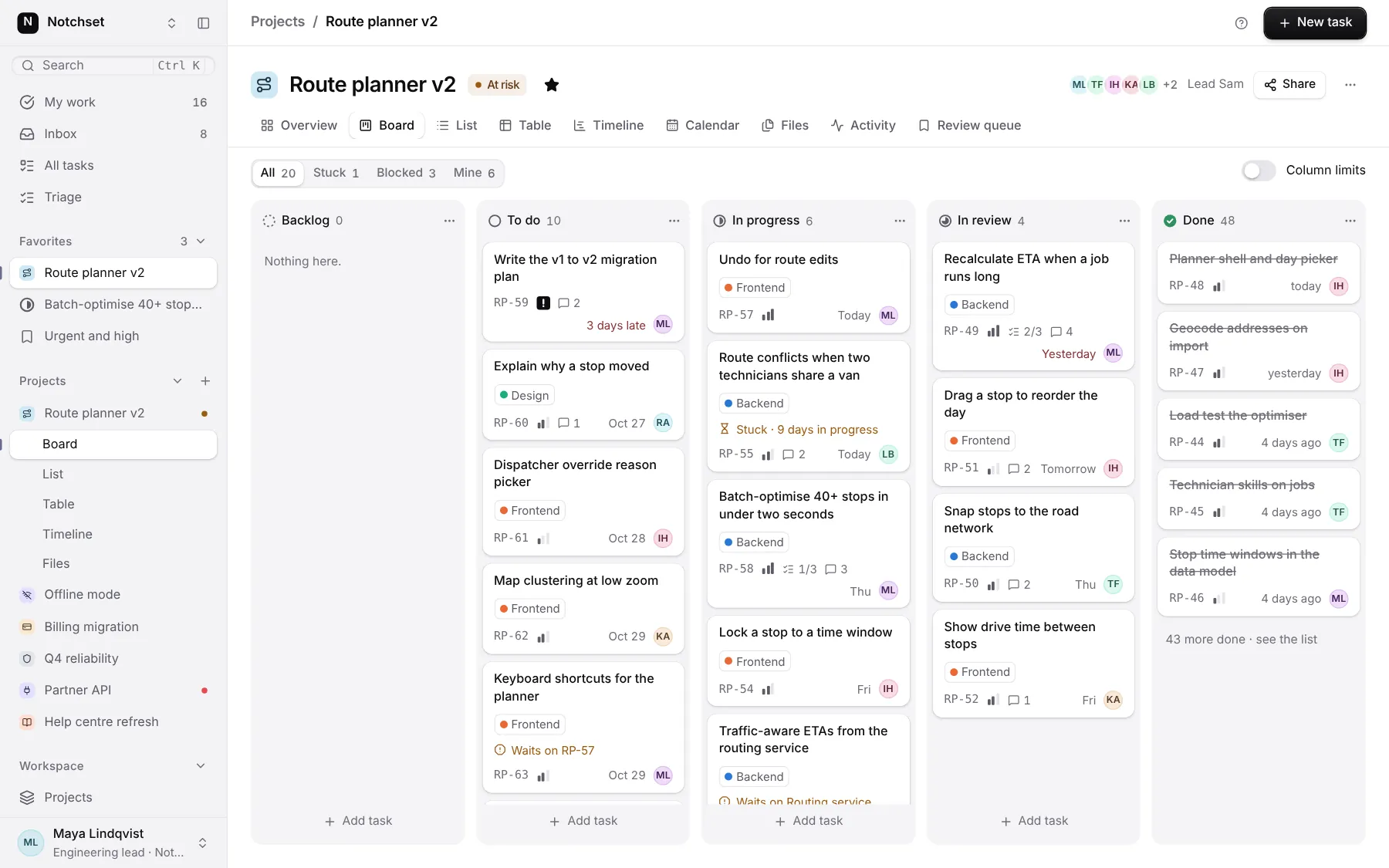
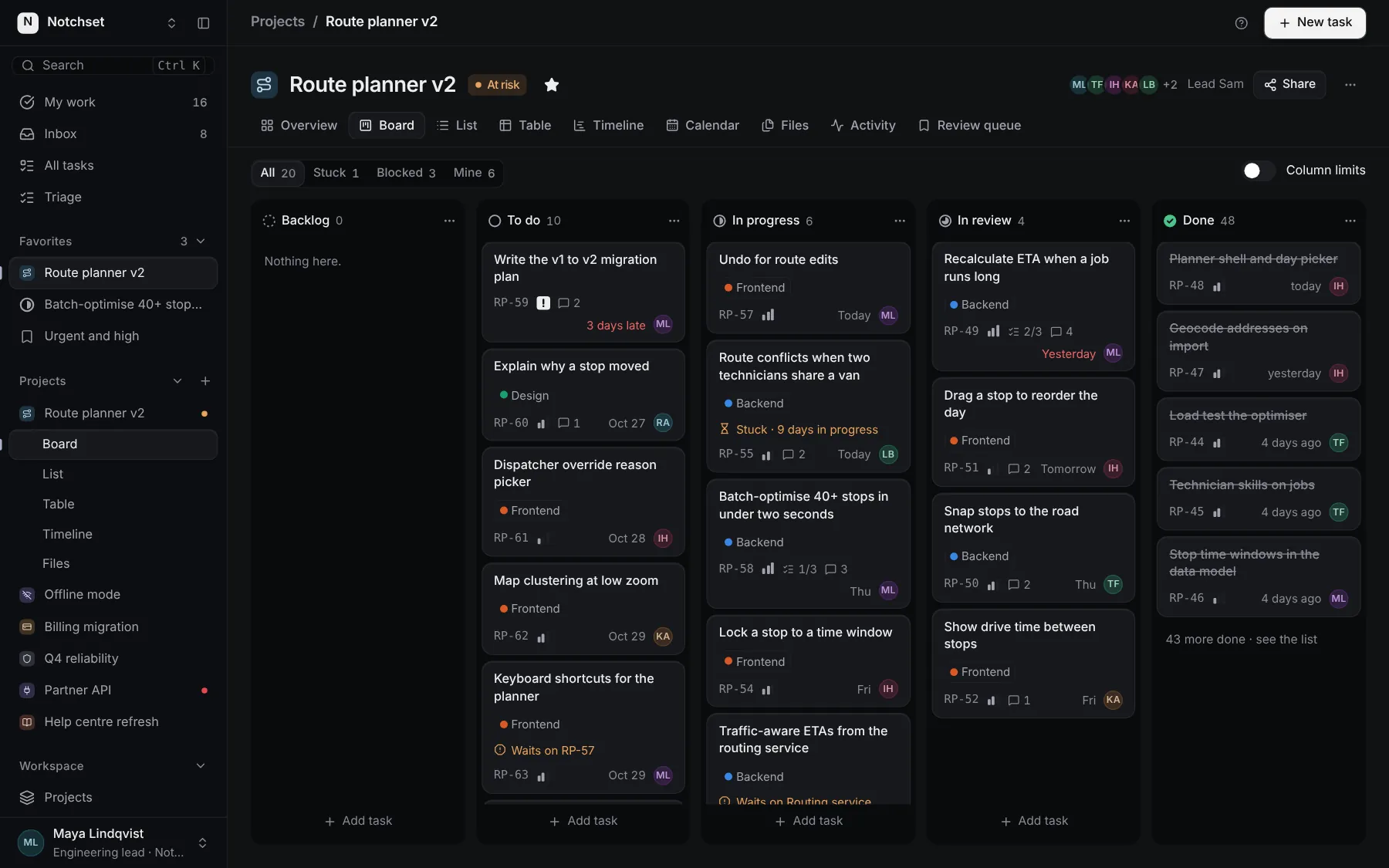
The same file, at work in a finished app. Open it live and find it on its pages.
Part of
Included with Pro
Pro is in early access.