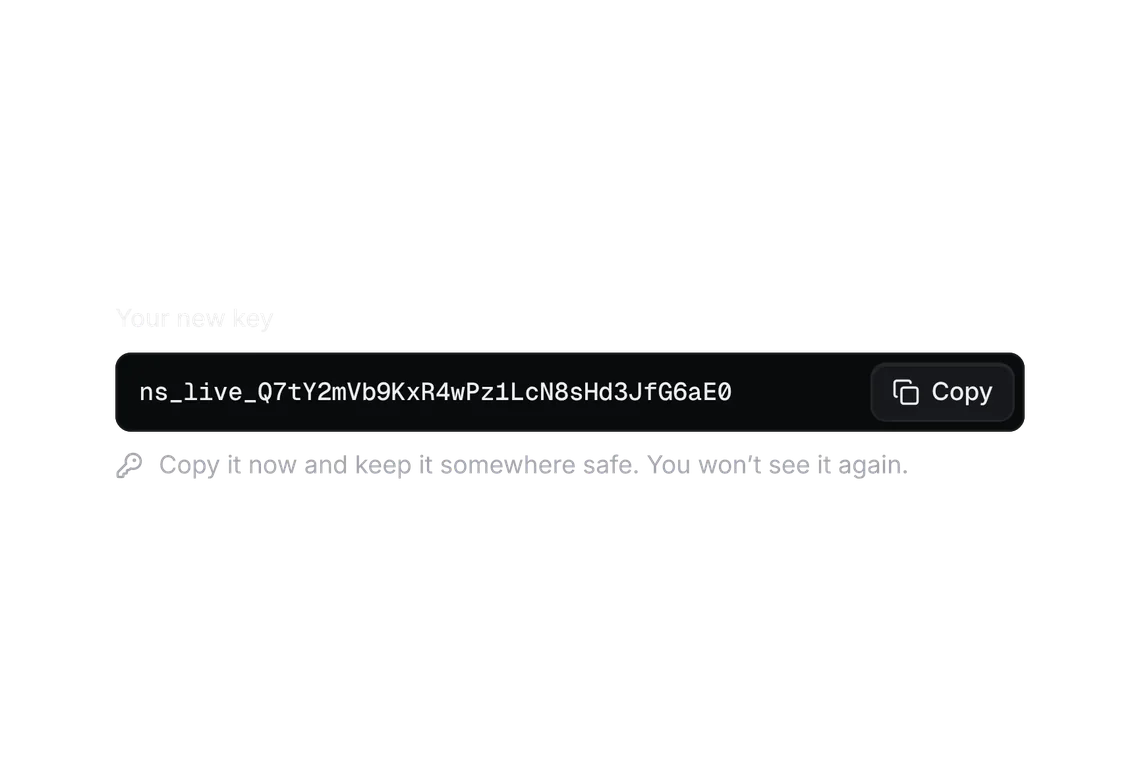
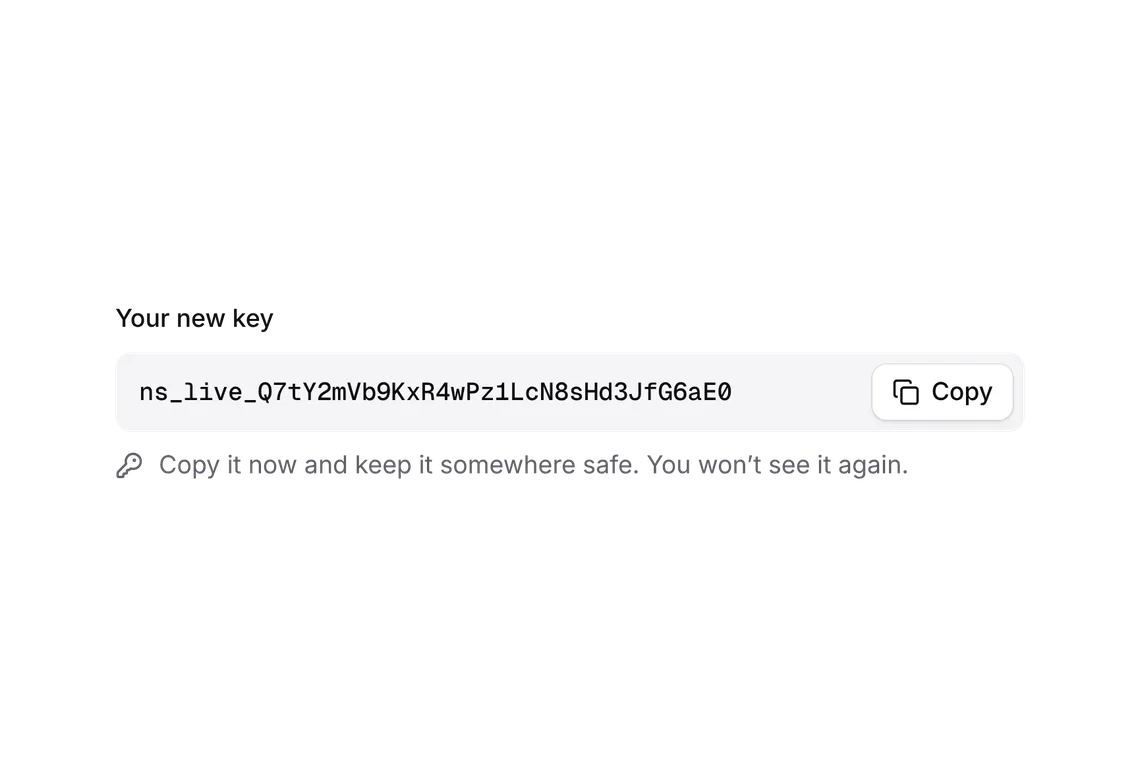
Sign in and onboarding step
FREEA link for anyone, a passkey for an account you have.
Every shadcn style · one file
v2.1 · Updated Oct 21Live preview
pnpm dlx shadcn@latest add https://notchset.dev/r/sign-in.jsonInstallation
pnpm dlx shadcn@latest add https://notchset.dev/r/sign-in.jsonFree, no account or key. One command for every shadcn style. With the @notchset registry added, @notchset/<name> works too.
Works with React 18.3 or 19 on Tailwind CSS v4, in any shadcn project. What's tested
Install by hand
- 1. Add the packages
pnpm add lucide-react@^1 - 2. Copy the files to these paths (the source, or save them all as a .zip)
- components/ui/notchset/blocks/sign-in.tsx
- 3. No stylesheet needed.
- 4. Install what it builds on first: shadcn's cn helper (lib/utils.ts, from npx shadcn init), the theme foundation (its tokens and base styles), Button, Rolling number, Spinner, Text field and text area
Styles didn't apply?
The CLI adds the styles to the CSS file named in components.json (tailwind.css). Check that it points at your global stylesheet, that the project uses Tailwind CSS v4, and that the file is imported in your root layout. Installed by hand: paste styles.css into that file.
Usage
Import it and pass your content. The props that matter most are listed next.
Example
"use client";
import * as React from "react";
import { OnboardingStep, SignIn, type SignInProvider, type SignInState } from "@/components/ui/notchset/blocks/sign-in";
import { TextField } from "@/components/ui/notchset/text-field";

/* the product's mark, at the top of the card */
const Logo = () => (
  <svg width="12" height="12" viewBox="28 28 44 44" fill="currentColor" aria-hidden>
    <path d="M30.5 43.5H69.5Q72 43.5 72 46V54Q72 56.5 69.5 56.5H30.5Q28 56.5 28 54V46Q28 43.5 30.5 43.5Z" />
    <path d="M46 28H54Q56.5 28 56.5 30.5V69.5Q56.5 72 54 72H46Q43.5 72 43.5 69.5V30.5Q43.5 28 46 28Z" />
  </svg>
);

const EMAIL = /^[^@\s]+@[^@\s]+\.[^@\s]+$/;

export default function SignInDemo() {
  const [state, setState] = React.useState<SignInState>("form");
  const [email, setEmail] = React.useState("maya@notchset.com");
  const [error, setError] = React.useState<string | null>(null);
  const [provider, setProvider] = React.useState<SignInProvider>();
  const [step, setStep] = React.useState(1);
  return (
    <div className="flex flex-wrap items-start justify-center gap-10">
      <SignIn
        state={state}
        email={email}
        onEmail={(v) => {
          setEmail(v);
          setError(null);
        }}
        error={error}
        logo={<Logo />}
        product="Notchset"
        onLink={() => (EMAIL.test(email) ? setState("sent") : setError("Use your work address, like you@company.com"))}
        onPasskey={() => setState("passkey")}
        provider={provider}
        onProvider={(p) => {
          setProvider(p);
          setState("provider");
        }}
        onResend={() => {}}
        onBack={() => setState("form")}
        onOpenLink={() => setState("form")}
      />
      {/* after the link: one question per screen */}
      <OnboardingStep
        step={step}
        of={2}
        title={step === 1 ? "Name your workspace" : "Invite your team"}
        hint="This is what your team sees."
        onBack={step > 1 ? () => setStep(1) : undefined}
        next={{ label: step === 1 ? "Continue" : "Open my workspace", onClick: () => setStep(step === 1 ? 2 : 1) }}
      >
        <TextField key={step} label={step === 1 ? "Workspace name" : "Emails"} defaultValue={step === 1 ? "Notchset" : ""} placeholder={step === 2 ? "tomas@notchset.com, ines@notchset.com" : undefined} />
      </OnboardingStep>
    </div>
  );
}
Anatomy
Source
components/ui/notchset/blocks/sign-in.tsx
Loading the code
Props
state–SignInStateRequired.
email–stringRequired.
onEmail–(v: string) => voidRequired.
error–string | nullonLink–() => voidRequired.
onPasskey–() => voidRequired.
Show all 16 propsShow fewer
onProvider–(p: SignInProvider) => voidContinue with a work account (Google, Microsoft) or the company's SSO; omit to offer email and passkey only.
provider–SignInProviderThe account being opened while the state is "provider".
onResend–() => voidRequired.
onBack–() => voidRequired.
onOpenLink–() => voidStands in for opening the email in a demo; a real app omits it.
logo–React.ReactNodeRequired.
product–stringRequired.
fine–React.ReactNodepersonal–booleanA personal account (a consumer app): "Email" not "Work email", and no single sign-on.
title–stringThe heading, when it isn't "Sign in to {product}" (e.g. "Create your account").
For coding agents
Give your coding assistant the Markdown guide instead of screenshots.
Where agents read it
- Guide for this component: https://notchset.dev/md/sign-in.md
- Every component, for tools without MCP: /llms.txt
- MCP server:
https://notchset.dev/api/mcp(setup)
Changelog
v2.1.0 · 2026-10-21
The link step says the sign-in link is on its way. Google, Microsoft and single sign-on beside email and a passkey (ProviderButtons, ProviderWait), and PasskeyWait; a wait's mark breathes in one soft violet ring. New AuthSplit and AuthGlimpse: at 960px and up the form keeps its width at the left and a glimpse of the workspace (one real figure rolling up once, its chart drawing in) fills the right, aria-hidden and inert with a one-line summary; under 960px the form stands alone.
v2.0.0 · 2026-10-13
Released with the Notchset system.
Used in
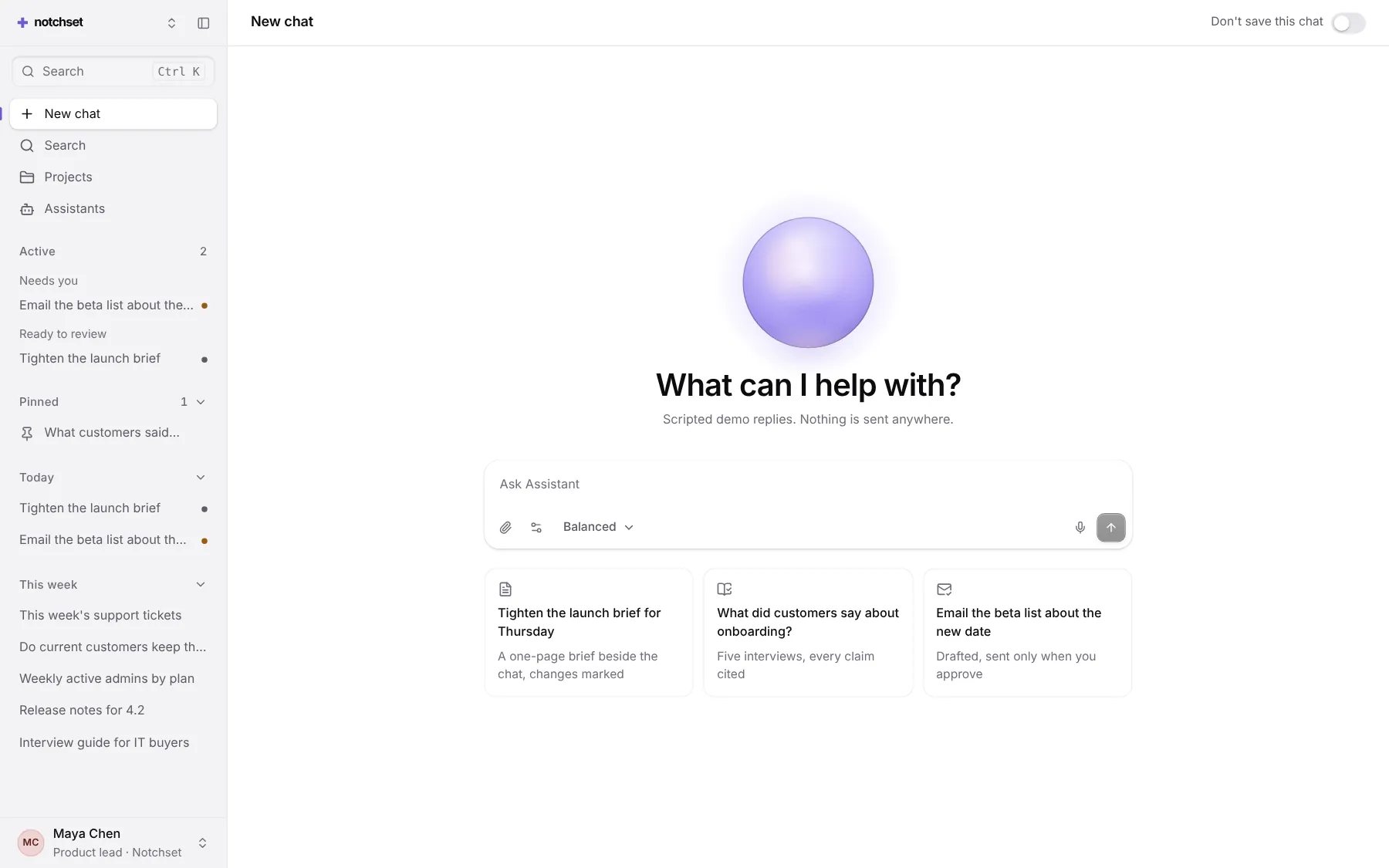
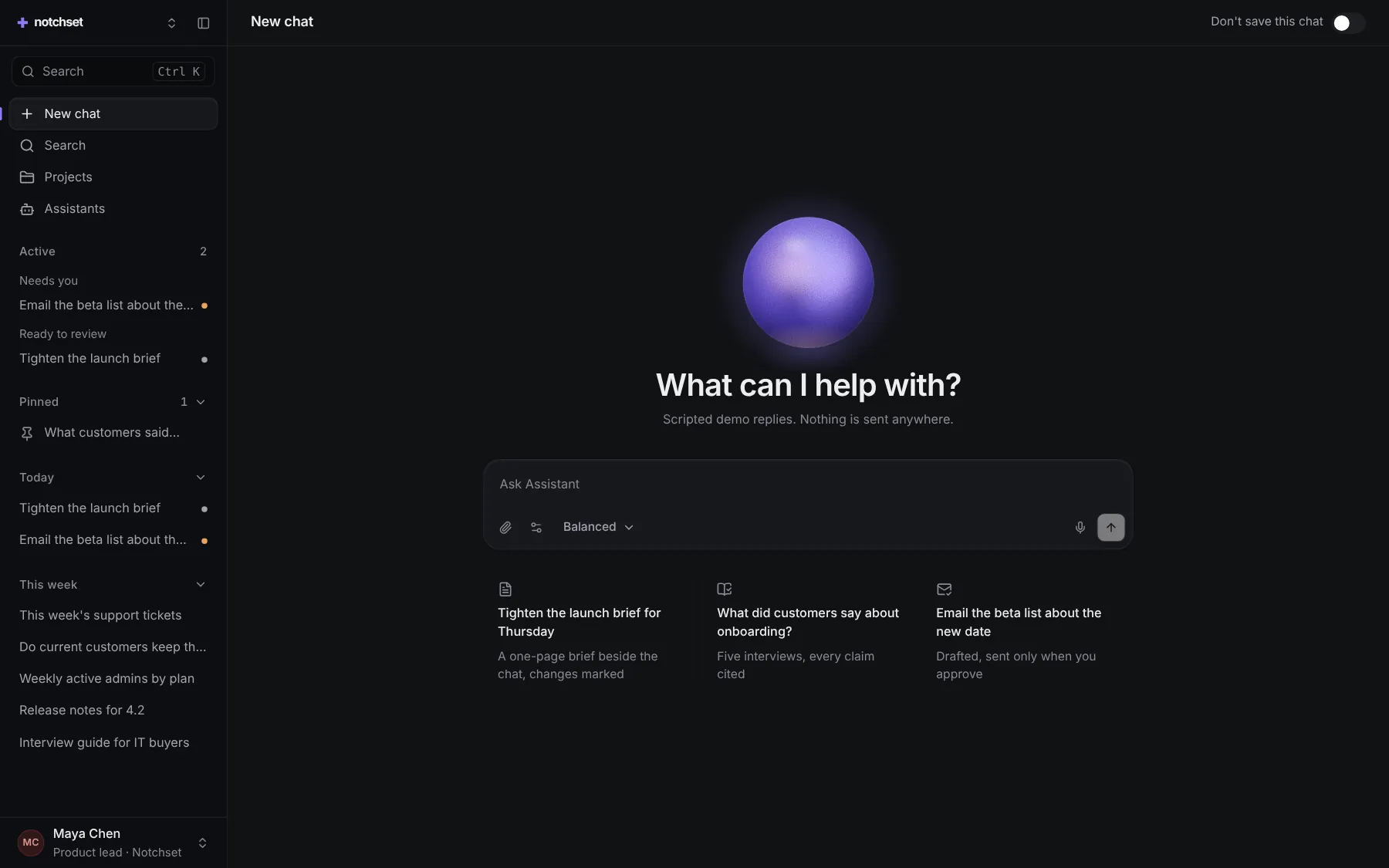
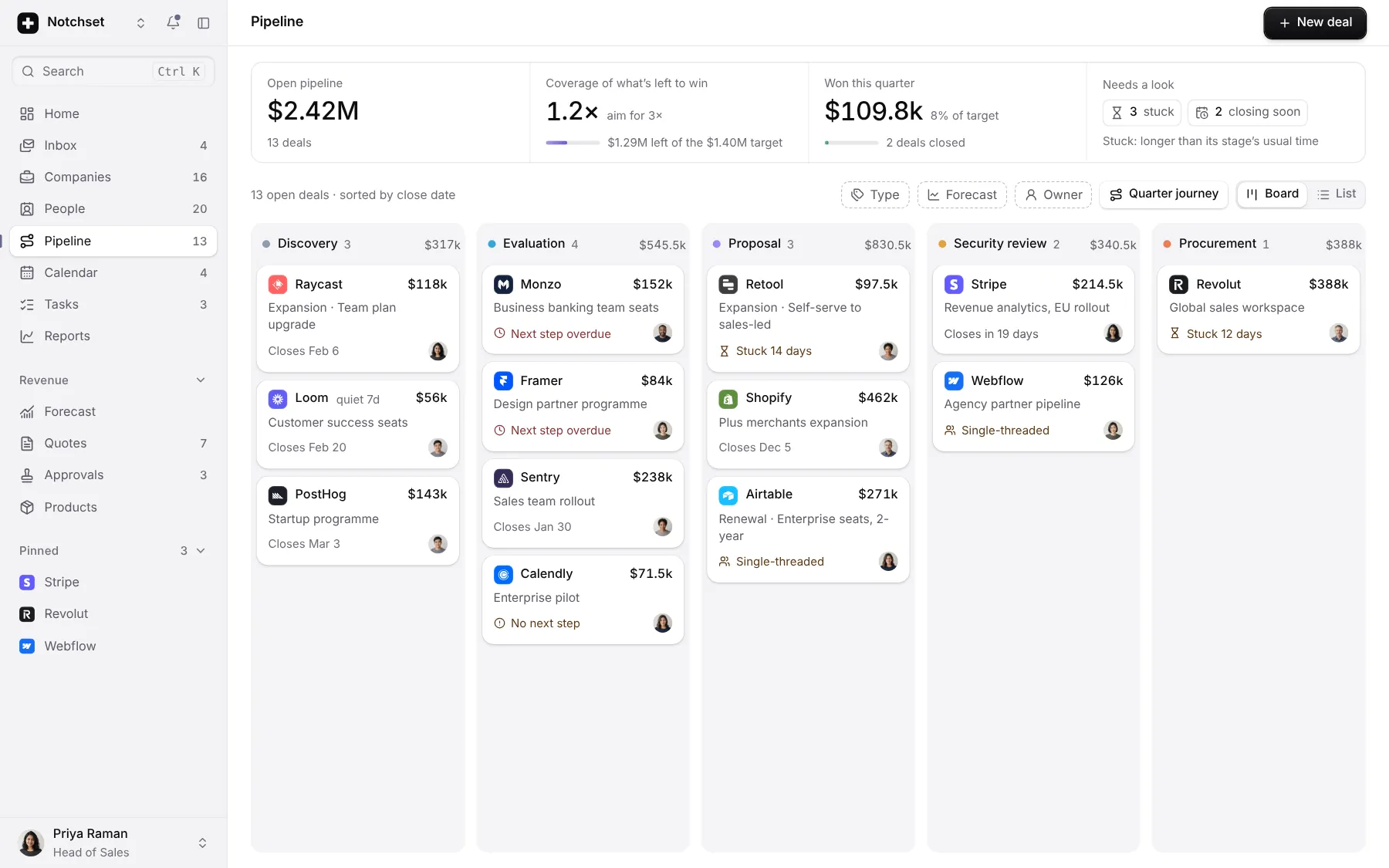
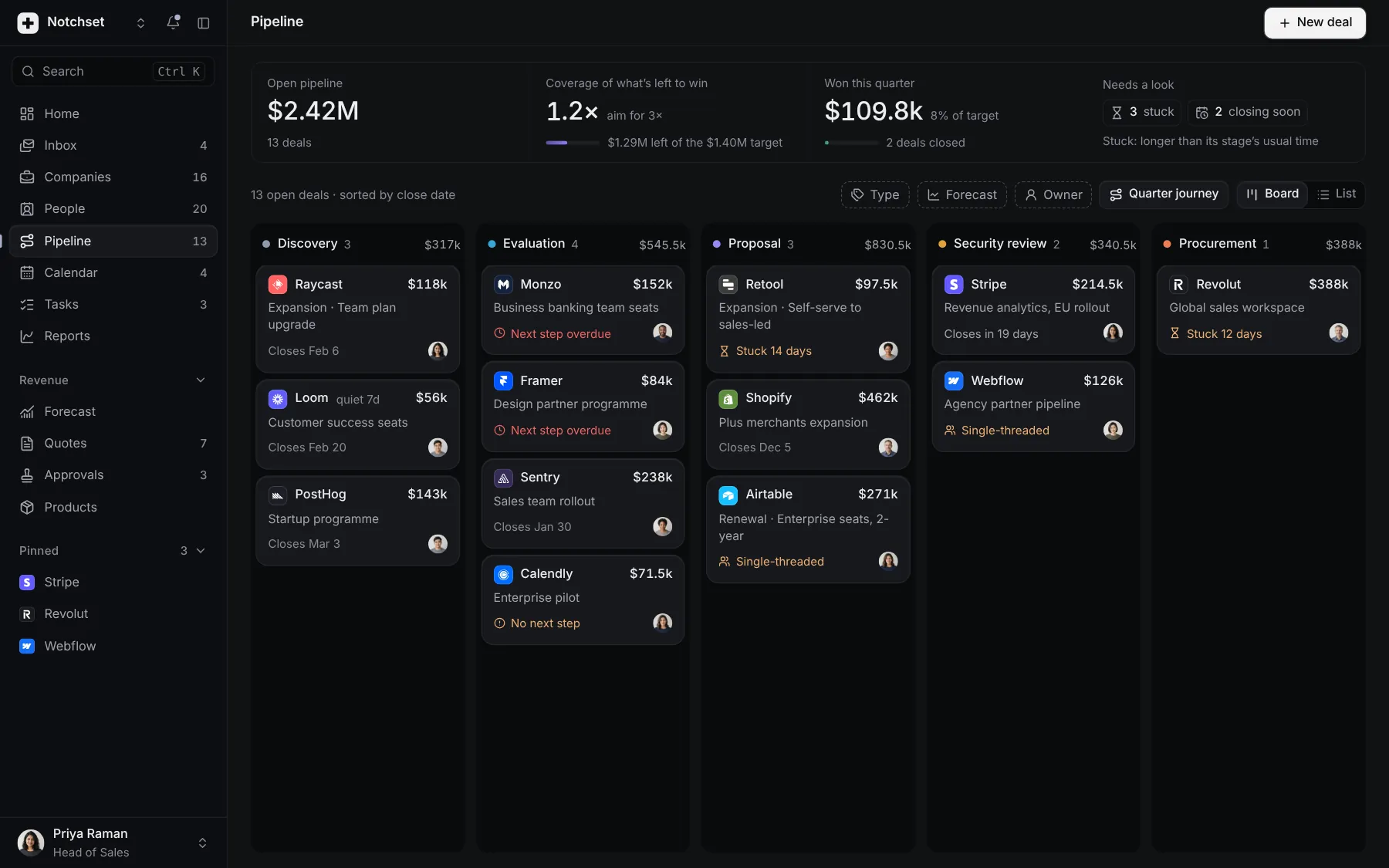
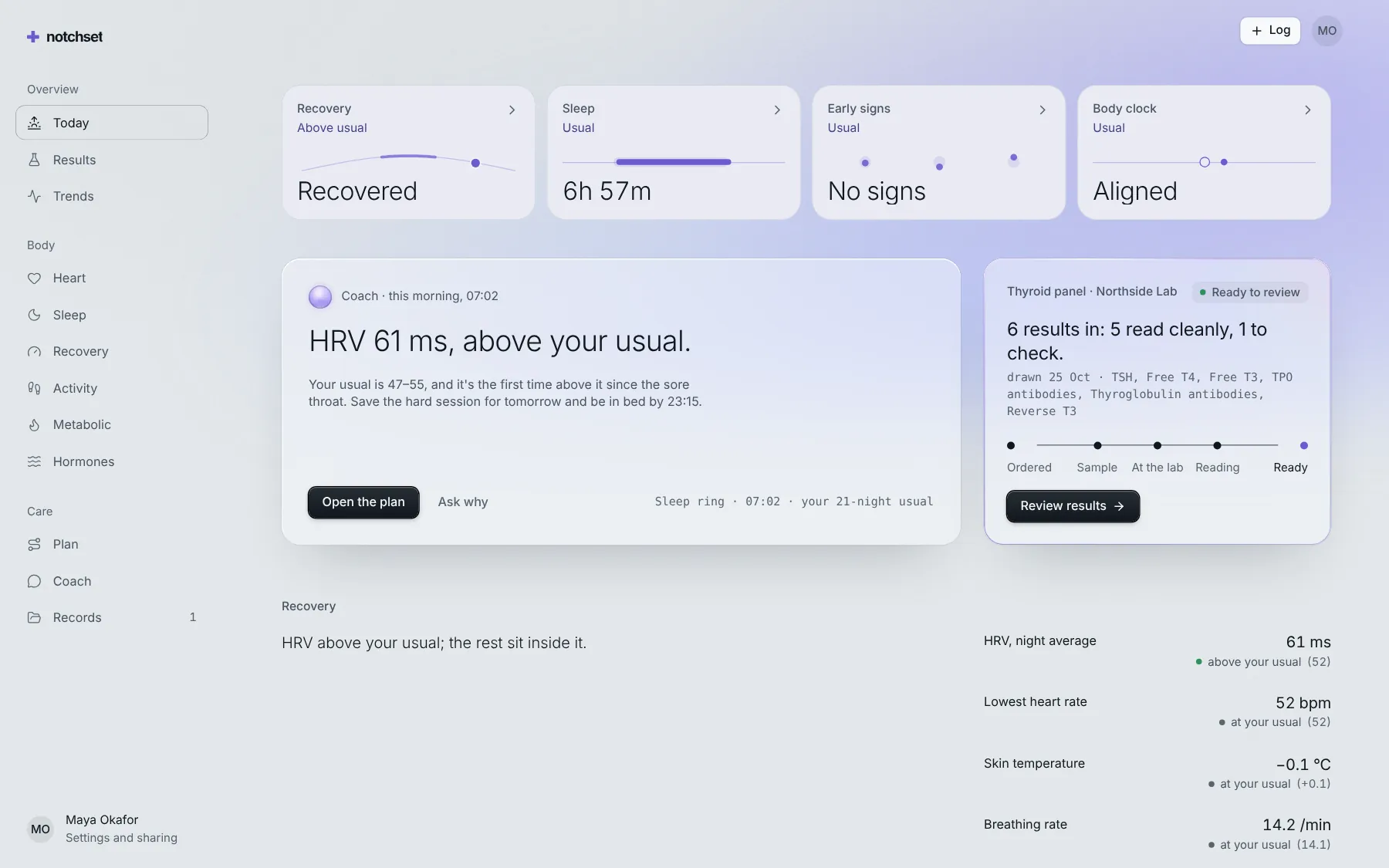
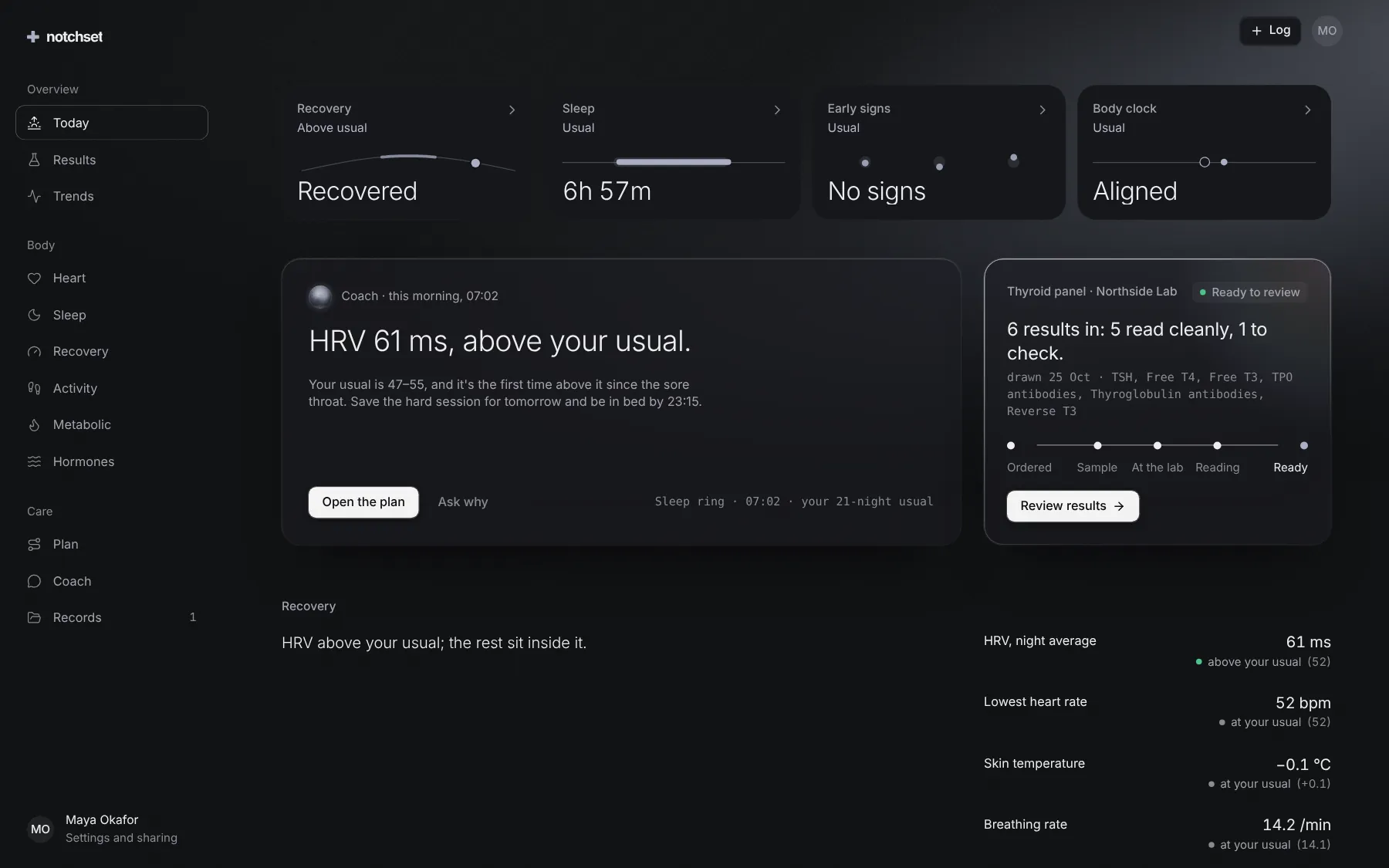
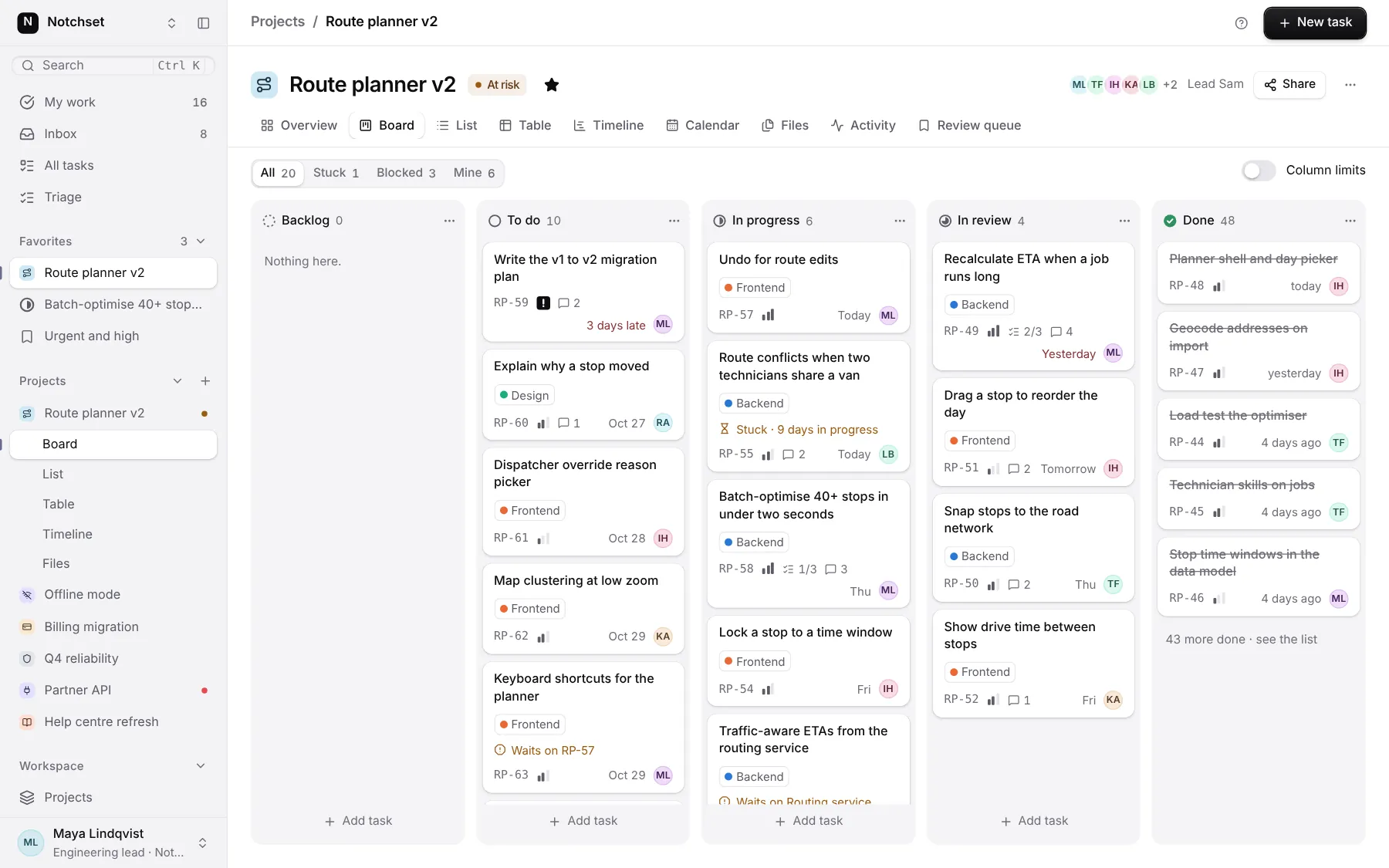
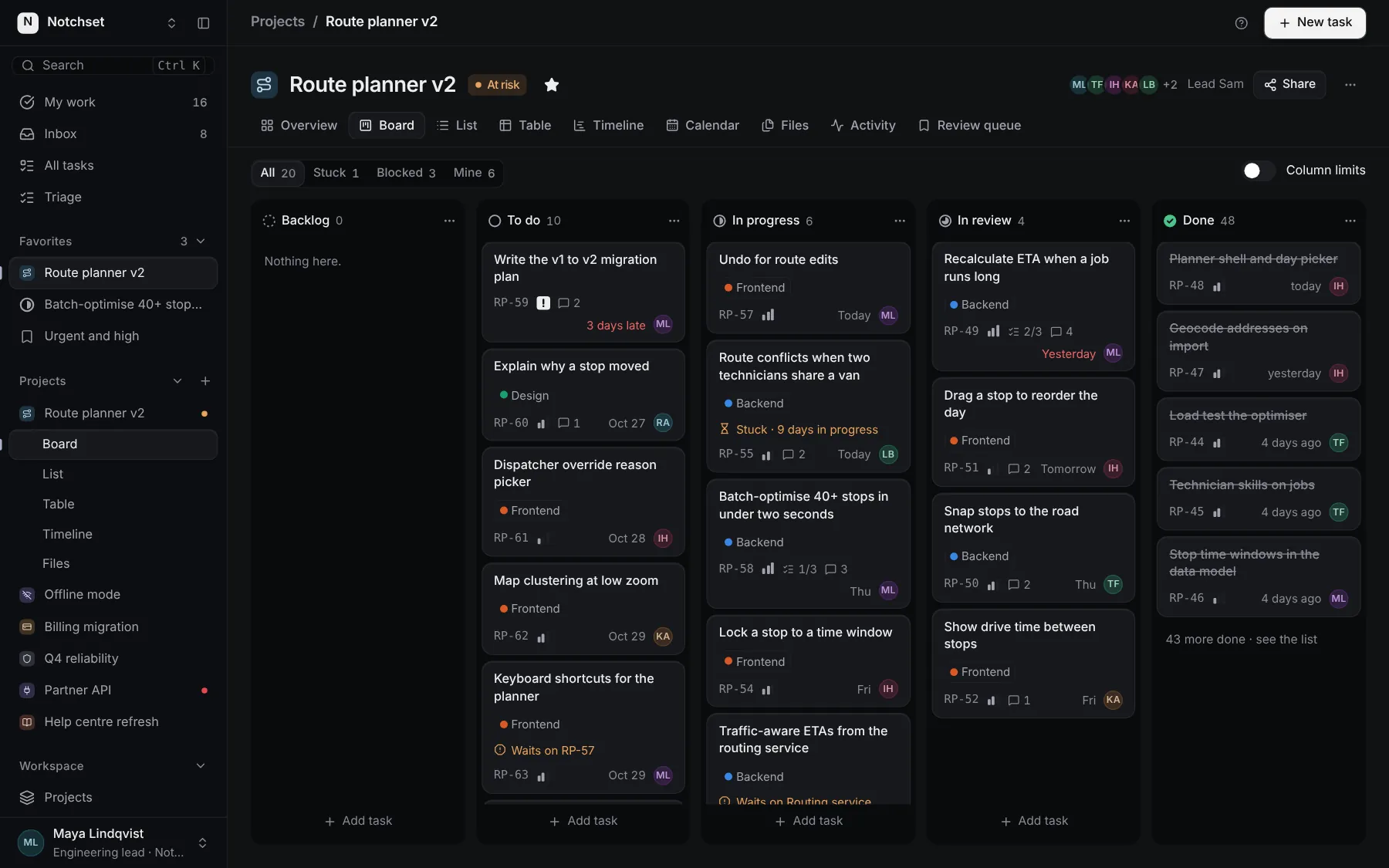
The same file, at work in a finished app. Open it live and find it on its pages.
Part of a kit
Sign-in, settings and developers. Getting in, the settings people change, and the keys and webhooks developers need.
4 free · 2 ProSee the Sign-in, settings and developers kit