Agent UI
An answer you can watch arrive, check and approve.
Start here
Start with the complete picture.
Preview the pieces, then open the connected journey.

The journey
Follow a complete task.
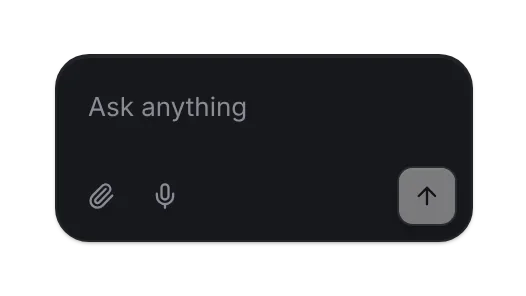
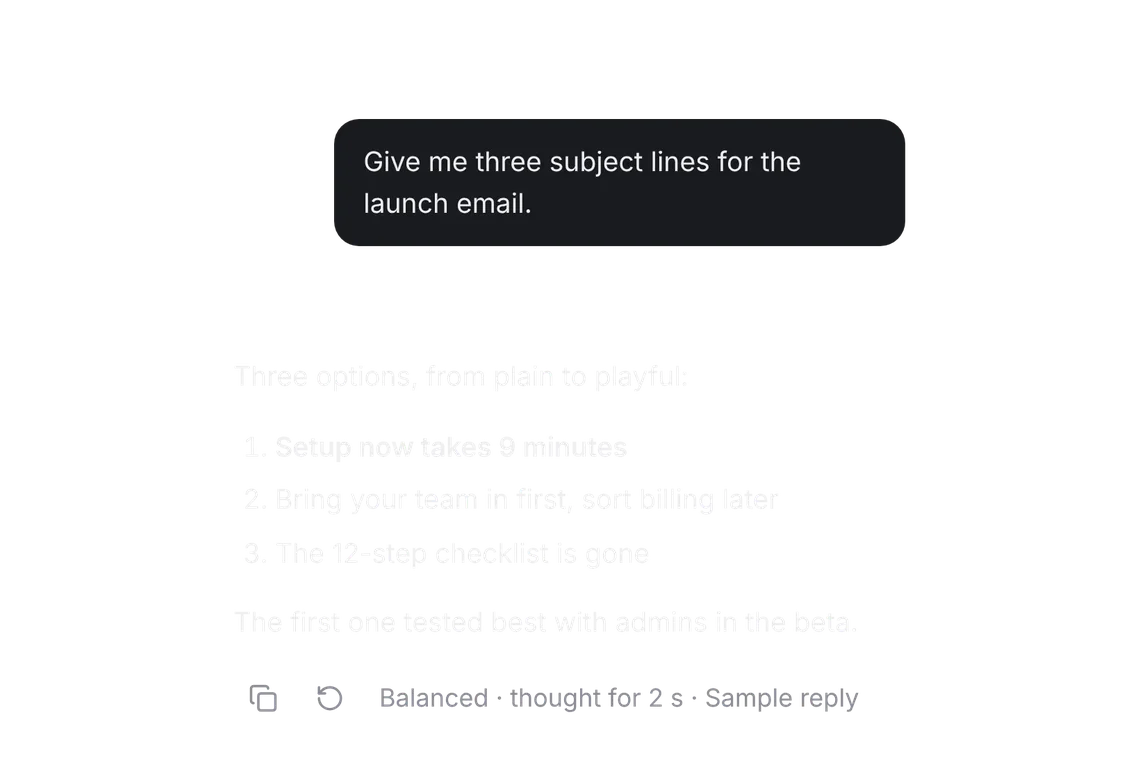
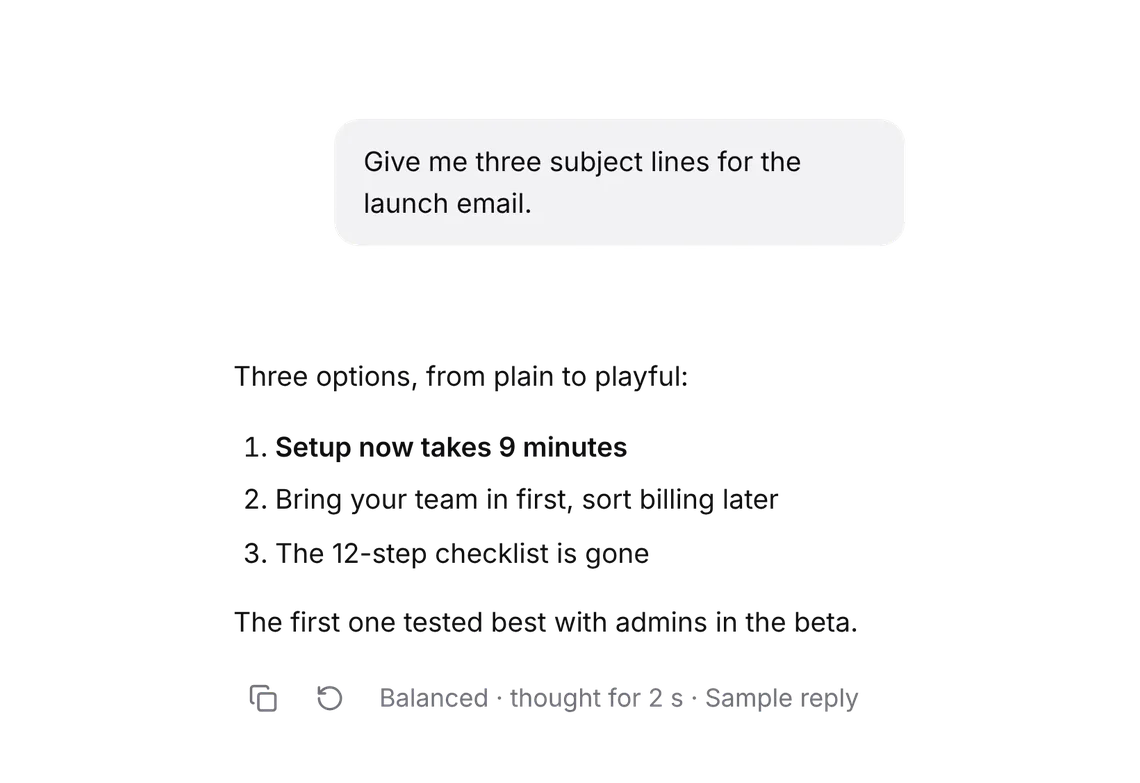
An assistant people trust: ask, pick a model, watch the answer stream in with its receipt, and approve what it does.
- Ask a question, pick a model, and stop the reply while it streams.
- Open the receipt and the sources behind the answer.
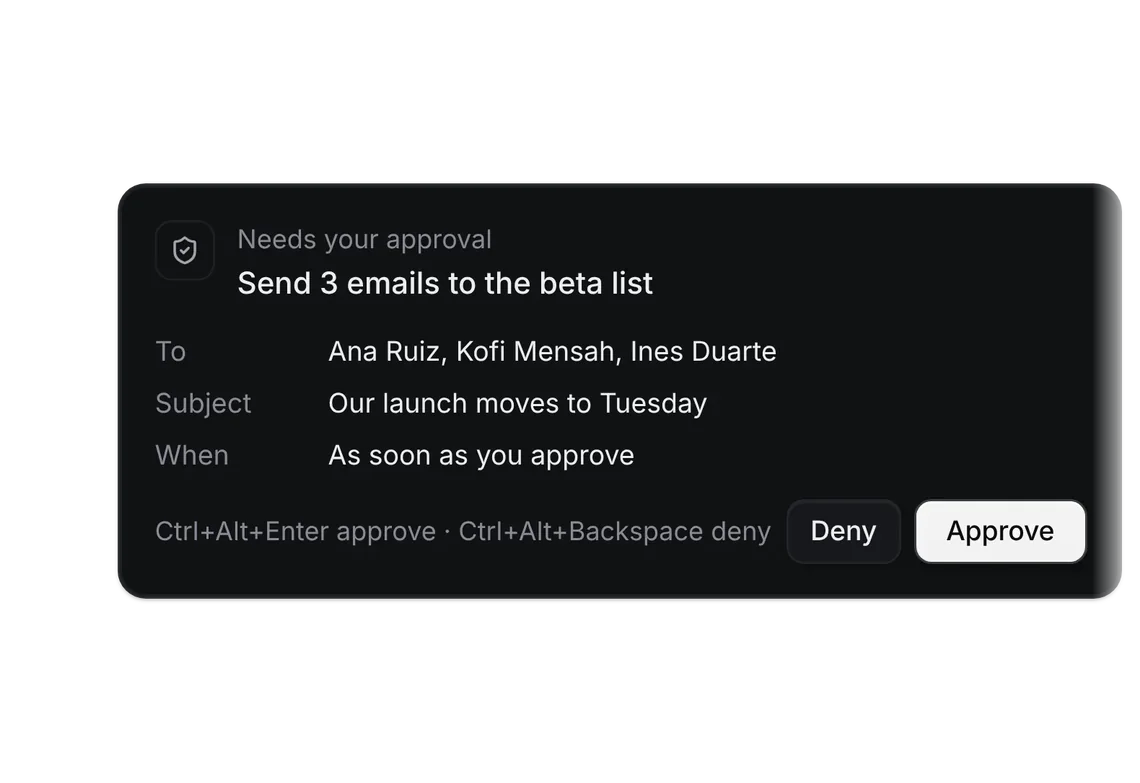
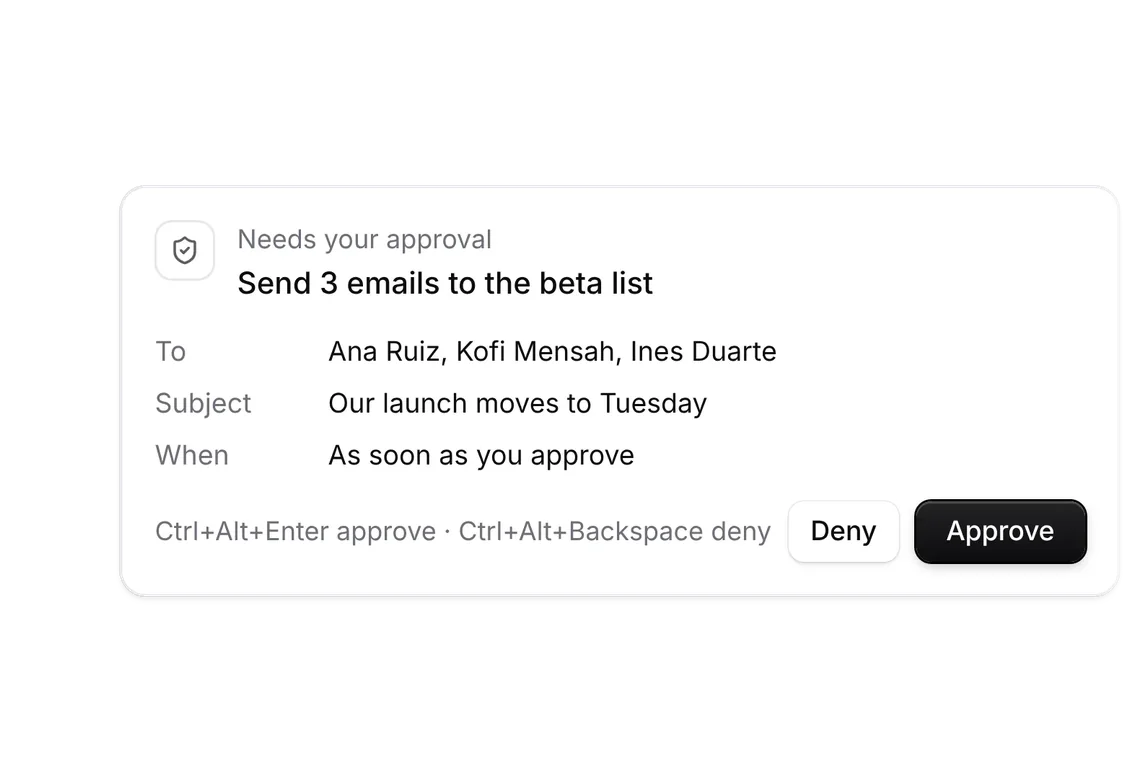
- Approve or decline an action the assistant waits on, then meet a limit and its Upgrade.
States it handles
A reply that streams and can be stopped, an action that waits for approval, a limit met with Upgrade, a lamp that says what it is doing.
Your application stays in charge.
The demo streams fictional replies in the page. Your server calls the model, runs the tools and meters the usage.
Own the source
Add the kit, or start with a few pieces.
Every piece installs with the shadcn CLI and becomes source in your repo. Free pieces stay free; Pro unlocks the rest of every kit.
Add the whole kit
With Pro, after the one-time registry setup. One set of files for any components.json style, Base or Radix; the primitives run on Base UI.
pnpm dlx shadcn@latest add @notchset/prompt-input @notchset/message @notchset/model-selector @notchset-pro/receipt @notchset-pro/tool @notchset-pro/sources @notchset-pro/confirmation @notchset/orb @notchset-pro/usage-meter @notchset-pro/upgrade-cardStart with the free pieces
No account, no setup. One command for every shadcn style.
pnpm dlx shadcn@latest add https://notchset.dev/r/prompt-input.json https://notchset.dev/r/message.json https://notchset.dev/r/model-selector.json https://notchset.dev/r/orb.jsonNew project? Set up your project. The full kit includes Pro pieces and uses your authorized registry setup.
10 live pieces