Burn-up
PROWill it land? Done against scope, with the forecast's range.
Every shadcn style · one file
v2.2 · Updated Oct 22Live preview
pnpm dlx shadcn@latest add @notchset-pro/burn-upInstallation
pnpm dlx shadcn@latest add @notchset-pro/burn-upNeeds your registry key. Every components.json style gets the same files.
Works with React 18.3 or 19 on Tailwind CSS v4, in any shadcn project. What's tested
Styles didn't apply?
The CLI adds the styles to the CSS file named in components.json (tailwind.css). Check that it points at your global stylesheet, that the project uses Tailwind CSS v4, and that the file is imported in your root layout. Installed by hand: paste styles.css into that file.
Usage
Import it and pass your content. The props that matter most are listed next.
Example
"use client";
import * as React from "react";
import { ChartFact, ChartHero } from "@/components/ui/notchset/chart";
import { BurnUp } from "@/components/ui/notchset/blocks/burn-up";

/* A fictional project, 84 days in: scope grew in week 7 and jumped by 10 after the pilot; the forecast says when half and most runs finish. */
const DAYS = Array.from({ length: 85 }, (_, i) => ({ label: `Day ${i + 1}`, done: Math.round((i / 84) ** 1.15 * 48), scope: i < 49 ? 52 : i < 62 ? Math.min(58, 52 + Math.round((i - 49) * 0.5)) : 68 }));
const TICKS = [0, 28, 56, 84].map((day, k) => ({ day, label: ["Aug", "Sep", "Oct", "Nov"][k]! }));

export default function BurnUpDemo() {
  const [range, setRange] = React.useState("all");
  const [day, setDay] = React.useState<number | null>(null);
  const row = day == null ? null : DAYS[day];
  return (
    <div className="w-full max-w-[760px]">
      <BurnUp
        label="Route planner v2"
        days={DAYS}
        ahead={44}
        forecast={{ p50: 30, p85: 37 }}
        health={{ tone: "warn", word: "At risk" }}
        scopeNote={(day) => (day === 62 ? "pilot feedback" : undefined)}
        target={{ day: 31, label: "Nov 20" }}
        ticks={[...TICKS, { day: 112, label: "Dec" }]}
        ranges={[
          { value: "all", label: "Whole project", from: 0 },
          { value: "near", label: "From 4 weeks ago", from: 57 },
        ]}
        range={range}
        onRangeChange={setRange}
        onScrub={setDay}
        head={
          <>
            <ChartHero label="Likely finish" value="Thu, Nov 19" />
            <ChartFact label="Could slip to" value="Thu, Nov 26" />
            <ChartFact label={row ? `Done by ${row.label}` : "Done so far"} value={row ? `${row.done} of ${row.scope}` : "48 of 68"} instant={day != null} />
          </>
        }
      />
    </div>
  );
}
Anatomy
Source
components/ui/notchset/blocks/burn-up.tsx
This component is included with Pro.
Try the live preview above. Get Pro to install the source.
Props
label–stringwhat it is the burn-up of, for its name and its table
days–BurnUpDay[]Required.
ahead0numberdays after today the chart runs on, for the forecast and the target
forecast–{ p50: number; p85: number }the days after today by which 50% and 85% of the forecast's runs finish
health–{ tone: "ok" | "warn" | "bad"; word: string }the forecast's health against the target: the band takes its colour and `word` is written on it
target–{ day: number; label: string }
Show all 18 propsShow fewer
planfalsebooleandraw the plan pace to the target and shade done ahead of or behind it (off by default, to keep the chart simple)
ticks–{ day: number; label: string }[]the axis's periods, by day index from the first day (months, or weeks for a short range)
ranges–BurnUpRange[]range–stringonRangeChange–(value: string) => voidhead–React.ReactNodethe hero figure and facts above the plot (ChartHero, ChartFact); the range control sits beside them
onScrub–(day: number | null) => voidthe day the reader is on (an index into days), or null back at rest, for figures that follow along
unit"done"stringwhat done counts ("done", "closed") in the pill
scopeNote–(day: number, added: number) => string | undefinedWhat explains a scope jump: called for each day scope rose by more than about three times its usual week ("Partner API added"); the chart marks the step and writes "+12 · Partner API added" above the plot.
events–{ day: number; label: string; on?: "scope" | "done" | undefined }[]What moved the likely finish, written on the chart where it happened (day: an index into days), with a 1px leader down to the scope line ("scope", for work added) or the done line: "Finish 16 days later · 11 added". Given, these replace the scope-jump notes; the widest ones first, one on a narrow chart, so the default stays calm.
forecastAt–(day: number) => string | undefinedThe forecast as it stood on a day (an index into days), in words, read in the pill as you move along ("likely Nov 14").
rangeLabel–stringThe range's two days in words ("Nov 19 to Nov 26"), written on the band under its health word.
For coding agents
Give your coding assistant the Markdown guide instead of screenshots.
Where agents read it
- Guide for this component: https://notchset.dev/md/burn-up.md
- Every component, for tools without MCP: /llms.txt
- MCP server:
https://notchset.dev/api/mcp(setup)
Changelog
v2.2.0 · 2026-10-22
Added: events (what moved the forecast, written on the chart where it happened, the largest few and one when narrow), forecastAt (the forecast as it stood on the day you're reading, in the pill and its spoken value) and rangeLabel (the range's two days written on the band). All optional; without them it draws as before.
v2.1.0 · 2026-10-21
New: done against scope in the series violet with its soft glow, the forecast's range in its health's colour fading from its top, the plan pace only when asked (plan), and the event that explains a scope jump written on it.
v2.0.0 · 2026-10-13
Released with the Notchset system.
Used in
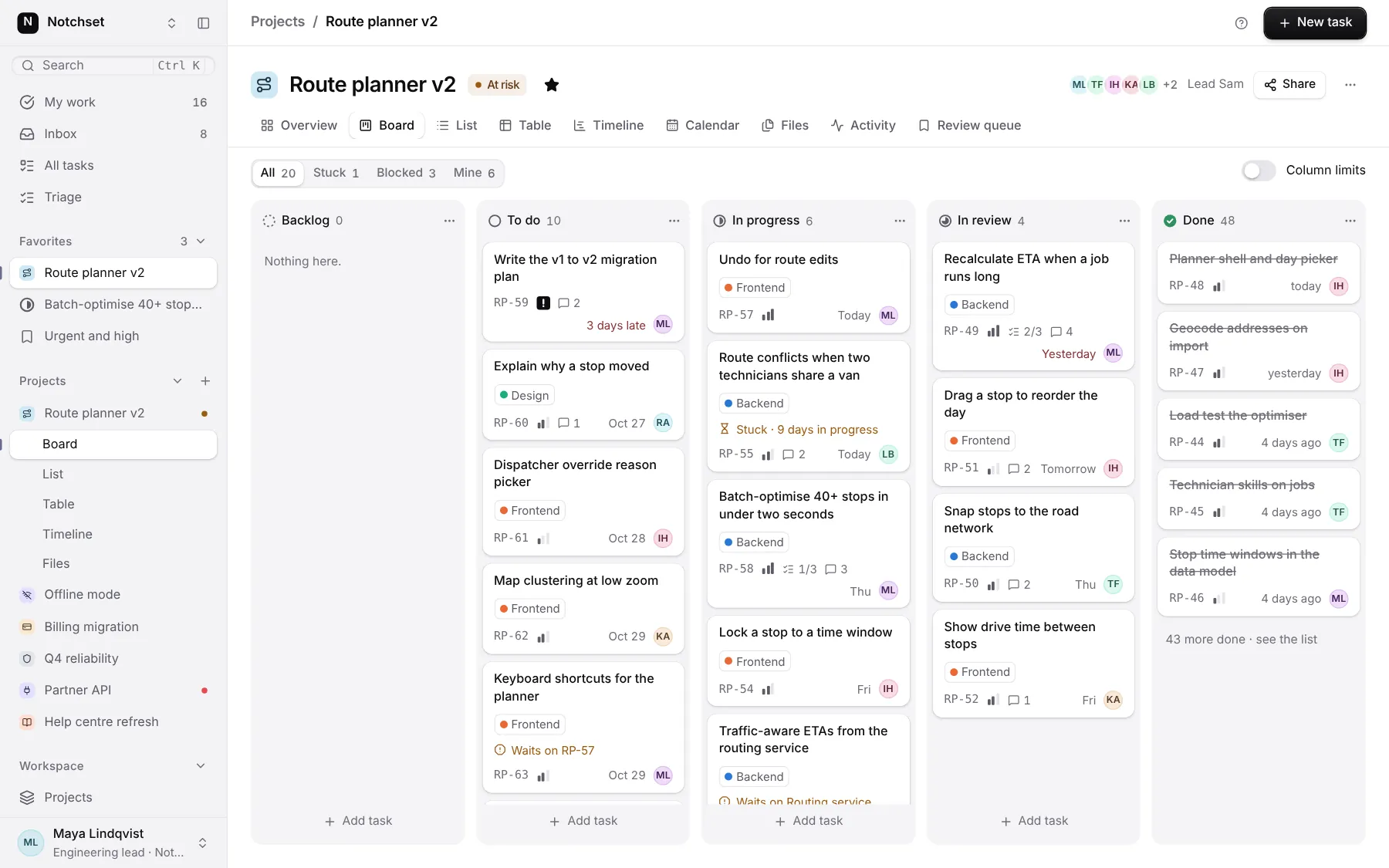
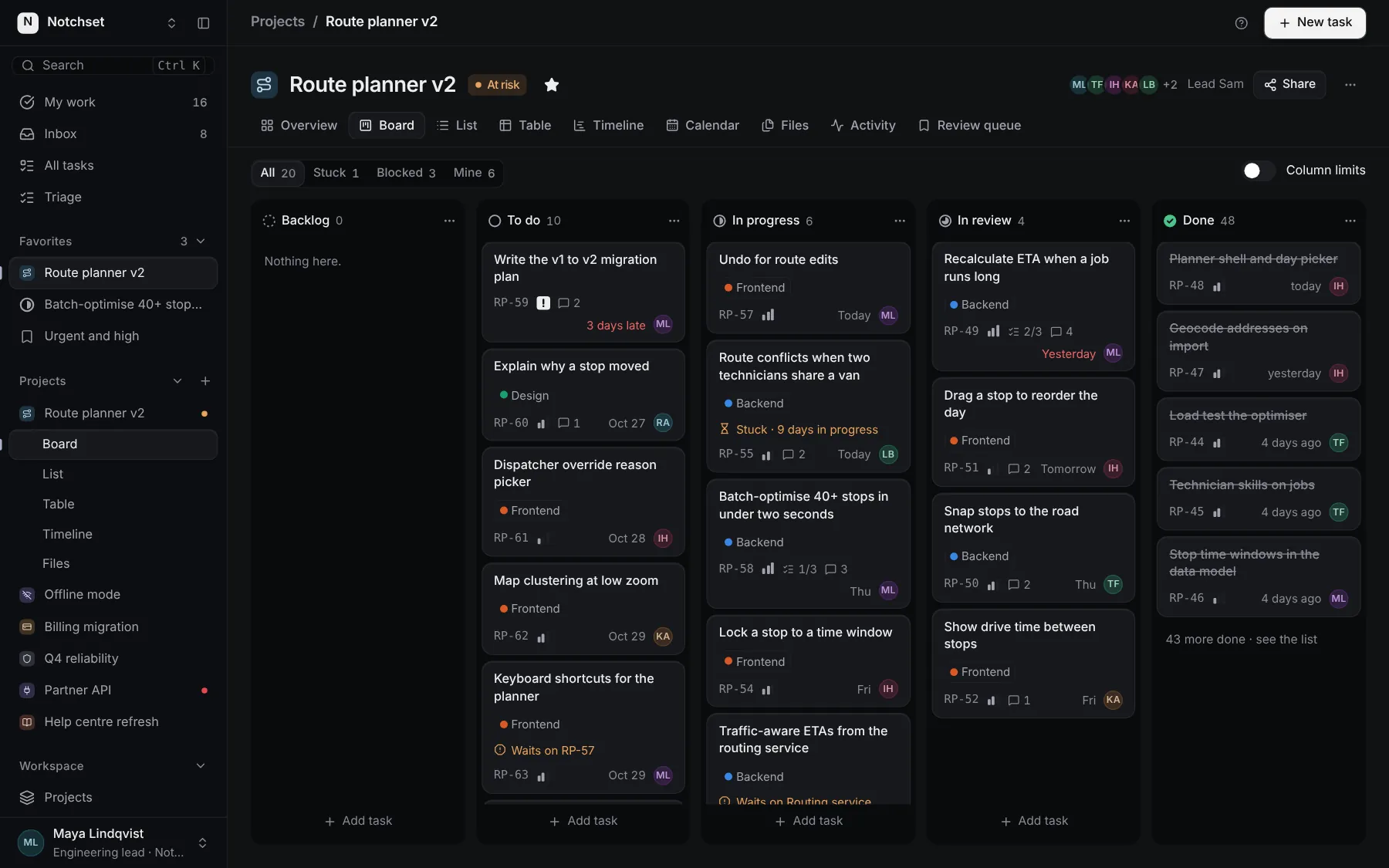
The same file, at work in a finished app. Open it live and find it on its pages.
Part of
Included with Pro
Pro is in early access.