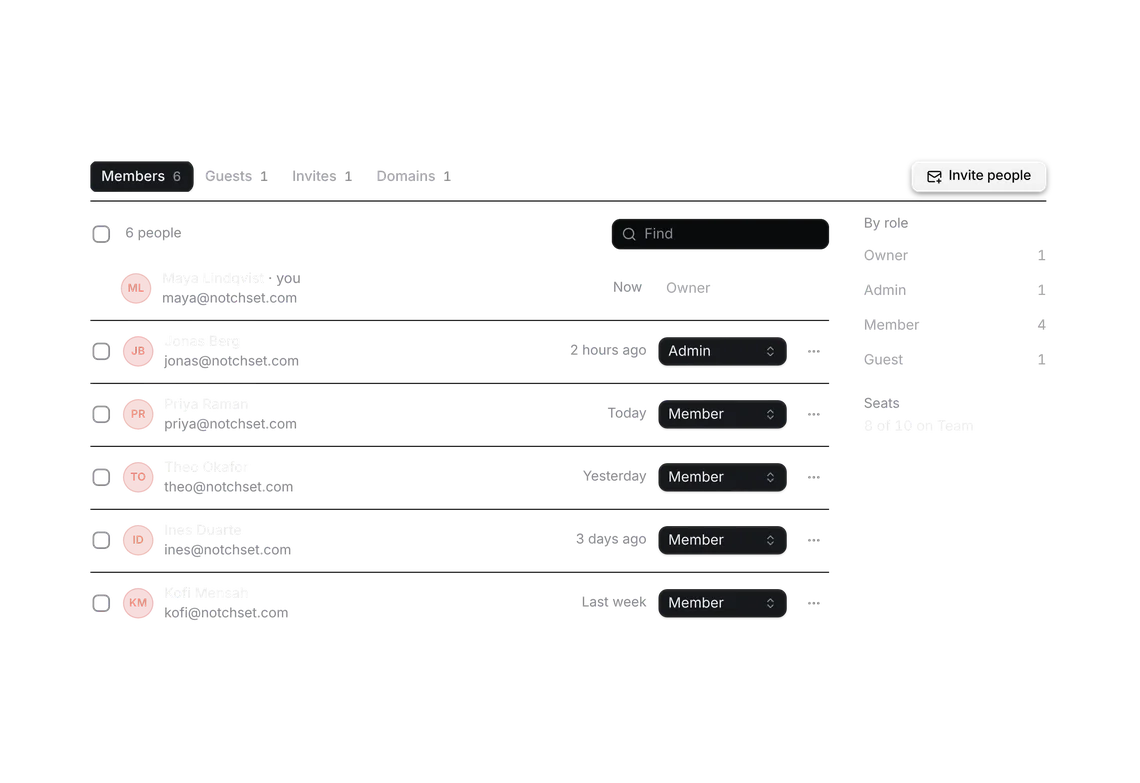
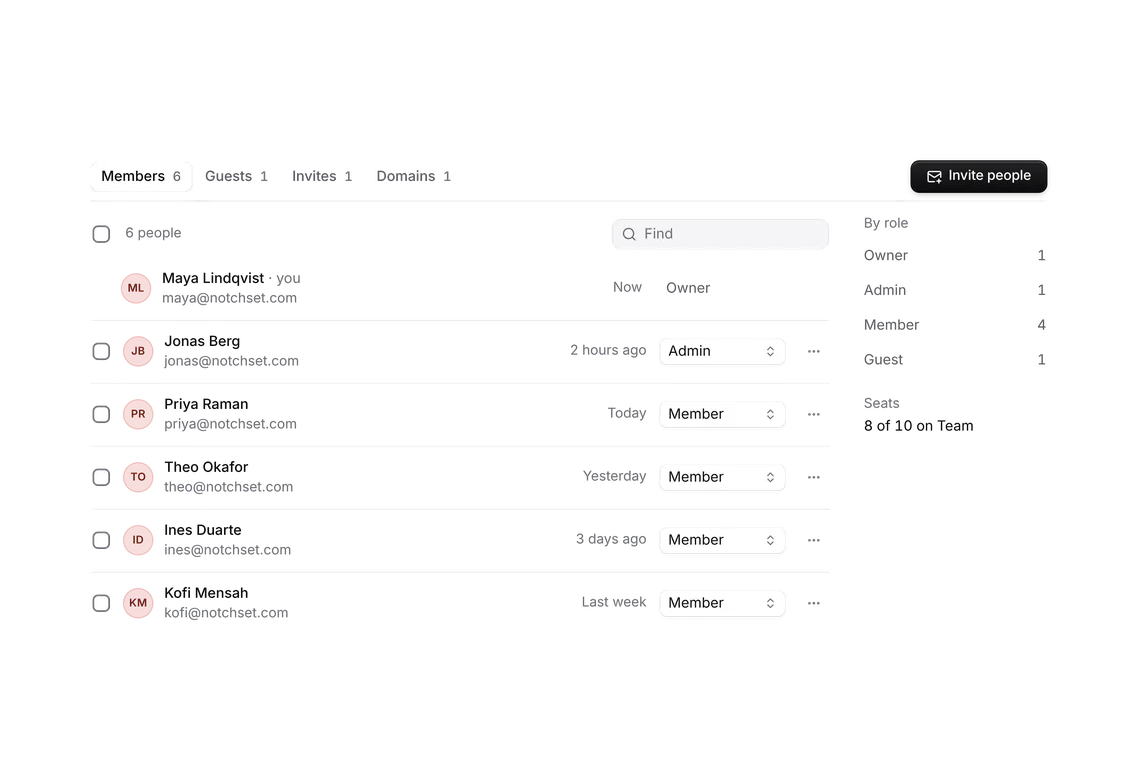
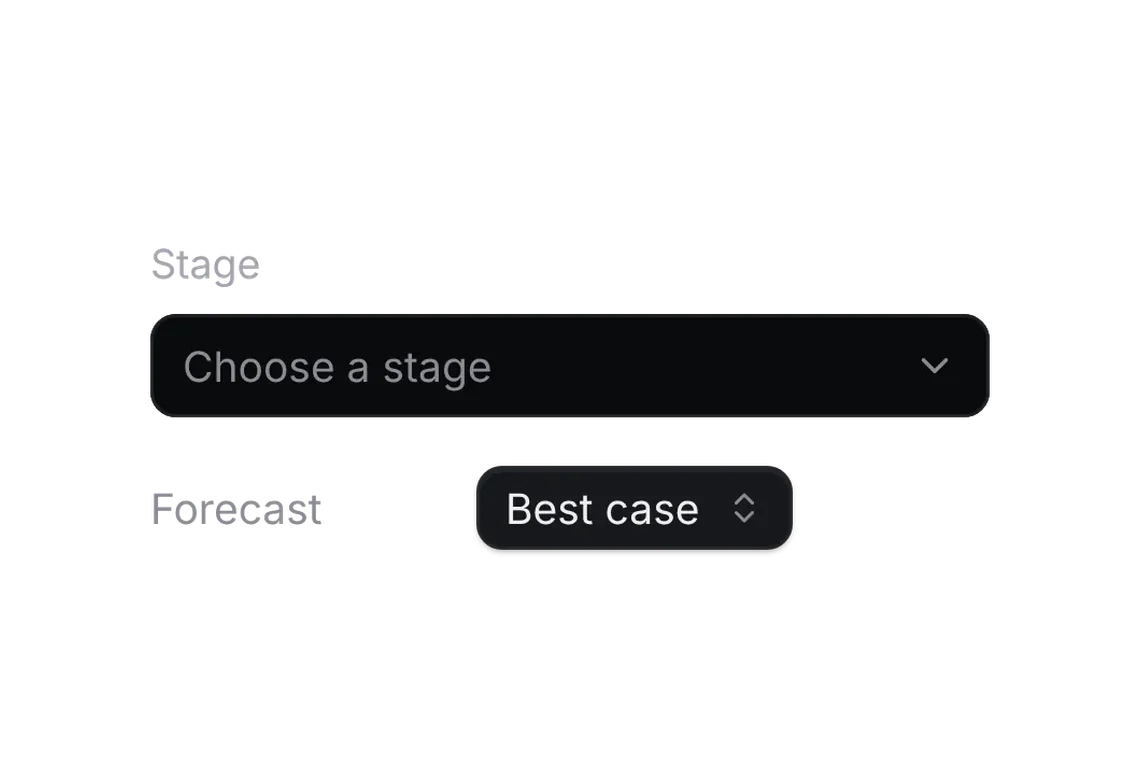
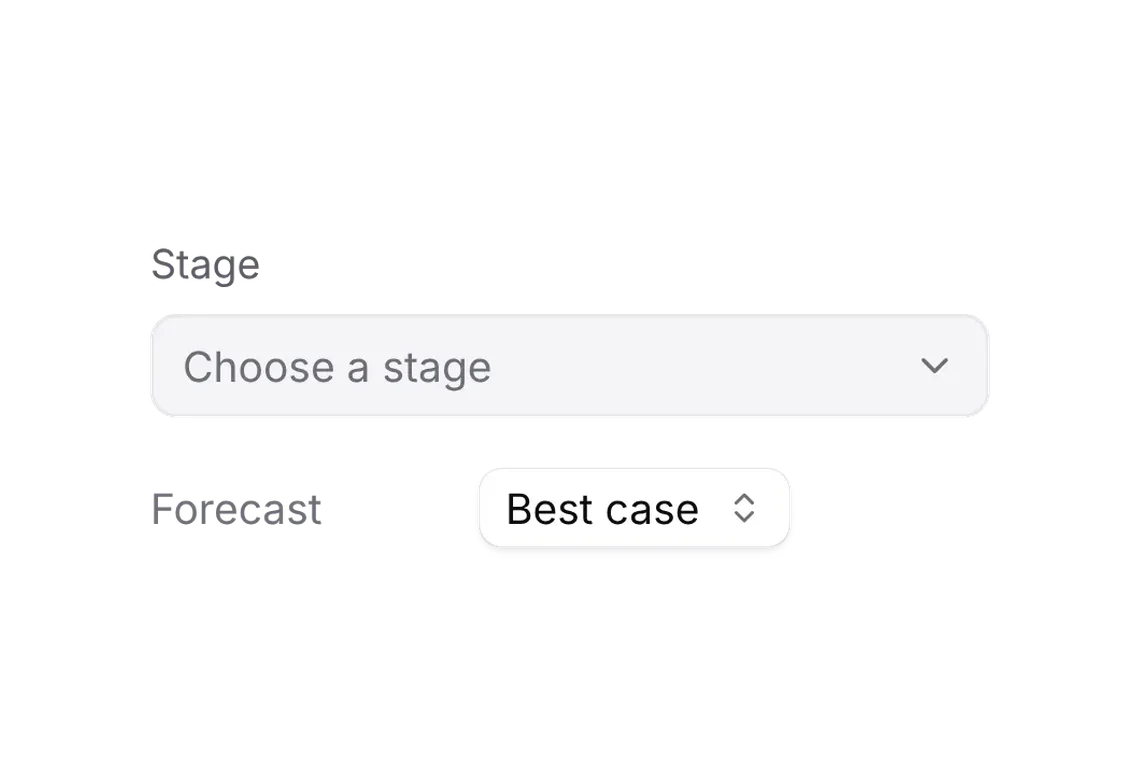
Invite dialog
PROInvite by email or by link, with the role each gives.
Every shadcn style · one file
v2.0 · Updated Oct 13Live preview
pnpm dlx shadcn@latest add @notchset-pro/invite-dialogInstallation
pnpm dlx shadcn@latest add @notchset-pro/invite-dialogNeeds your registry key. Every components.json style gets the same files.
Works with React 18.3 or 19 on Tailwind CSS v4, in any shadcn project. What's tested
Styles didn't apply?
The CLI adds the styles to the CSS file named in components.json (tailwind.css). Check that it points at your global stylesheet, that the project uses Tailwind CSS v4, and that the file is imported in your root layout. Installed by hand: paste styles.css into that file.
Usage
Import it and pass your content. The props that matter most are listed next.
Example
"use client";
import * as React from "react";
import { MailPlus } from "lucide-react";
import { type InviteAdapter, type InviteLink, InviteDialog, InviteLinkCard } from "@/components/ui/notchset/blocks/invite-dialog";
import { Button } from "@/components/ui/notchset/button";

const ROLES = [
  { value: "owner", label: "Owner", invitable: false },
  { value: "admin", label: "Admin", hint: "Admins manage members, roles and billing." },
  { value: "member", label: "Member", hint: "Members see every company, deal and report. They can’t change billing or roles." },
  { value: "guest", label: "Guest", hint: "Guests see only the records they’re added to." },
];

export default function InviteDialogDemo() {
  const [open, setOpen] = React.useState(false);
  const [sent, setSent] = React.useState<string[]>([]);
  const [link, setLink] = React.useState<InviteLink | null>({ url: "notchset.app/join/7Hq2-xK9p", role: "member", expires: "7d", uses: 0 });
  const adapter: InviteAdapter = {
    invite: ({ emails }) => setSent((s) => [...s, ...emails]),
    setLink: ({ role, expires }) => setLink((l) => ({ url: l?.url ?? "notchset.app/join/Rm4t-8bQz", role, expires, uses: l?.uses ?? 0 })),
    revokeLink: () => setLink(null),
  };
  return (
    <div className="flex w-full flex-col items-start gap-3">
      <p className="m-0 text-[var(--ns-ink-2)]">{sent.length ? `Invited ${sent.join(", ")}` : "8 of 10 seats on Team"}</p>
      <Button variant="primary" onClick={() => setOpen(true)}>
        <MailPlus />
        Invite people
      </Button>
      <InviteDialog
        open={open}
        onOpenChange={setOpen}
        workspace="Notchset"
        roles={ROLES}
        link={link}
        seatsLeft={Math.max(0, 2 - sent.length)}
        taken={["maya@notchset.com"]}
        adapter={adapter}
      />
      {/* the same link, where Invites lists it: one card, two places */}
      <InviteLinkCard link={link} roles={ROLES} adapter={adapter} className="w-full max-w-[520px]" />
    </div>
  );
}
Anatomy
Source
components/ui/notchset/blocks/invite-dialog.tsx
This component is included with Pro.
Try the live preview above. Get Pro to install the source.
Props
open–booleanRequired.
onOpenChange–(open: boolean) => voidRequired.
workspace–stringthe workspace's name, for the title
roles–InviteRole[]Required.
adapter–InviteAdapterRequired.
link–InviteLink | null
Show all 9 propsShow fewer
defaultRole–stringthe role the dialog opens on (else the first invitable one after an admin: usually Member)
seatsLeft–numberseats still free; the footer counts against it and more invites than seats can't be sent (a role that takes no seat, a guest, is exempt)
taken[]string[]addresses already in the workspace: typing one adds nothing
For coding agents
Give your coding assistant the Markdown guide instead of screenshots.
Where agents read it
- Guide for this component: https://notchset.dev/md/invite-dialog.md
- Every component, for tools without MCP: /llms.txt
- MCP server:
https://notchset.dev/api/mcp(setup)
Changelog
v2.0.0 · 2026-10-13
Released with the Notchset system.
Used in
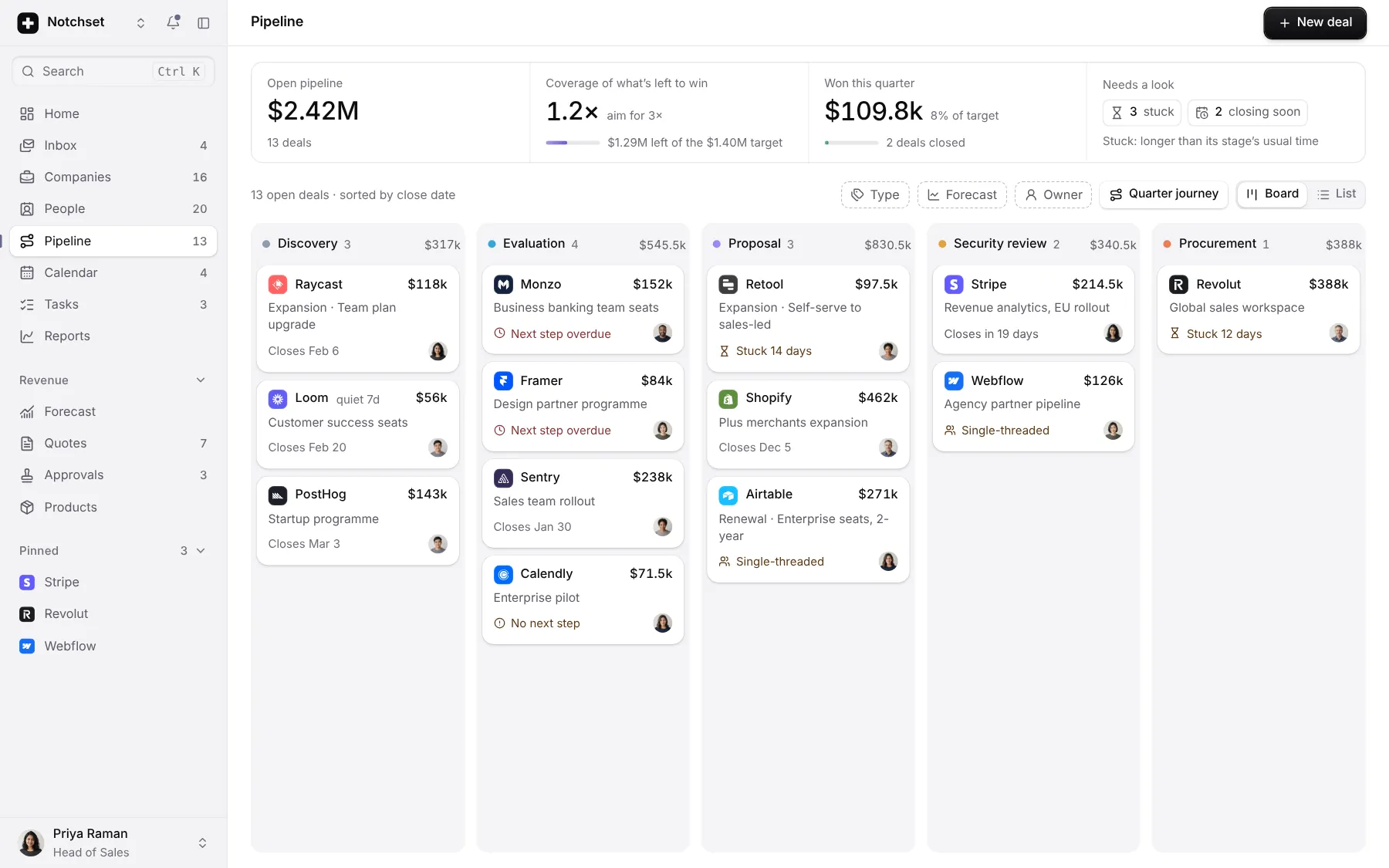
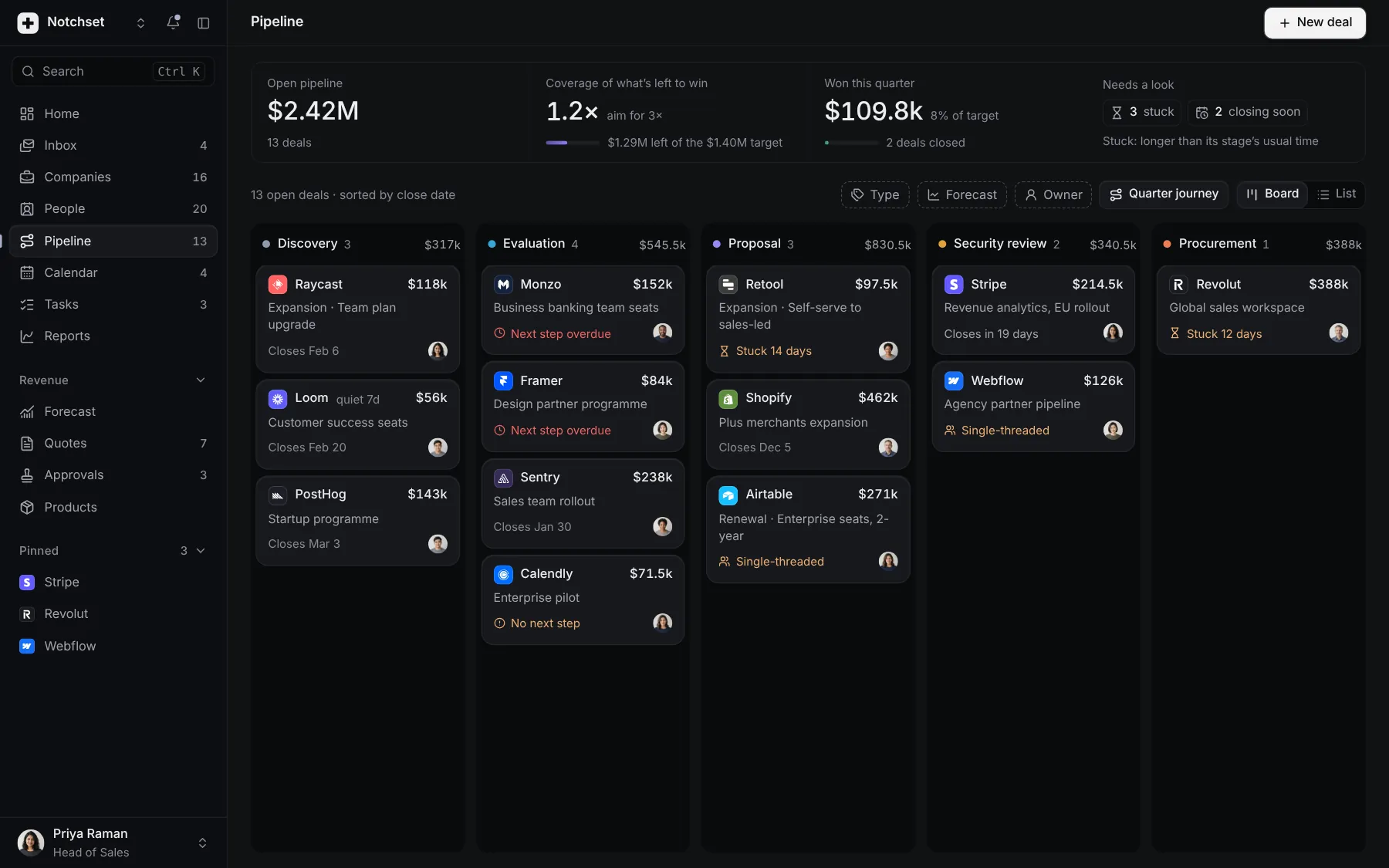
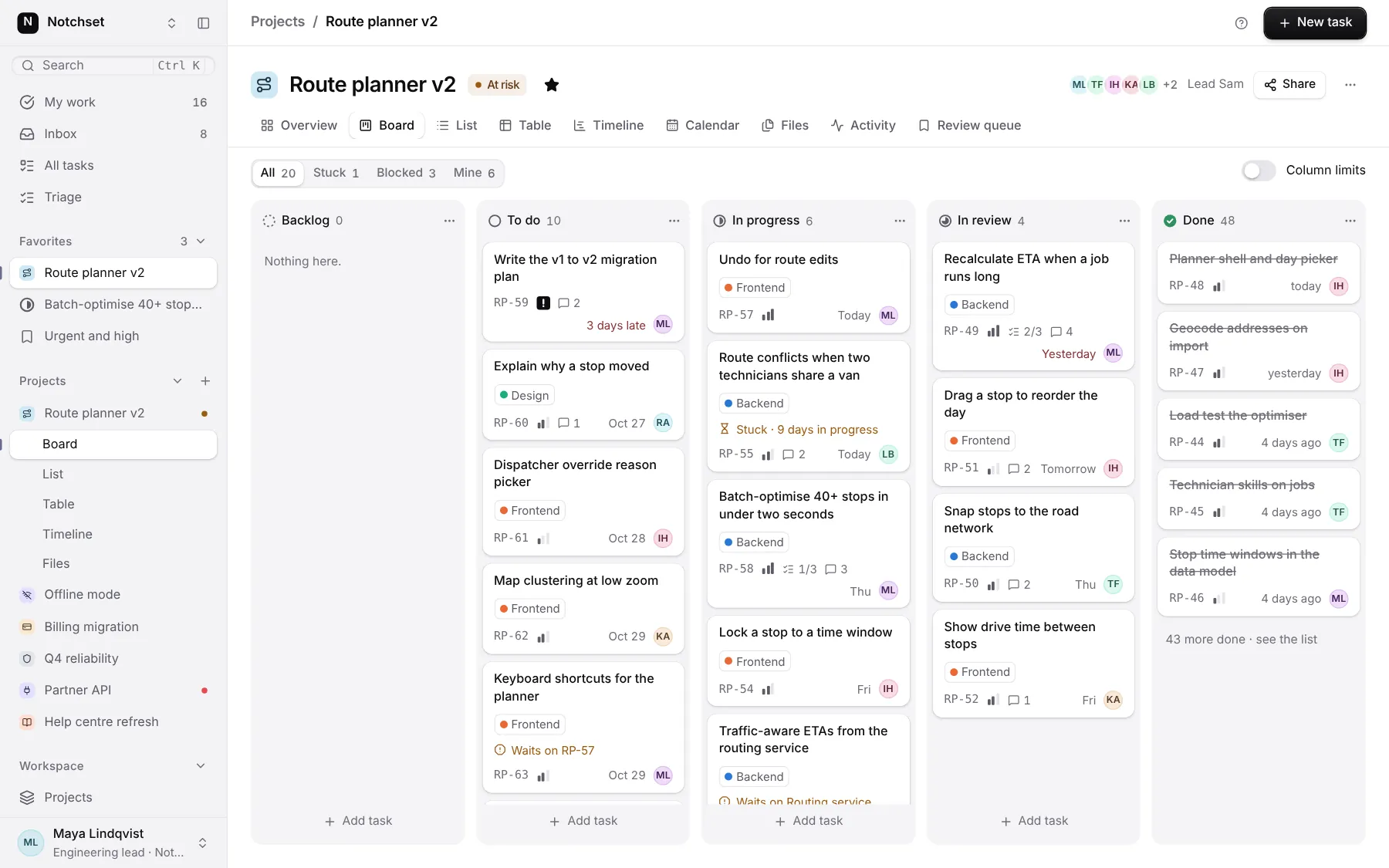
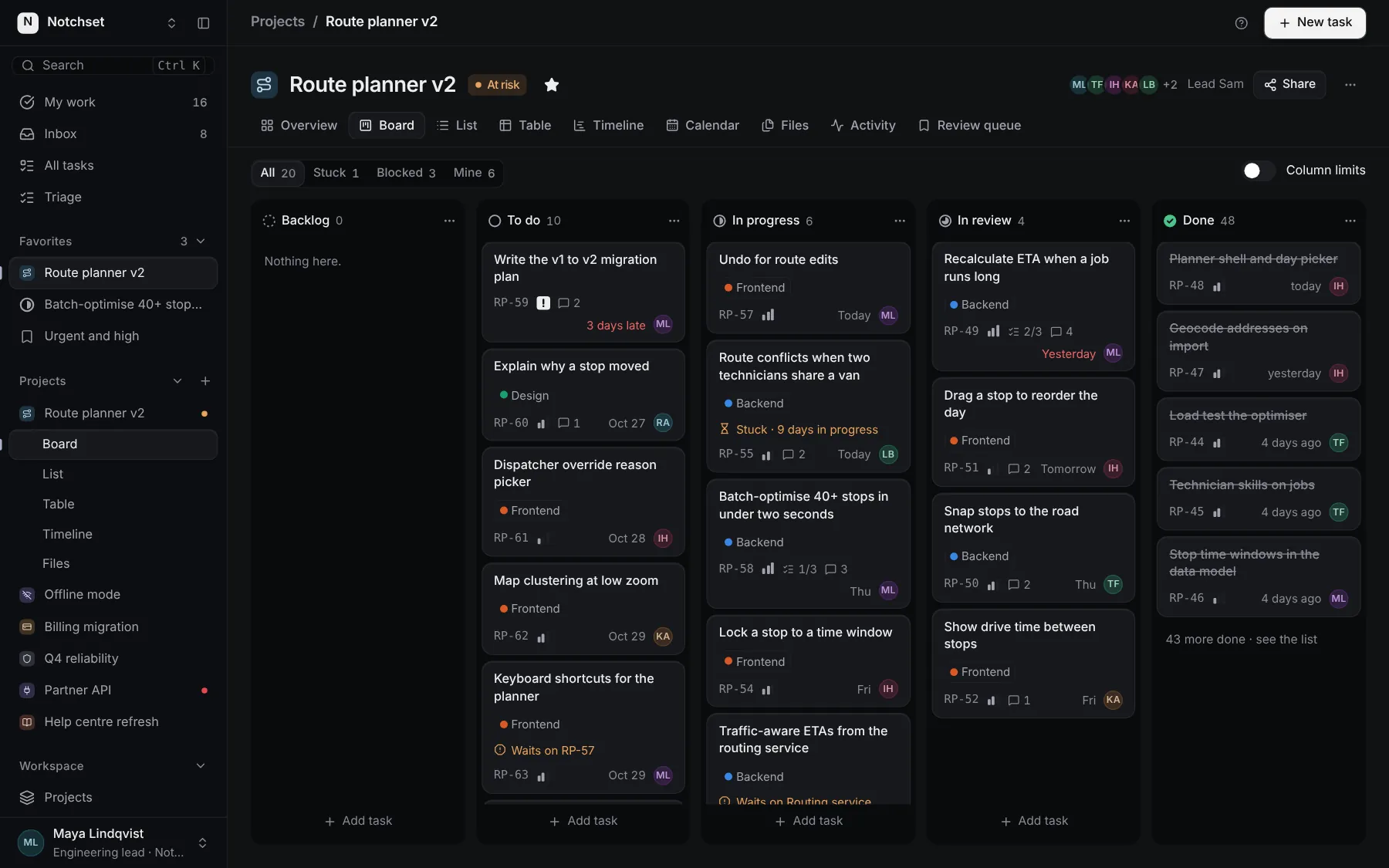
The same file, at work in a finished app. Open it live and find it on its pages.
Part of a kit
Workspace admin. Who is in a workspace and what each person can change: members, guests, invites and the domains that join on their own.
5 free · 2 ProSee the Workspace admin kit
Part of
Included with Pro
Pro is in early access.