Load error
PROThe durable panel a page shows when its first load fails.
Every shadcn style · one file
v2.0 · Updated Oct 13Live preview
pnpm dlx shadcn@latest add @notchset-pro/load-errorInstallation
pnpm dlx shadcn@latest add @notchset-pro/load-errorNeeds your registry key. Every components.json style gets the same files.
Works with React 18.3 or 19 on Tailwind CSS v4, in any shadcn project. What's tested
Styles didn't apply?
The CLI adds the styles to the CSS file named in components.json (tailwind.css). Check that it points at your global stylesheet, that the project uses Tailwind CSS v4, and that the file is imported in your root layout. Installed by hand: paste styles.css into that file.
Usage
Import it and pass your content. The props that matter most are listed next.
Example
"use client";
import * as React from "react";
import { LoadError } from "@/components/ui/notchset/blocks/load-error";
import { Button } from "@/components/ui/notchset/button";
import { opError } from "@/components/ui/notchset/operation";

/* the demo's server is down for one more try, then answers; a real app passes useOperation's error and retry */
export default function LoadErrorDemo() {
  const [tries, setTries] = React.useState(0);
  const [loaded, setLoaded] = React.useState(false);
  const error = tries === 0 ? opError("unavailable", undefined, { status: 503, detail: "7f3a91" }) : opError("network");
  const retry = () =>
    new Promise<void>((done, fail) =>
      setTimeout(() => {
        if (tries === 0) {
          setTries(1);
          fail(new TypeError("Failed to fetch"));
        } else {
          setLoaded(true);
          done();
        }
      }, 900),
    );
  return (
    <div className="flex w-full max-w-[560px] flex-col rounded-[var(--ns-radius-lg)] bg-[var(--ns-panel)] shadow-[0_0_0_1px_var(--ns-line)]">
      {loaded ? (
        <div className="flex min-h-[320px] flex-col items-center justify-center gap-3 text-[var(--ns-ink-2)]">
          Your workspace loaded.
          <Button size="sm" onClick={() => (setLoaded(false), setTries(0))}>
            Fail it again
          </Button>
        </div>
      ) : (
        <LoadError title="Couldn't load your workspace" error={error} onRetry={retry} statusUrl="https://status.example.com" />
      )}
    </div>
  );
}
This example also uses Operation. This command installs them with it, so the example pastes as it is:
pnpm dlx shadcn@latest add @notchset-pro/load-error @notchset/operationAnatomy
Source
components/ui/notchset/blocks/load-error.tsx
This component is included with Pro.
Try the live preview above. Get Pro to install the source.
Props
title–stringThe fact: "Couldn't load your workspace".
error–OpErrorWhy, as an OpError (toOpError makes one from anything thrown).
onRetry–() => unknownRuns the load again. A promise keeps Retry busy until it settles; one that rejects shows its reason here.
retrying–booleanThe host's own retry is running (useOperation's pending), when it isn't a promise from onRetry.
onSignIn–() => voidTakes the person to the app's sign-in; drawn beside Retry when the error is a 401 (an expired sign-in).
statusUrl–stringA status page to check, opened in a new tab.
Show all 7 propsShow fewer
at–DateWhen it failed; defaults to when this error arrived.
For coding agents
Give your coding assistant the Markdown guide instead of screenshots.
Where agents read it
- Guide for this component: https://notchset.dev/md/load-error.md
- Every component, for tools without MCP: /llms.txt
- MCP server:
https://notchset.dev/api/mcp(setup)
Changelog
v2.0.0 · 2026-10-13
Released with the Notchset system.
Used in
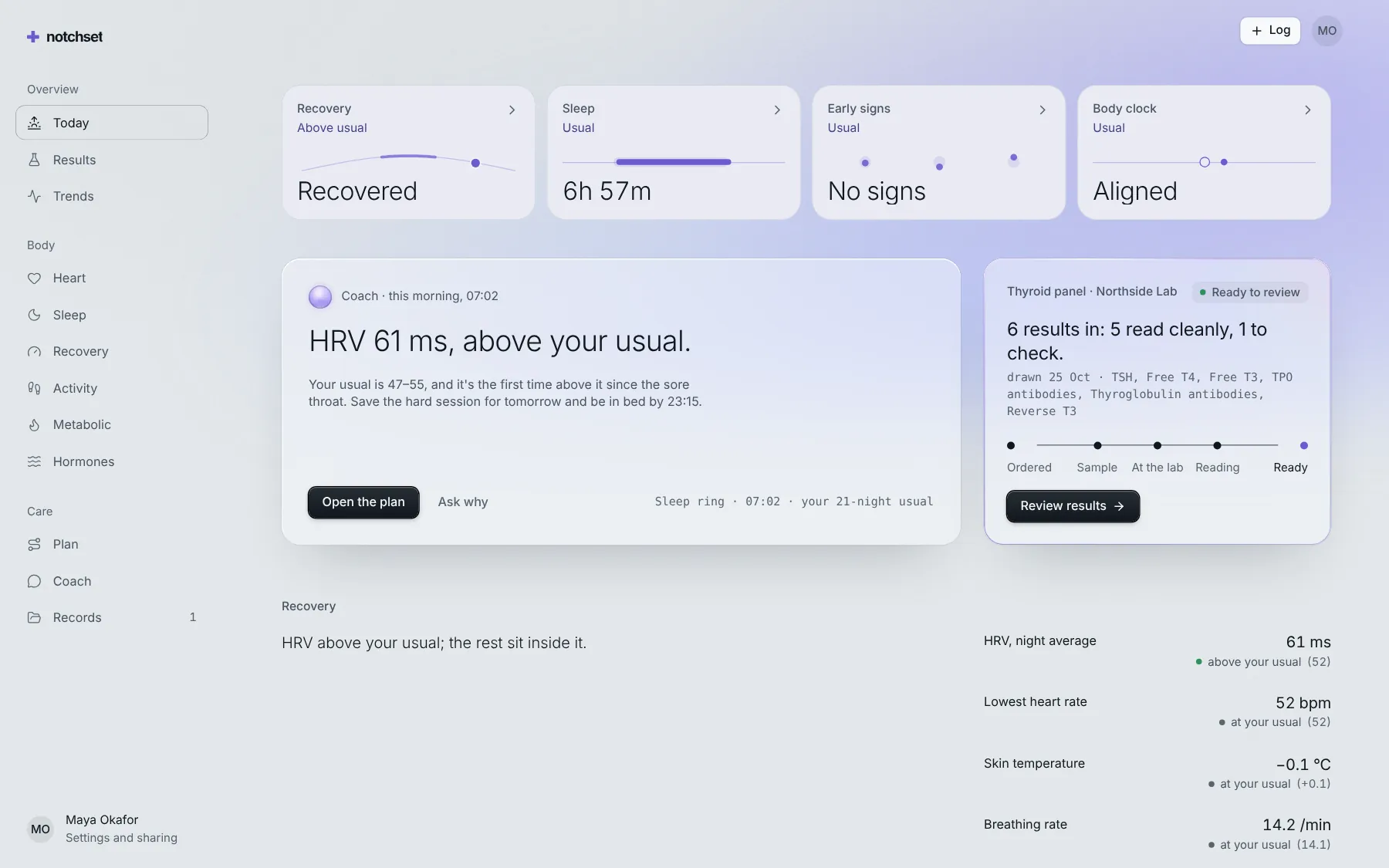
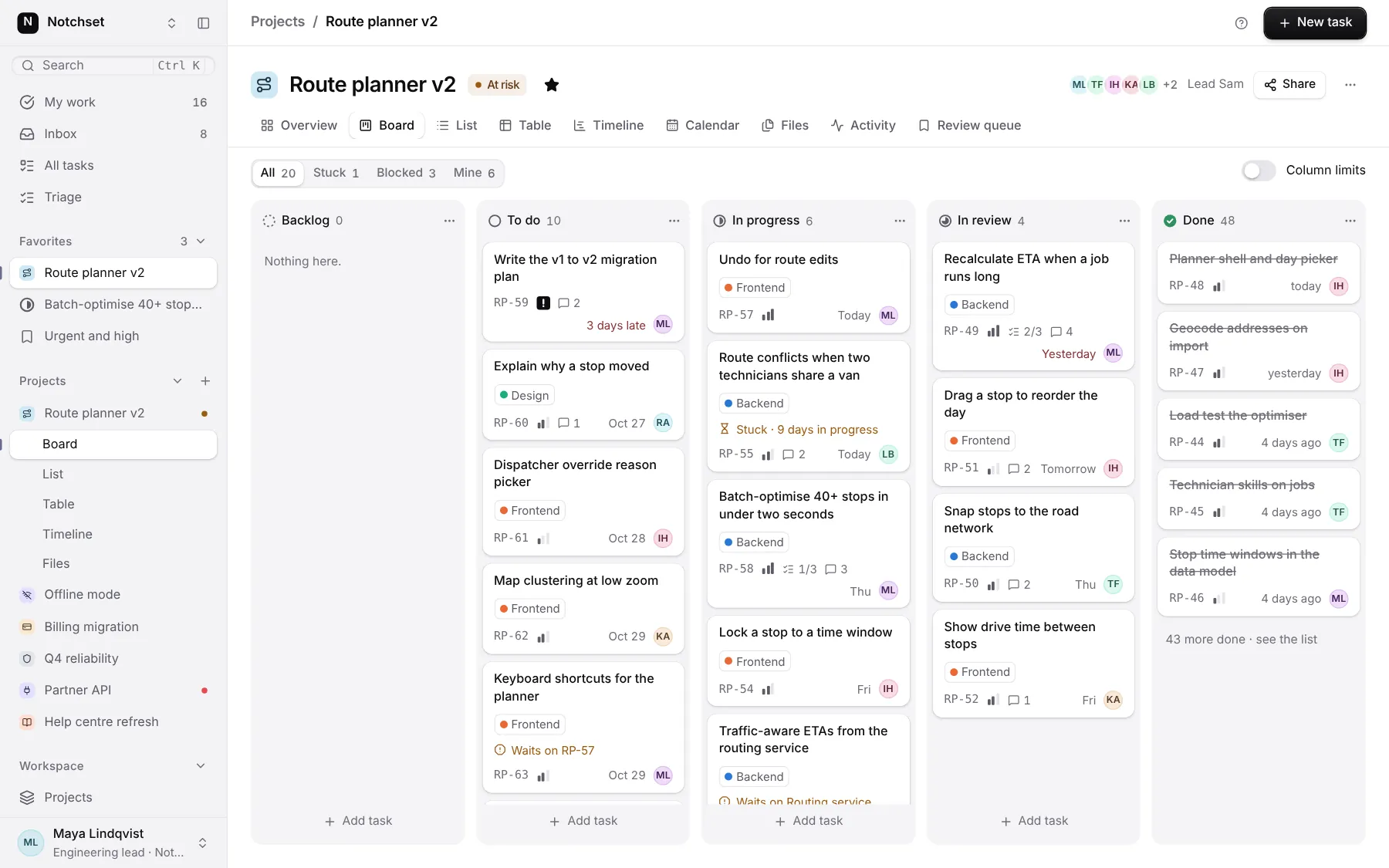
The same file, at work in a finished app. Open it live and find it on its pages.
Part of
Included with Pro
Pro is in early access.