Launch template for shadcn/ui
The site that sells your AI product.
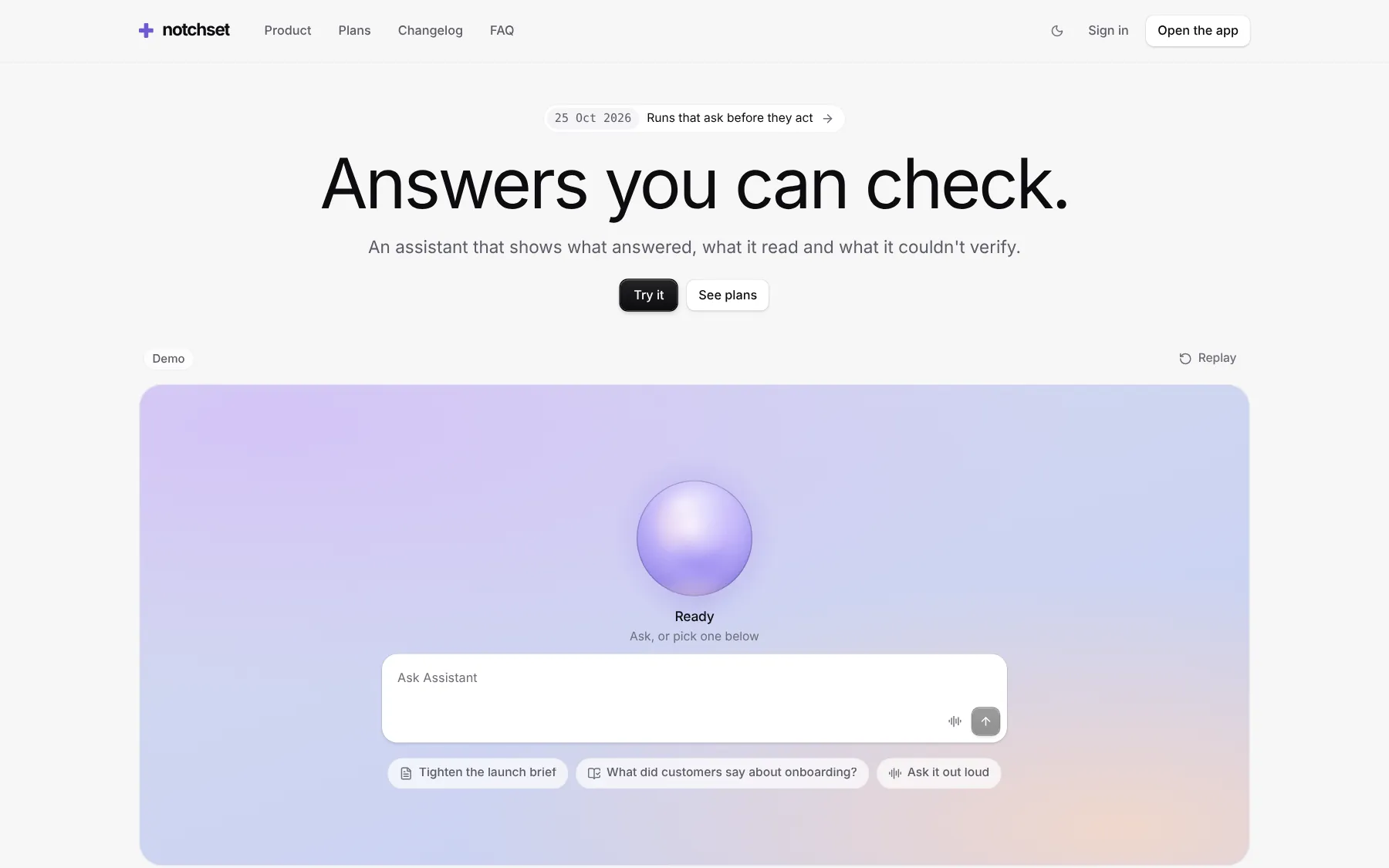
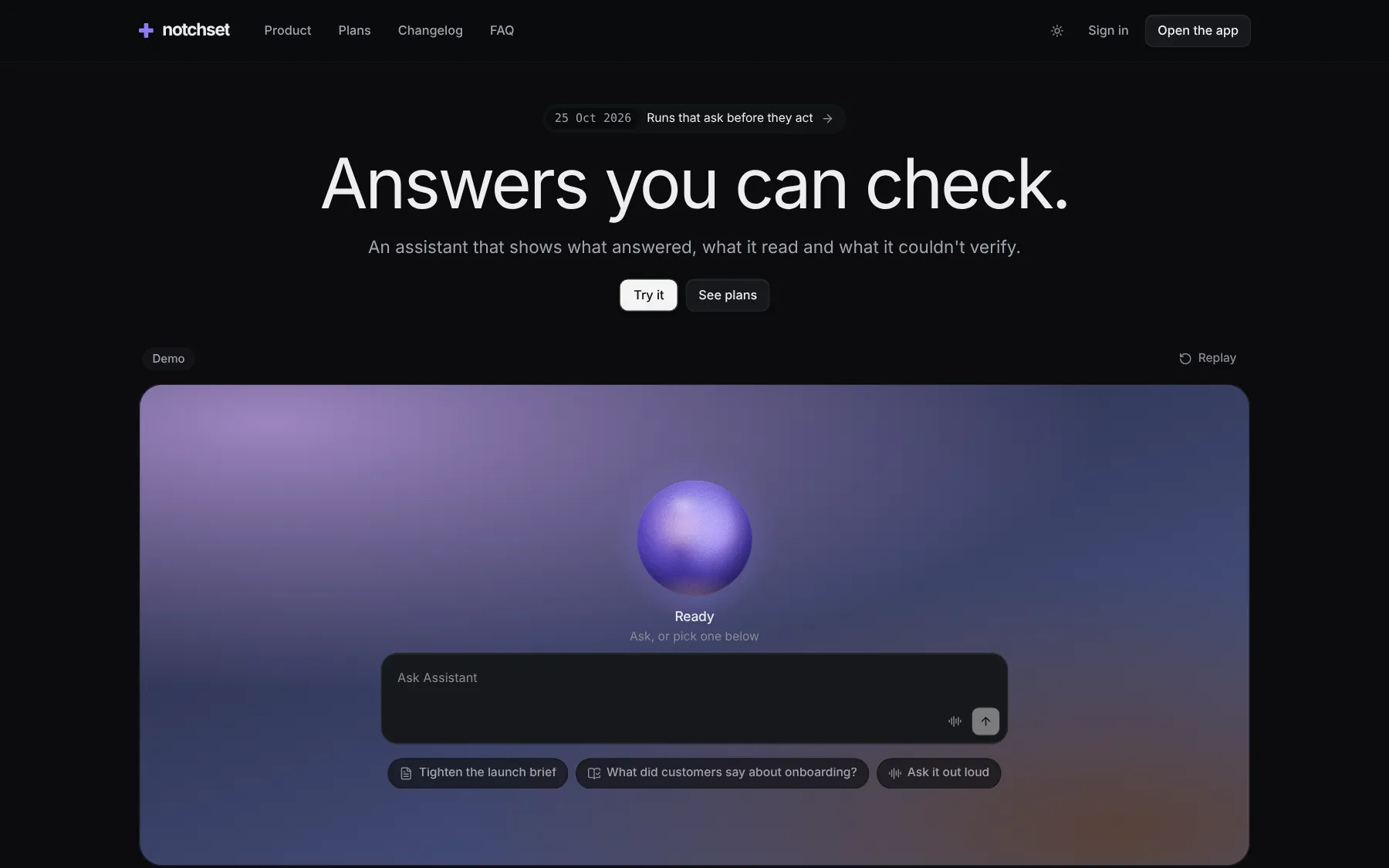
A hero that is the app's own demo, live product tiles, plans and a changelog. Paired with the Assistant, from the same config.
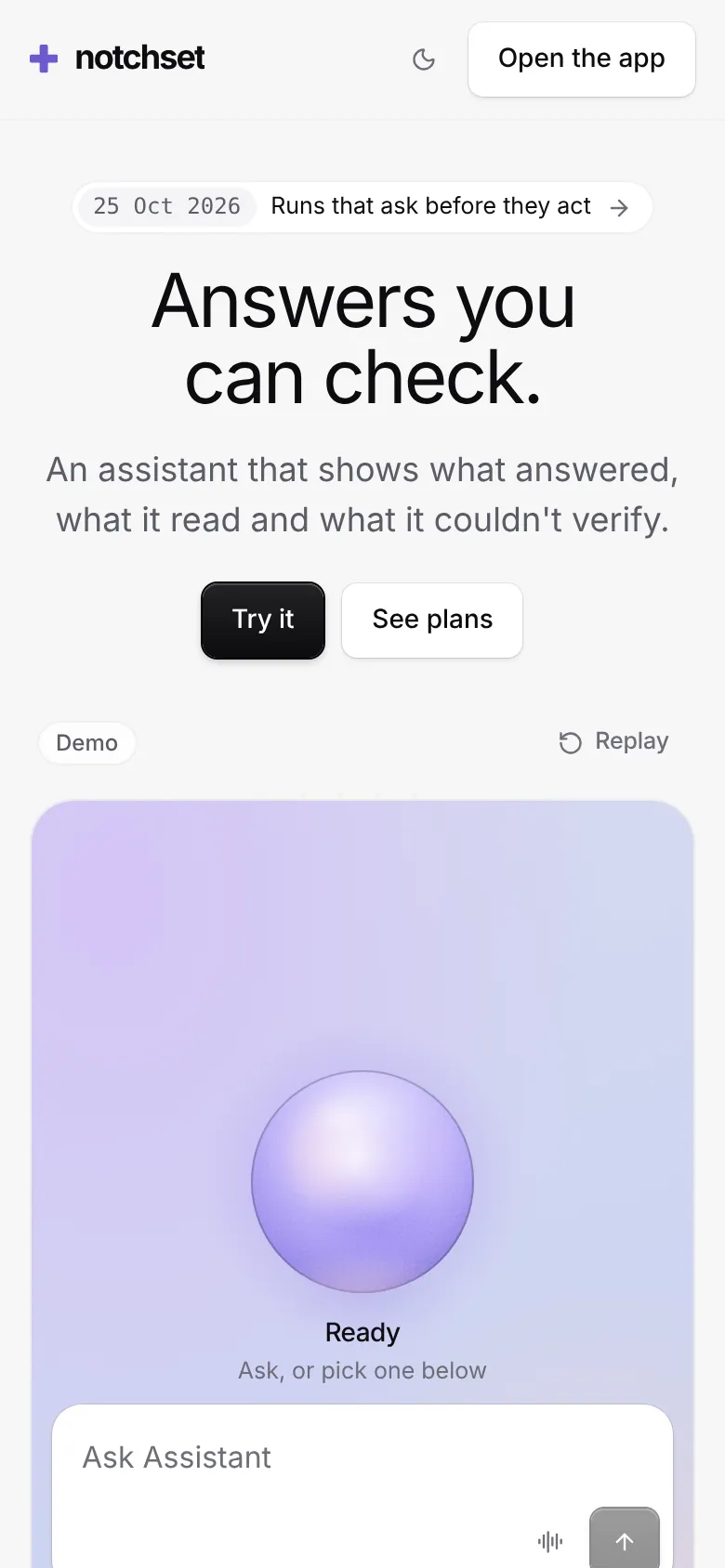
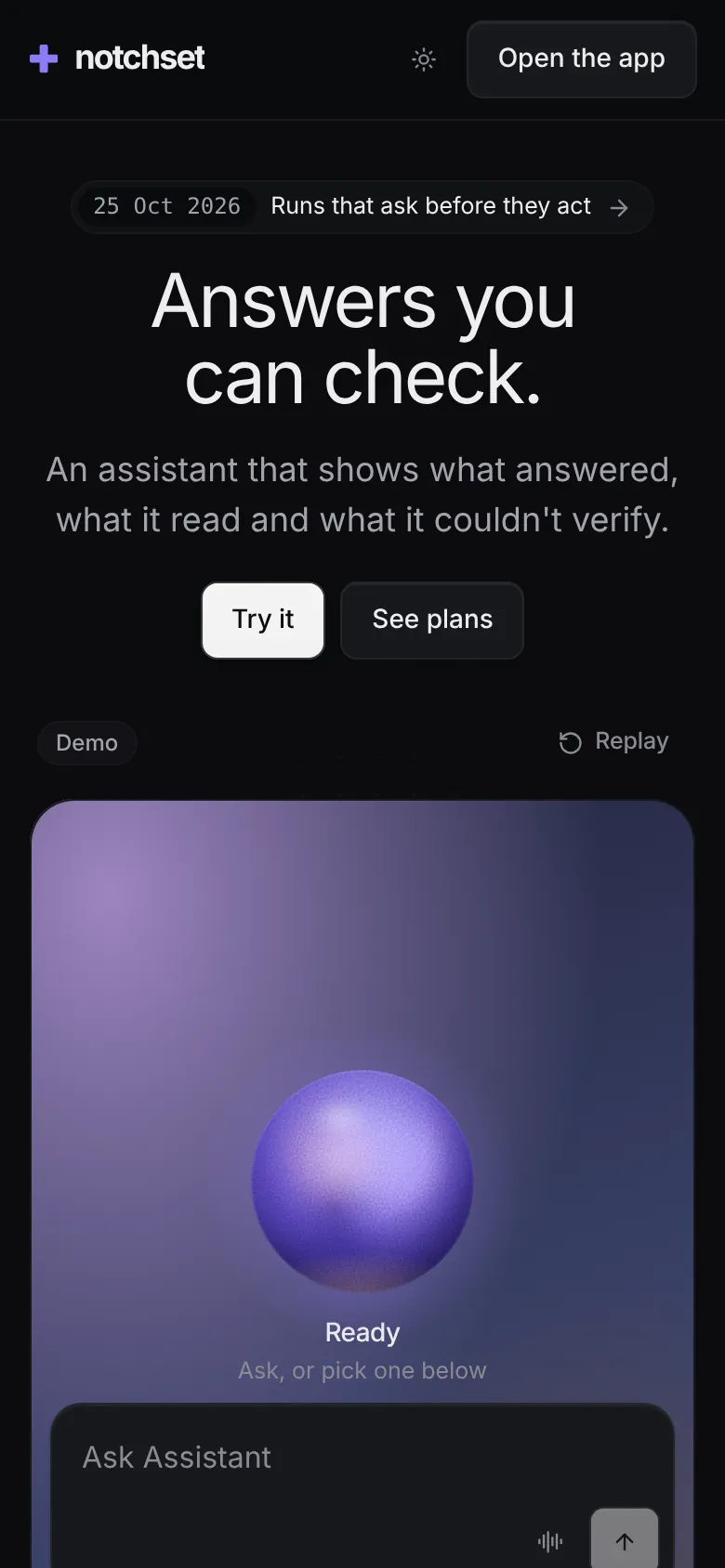
What’s inside.
Every screen opens live, right here. And every block it’s built from has its own page.
Built from
Works with
- React 18.3 & 19
- Tailwind v4
- shadcn/ui
- Base UI
- Radix
Install.
One command brings the app and everything it’s made of into your repo, as source you own.
With the shadcn CLI
npx shadcn@latest add @notchset-pro/assistant-launchIt installs the Assistant with it, which it reads its brand, plans and demo from. Once your key is set up (Pro setup). Updates arrive the same way.
Point it at your data
import { LaunchPage } from "@/components/ui/notchset/templates/assistant-launch/app";

export default function Page() {
  return <LaunchPage page="home" />; // scripted answers in the hero until you pass the Assistant's adapter
}
Recipes.
The changes everyone makes, end to end. In the template’s README too.
Make it yours
The name and Signature are the app's; every other word is Launch's config.
// templates/assistant-launch/config.ts
HERO, PROOF, TILES, PLAN_FEATURES,
CHANGELOG, FAQ, FOOTER
Change a price
The app's Plans page and this site both read it.
// templates/assistant/config.ts
PLANS: [{ key: "pro", price: … }]
Real answers in the hero
Pass the app's adapter. Each receipt names the model that answered.
<LaunchPage adapter={() =>
  httpAdapter("/api/chat")
} />
What to try first.
Six things that show the care. Do them in the frame above, or full screen.
- Let it playThe hero opens into the app's thread on its own, and the brief beside it rewrites itself.
- Ask it somethingType, or press Talk and speak. The reply streams with its receipt, and says it is scripted.
- Touch a tileEach of the four product tiles plays until touched, then hands over to you.
- Flip to yearlyThe plans are the app's own PLANS, so a price is written once.
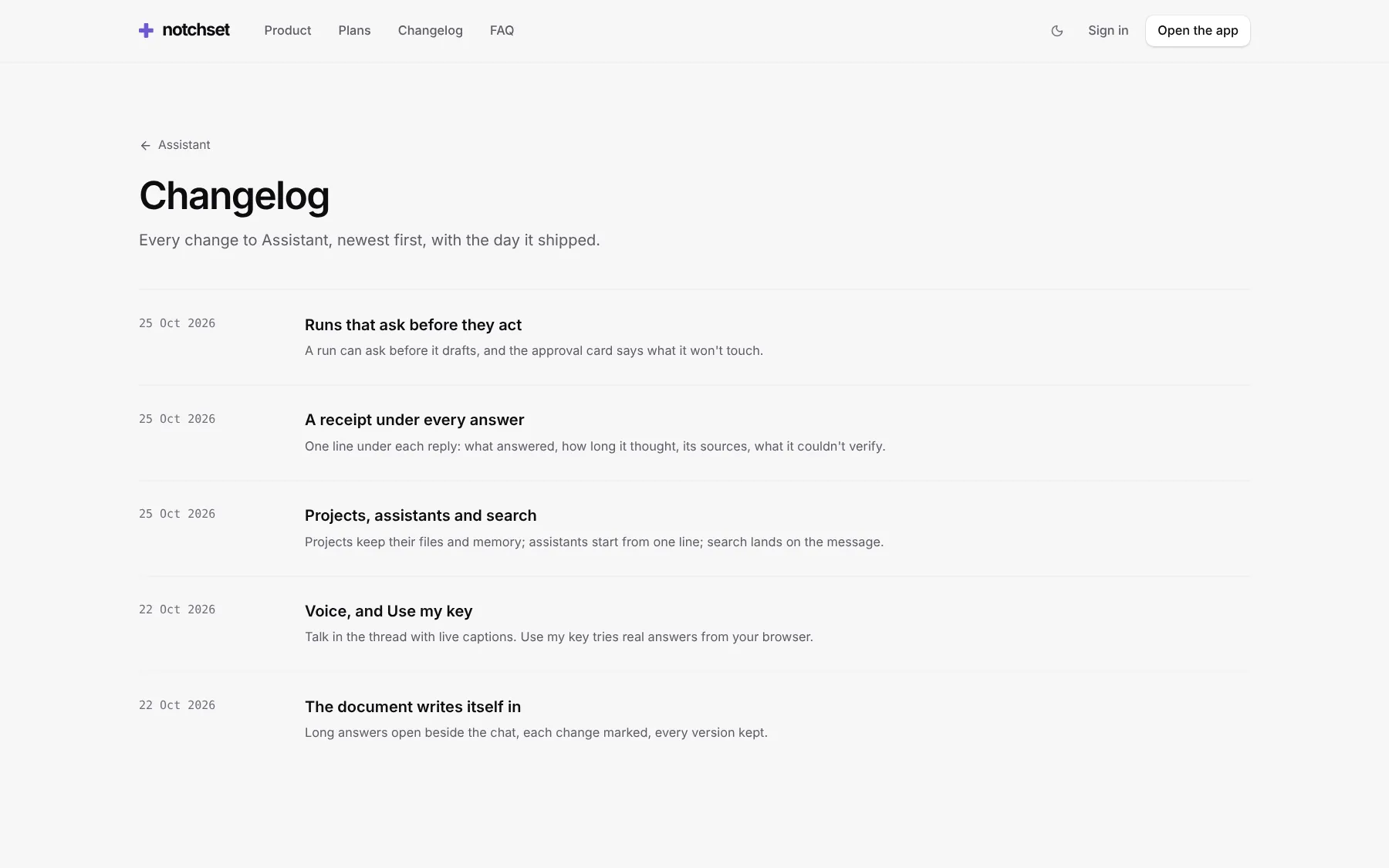
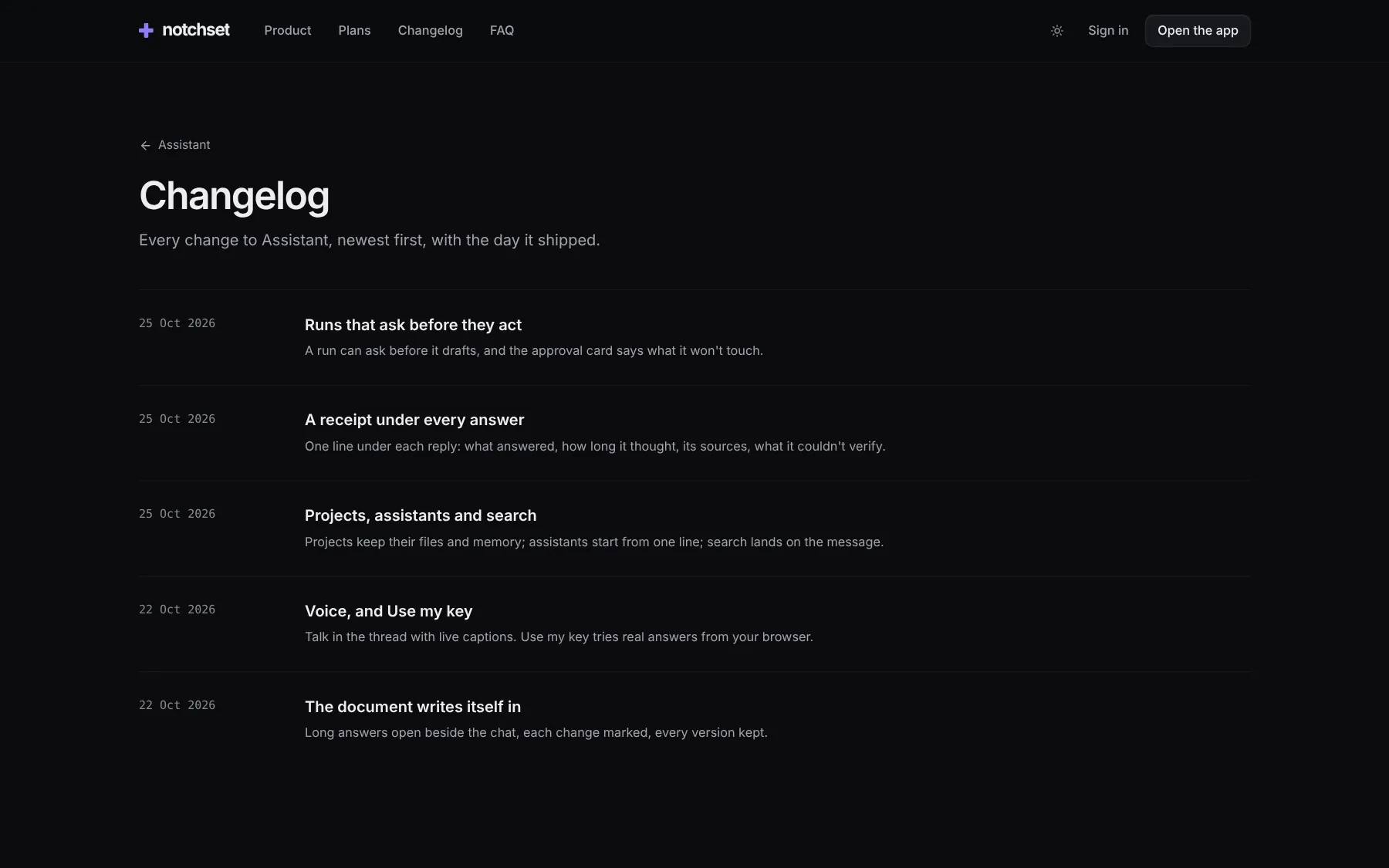
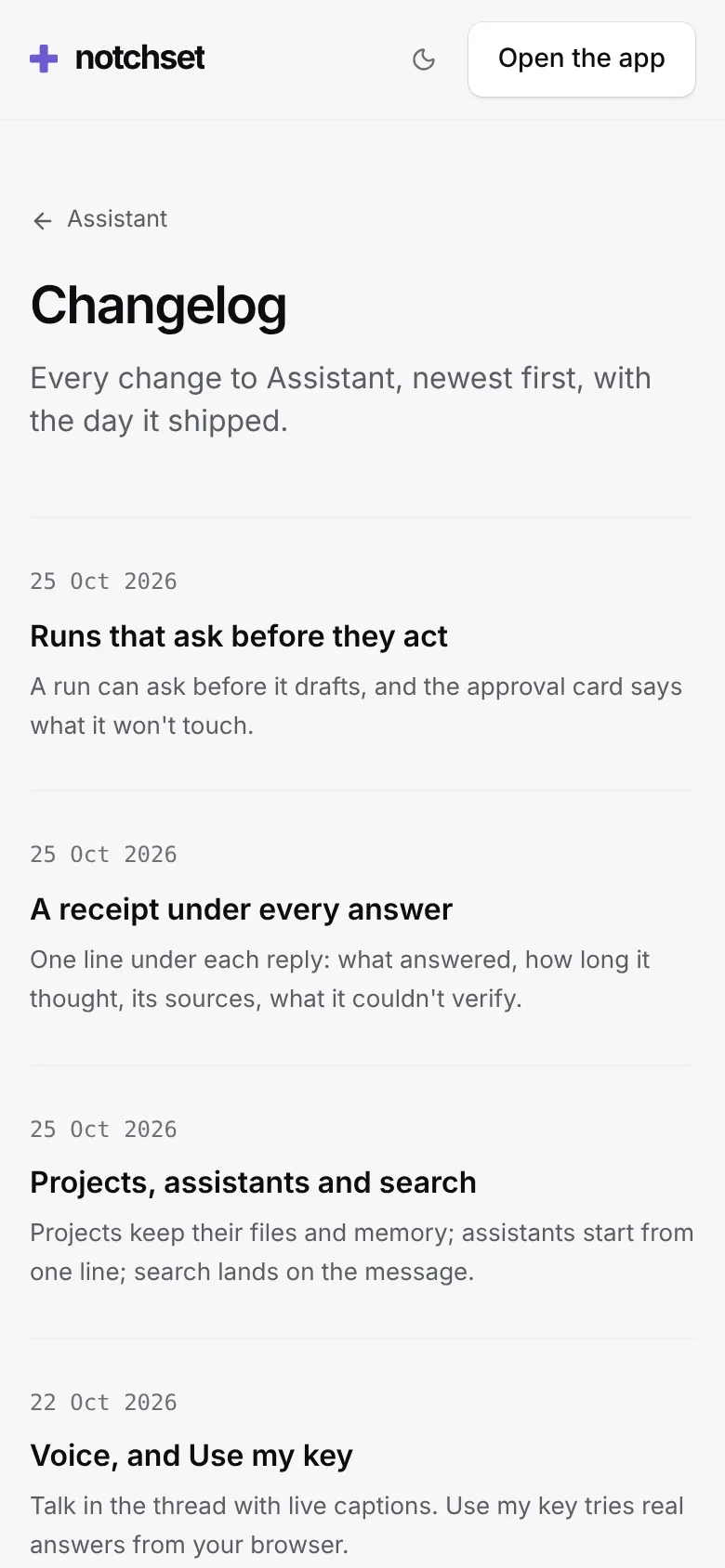
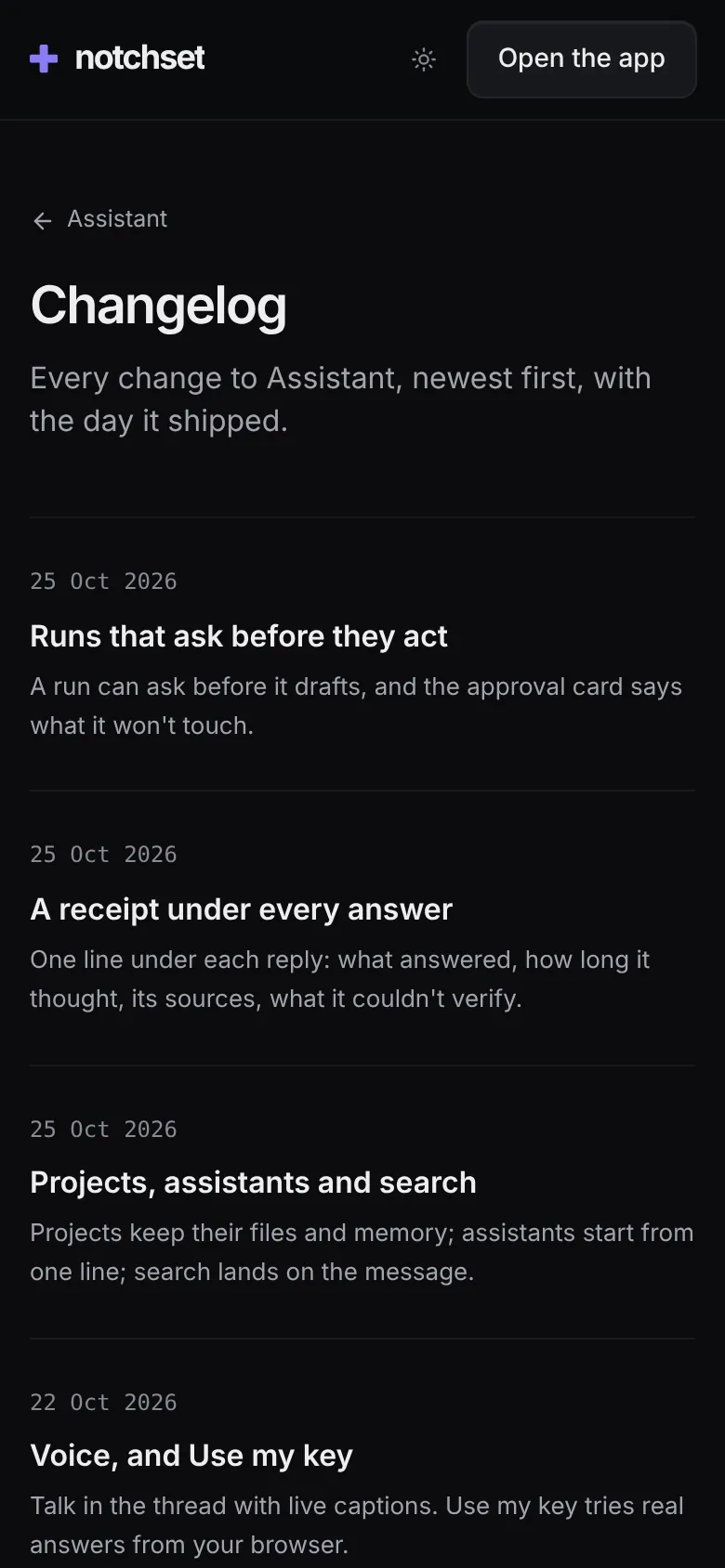
- Read the changelogThe newest three on the page, every entry on its own page.
- Open it on a phoneThe hero, the tiles and the plans each have their own phone layout.