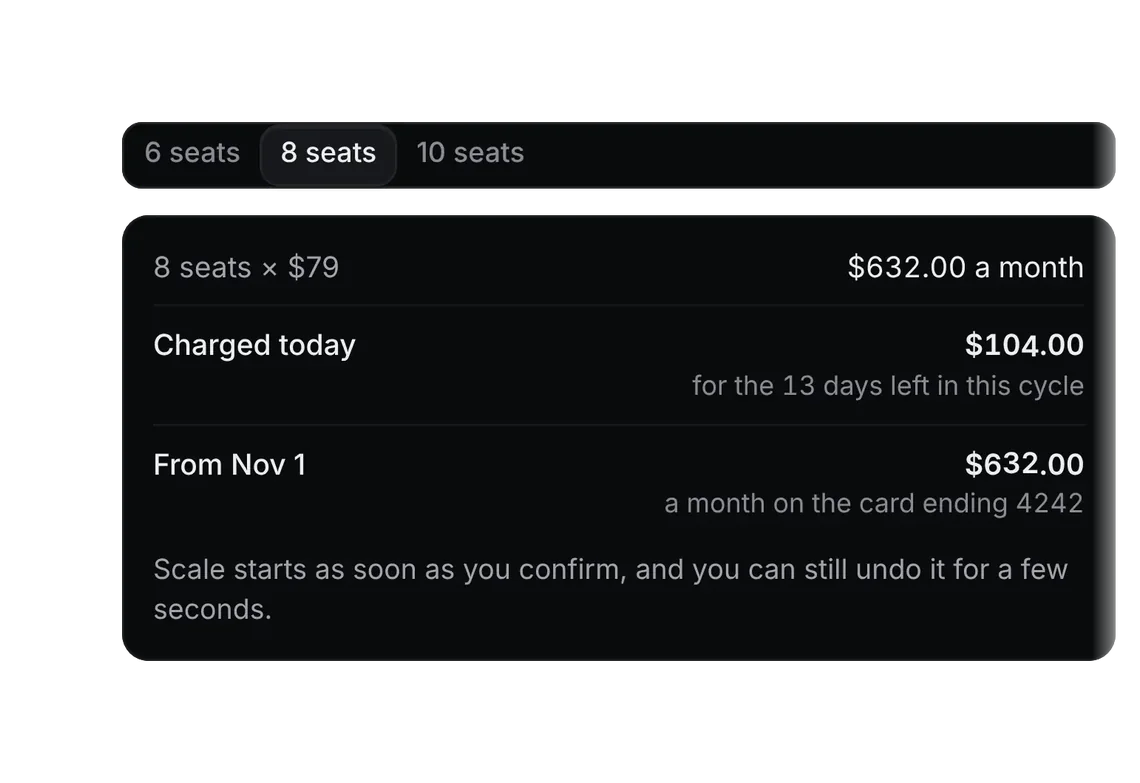
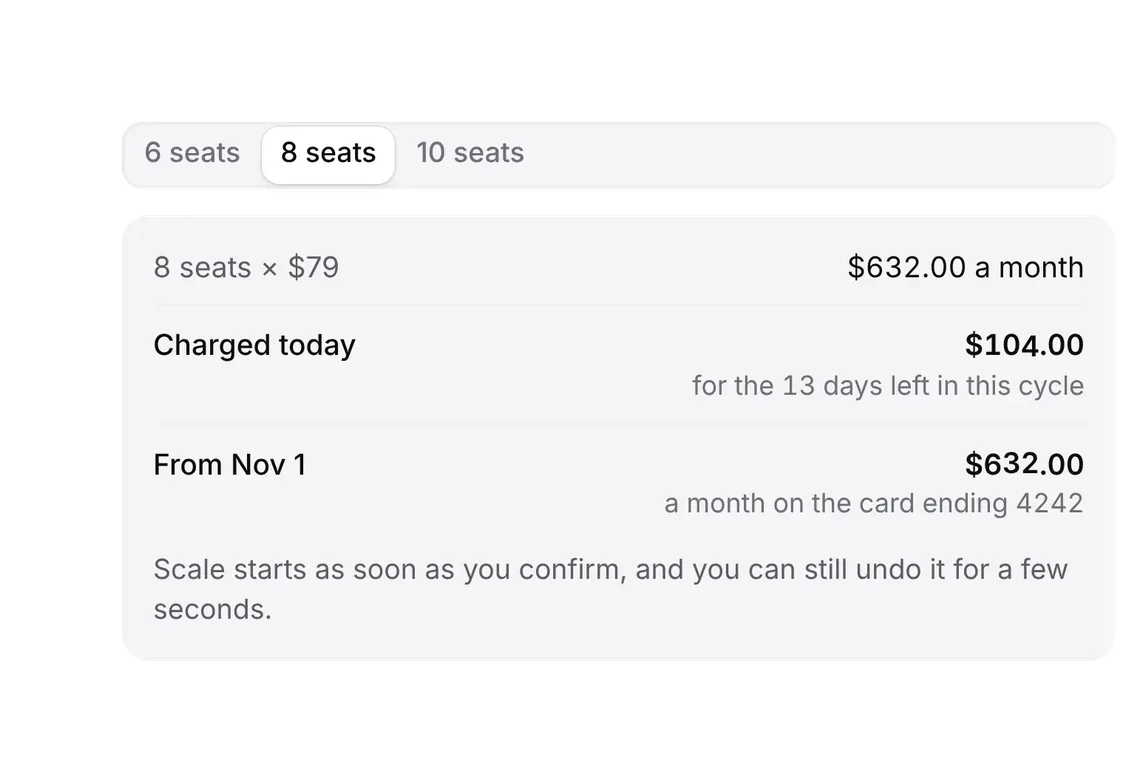
Line items
PROWhat a quote sells, a row per product, editable in place.
Every shadcn style · one file
v2.1 · Updated Oct 21Live preview
pnpm dlx shadcn@latest add @notchset-pro/line-itemsInstallation
pnpm dlx shadcn@latest add @notchset-pro/line-itemsNeeds your registry key. Every components.json style gets the same files.
Works with React 18.3 or 19 on Tailwind CSS v4, in any shadcn project. What's tested
Styles didn't apply?
The CLI adds the styles to the CSS file named in components.json (tailwind.css). Check that it points at your global stylesheet, that the project uses Tailwind CSS v4, and that the file is imported in your root layout. Installed by hand: paste styles.css into that file.
Usage
Import it and pass your content. The props that matter most are listed next.
Example
"use client";
import * as React from "react";
import { type LineItem, LineItems } from "@/components/ui/notchset/blocks/line-items";
import { Button } from "@/components/ui/notchset/button";

/* a two-year contract: yearly prices count twice in a line's total, and the term is said beside each price */
const TERM = 2;
const PRODUCTS = [
  { id: "g", name: "Growth seat", unit: 576, per: `per seat a year · ${TERM}-year term`, years: TERM },
  { id: "eu", name: "EU data residency", unit: 4400, per: `a year · ${TERM}-year term`, years: TERM },
  { id: "ob", name: "Onboarding", unit: 9500, per: "once", years: 1 },
];
const usd = (n: number) => "$" + Math.round(n).toLocaleString("en-US");

export default function LineItemsDemo() {
  const [rows, setRows] = React.useState([{ id: "g", qty: 120, disc: 10 }, { id: "eu", qty: 1, disc: 0 }]);
  const product = (id: string) => PRODUCTS.find((p) => p.id === id)!;
  const lines: LineItem[] = rows.map((r) => {
    const p = product(r.id);
    return { key: r.id, product: p.name, qty: r.qty, unit: usd(p.unit), per: p.per, disc: r.disc, total: usd(r.qty * p.unit * p.years * (1 - r.disc / 100)) };
  });
  /* a value it can't take returns the words to fix it; null saves it */
  /* a quantity is whole seats or units, 1 or more; a discount may have a decimal */
  const set = (k: "qty" | "disc", max: number) => (i: number, raw: string) => {
    const n = Number(raw);
    if (k === "qty" && !(raw.trim() && Number.isInteger(n) && n >= 1 && n <= max)) return "A whole number, like 25";
    if (!raw.trim() || !Number.isFinite(n) || n < 0 || n > max) return `0 to ${max}%`;
    setRows((rs) => rs.map((r, j) => (j === i ? { ...r, [k]: n } : r)));
    return null;
  };
  const next = PRODUCTS.find((p) => !rows.some((r) => r.id === p.id));
  return (
    <div className="flex w-full flex-col gap-3">
      <Button size="sm" className="self-start" disabled={!next} onClick={() => next && setRows((rs) => [...rs, { id: next.id, qty: 1, disc: 0 }])}>
        Add a line
      </Button>
      <LineItems editable lines={lines} names={rows.map((r) => product(r.id).name)} onQty={set("qty", 100000)} onDisc={set("disc", 100)} onRemove={(i) => setRows((rs) => rs.filter((_, j) => j !== i))} empty="No lines yet." />
    </div>
  );
}
This example also uses Button. This command installs them with it, so the example pastes as it is:
pnpm dlx shadcn@latest add @notchset-pro/line-items @notchset/buttonAnatomy
Source
components/ui/notchset/blocks/line-items.tsx
This component is included with Pro.
Try the live preview above. Get Pro to install the source.
Props
lines–LineItem[]Required.
editable–booleanonQty–(i: number, raw: string) => string | nullReturns the words when a value is refused (out of range, offline); null when it saved.
onDisc–(i: number, raw: string) => string | nullonRemove–(i: number) => voidtrack–(key: string, retry: (() => string | null) | null) => voidTold about a value that couldn't be saved (with a way to try it again), and again with null once it's settled, so a page can hold back Send while a field still shows something the record doesn't have.
Show all 9 propsShow fewer
drafts–LineDraftsKeeps refused values outside the editors (the page then settles them itself, so track isn't needed for lines).
names–string[]Names the line in control labels ("Quantity of Growth seat").
empty–React.ReactNode
For coding agents
Give your coding assistant the Markdown guide instead of screenshots.
Where agents read it
- Guide for this component: https://notchset.dev/md/line-items.md
- Every component, for tools without MCP: /llms.txt
- MCP server:
https://notchset.dev/api/mcp(setup)
Changelog
v2.1.0 · 2026-10-21
Editable rows on a phone show the unit price and its term.
v2.0.0 · 2026-10-13
Released with the Notchset system.
Used in
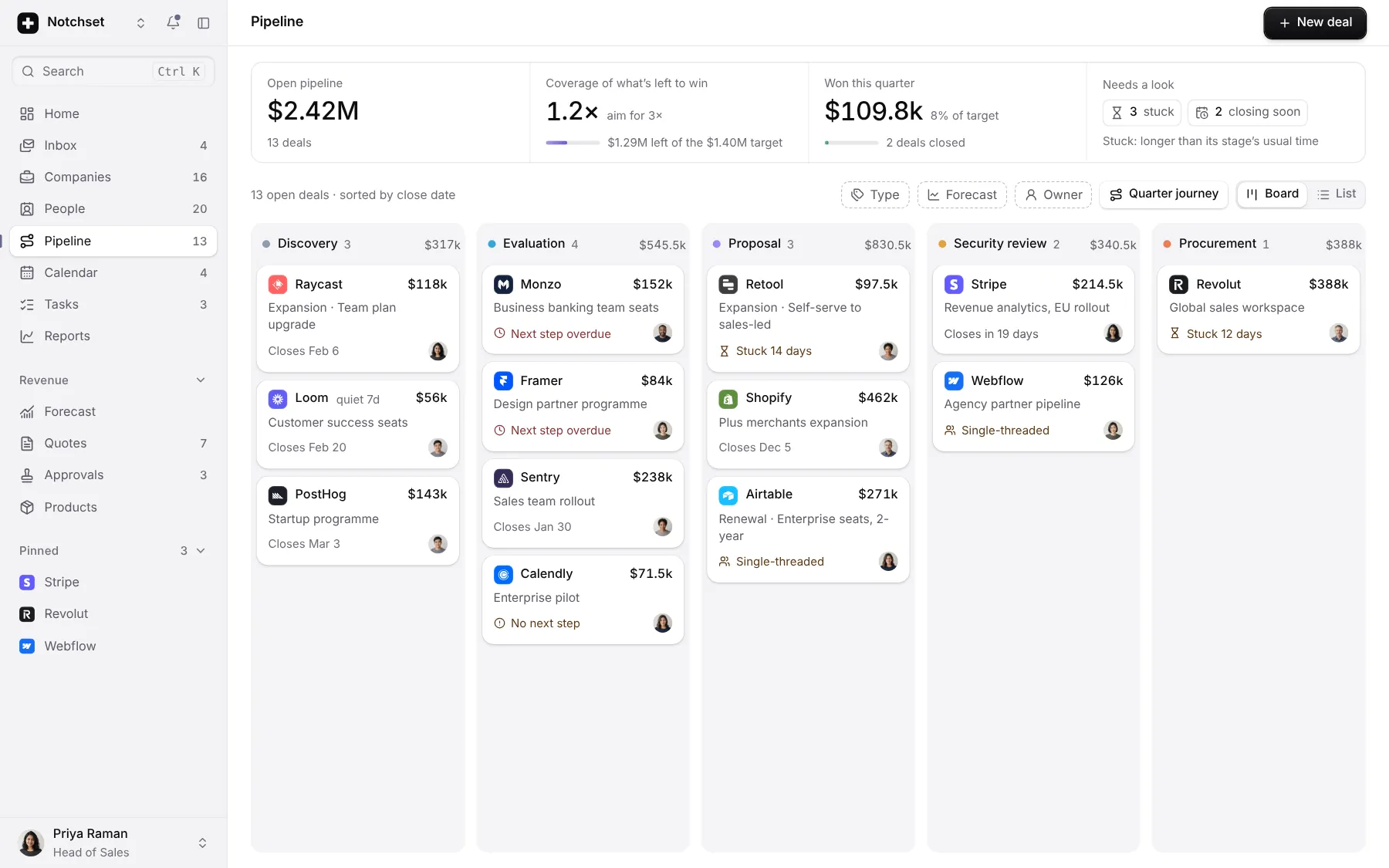
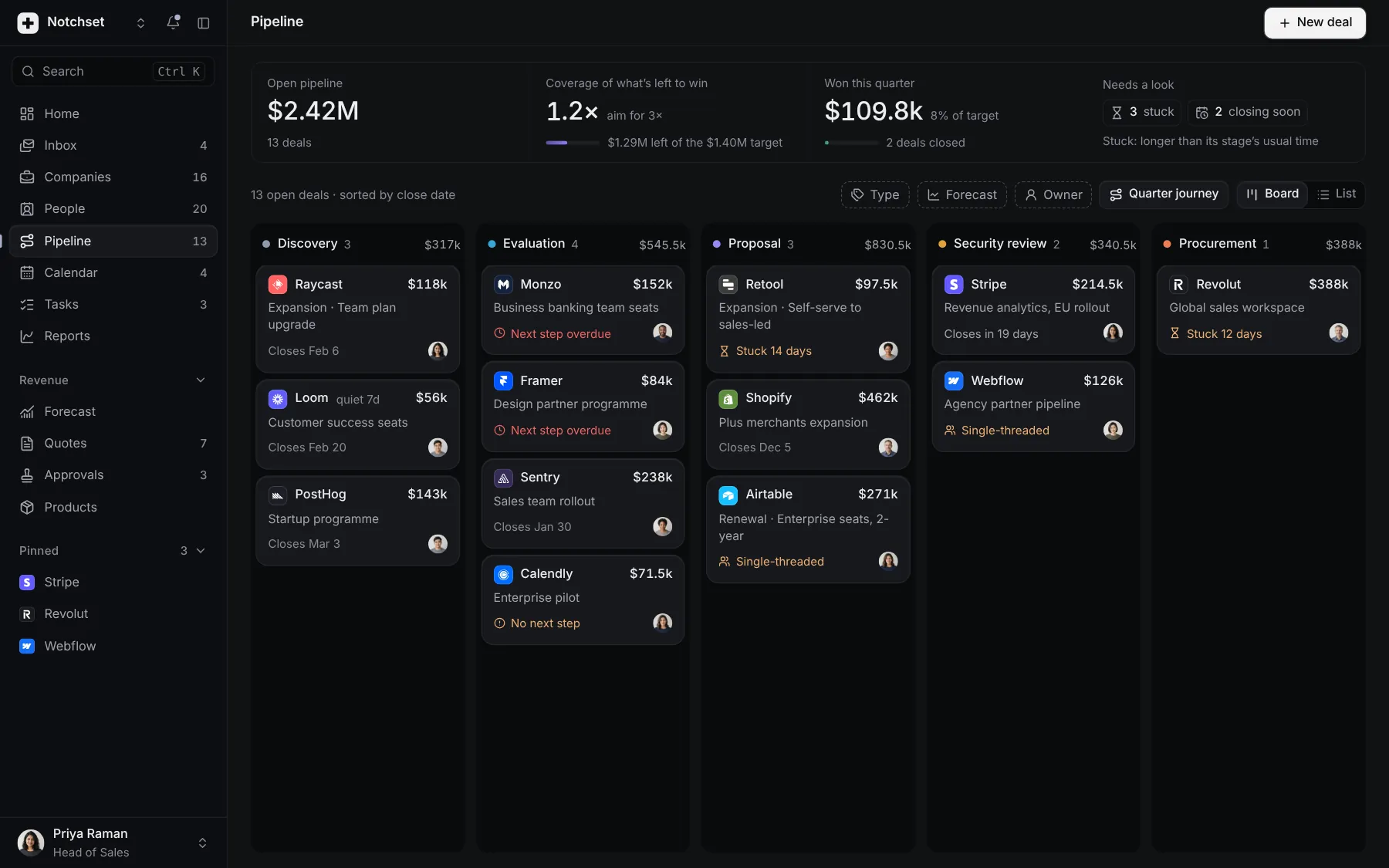
The same file, at work in a finished app. Open it live and find it on its pages.
Part of a kit
Billing and plans. Choosing a plan, paying for it and seeing exactly what was charged.
1 free · 4 ProSee the Billing and plans kit
Part of
Included with Pro
Pro is in early access.