Test card
PROA lab test as a frosted object, with where it is.
Every shadcn style · one file
v2.0 · Updated Oct 13Live preview
pnpm dlx shadcn@latest add @notchset-pro/test-cardInstallation
pnpm dlx shadcn@latest add @notchset-pro/test-cardNeeds your registry key. Every components.json style gets the same files.
Works with React 18.3 or 19 on Tailwind CSS v4, in any shadcn project. What's tested
Styles didn't apply?
The CLI adds the styles to the CSS file named in components.json (tailwind.css). Check that it points at your global stylesheet, that the project uses Tailwind CSS v4, and that the file is imported in your root layout. Installed by hand: paste styles.css into that file.
Usage
Import it and pass your content. The props that matter most are listed next.
Example
"use client";
import { TestCard } from "@/components/ui/notchset/blocks/test-card";

export default function TestCardDemo() {
  return (
    <div className="grid max-w-[880px] grid-cols-2 gap-4 max-[700px]:grid-cols-1">
      <TestCard name="Iron panel" lab="Northside Lab" step={3} live="Due 28–30 Oct" drawn="drawn 24 Oct" />
      <TestCard name="Thyroid panel" lab="Northside Lab" step={5} drawn="drawn 23 Oct" detail="6 values read · one unit to check" action={{ label: "Review it", onClick: () => {} }} />
    </div>
  );
}
Anatomy
Source
components/ui/notchset/blocks/test-card.tsx
This component is included with Pro.
Try the live preview above. Get Pro to install the source.
Props
name–stringRequired.
lab–stringRequired.
hue–1 | 2 | 3 | 4 | 5 | 6its body system's identity hue, 1–6, as light behind the glass; left out, the glass alone
step–1 | 2 | 3 | 4 | 5where it is, 1 (ordered) to 5 (ready)
live–stringwords for the live step ("Due 28–30 Oct", "Reading page 2 of 4")
drawn–string"Drawn 23 Oct"
Show all 8 propsShow fewer
detail–stringready: what was read and what needs you
action–{ label: string; onClick: () => void }
For coding agents
Give your coding assistant the Markdown guide instead of screenshots.
Where agents read it
- Guide for this component: https://notchset.dev/md/test-card.md
- Every component, for tools without MCP: /llms.txt
- MCP server:
https://notchset.dev/api/mcp(setup)
Changelog
v2.0.0 · 2026-10-13
Released with the Notchset system.
Used in
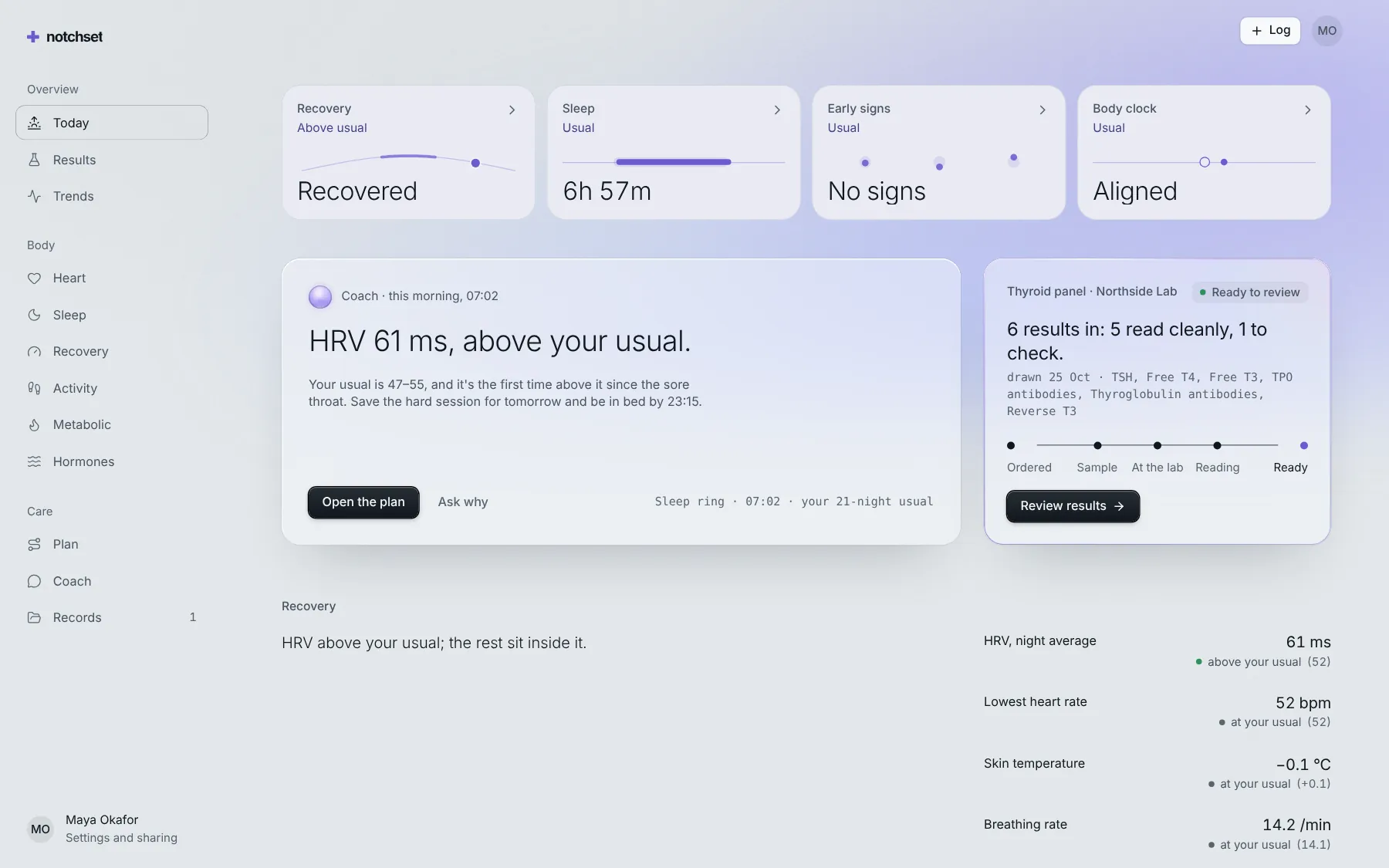
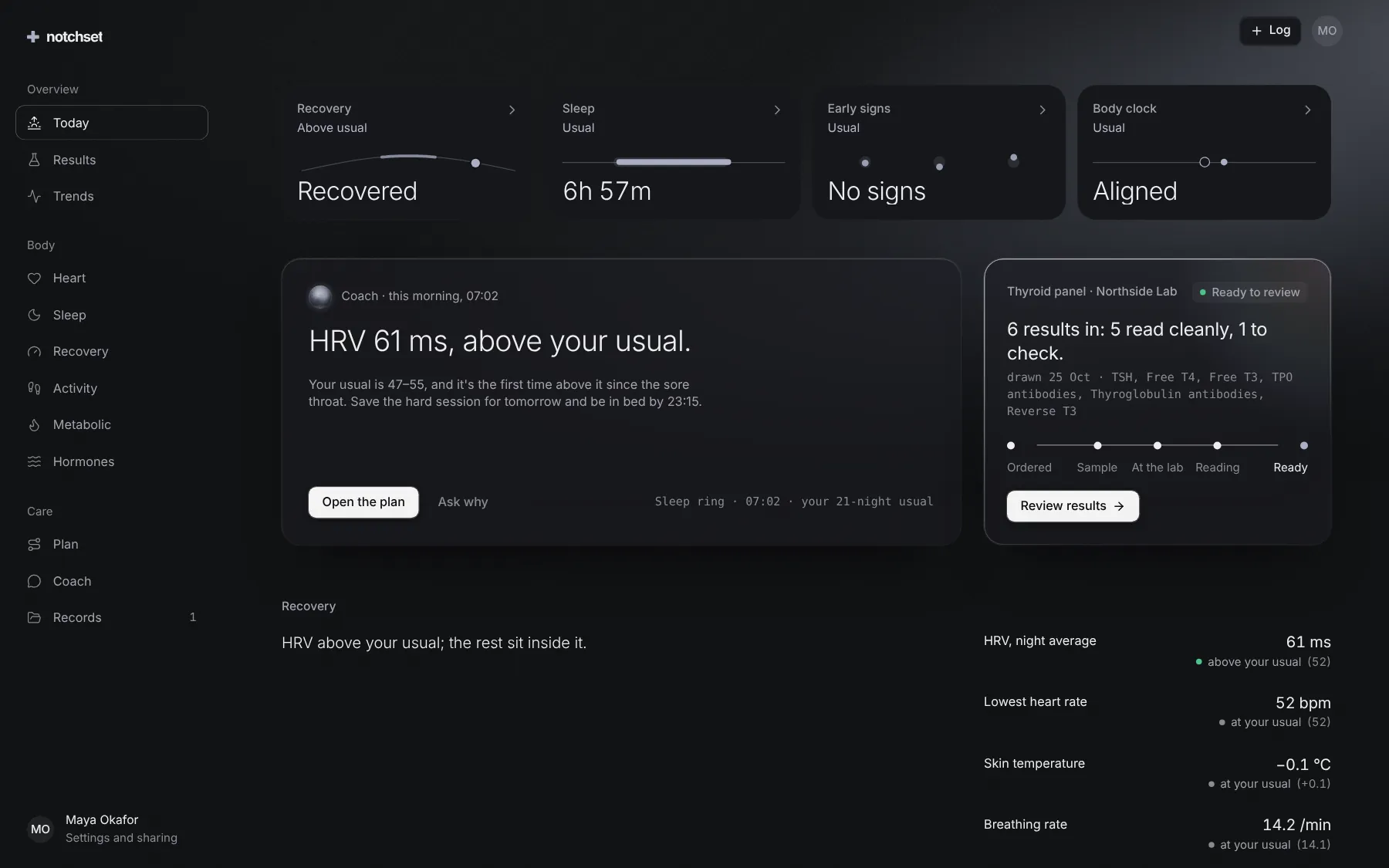
The same file, at work in a finished app. Open it live and find it on its pages.
Part of
Included with Pro
Pro is in early access.