Intelligence settings
PROAn app's model settings: provider, model, key status and what it may read.
Every shadcn style · one file
v2.0 · Updated Oct 13Live preview
pnpm dlx shadcn@latest add @notchset-pro/intelligence-settingsInstallation
pnpm dlx shadcn@latest add @notchset-pro/intelligence-settingsNeeds your registry key. Every components.json style gets the same files.
Works with React 18.3 or 19 on Tailwind CSS v4, in any shadcn project. What's tested
Styles didn't apply?
The CLI adds the styles to the CSS file named in components.json (tailwind.css). Check that it points at your global stylesheet, that the project uses Tailwind CSS v4, and that the file is imported in your root layout. Installed by hand: paste styles.css into that file.
Usage
Import it and pass your content. The props that matter most are listed next.
Example
"use client";
import * as React from "react";
import { IntelligenceSettings } from "@/components/ui/notchset/blocks/intelligence-settings";

const PROVIDERS = [
  { value: "anthropic", label: "Anthropic", hint: "Claude models" },
  { value: "openai", label: "OpenAI", hint: "GPT models" },
];
const MODELS: Record<string, { value: string; label: string }[]> = {
  anthropic: [{ value: "claude-sonnet", label: "Claude Sonnet" }, { value: "claude-haiku", label: "Claude Haiku" }],
  openai: [{ value: "gpt-large", label: "GPT, large" }, { value: "gpt-small", label: "GPT, small" }],
};

/* the model behind an app: provider, model, the key's status on the server, and what it may read */
export default function IntelligenceSettingsDemo() {
  const [provider, setProvider] = React.useState("anthropic");
  const [model, setModel] = React.useState("claude-sonnet");
  const [reads, setReads] = React.useState({ labs: true, wearables: true, logs: true, routine: false });
  return (
    <IntelligenceSettings
      className="w-full max-w-[720px]"
      providers={PROVIDERS}
      provider={provider}
      onProvider={(v) => (setProvider(v), setModel(MODELS[v]![0]!.value))}
      models={MODELS[provider]!}
      model={model}
      onModel={setModel}
      apiKey={{ env: provider === "anthropic" ? "ANTHROPIC_API_KEY" : "OPENAI_API_KEY", state: provider === "anthropic" ? "set" : "unset" }}
      reads={[
        { key: "labs", label: "Lab results", hint: "Every value and the range its lab printed", on: reads.labs },
        { key: "wearables", label: "Wearables", hint: "Sleep, HRV, heart rate, steps", on: reads.wearables },
        { key: "logs", label: "Your logs", hint: "Weight, symptoms, meals, notes", on: reads.logs },
        { key: "routine", label: "Your routine", hint: "What you ticked and when", on: reads.routine },
      ]}
      onRead={(k, on) => setReads((r) => ({ ...r, [k]: on }))}
      note="Not medical advice. The model gets a numbered list of these values, never files."
    />
  );
}
Anatomy
Source
components/ui/notchset/blocks/intelligence-settings.tsx
This component is included with Pro.
Try the live preview above. Get Pro to install the source.
Props
providers–readonly Option[]Required.
provider–stringRequired.
onProvider–(value: string) => voidRequired.
models–readonly Option[]Required.
model–stringRequired.
onModel–(value: string) => voidRequired.
Show all 10 propsShow fewer
apiKey–{ env?: string | undefined; state: "set" | "unset" | "scripted" | "reading" }where the key lives on your server and whether it is set; "reading" while the setup loads
reads–readonly IntelligenceRead[]Required.
onRead–(key: string, on: boolean) => voidRequired.
note–React.ReactNodeone line under the switches: what it isn't, and what it sends
For coding agents
Give your coding assistant the Markdown guide instead of screenshots.
Where agents read it
- Guide for this component: https://notchset.dev/md/intelligence-settings.md
- Every component, for tools without MCP: /llms.txt
- MCP server:
https://notchset.dev/api/mcp(setup)
Changelog
v2.0.0 · 2026-10-13
Released with the Notchset system.
Used in
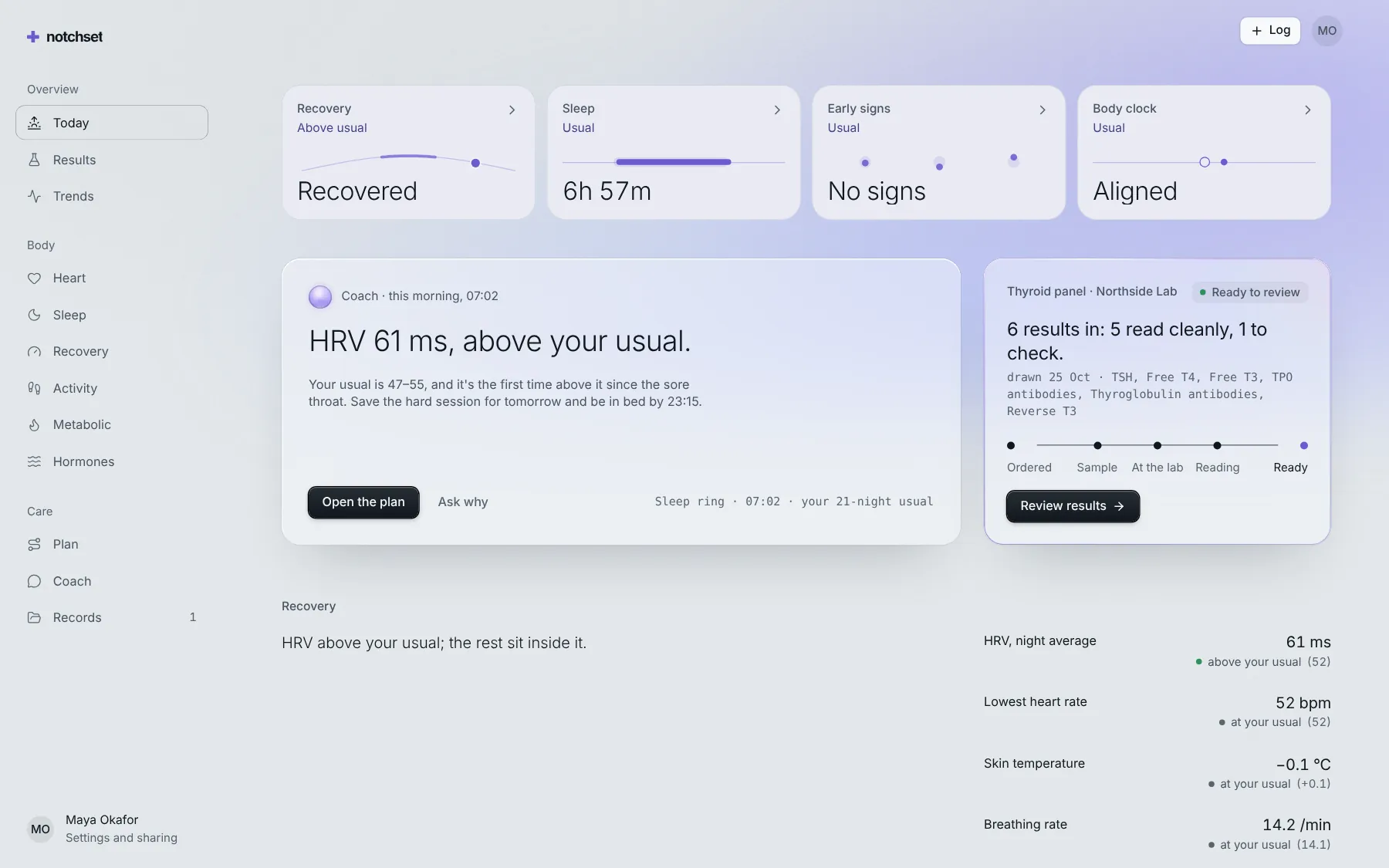
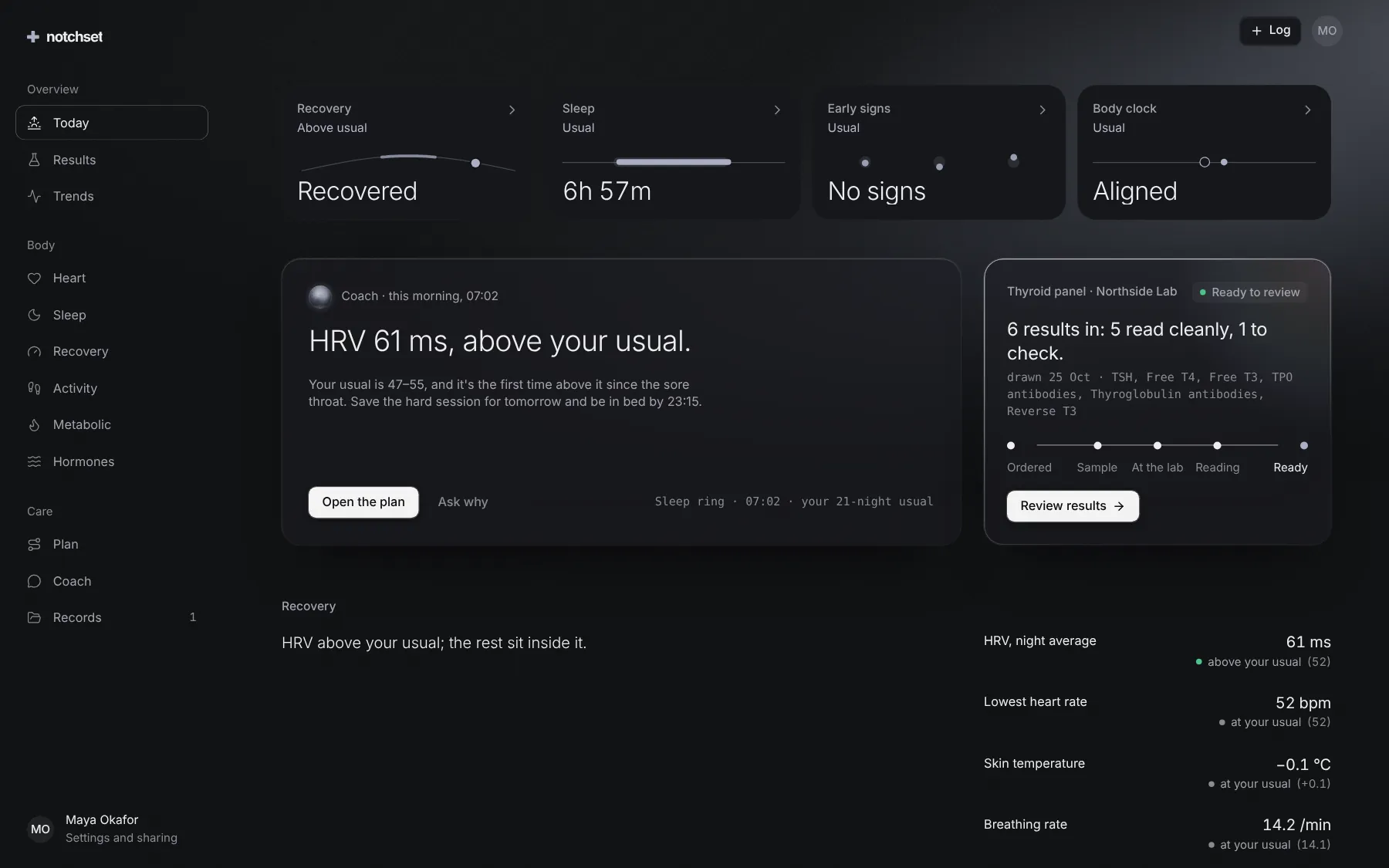
The same file, at work in a finished app. Open it live and find it on its pages.
Part of
Included with Pro
Pro is in early access.