Panel line
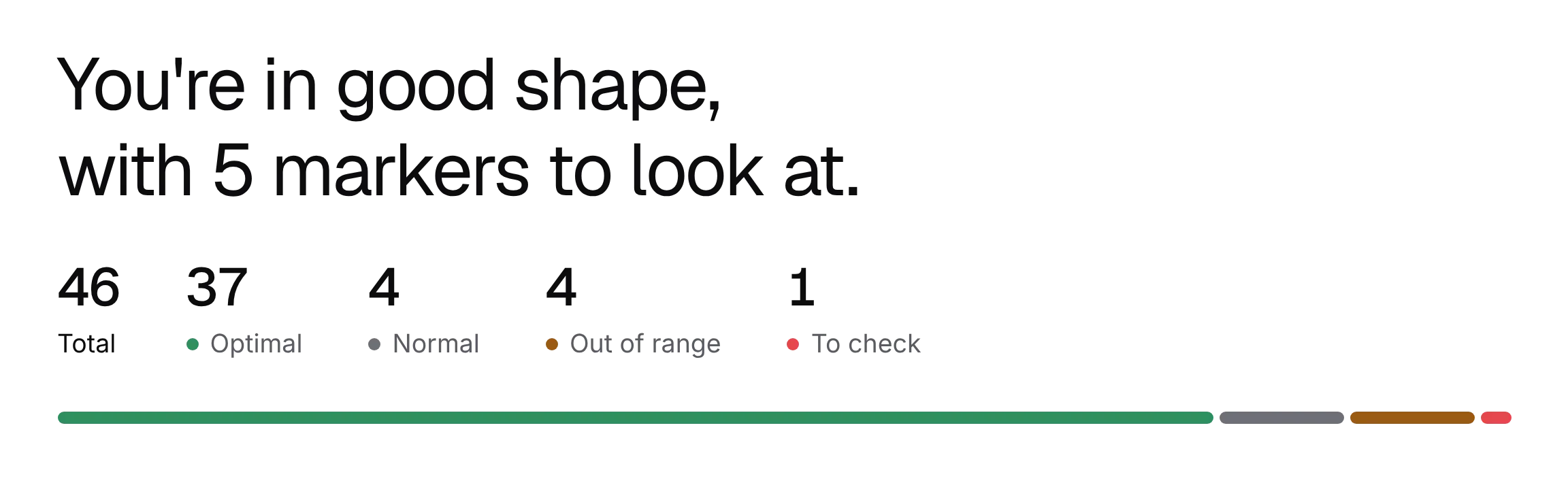
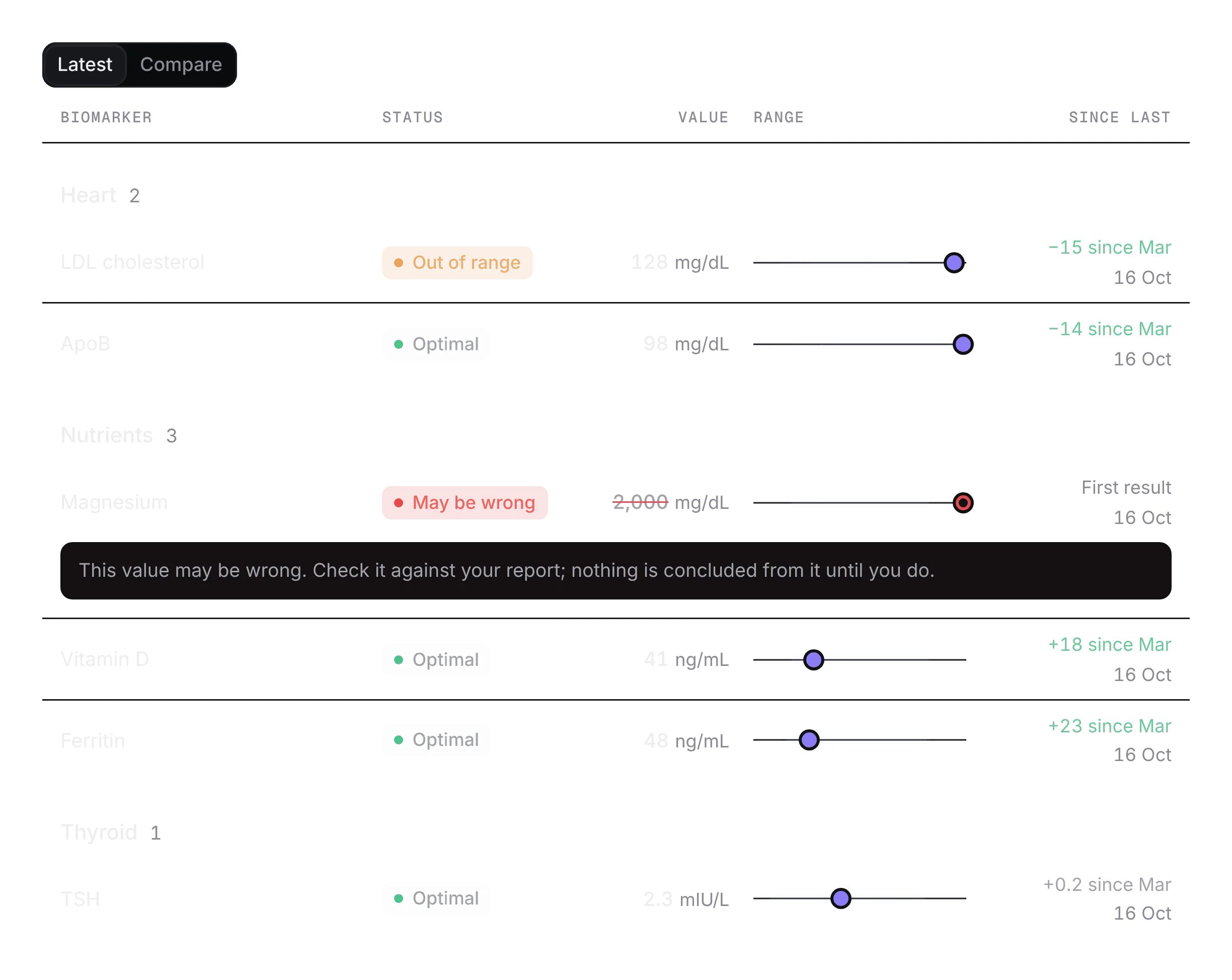
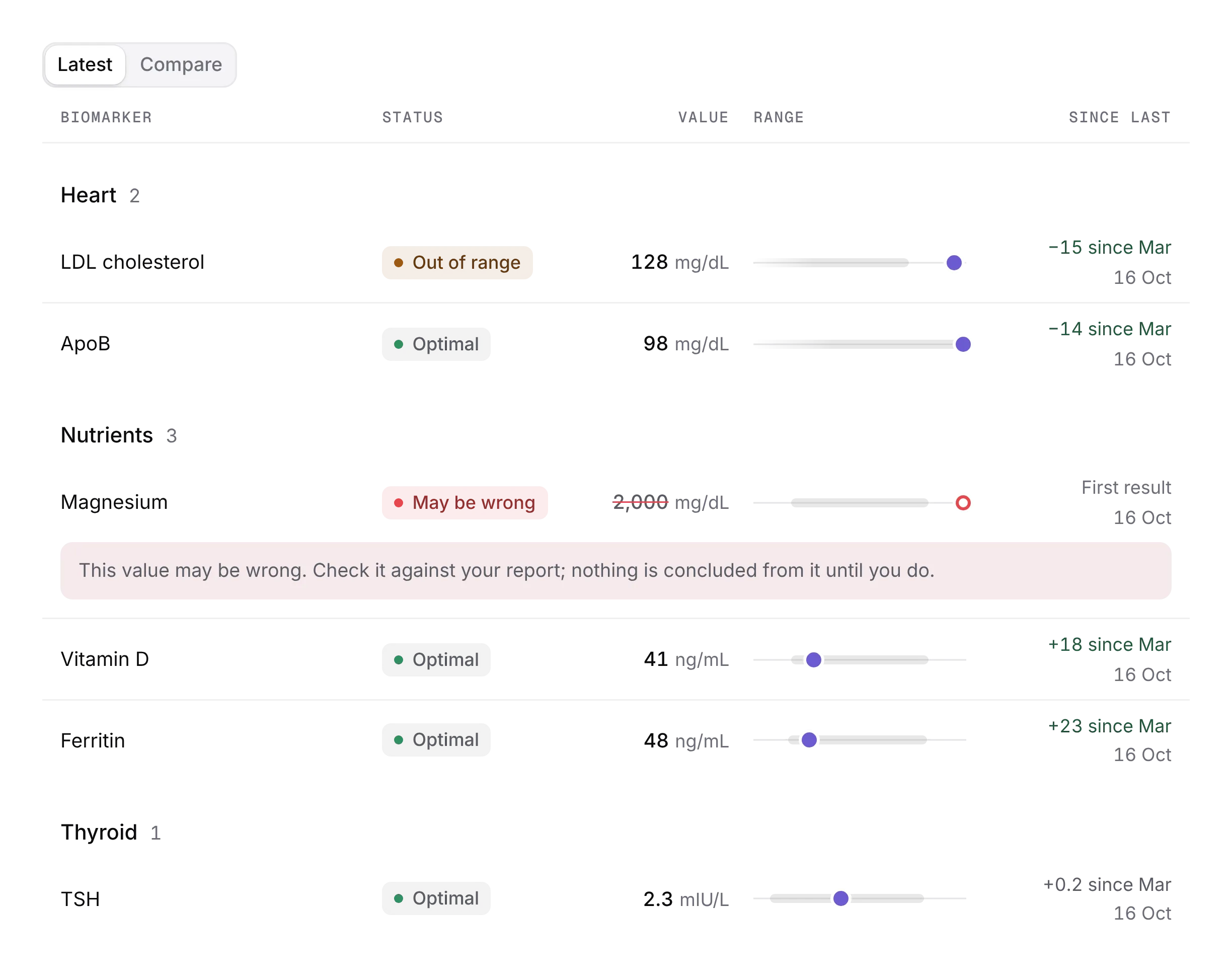
PROA whole lab panel as one line of ticks, grouped by system.
Every shadcn style · one file
v2.0 · Updated Oct 13Live preview
pnpm dlx shadcn@latest add @notchset-pro/panel-lineInstallation
pnpm dlx shadcn@latest add @notchset-pro/panel-lineNeeds your registry key. Every components.json style gets the same files.
Works with React 18.3 or 19 on Tailwind CSS v4, in any shadcn project. What's tested
Styles didn't apply?
The CLI adds the styles to the CSS file named in components.json (tailwind.css). Check that it points at your global stylesheet, that the project uses Tailwind CSS v4, and that the file is imported in your root layout. Installed by hand: paste styles.css into that file.
Usage
Import it and pass your content. The props that matter most are listed next.
Example
"use client";
import { PanelLine } from "@/components/ui/notchset/blocks/panel-line";

const SYS = ["Heart", "Heart", "Heart", "Metabolic", "Metabolic", "Nutrients", "Nutrients", "Nutrients", "Thyroid", "Thyroid", "Blood", "Blood"];
const ITEMS = [
  ["LDL cholesterol", 128, "mg/dL", undefined, 99],
  ["ApoB", 98, "mg/dL", undefined, 99],
  ["HDL cholesterol", 61, "mg/dL", 50, undefined],
  ["Fasting glucose", 86, "mg/dL", 65, 99],
  ["Uric acid", 6.3, "mg/dL", 2.4, 6.0],
  ["Vitamin D", 41, "ng/mL", 30, 100],
  ["Ferritin", 48, "ng/mL", 30, 150],
  ["Vitamin B12", 540, "pg/mL", 232, 1245],
  ["TSH", 2.3, "mIU/L", 0.45, 4.5],
  ["Free T4", 1.18, "ng/dL", 0.82, 1.77],
  ["Haemoglobin", 13.2, "g/dL", 11.1, 15.9],
  ["Platelets", 255, "×10³/µL", 150, 450],
] as const;

export default function PanelLineDemo() {
  return (
    <PanelLine
      title="Your biomarkers"
      label="Follow-up panel · drawn 16 Oct · Northside Lab"
      items={ITEMS.map(([name, value, unit, low, high], i) => ({ id: String(i), name, system: SYS[i]!, value, unit, low, high }))}
      picks={{ by: "Dr. Priya Rao", initials: "PR", ids: ["0", "1", "5"] }}
    />
  );
}
Anatomy
Source
components/ui/notchset/blocks/panel-line.tsx
This component is included with Pro.
Try the live preview above. Get Pro to install the source.
Props
title–stringRequired.
label–stringwhich panel: "Follow-up panel · 16 Oct · Northside Lab"
items–PanelLineItem[]Required.
onOpen–(id: string) => voidaction–{ label: string; onClick: () => void }picks–{ by: string; initials: string; ids: string[] }the markers a clinician picked to watch, with who picked them (their initials stand for them)
Show all 11 propsShow fewer
tone"deep""deep" | "ground"on its own dark band (deep), or drawn in fine ink straight on the page's ground
reading–stringa marker read at rest (a still for a review or the first visit): its id
arrive–number | nullA new panel arriving, 0 to 1 (the host's clock): the ticks rise into place one system at a time and those out of range last, each landing with its warn dot; the counts roll as they land. Left out, the panel is simply there.
backInRange–stringa marker that came back into range on this panel: it gets the one ok glow pulse as it lands
scale1numberhow tall the line stands (2 when it's the page's signature object)
For coding agents
Give your coding assistant the Markdown guide instead of screenshots.
Where agents read it
- Guide for this component: https://notchset.dev/md/panel-line.md
- Every component, for tools without MCP: /llms.txt
- MCP server:
https://notchset.dev/api/mcp(setup)
Changelog
v2.0.0 · 2026-10-13
Released with the Notchset system.
Used in
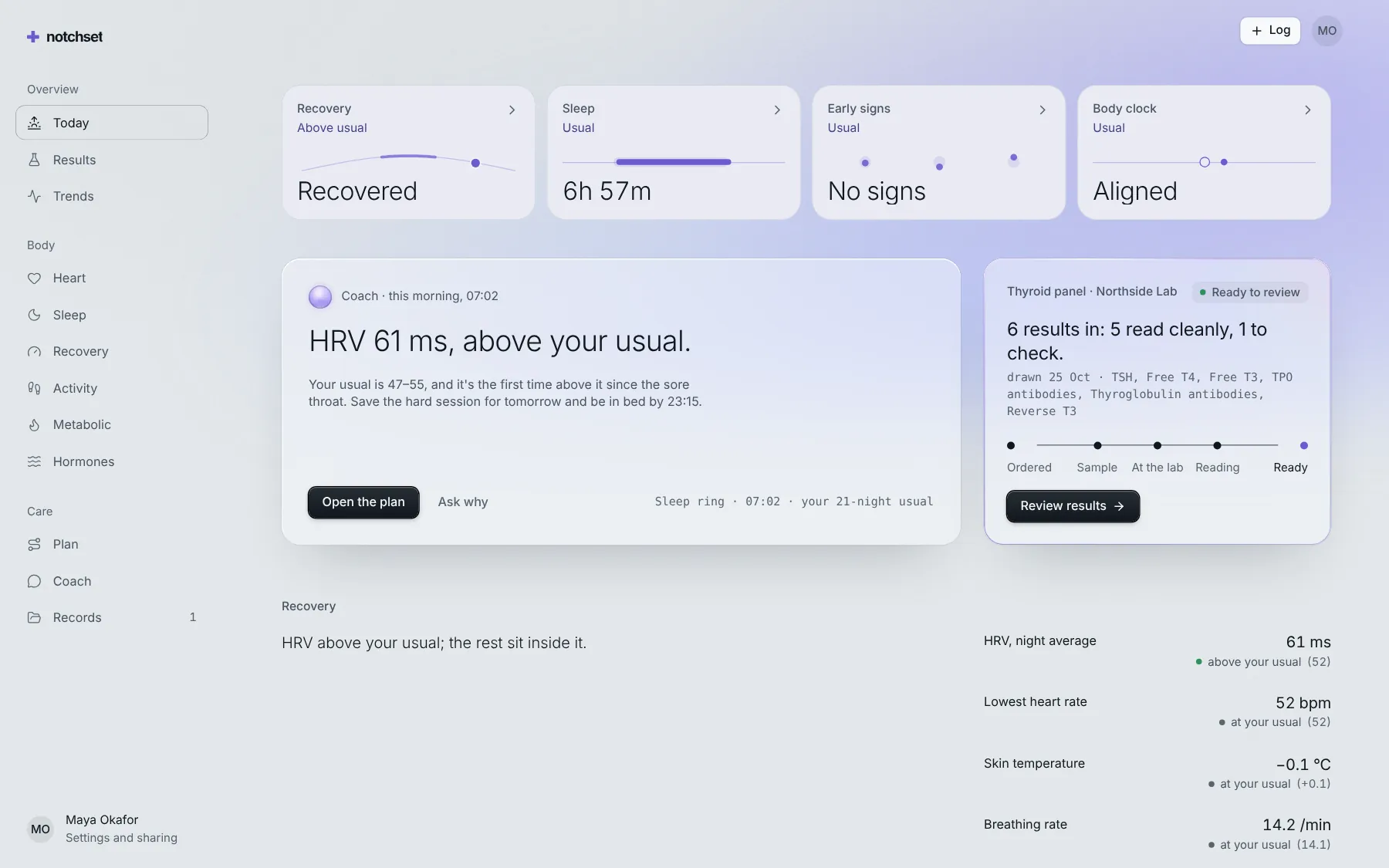
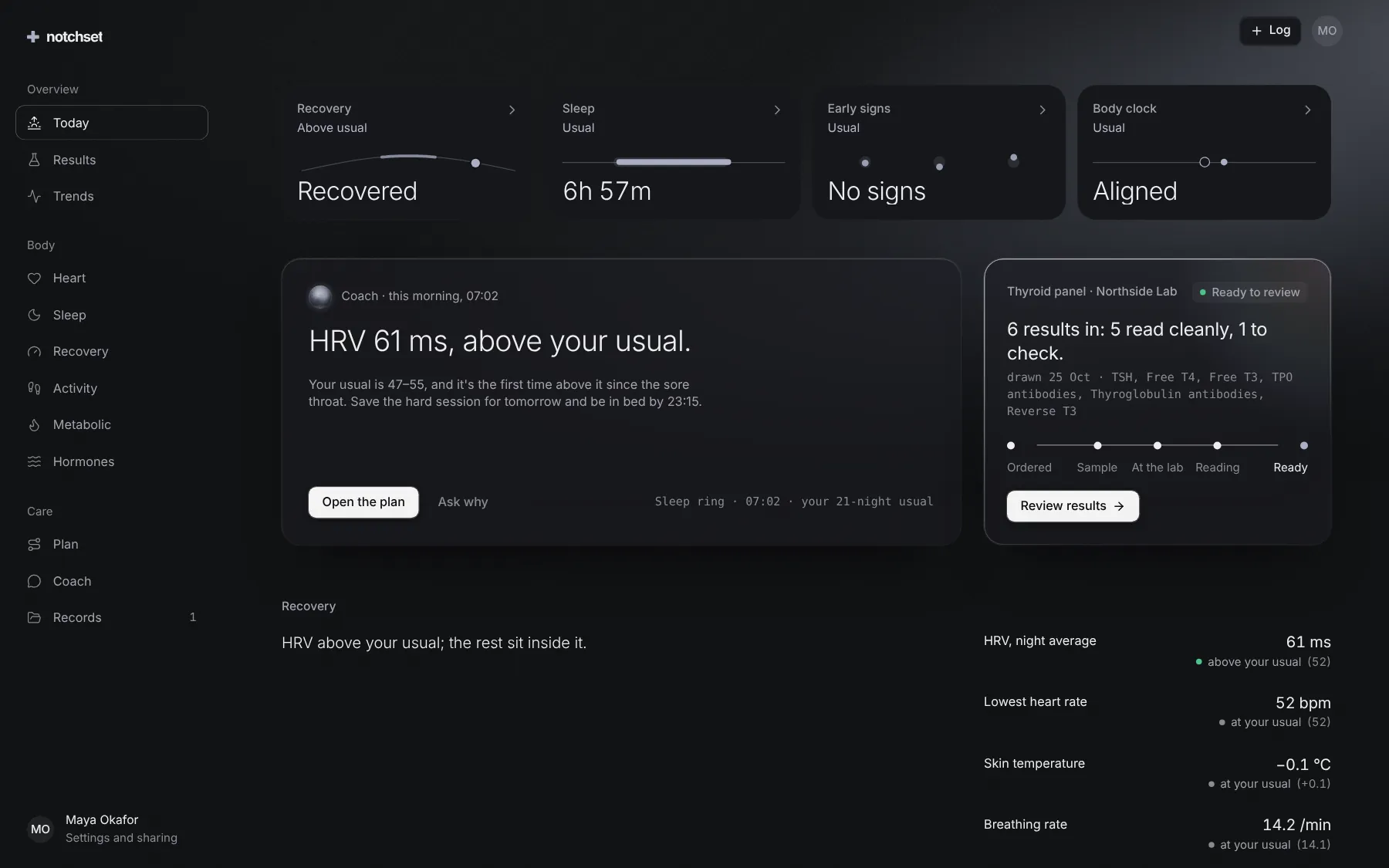
The same file, at work in a finished app. Open it live and find it on its pages.
Part of a kit
Lab results. Upload a lab report, confirm what was read, and see every result against its range, ready to share with a clinician.
2 free · 7 ProSee the Lab results kit
Part of
Included with Pro
Pro is in early access.