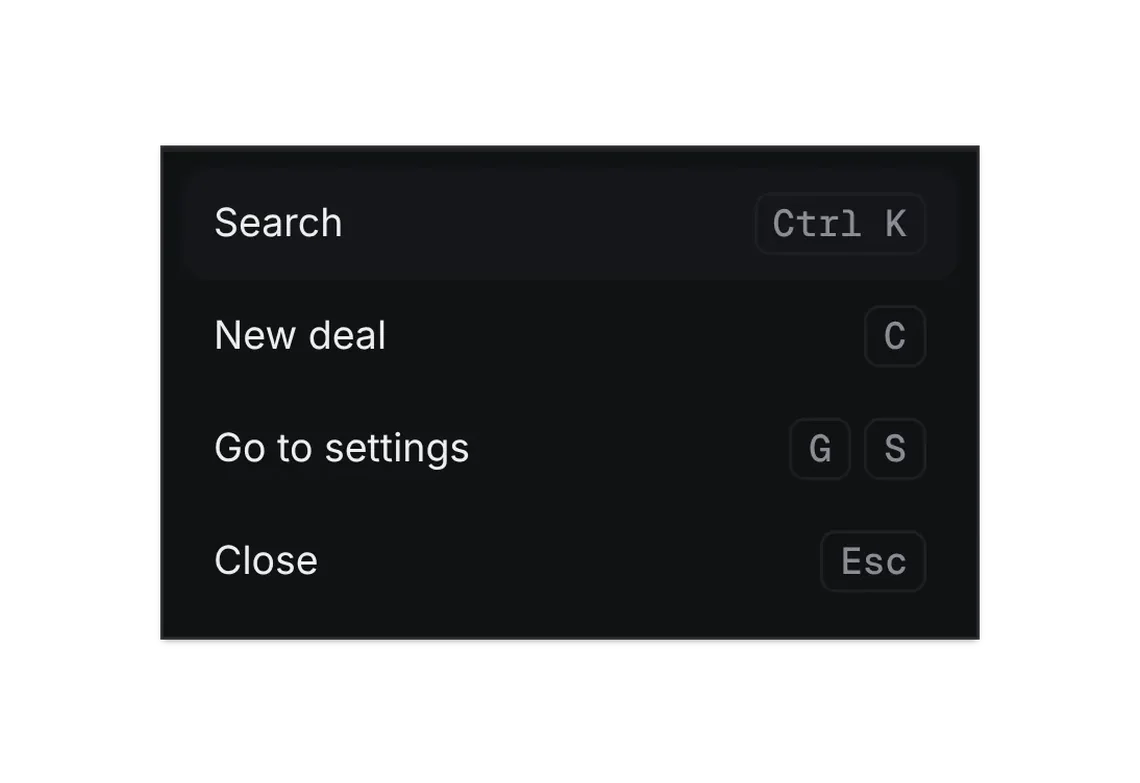
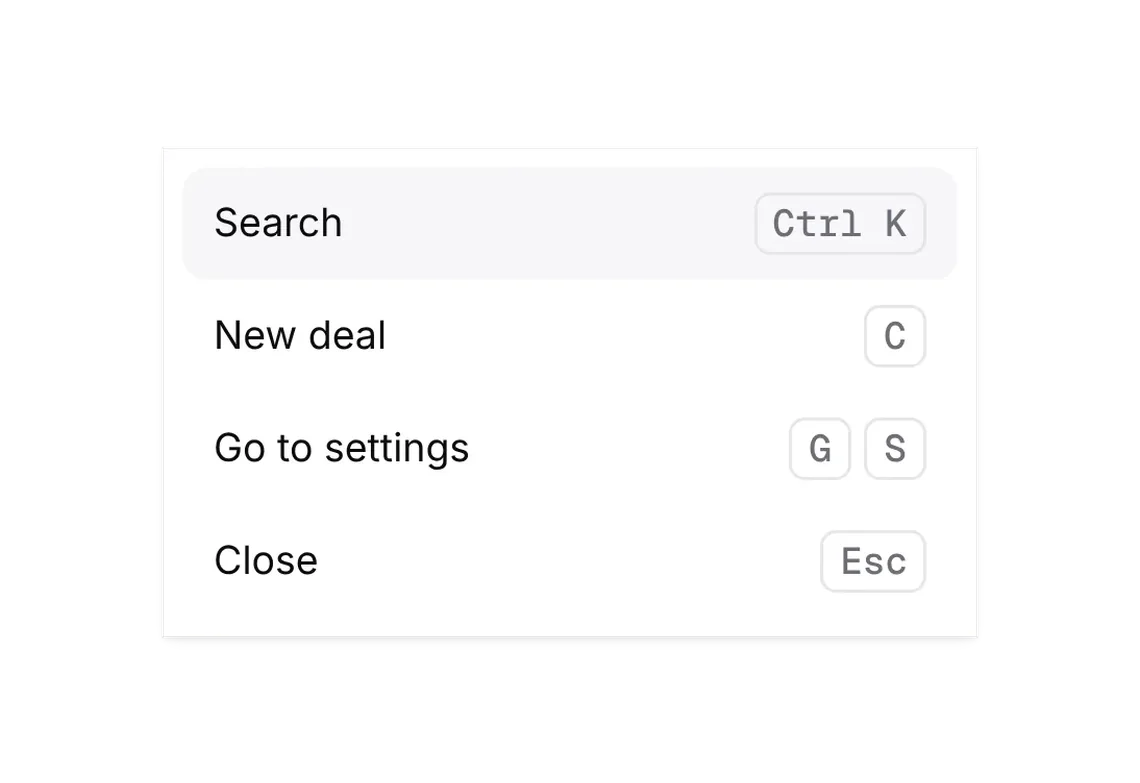
Command menu
FREEGo anywhere or do anything by typing (⌘K).
Every shadcn style · one file
v2.1 · Updated Oct 21Live preview
pnpm dlx shadcn@latest add https://notchset.dev/r/command-menu.jsonInstallation
pnpm dlx shadcn@latest add https://notchset.dev/r/command-menu.jsonFree, no account or key. One command for every shadcn style. With the @notchset registry added, @notchset/<name> works too.
Works with React 18.3 or 19 on Tailwind CSS v4, in any shadcn project. What's tested
Install by hand
- 1. Add the packages
pnpm add @base-ui/react@^1 lucide-react@^1 - 2. Copy the files to these paths (the source, or save them all as a .zip)
- components/ui/notchset/command-menu.tsx
- lib/notchset/portal.ts
- lib/notchset/return-focus.ts
- 3. No stylesheet needed.
- 4. Install what it builds on first: shadcn's cn helper (lib/utils.ts, from npx shadcn init), the theme foundation (its tokens and base styles), Dialog, Keyboard hint
Styles didn't apply?
The CLI adds the styles to the CSS file named in components.json (tailwind.css). Check that it points at your global stylesheet, that the project uses Tailwind CSS v4, and that the file is imported in your root layout. Installed by hand: paste styles.css into that file.
Usage
Import it and pass your content. The props that matter most are listed next.
Example
"use client";
import * as React from "react";
import { Building2, Command, Home, Inbox, Plus } from "lucide-react";
import { Button } from "@/components/ui/notchset/button";
import { CommandMenu } from "@/components/ui/notchset/command-menu";
import { KeyboardHint } from "@/components/ui/notchset/keyboard-hint";

const COMPANIES = [
  ["Airtable", "$48,000"],
  ["Stripe", "$152,000"],
  ["Webflow", "$214,500"],
];

export default function CommandMenuDemo() {
  const [open, setOpen] = React.useState(false);
  const [ran, setRan] = React.useState<string | null>(null);
  return (
    <div className="flex items-center gap-3">
      <Button onClick={() => setOpen(true)}>
        <Command />
        Open
        <KeyboardHint keys="⌘K" />
      </Button>
      {ran && <span className="text-[length:var(--ns-text-small)] text-[var(--ns-ink-3)]">Ran: {ran}</span>}
      <CommandMenu
        open={open}
        onOpenChange={setOpen}
        commands={[
          { id: "home", group: "Go to", label: "Home", icon: <Home />, hint: "G H", run: () => setRan("Home") },
          { id: "inbox", group: "Go to", label: "Inbox", icon: <Inbox />, hint: "G I", run: () => setRan("Inbox") },
          { id: "new-deal", group: "Create", label: "New deal", icon: <Plus />, keywords: "add opportunity", run: () => setRan("New deal") },
          ...COMPANIES.map(([name, value]) => ({ id: `co-${name}`, group: "Companies", label: name!, icon: <Building2 />, hint: value, run: () => setRan(name!) })),
        ]}
      />
    </div>
  );
}
Anatomy
Source
components/ui/notchset/command-menu.tsx
Loading the code
Props
open–booleanRequired.
onOpenChange–(open: boolean) => voidRequired.
commands–Command[]Required.
shortcuttruebooleanBind ⌘K / Ctrl K to open it.
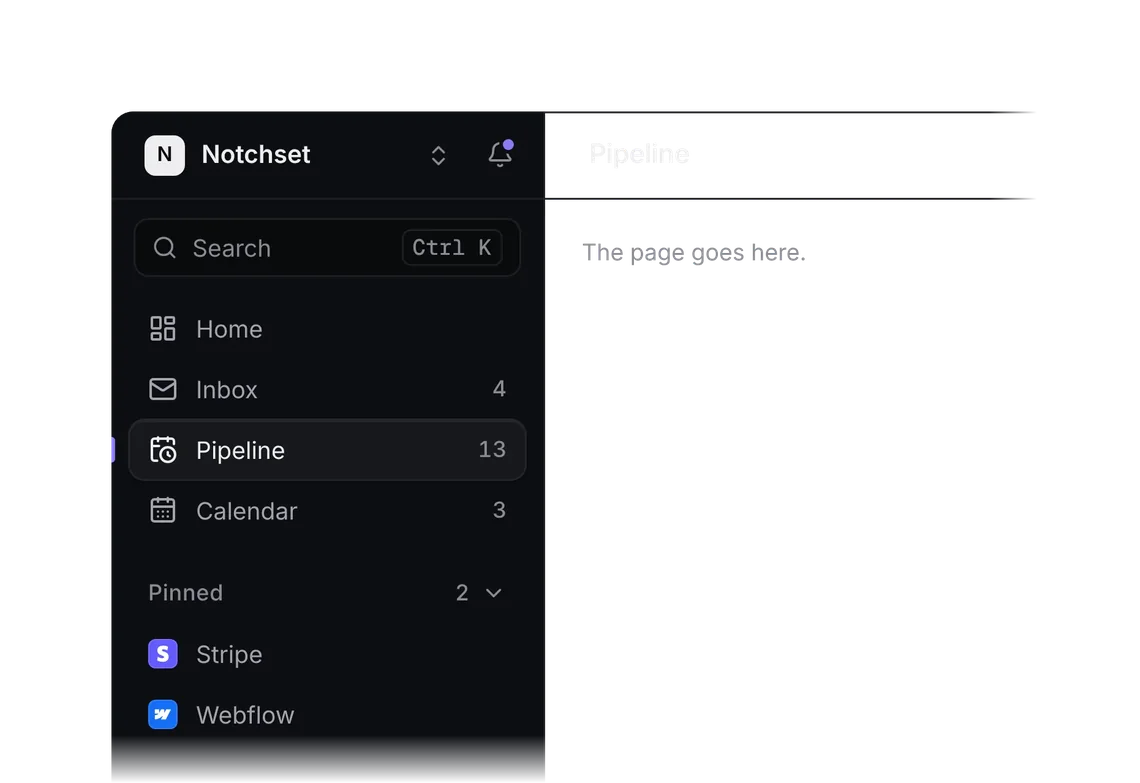
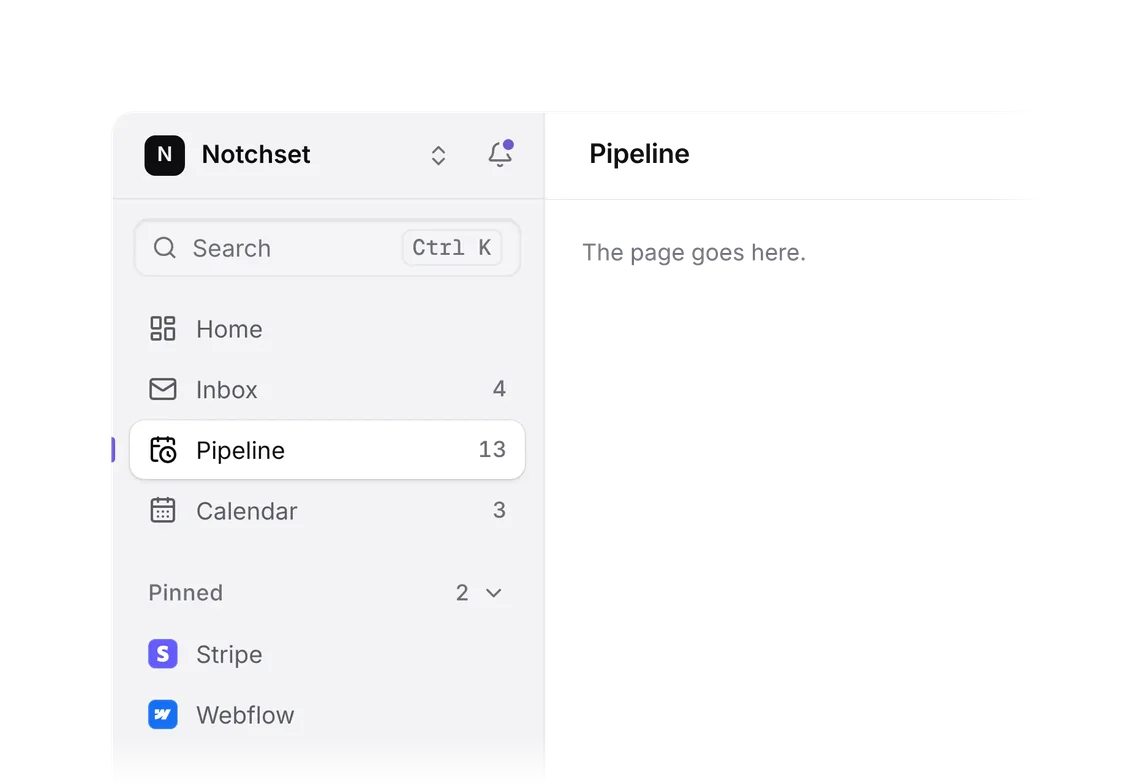
placeholder"Search or jump to…"stringanchor"center""center" | "search""center" (a dimmed dialog, the default) or "search" (a popover over the sidebar's search field, nothing dimmed).
Show all 8 propsShow fewer
scope–{ label: string; groups: string[] }Tab narrows the search to these groups (search tasks only); Backspace in an empty field widens it again.
seeAll–(query: string) => CommandWith a query, a last row that opens every result on its own page ("See all results for …").
For coding agents
Give your coding assistant the Markdown guide instead of screenshots.
Where agents read it
- Guide for this component: https://notchset.dev/md/command-menu.md
- Every component, for tools without MCP: /llms.txt
- MCP server:
https://notchset.dev/api/mcp(setup)
Changelog
v2.1.0 · 2026-10-21
Cancelling returns focus to what opened it when that is in sight, an open panel's controls included.
v2.0.0 · 2026-10-13
Released with the Notchset system.
Used in
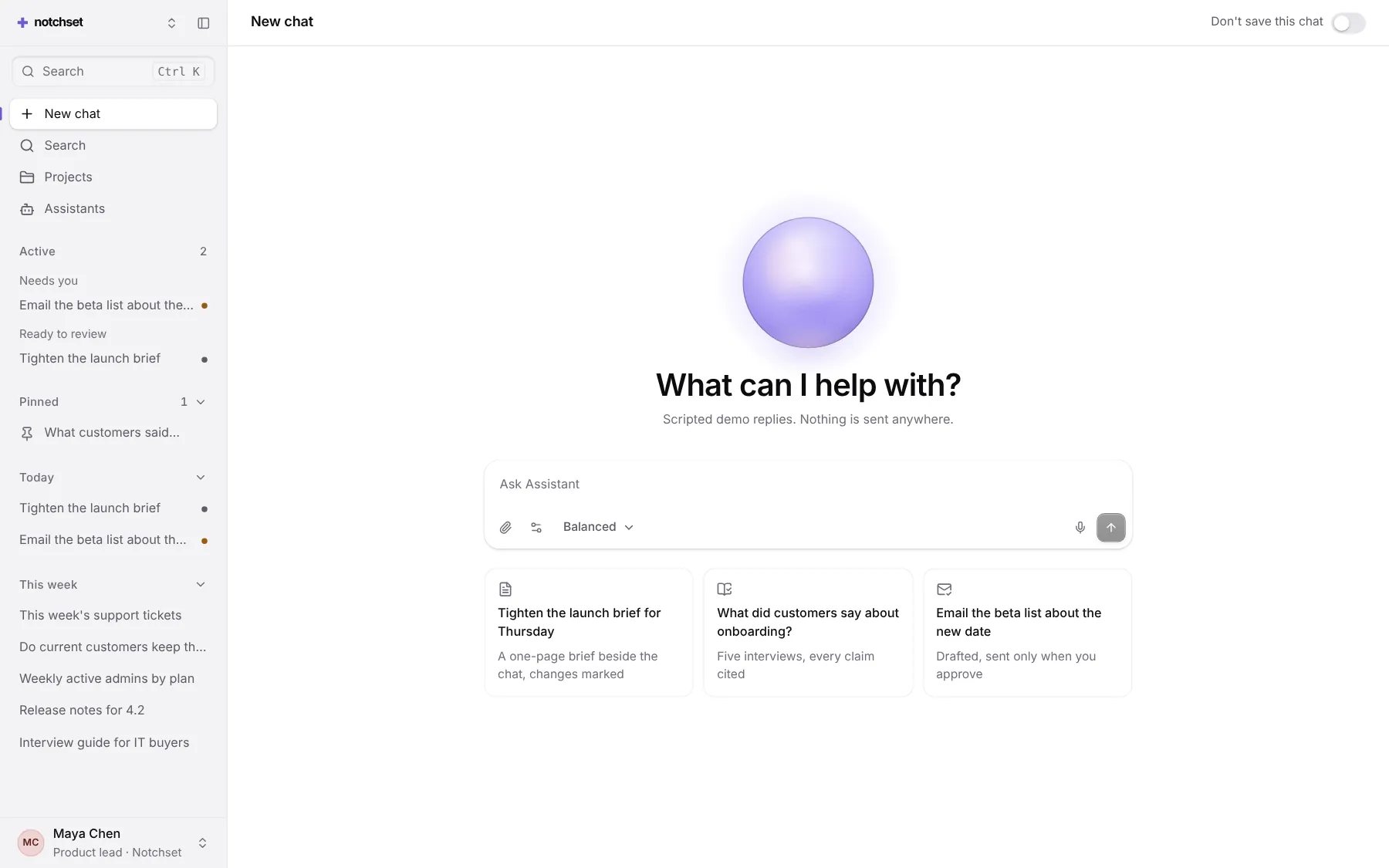
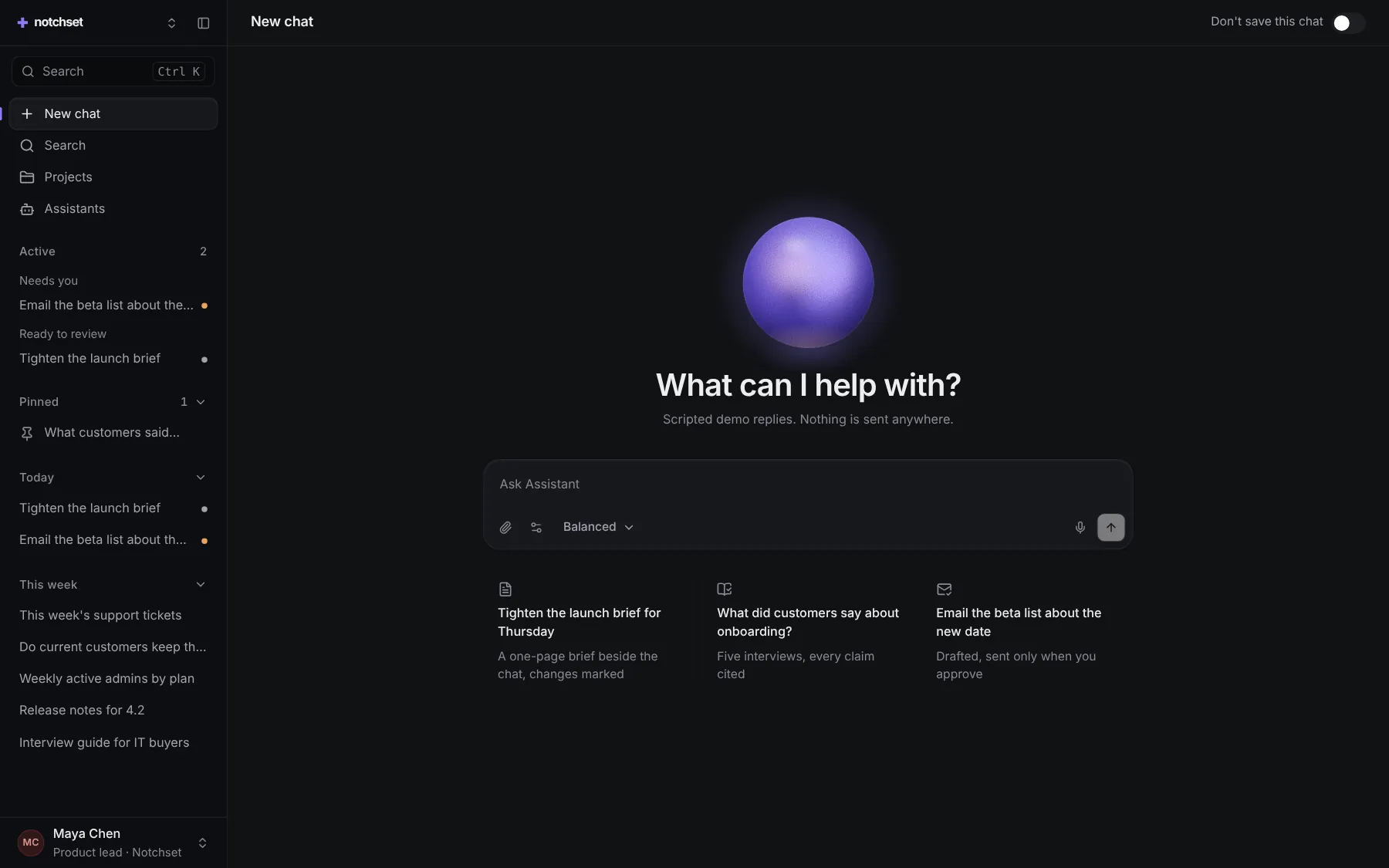
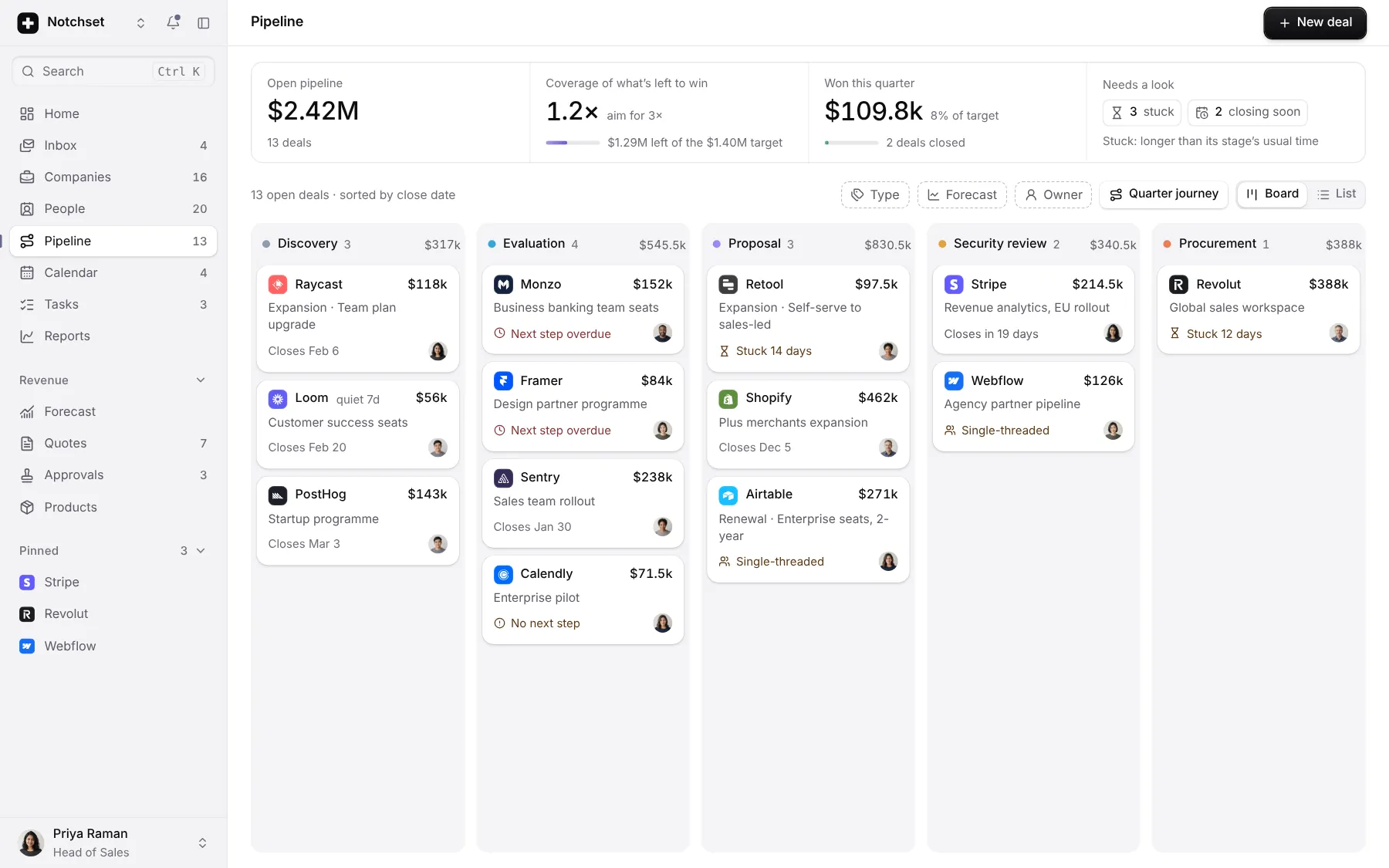
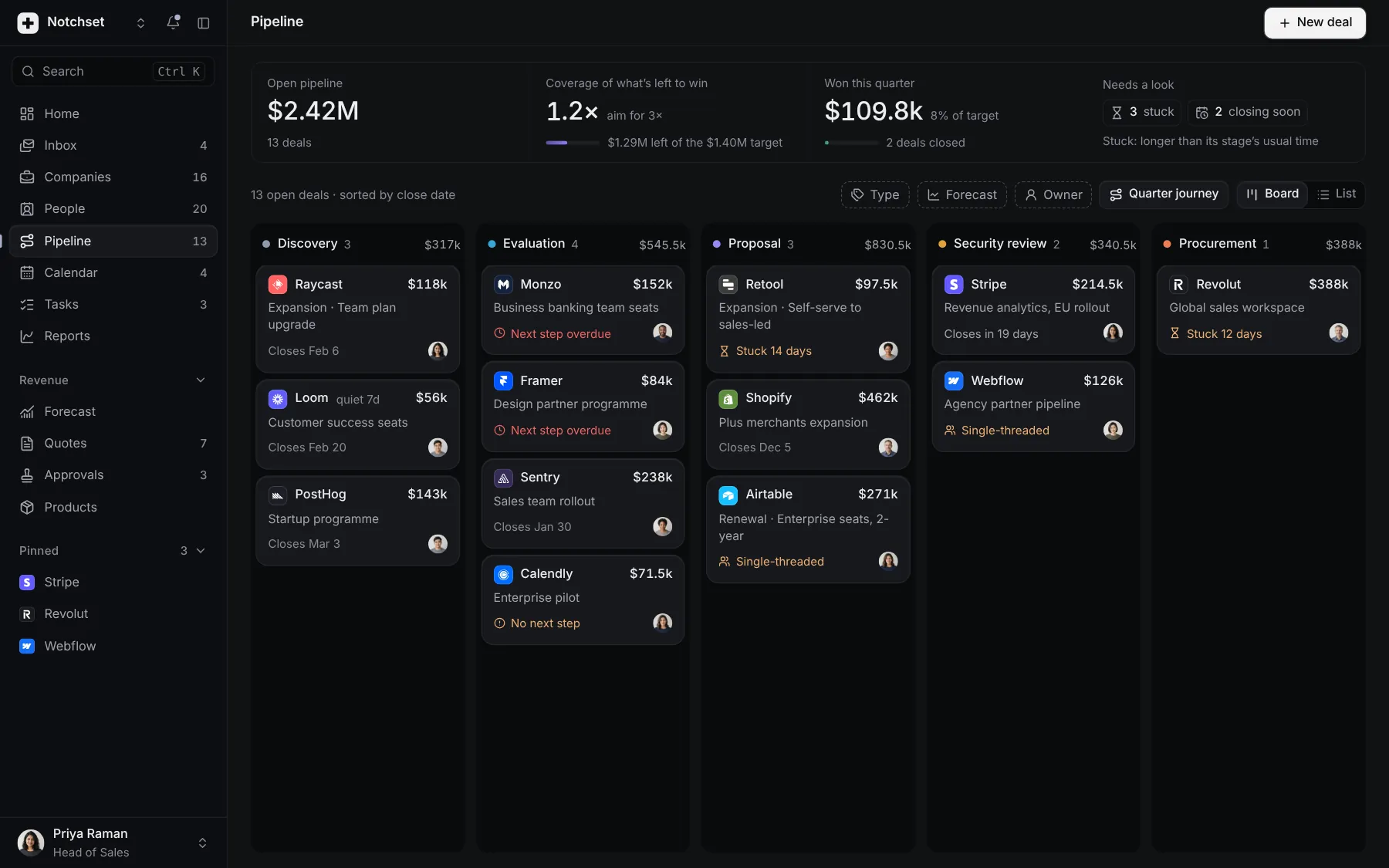
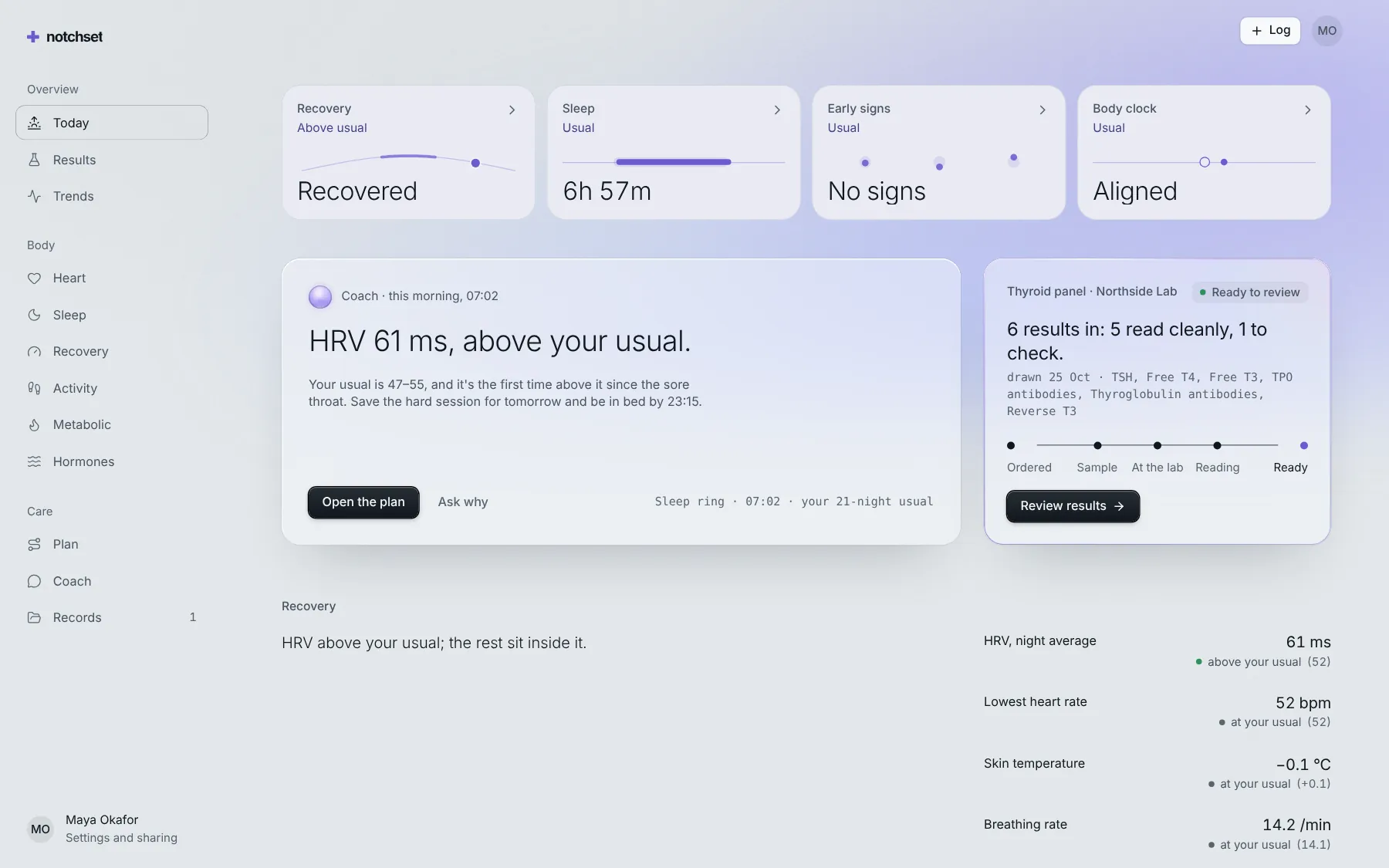
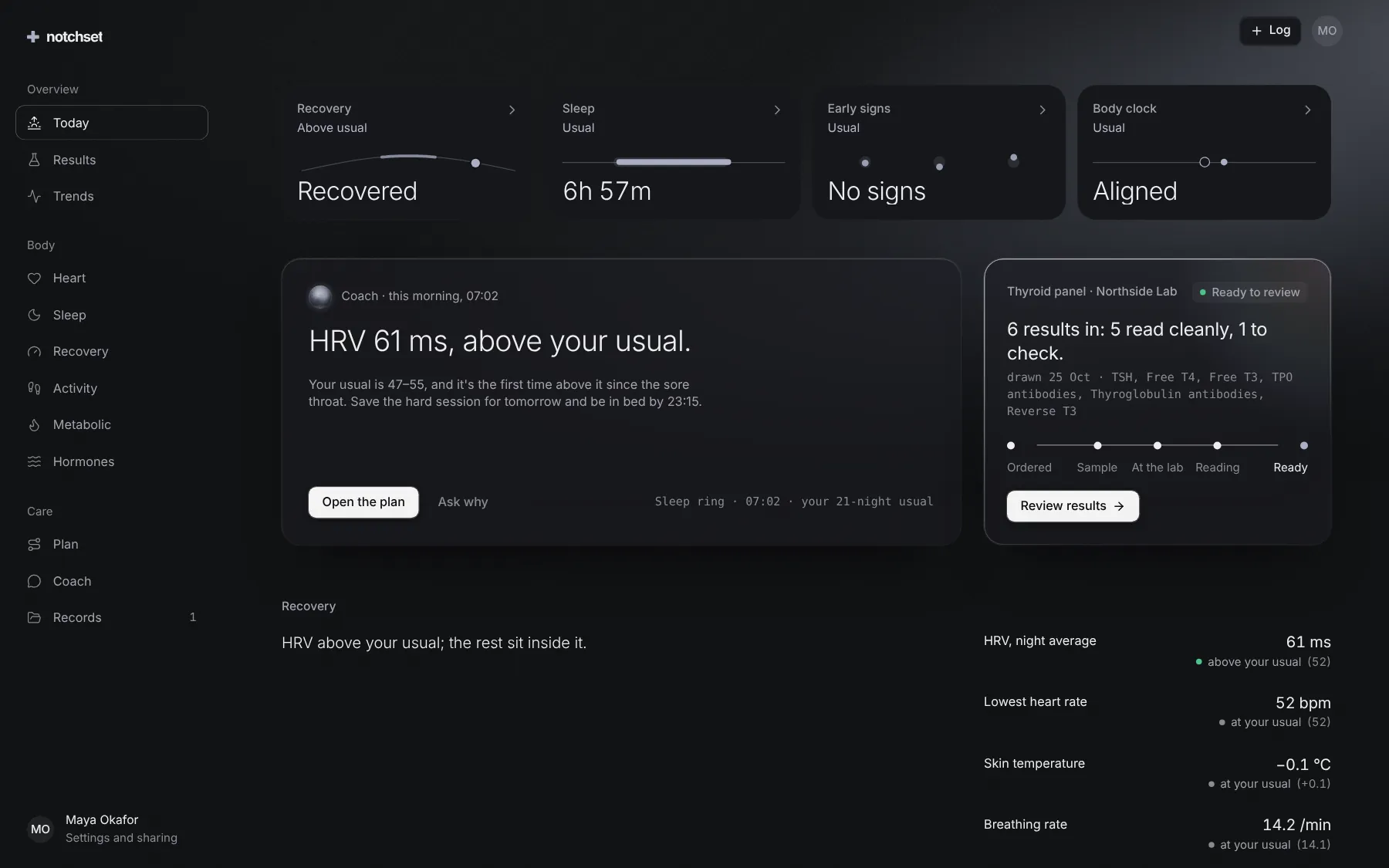
The same file, at work in a finished app. Open it live and find it on its pages.
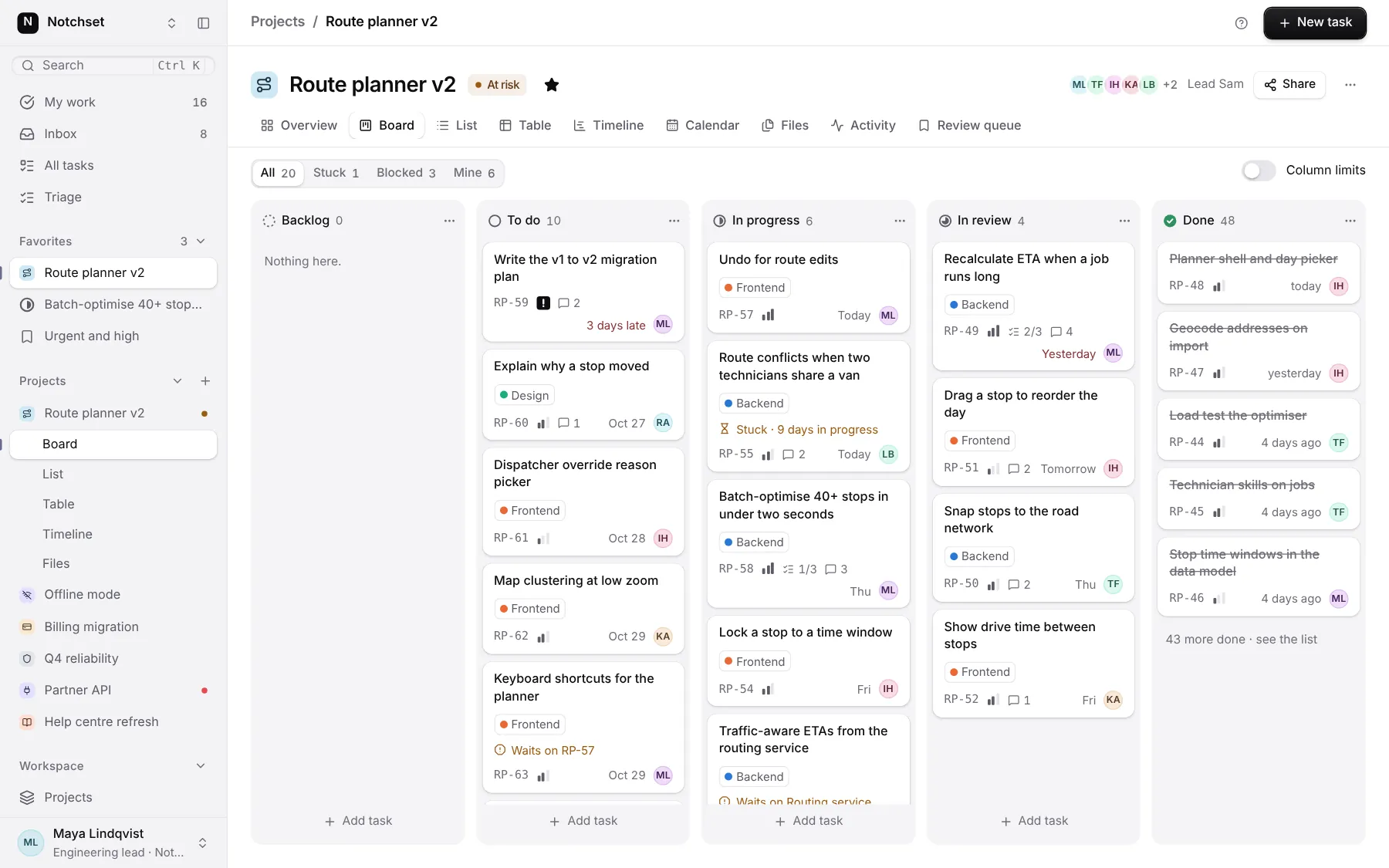
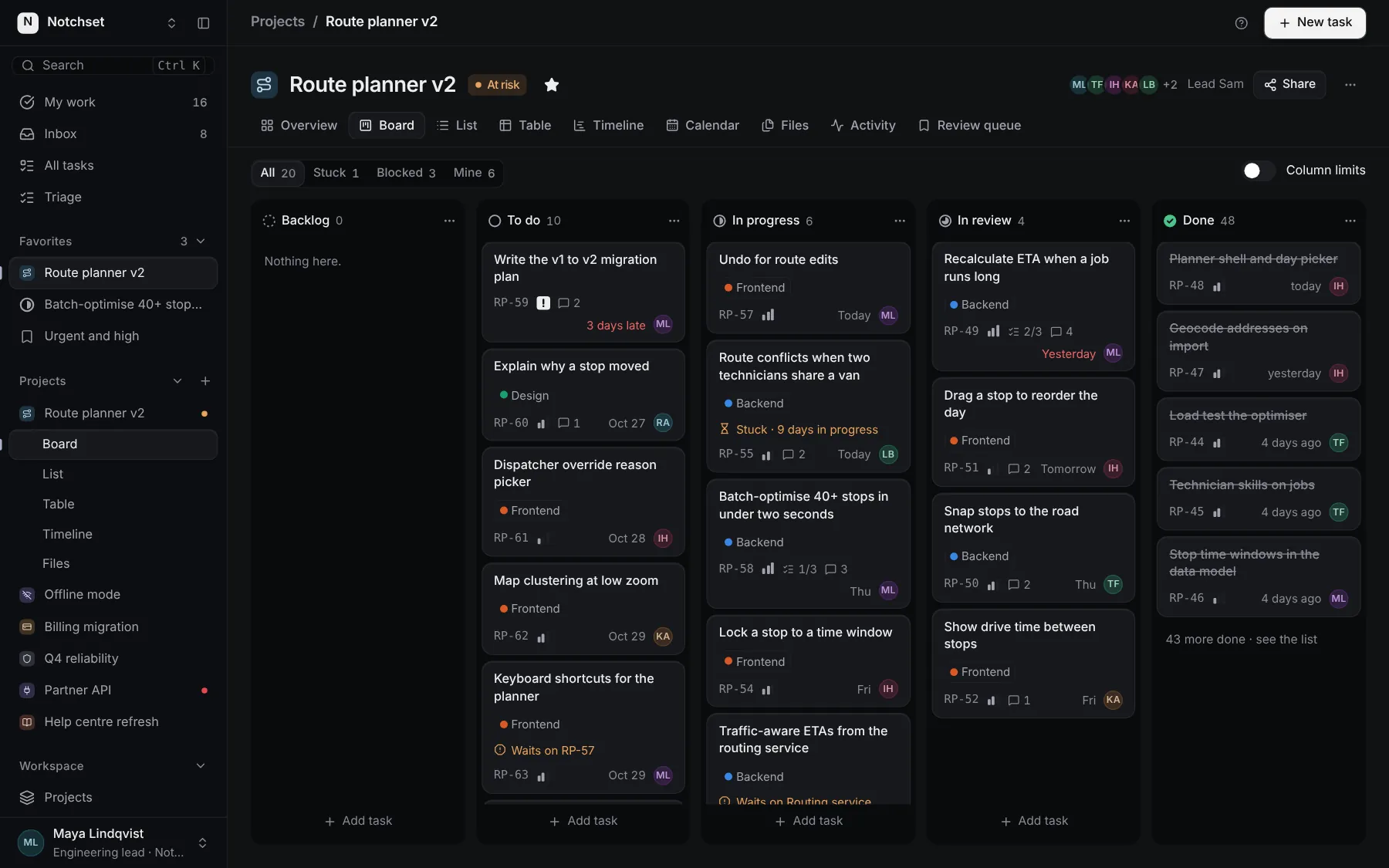
Part of a kit
App shell and the day. The frame every screen sits in, and what a person should do today.
4 free · 5 ProSee the App shell and the day kit