Lab results
A lab report read, confirmed and placed against its range.
Start here
Start with the complete picture.
Preview the pieces, then open the connected journey.
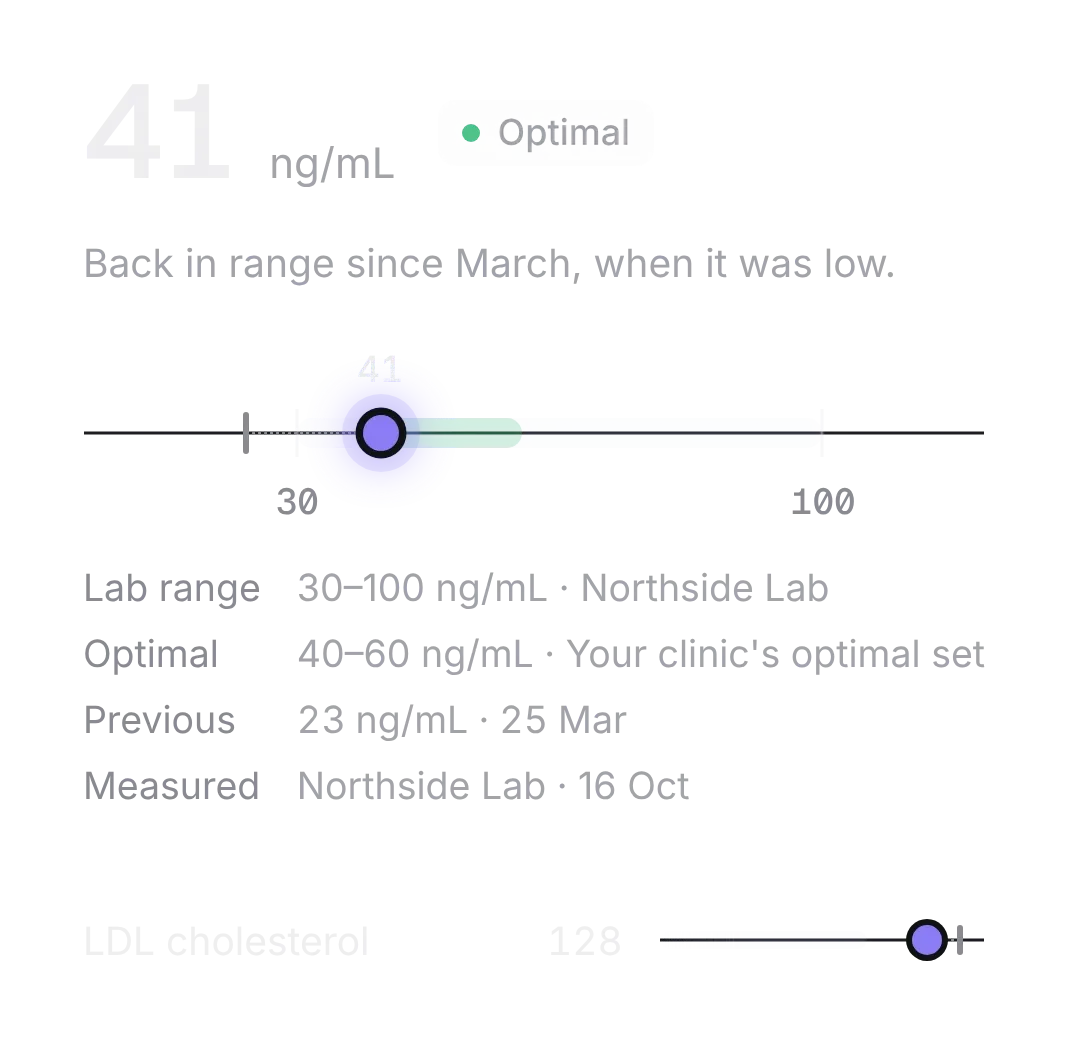
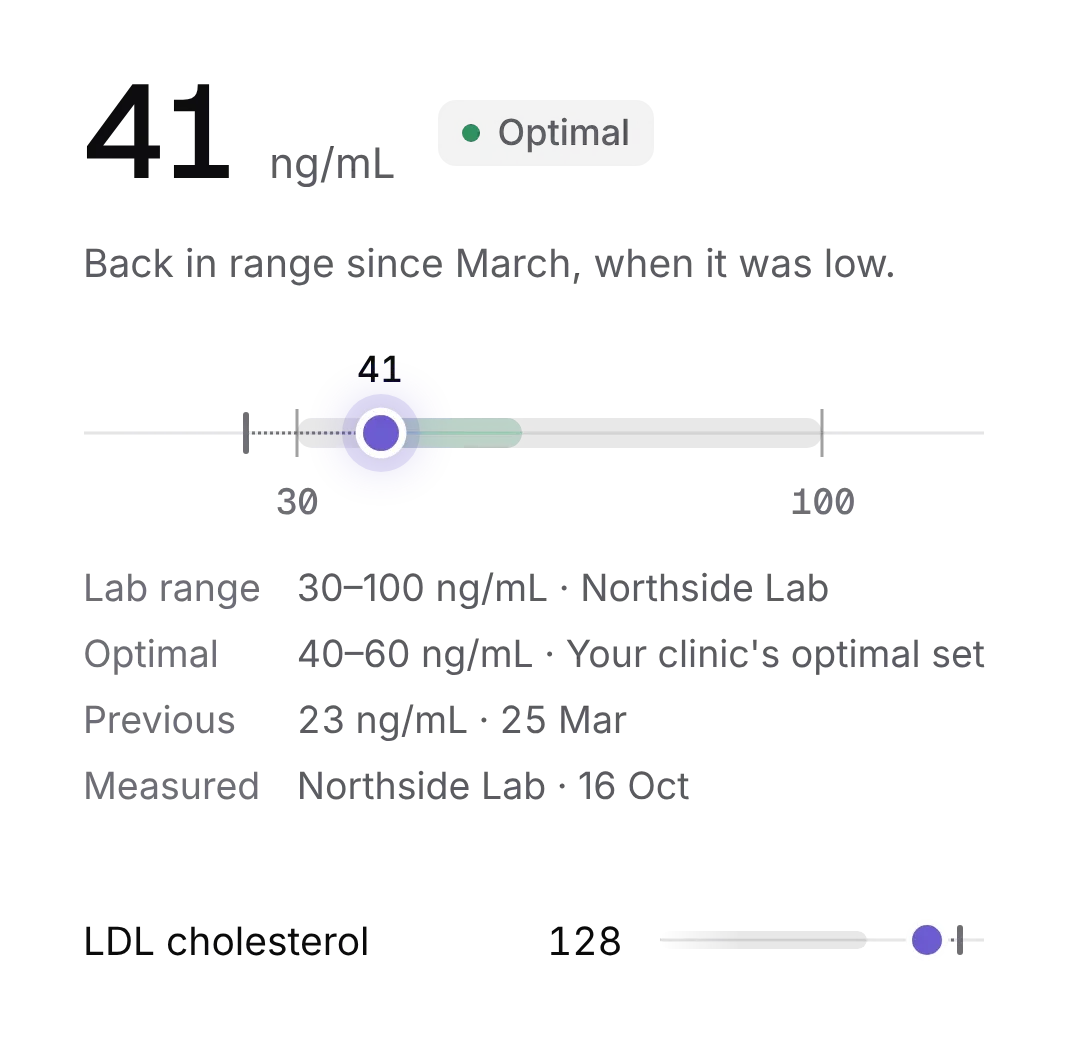
The journey
Follow a complete task.
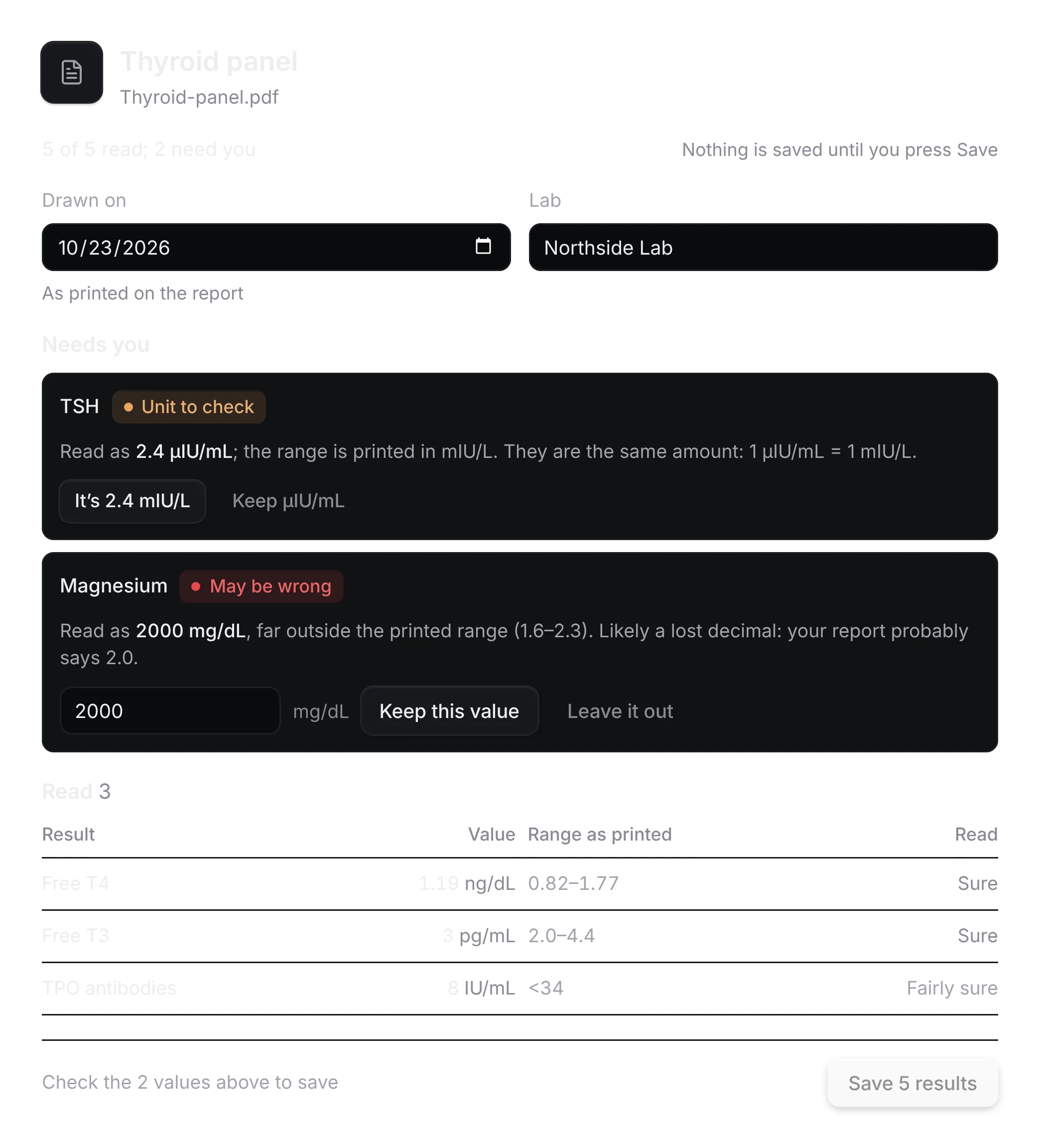
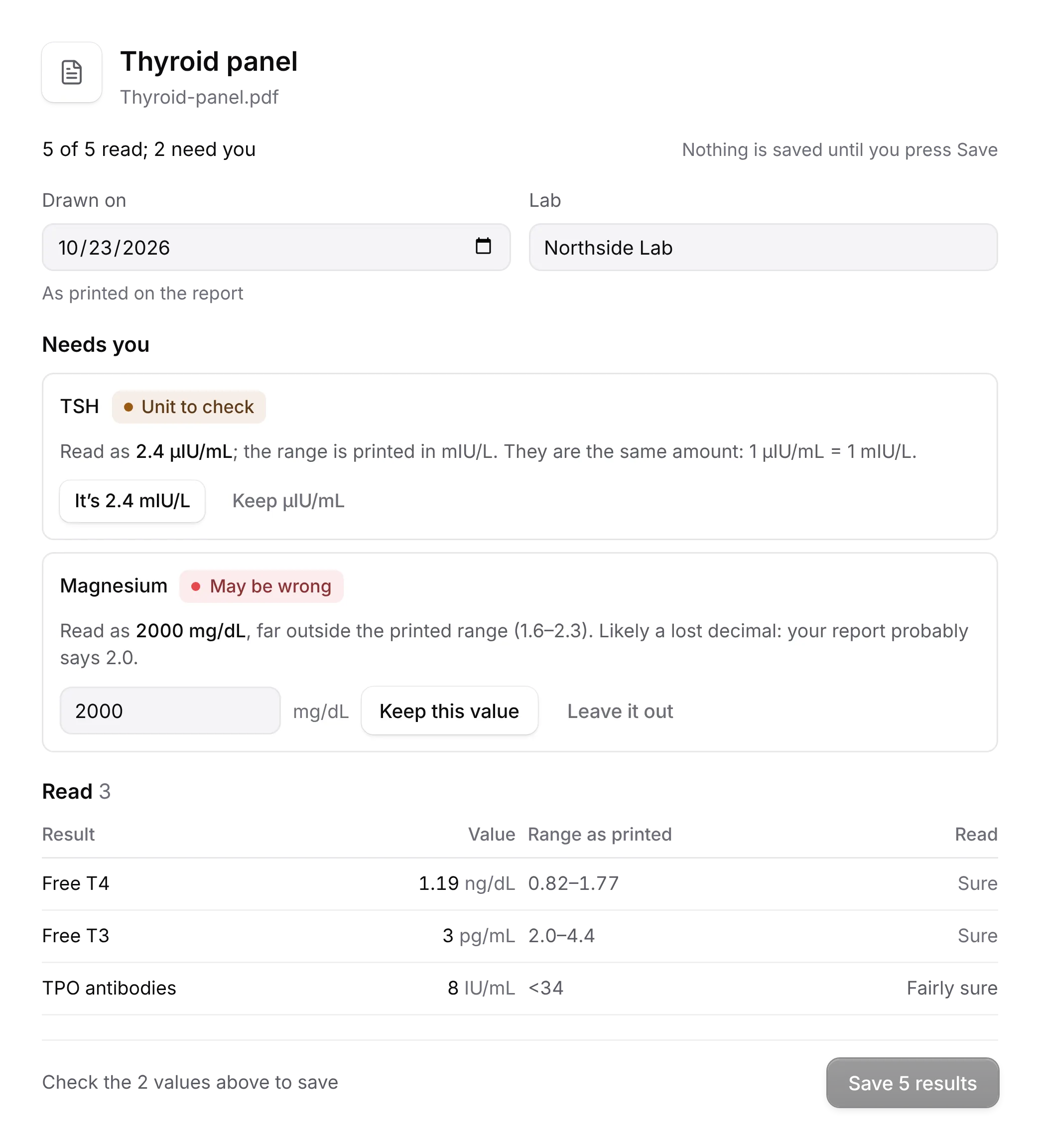
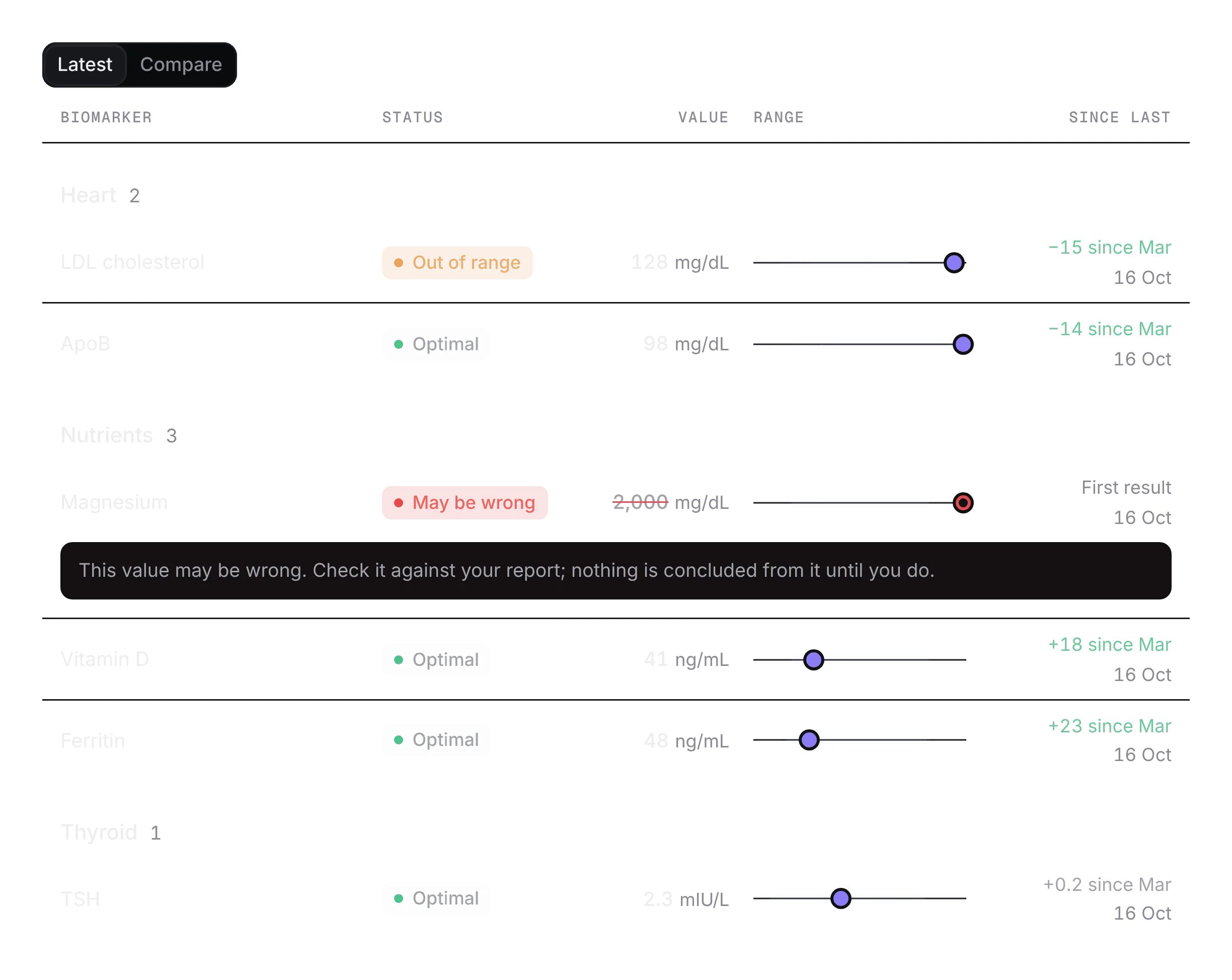
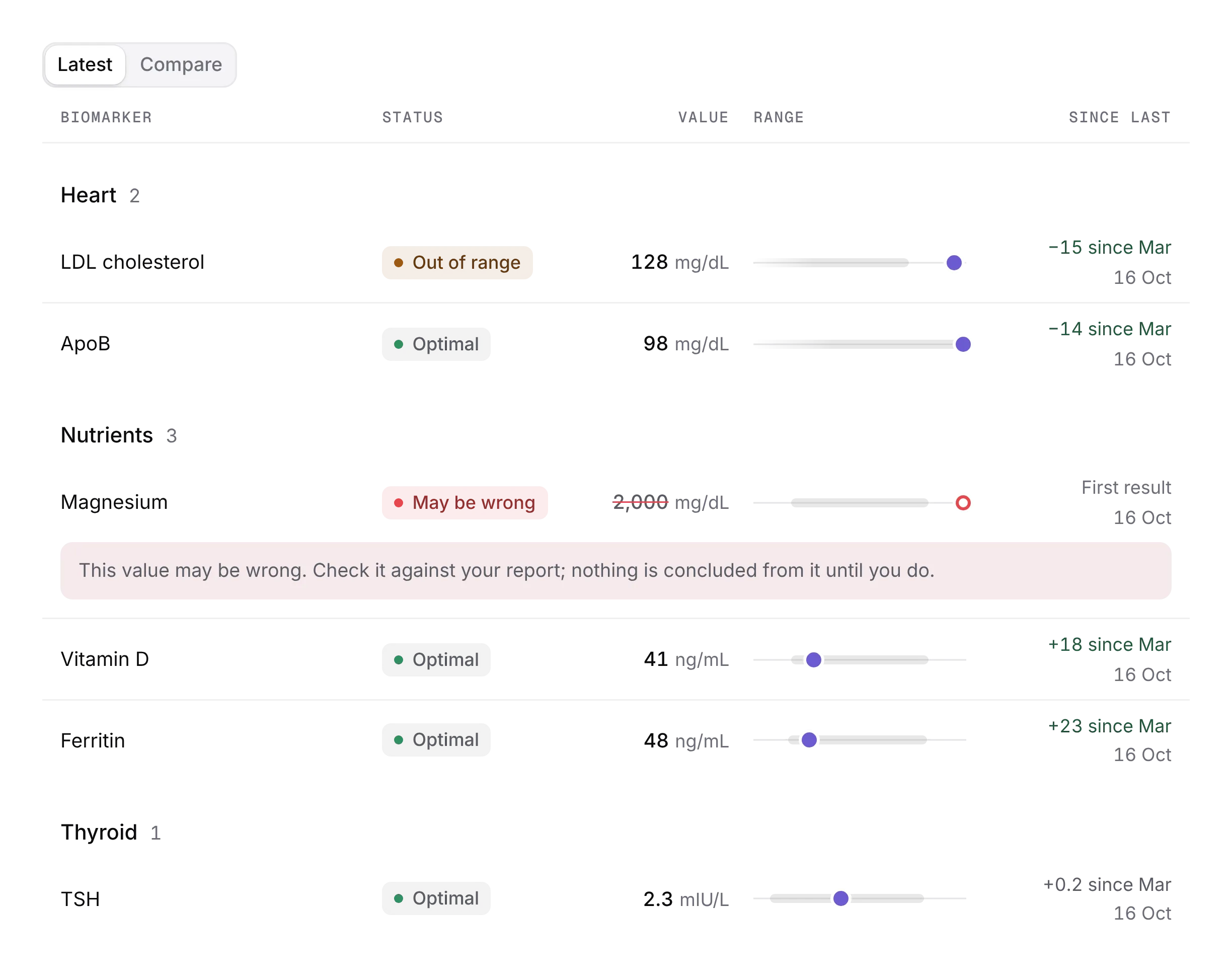
Upload a lab report, confirm what was read, and see every result against its range, ready to share with a clinician.
- Upload a report and correct a value that was read wrongly.
- Read every result against its range, the ones out of range first.
- Follow a marker over time, then share a summary with a clinician.
States it handles
A value read wrongly and corrected, results that arrive late, a marker out of range, a share that expires.
Your application stays in charge.
The example uses fictional results in memory. Your service reads the report, stores the results and controls who a share reaches.
Own the source
Add the kit, or start with a few pieces.
Every piece installs with the shadcn CLI and becomes source in your repo. Free pieces stay free; Pro unlocks the rest of every kit.
Add the whole kit
With Pro, after the one-time registry setup. One set of files for any components.json style, Base or Radix; the primitives run on Base UI.
pnpm dlx shadcn@latest add @notchset-pro/import-review @notchset-pro/result-summary @notchset-pro/result-list @notchset-pro/panel-line @notchset/results-strip @notchset/range-bar @notchset-pro/metric-trend @notchset-pro/range-sources @notchset-pro/clinician-summaryStart with the free pieces
No account, no setup. One command for every shadcn style.
pnpm dlx shadcn@latest add https://notchset.dev/r/results-strip.json https://notchset.dev/r/range-bar.jsonNew project? Set up your project. The full kit includes Pro pieces and uses your authorized registry setup.
9 live pieces