Wearables and trends
Every measure against your own usual, with what drove it.
Start here
Start with the complete picture.
Preview the pieces, then open the connected journey.
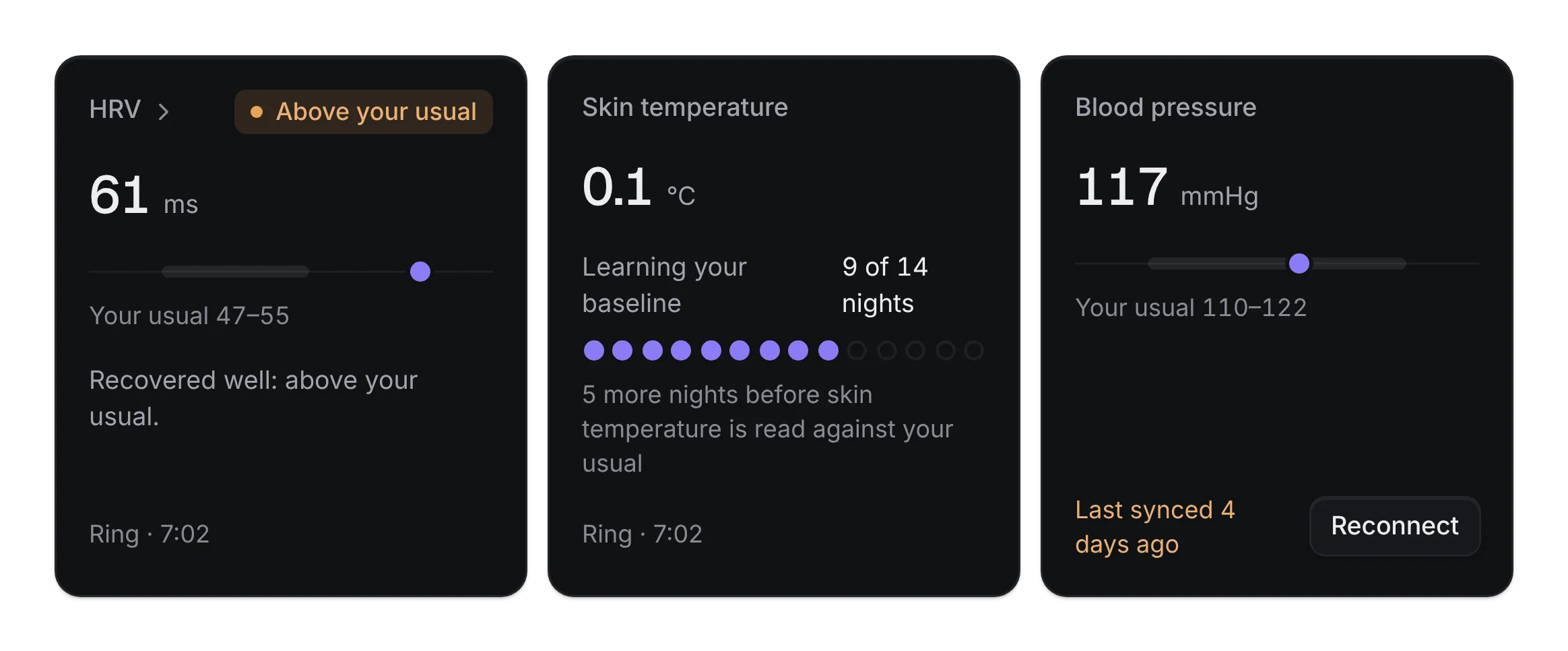
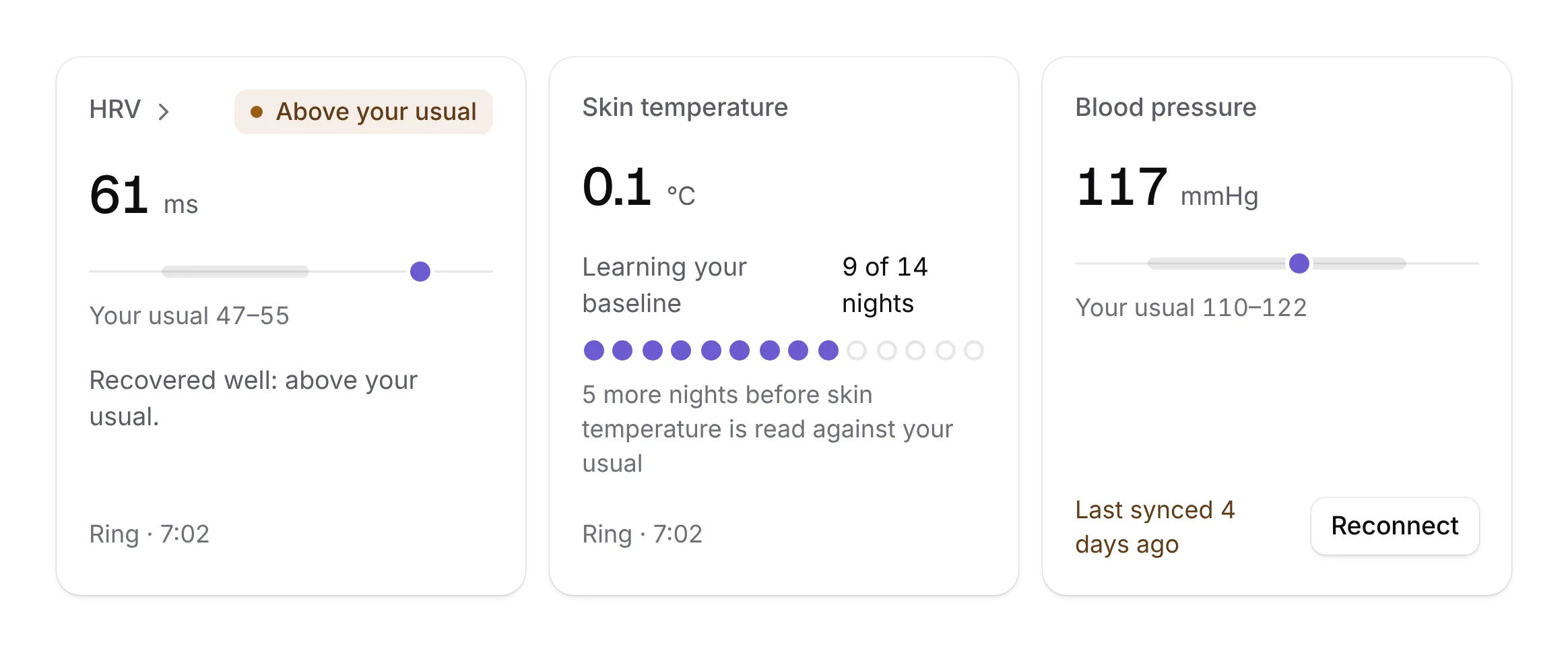


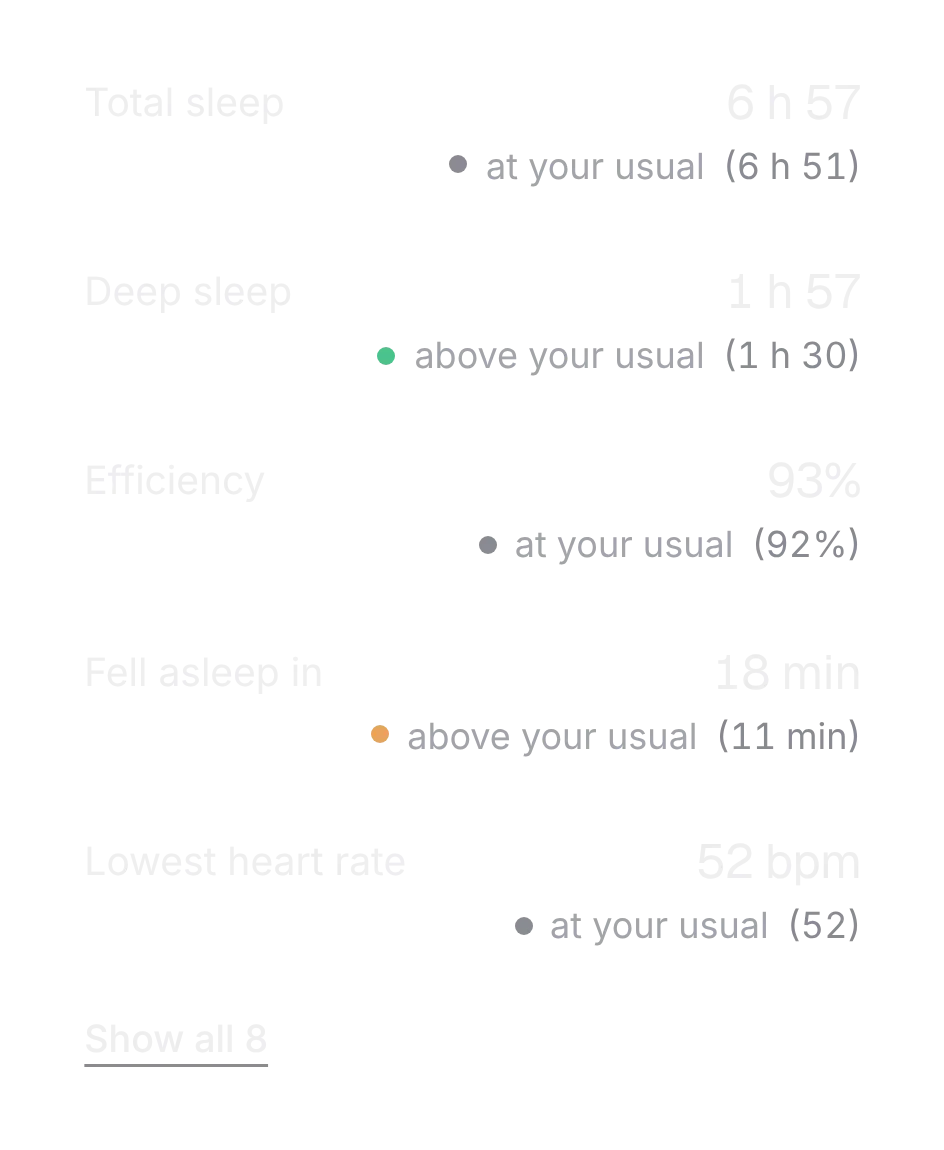
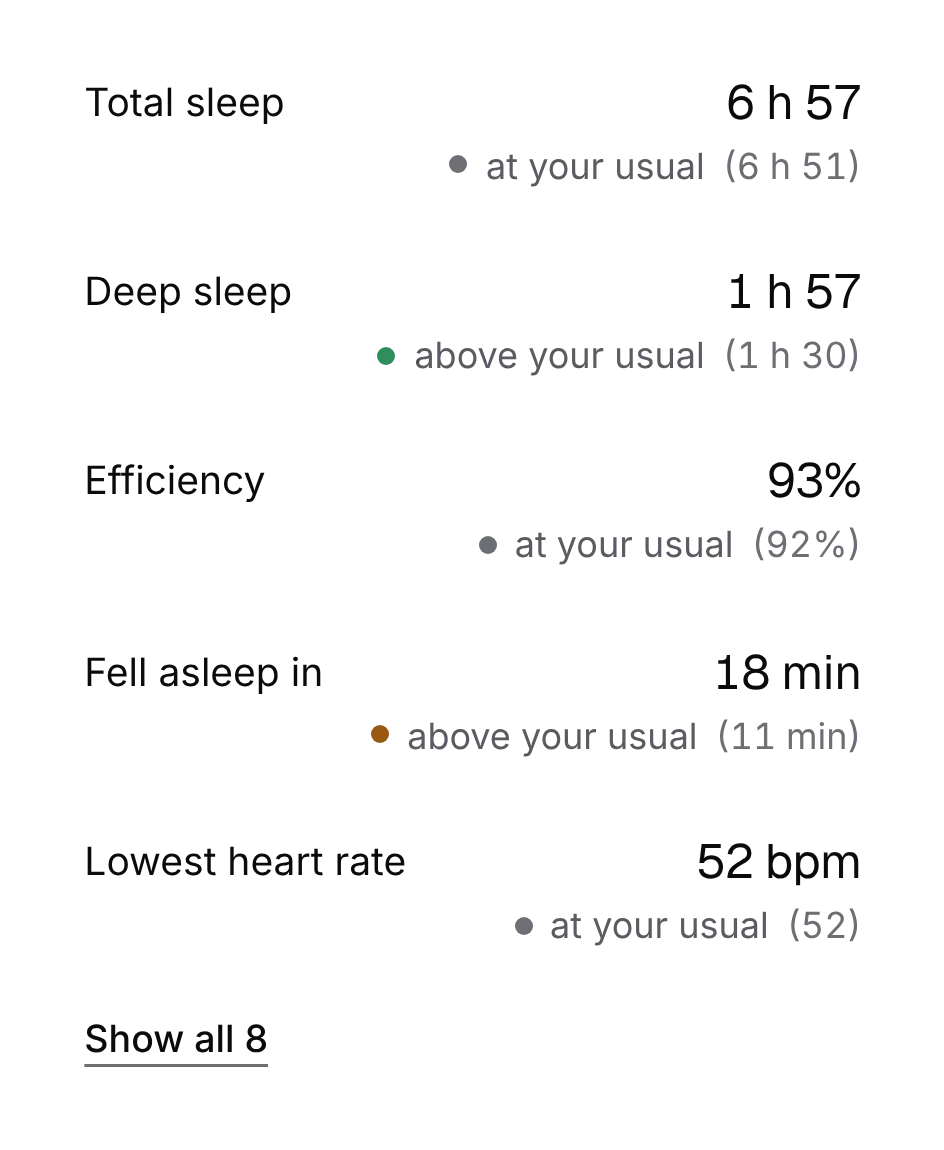
The journey
Follow a complete task.
Connect a device, trust what it reports, and read any metric from Day to YTD with what drove it.
- Connect a source and see one syncing and one gone stale.
- Read a metric against your usual, from Day to YTD.
- Compare a period with the last and see what moved it.
States it handles
A source that is syncing or gone stale, a metric against your own usual, a period compared with the last, a night explained.
Your application stays in charge.
The demo keeps fictional readings in the page. Your integration syncs the devices and computes each baseline.
Own the source
Add the kit, or start with a few pieces.
Every piece installs with the shadcn CLI and becomes source in your repo. Free pieces stay free; Pro unlocks the rest of every kit.
Add the whole kit
With Pro, after the one-time registry setup. One set of files for any components.json style, Base or Radix; the primitives run on Base UI.
pnpm dlx shadcn@latest add @notchset-pro/source-row @notchset-pro/metric-card @notchset/range-control @notchset-pro/metric-explainer @notchset-pro/contributor-rows @notchset/day-timeline @notchset/ghost-trend @notchset/overlay-chipsStart with the free pieces
No account, no setup. One command for every shadcn style.
pnpm dlx shadcn@latest add https://notchset.dev/r/range-control.json https://notchset.dev/r/day-timeline.json https://notchset.dev/r/ghost-trend.json https://notchset.dev/r/overlay-chips.jsonNew project? Set up your project. The full kit includes Pro pieces and uses your authorized registry setup.
8 live pieces