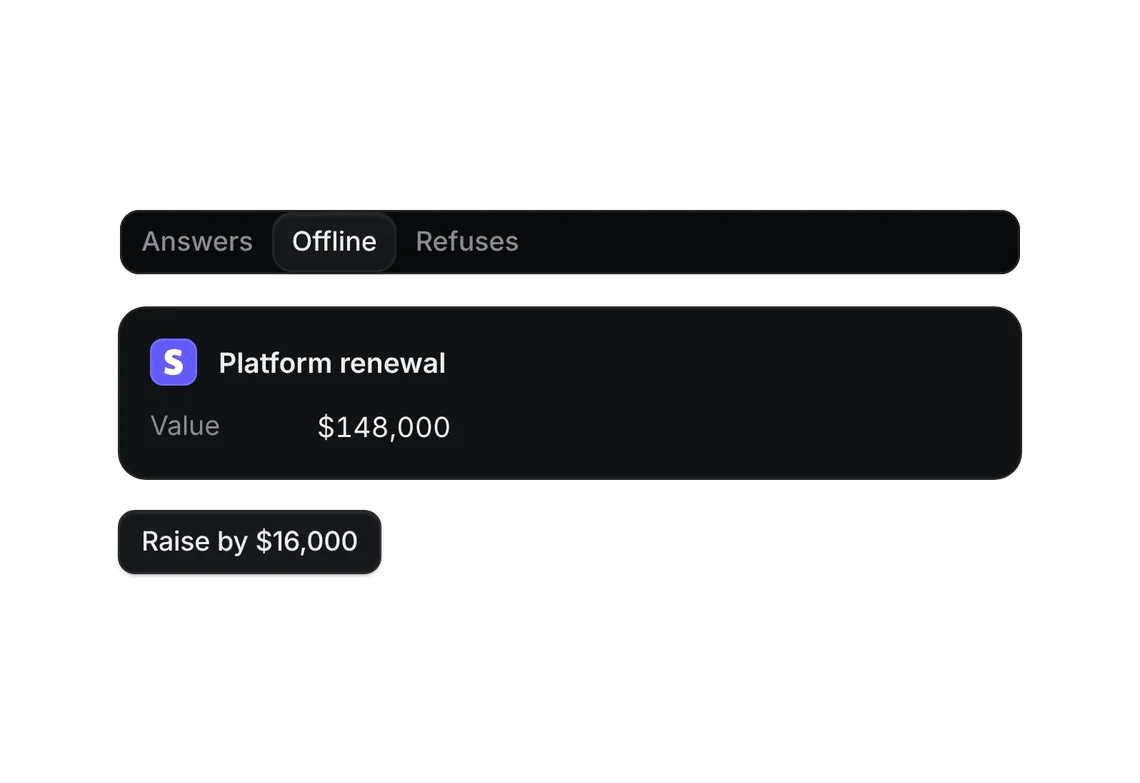
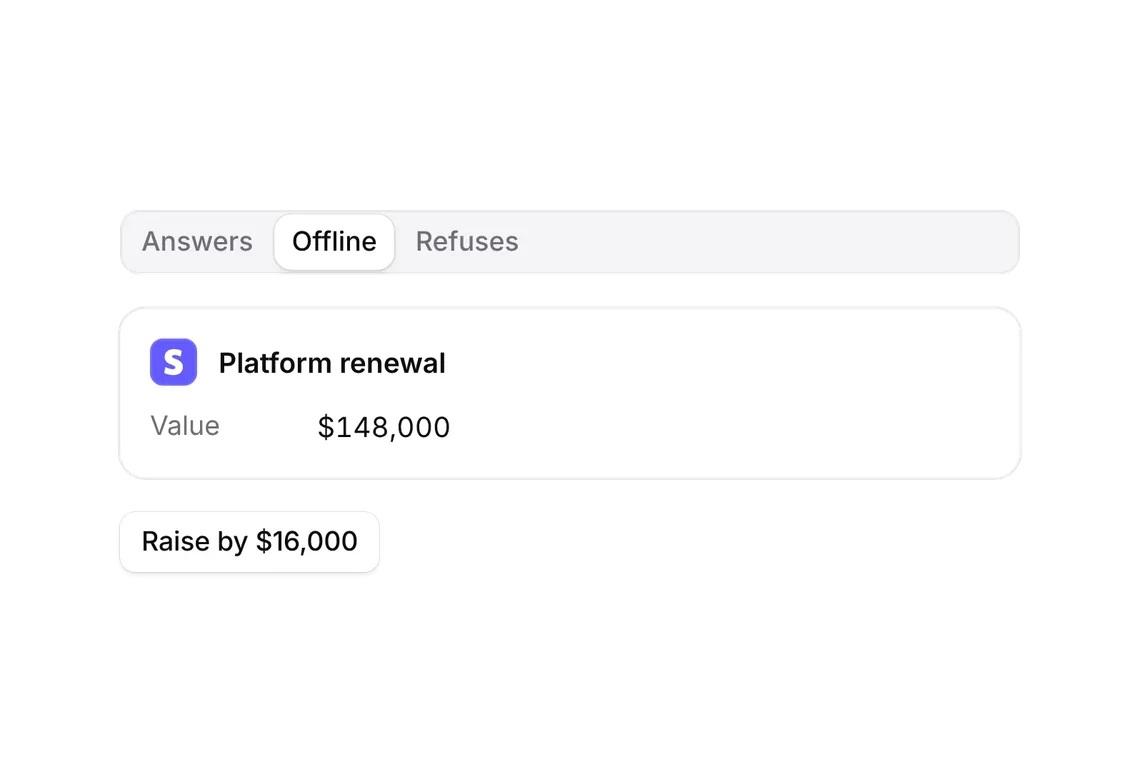
Skeleton reveal
FREEThe shape of what's coming, then the real rows with no jump.
Every shadcn style · one file
v2.0 · Updated Oct 13Live preview
pnpm dlx shadcn@latest add https://notchset.dev/r/skeleton-reveal.jsonInstallation
pnpm dlx shadcn@latest add https://notchset.dev/r/skeleton-reveal.jsonFree, no account or key. One command for every shadcn style. With the @notchset registry added, @notchset/<name> works too.
Works with React 18.3 or 19 on Tailwind CSS v4, in any shadcn project. What's tested
Install by hand
- 1. No extra packages: React is enough.
- 2. Copy the files to these paths (the source, or save them all as a .zip)
- components/ui/notchset/skeleton-reveal.tsx
- 3. No stylesheet needed.
- 4. Install what it builds on first: shadcn's cn helper (lib/utils.ts, from npx shadcn init), the theme foundation (its tokens and base styles), Skeleton
Styles didn't apply?
The CLI adds the styles to the CSS file named in components.json (tailwind.css). Check that it points at your global stylesheet, that the project uses Tailwind CSS v4, and that the file is imported in your root layout. Installed by hand: paste styles.css into that file.
Usage
Import it and pass your content. The props that matter most are listed next.
Example
"use client";
import * as React from "react";
import { Button } from "@/components/ui/notchset/button";
import { CompanyMark } from "@/components/ui/notchset/company-mark";
import { SkeletonReveal } from "@/components/ui/notchset/skeleton-reveal";

/* the companies' own marks, 24×24 paths as the CRM seed draws them */
const GLYPH: Record<string, string> = {
  webflow: "m24 4.515-7.658 14.97H9.149l3.205-6.204h-.144C9.566 16.713 5.621 18.973 0 19.485v-6.118s3.596-.213 5.71-2.435H0V4.515h6.417v5.278l.144-.001 2.622-5.277h4.854v5.244h.144l2.72-5.244H24Z",
  airtable: "M11.992 1.966c-.434 0-.87.086-1.28.257L1.779 5.917c-.503.208-.49.908.012 1.116l8.982 3.558a3.266 3.266 0 0 0 2.454 0l8.982-3.558c.503-.196.503-.908.012-1.116l-8.957-3.694a3.255 3.255 0 0 0-1.272-.257zM23.4 8.056a.589.589 0 0 0-.222.045l-10.012 3.877a.612.612 0 0 0-.38.564v8.896a.6.6 0 0 0 .821.552L23.62 18.1a.583.583 0 0 0 .38-.551V8.653a.6.6 0 0 0-.6-.596zM.676 8.095a.644.644 0 0 0-.48.19C.086 8.396 0 8.53 0 8.69v8.355c0 .442.515.737.908.54l6.27-3.006.307-.147 2.969-1.436c.466-.22.43-.908-.061-1.092L.883 8.138a.57.57 0 0 0-.207-.044z",
  stripe: "M13.976 9.15c-2.172-.806-3.356-1.426-3.356-2.409 0-.831.683-1.305 1.901-1.305 2.227 0 4.515.858 6.09 1.631l.89-5.494C18.252.975 15.697 0 12.165 0 9.667 0 7.589.654 6.104 1.872 4.56 3.147 3.757 4.992 3.757 7.218c0 4.039 2.467 5.76 6.476 7.219 2.585.92 3.445 1.574 3.445 2.583 0 .98-.84 1.545-2.354 1.545-1.875 0-4.965-.921-6.99-2.109l-.9 5.555C5.175 22.99 8.385 24 11.714 24c2.641 0 4.843-.624 6.328-1.813 1.664-1.305 2.525-3.236 2.525-5.732 0-4.128-2.524-5.851-6.594-7.305h.003z",
};

const DEALS = [
  { name: "Webflow", color: "#146ef5", stage: "Security review", value: "$215k" },
  { name: "Airtable", color: "#18bfff", stage: "Discovery", value: "$118k" },
  { name: "Stripe", color: "#635bff", stage: "Security review", value: "$126k" },
];

export default function SkeletonRevealDemo() {
  const [ready, setReady] = React.useState(true);
  /* one replay at a time: a new one cancels the last one's timers, and leaving cancels them all */
  const timers = React.useRef<ReturnType<typeof setTimeout>[]>([]);
  const clear = () => {
    timers.current.forEach(clearTimeout);
    timers.current = [];
  };
  React.useEffect(() => clear, []);
  const load = () => {
    clear();
    setReady(false);
    timers.current.push(setTimeout(() => setReady(true), 1100));
  };
  return (
    <div className="flex w-full max-w-[560px] flex-col gap-3">
      <div className="rounded-[var(--ns-radius-lg)] bg-[var(--ns-panel)] px-4 shadow-[inset_0_0_0_1px_var(--ns-line-soft)]">
        <SkeletonReveal ready={ready} label="deals" shape={{ rows: 3, lines: 2, avatar: true, figure: true, height: 56 }}>
          {DEALS.map((d) => (
            <div key={d.name} className="flex h-14 items-center gap-3 border-b border-[var(--ns-line-soft)] last:border-b-0">
              <CompanyMark name={d.name} color={d.color} glyph={GLYPH[d.name.toLowerCase()]} size={28} />
              <span className="flex min-w-0 flex-1 flex-col">
                <span className="text-[var(--ns-ink)]">{d.name}</span>
                <span className="text-[length:var(--ns-text-small)] text-[var(--ns-ink-3)]">{d.stage}</span>
              </span>
              <span className="tabular-nums">{d.value}</span>
            </div>
          ))}
        </SkeletonReveal>
      </div>
      <Button size="sm" className="self-start" onClick={load}>
        Load again
      </Button>
    </div>
  );
}
This example also uses Button, Company mark. This command installs them with it, so the example pastes as it is:
pnpm dlx shadcn@latest add https://notchset.dev/r/skeleton-reveal.json https://notchset.dev/r/button.json https://notchset.dev/r/company-mark.jsonAnatomy
Built fromSkeleton
Source
components/ui/notchset/skeleton-reveal.tsx
Loading the code
Props
ready–booleanRequired.
label–stringwhat is loading, for screen readers
shape{}SkeletonShape
For coding agents
Give your coding assistant the Markdown guide instead of screenshots.
Where agents read it
- Guide for this component: https://notchset.dev/md/skeleton-reveal.md
- Every component, for tools without MCP: /llms.txt
- MCP server:
https://notchset.dev/api/mcp(setup)
Changelog
v2.0.0 · 2026-10-13
Released with the Notchset system.
Used in
Not inside a template yet: it ships on its own, ready for yours.