Plan list
PROAn editable agent plan that becomes a live checklist
Drag a grip, or ↑↓ moves a step · Enter on Approve runs it
pnpm dlx shadcn@latest add @notchset-pro/plan-listPair this component with
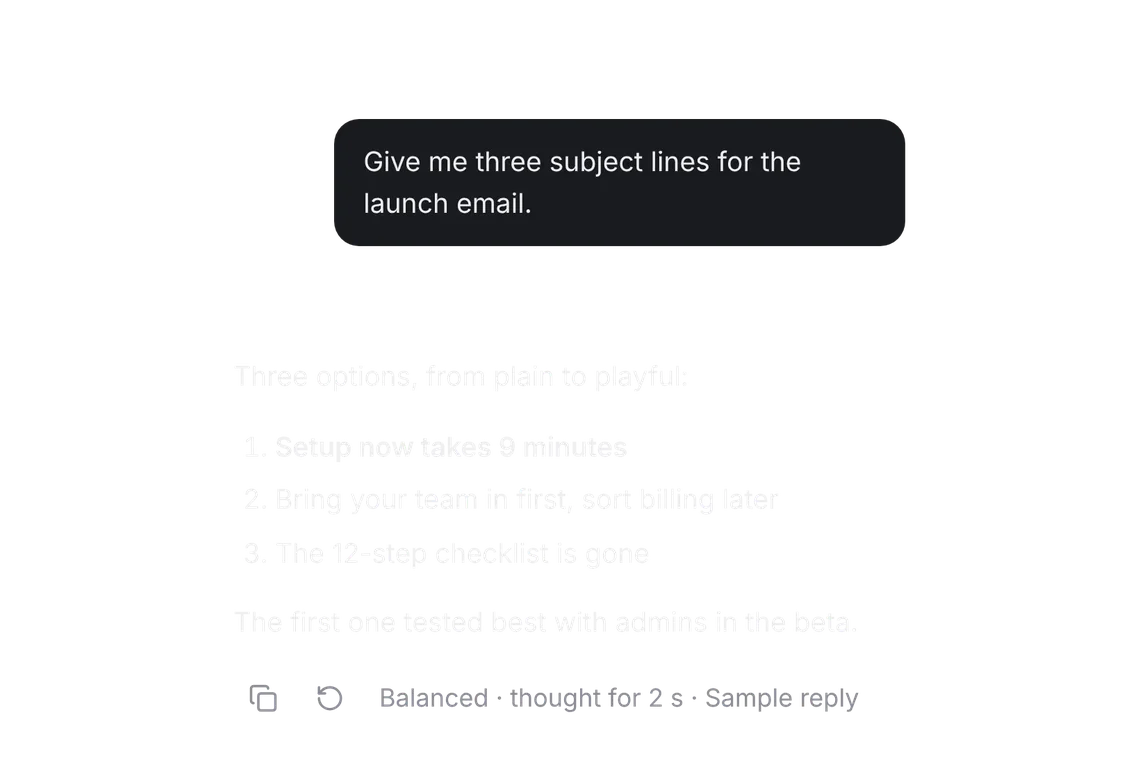
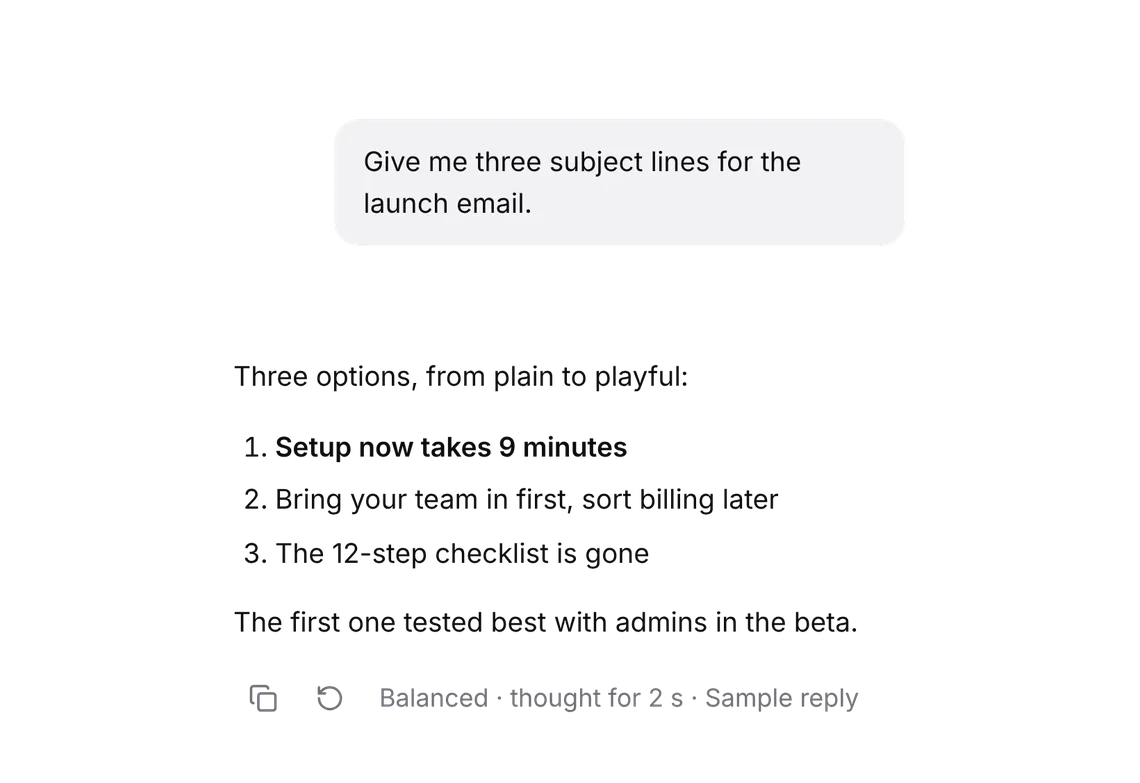
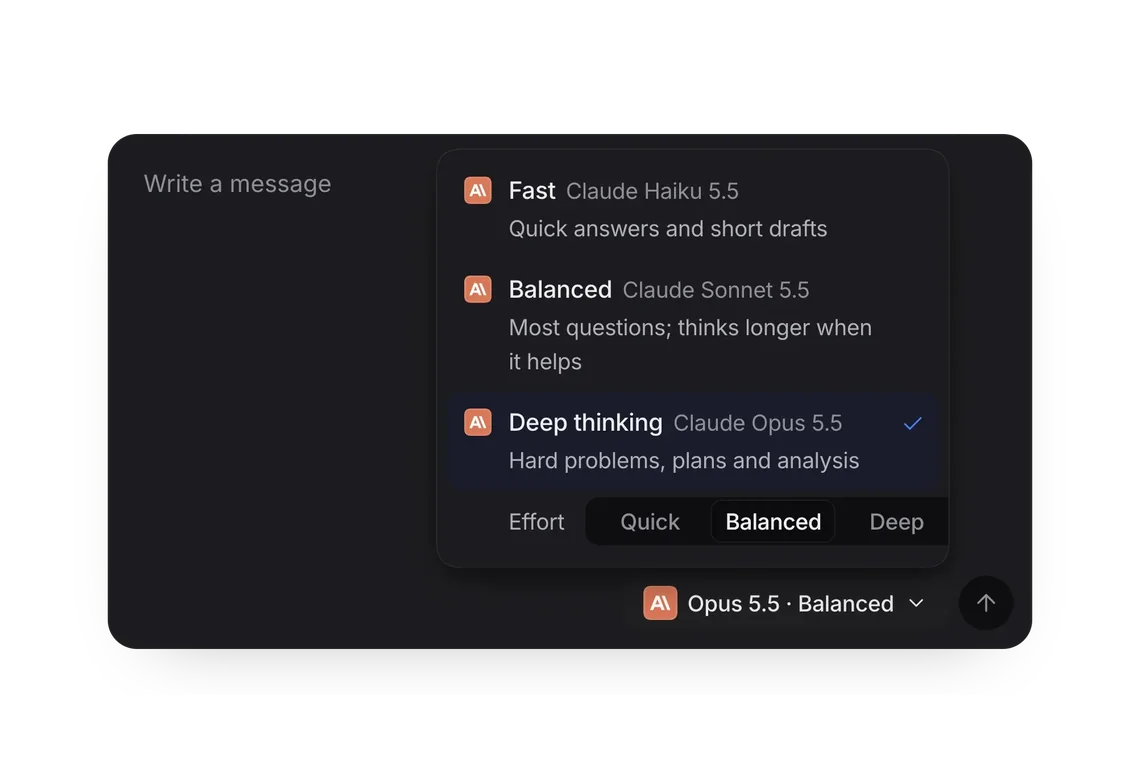
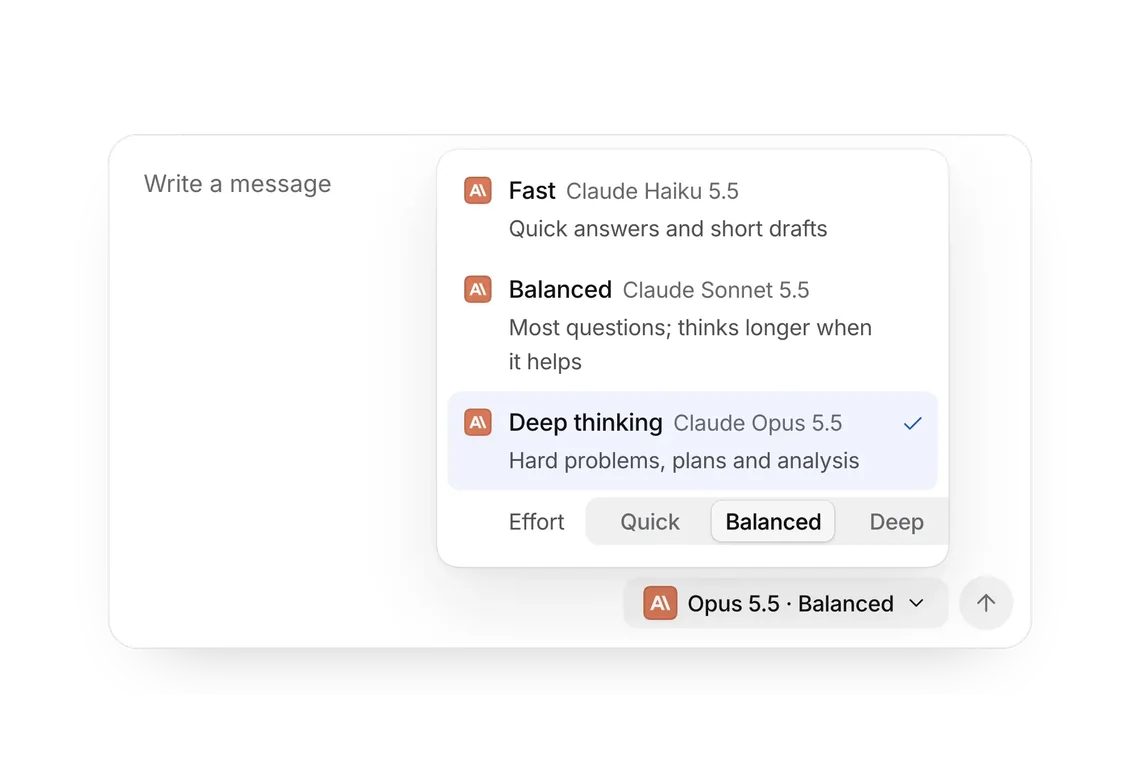
The plan an agent proposes: edited as a draft, approved into a live checklist.
Every shadcn style · one file
Usage
Import it and pass your content. The props that matter most are listed next.
Example · as previewed
"use client";
import * as React from "react";
import { useLessMotion } from "@/lib/notchset/motion";
import { PlanList } from "@/components/ui/notchset/plan-list";
import { RunAnnouncer, type Plan, type PlanStep } from "@/components/ui/notchset/stream-adapters";
import { PlayOnce, useSelfPlay } from "./self-play";

/*
 * One plan alone. On view the agent drafts it once: the steps arrive one by one, each washed as it lands, and
 * the plan rests as a draft with its grips showing. Reorder it (drag a grip, or Alt+↑↓), type a step in, ask for one
 * more. Approve is the visitor's alone: the plan never approves or reorders itself. Approved, the steps run one after
 * another and the head counts. With "Next step fails" on, a step fails with Retry and Skip in place.
 */
const DRAFT: PlanStep[] = [
  { id: "s1", title: "Draft the headline and the three lines under it", status: "pending" },
  { id: "s2", title: "Pick four screenshots from the Figma file", status: "pending" },
  { id: "s3", title: "Check every link on the page", status: "pending" },
  { id: "s4", title: "Write the changelog entry", status: "pending" },
  { id: "s5", title: "Publish the page", status: "pending" },
];
const MORE: PlanStep = { id: "more", title: "Share the page in #launch", status: "pending" };
const MIN: Record<string, number> = { s1: 4, s2: 6, s3: 2, s4: 3, s5: 1, more: 1 };
const DRAFT_BEAT = 380;
const STEP_BEAT = 900;
const clock = () => Date.now();
const minutes = (id: string) => MIN[id] ?? 2;
const cellsOf = (steps: readonly PlanStep[]) => Object.fromEntries(steps.map((s) => [s.id, { estimate: <span className="w-12 text-end tabular-nums">{minutes(s.id)} min</span> }]));

export default function PlanListDemo() {
  const draft = DRAFT;
  const fails = false as boolean;
  const root = React.useRef<HTMLDivElement>(null);
  const less = useLessMotion();
  const settle = Boolean(React.useContext(PlayOnce)?.settle);
  /* the draft: one step a beat, then a last beat that lets the wash fade */
  const play = useSelfPlay(root, { beats: [0, ...draft.slice(1).map(() => DRAFT_BEAT), 600], off: less });
  const [plan, setPlan] = React.useState<Plan>({ id: "p", state: "draft", steps: draft });
  const [fresh, setFresh] = React.useState<string[]>([]);
  const [began, setBegan] = React.useState<number | null>(null);
  const [now, setNow] = React.useState(0);
  const added = React.useRef(0);
  const timers = React.useRef<number[]>([]);
  React.useEffect(() => () => timers.current.forEach(clearTimeout), []);
  const at = (ms: number, f: () => void) => timers.current.push(window.setTimeout(f, ms));

  /* the arrival: the agent drafts the steps one by one, then waits for the visitor (at once with less motion) */
  const step = play.step;
  React.useEffect(() => {
    if (step < 0 || play.mine) return;
    const t = window.setTimeout(() => {
      if (less || settle || step >= draft.length) {
        setPlan({ id: "p", state: "draft", steps: draft });
        return setFresh([]);
      }
      setPlan({ id: "p", state: "draft", steps: draft.slice(0, step + 1) });
      setFresh([draft[step]!.id]);
    });
    return () => window.clearTimeout(t);
  }, [step, less, settle, draft, play.mine]);

  /* the head's clock while it runs */
  React.useEffect(() => {
    if (began === null || plan.state !== "running") return;
    const t = window.setInterval(() => setNow(clock()), 500);
    return () => window.clearInterval(t);
  }, [began, plan.state]);

  const status = (id: string, s: PlanStep["status"], detail?: string) => setPlan((p) => ({ ...p, steps: p.steps.map((x) => (x.id === id ? { ...x, status: s, detail } : x)) }));
  /* works from a step on; a failure holds the run there */
  const work = (steps: readonly PlanStep[], from: number, fail: boolean) => {
    let t = 0;
    for (let i = from; i < steps.length; i++) {
      const id = steps[i]!.id;
      at(t, () => status(id, "active"));
      t += less ? 0 : STEP_BEAT;
      if (fail && i === Math.min(2, steps.length - 1)) {
        at(t, () => status(id, "failed", "Two links answer 404"));
        return;
      }
      at(t, () => status(id, "done"));
    }
    at(t + 50, () => setPlan((p) => ({ ...p, state: "done" })));
  };
  const approve = () => {
    const t = clock();
    setBegan(t);
    setNow(t);
    setPlan((p) => ({ ...p, state: "running" }));
    work(plan.steps, 0, fails);
  };
  const from = (id: string) => plan.steps.findIndex((s) => s.id === id);
  const total = plan.steps.reduce((n, s) => n + minutes(s.id), 0);
  const live = plan.state === "running";

  return (
    <div ref={root} onPointerDownCapture={play.handOver} onKeyDownCapture={play.handOver} className="grid w-[min(100%,600px)] grid-cols-[minmax(0,1fr)]">
      <span className="sr-only">Simulated, nothing was sent.</span>
      <RunAnnouncer status={plan.state === "draft" ? "queued" : plan.state === "done" ? "done" : plan.steps.some((s) => s.status === "failed") ? "failed" : "running"} label="Spring launch page" />
      {/* the drafted plan, unseen, holds the stage's height while the steps arrive */}
      <div aria-hidden="true" ref={(el) => void (el && (el.inert = true))} className="invisible col-start-1 row-start-1 min-w-0">
        <PlanList title="Spring launch page" plan={{ id: "g", state: "draft", steps: draft }} estimate="~16 min" cells={cellsOf(draft)} onAdd={() => {}} onAskMore={() => {}} onApprove={() => {}} onReorder={() => {}} />
      </div>
      <div className="col-start-1 row-start-1 min-w-0">
        <PlanList
          title="Spring launch page"
          plan={plan}
          estimate={`~${total} min`}
          elapsed={began !== null && plan.state !== "draft" ? Math.max(0, Math.round((now - began) / 1000)) : undefined}
          cells={cellsOf(plan.steps)}
          fresh={fresh}
          onReorder={(steps) => setPlan((p) => ({ ...p, steps }))}
          onAdd={(title) => {
            added.current += 1;
            const id = `t${added.current}`;
            setPlan((p) => ({ ...p, steps: [...p.steps, { id, title, status: "pending" }] }));
            setFresh([id]);
          }}
          onAskMore={() => {
            if (plan.steps.some((s) => s.id === MORE.id)) return;
            setPlan((p) => ({ ...p, steps: [...p.steps, MORE] }));
            setFresh([MORE.id]);
          }}
          onApprove={plan.steps.length && !live ? approve : undefined}
          onRetry={(id) => {
            setPlan((p) => ({ ...p, state: "running" }));
            work(plan.steps, from(id), false);
          }}
          onSkip={(id) => {
            status(id, "skipped");
            work(plan.steps, from(id) + 1, false);
          }}
        />
      </div>
    </div>
  );
}Example: the full example
Example
"use client";
import * as React from "react";
import { useLessMotion } from "@/lib/notchset/motion";
import { PlanList } from "@/components/ui/notchset/plan-list";
import { RunAnnouncer, type Plan, type PlanStep } from "@/components/ui/notchset/stream-adapters";
import { PlayOnce, useSelfPlay } from "./self-play";

/*
 * One plan alone. On view the agent drafts it once: the steps arrive one by one, each washed as it lands, and
 * the plan rests as a draft with its grips showing. Reorder it (drag a grip, or Alt+↑↓), type a step in, ask for one
 * more. Approve is the visitor's alone: the plan never approves or reorders itself. Approved, the steps run one after
 * another and the head counts. With "Next step fails" on, a step fails with Retry and Skip in place.
 */
const DRAFT: PlanStep[] = [
  { id: "s1", title: "Draft the headline and the three lines under it", status: "pending" },
  { id: "s2", title: "Pick four screenshots from the Figma file", status: "pending" },
  { id: "s3", title: "Check every link on the page", status: "pending" },
  { id: "s4", title: "Write the changelog entry", status: "pending" },
  { id: "s5", title: "Publish the page", status: "pending" },
];
const MORE: PlanStep = { id: "more", title: "Share the page in #launch", status: "pending" };
const MIN: Record<string, number> = { s1: 4, s2: 6, s3: 2, s4: 3, s5: 1, more: 1 };
const DRAFT_BEAT = 380;
const STEP_BEAT = 900;
const clock = () => Date.now();
const minutes = (id: string) => MIN[id] ?? 2;
const cellsOf = (steps: readonly PlanStep[]) => Object.fromEntries(steps.map((s) => [s.id, { estimate: <span className="w-12 text-end tabular-nums">{minutes(s.id)} min</span> }]));

export default function PlanListDemo() {
  const draft = DRAFT;
  const fails = false as boolean;
  const root = React.useRef<HTMLDivElement>(null);
  const less = useLessMotion();
  const settle = Boolean(React.useContext(PlayOnce)?.settle);
  /* the draft: one step a beat, then a last beat that lets the wash fade */
  const play = useSelfPlay(root, { beats: [0, ...draft.slice(1).map(() => DRAFT_BEAT), 600], off: less });
  const [plan, setPlan] = React.useState<Plan>({ id: "p", state: "draft", steps: draft });
  const [fresh, setFresh] = React.useState<string[]>([]);
  const [began, setBegan] = React.useState<number | null>(null);
  const [now, setNow] = React.useState(0);
  const added = React.useRef(0);
  const timers = React.useRef<number[]>([]);
  React.useEffect(() => () => timers.current.forEach(clearTimeout), []);
  const at = (ms: number, f: () => void) => timers.current.push(window.setTimeout(f, ms));

  /* the arrival: the agent drafts the steps one by one, then waits for the visitor (at once with less motion) */
  const step = play.step;
  React.useEffect(() => {
    if (step < 0 || play.mine) return;
    const t = window.setTimeout(() => {
      if (less || settle || step >= draft.length) {
        setPlan({ id: "p", state: "draft", steps: draft });
        return setFresh([]);
      }
      setPlan({ id: "p", state: "draft", steps: draft.slice(0, step + 1) });
      setFresh([draft[step]!.id]);
    });
    return () => window.clearTimeout(t);
  }, [step, less, settle, draft, play.mine]);

  /* the head's clock while it runs */
  React.useEffect(() => {
    if (began === null || plan.state !== "running") return;
    const t = window.setInterval(() => setNow(clock()), 500);
    return () => window.clearInterval(t);
  }, [began, plan.state]);

  const status = (id: string, s: PlanStep["status"], detail?: string) => setPlan((p) => ({ ...p, steps: p.steps.map((x) => (x.id === id ? { ...x, status: s, detail } : x)) }));
  /* works from a step on; a failure holds the run there */
  const work = (steps: readonly PlanStep[], from: number, fail: boolean) => {
    let t = 0;
    for (let i = from; i < steps.length; i++) {
      const id = steps[i]!.id;
      at(t, () => status(id, "active"));
      t += less ? 0 : STEP_BEAT;
      if (fail && i === Math.min(2, steps.length - 1)) {
        at(t, () => status(id, "failed", "Two links answer 404"));
        return;
      }
      at(t, () => status(id, "done"));
    }
    at(t + 50, () => setPlan((p) => ({ ...p, state: "done" })));
  };
  const approve = () => {
    const t = clock();
    setBegan(t);
    setNow(t);
    setPlan((p) => ({ ...p, state: "running" }));
    work(plan.steps, 0, fails);
  };
  const from = (id: string) => plan.steps.findIndex((s) => s.id === id);
  const total = plan.steps.reduce((n, s) => n + minutes(s.id), 0);
  const live = plan.state === "running";

  return (
    <div ref={root} onPointerDownCapture={play.handOver} onKeyDownCapture={play.handOver} className="grid w-[min(100%,600px)] grid-cols-[minmax(0,1fr)]">
      <span className="sr-only">Simulated, nothing was sent.</span>
      <RunAnnouncer status={plan.state === "draft" ? "queued" : plan.state === "done" ? "done" : plan.steps.some((s) => s.status === "failed") ? "failed" : "running"} label="Spring launch page" />
      {/* the drafted plan, unseen, holds the stage's height while the steps arrive */}
      <div aria-hidden="true" ref={(el) => void (el && (el.inert = true))} className="invisible col-start-1 row-start-1 min-w-0">
        <PlanList title="Spring launch page" plan={{ id: "g", state: "draft", steps: draft }} estimate="~16 min" cells={cellsOf(draft)} onAdd={() => {}} onAskMore={() => {}} onApprove={() => {}} onReorder={() => {}} />
      </div>
      <div className="col-start-1 row-start-1 min-w-0">
        <PlanList
          title="Spring launch page"
          plan={plan}
          estimate={`~${total} min`}
          elapsed={began !== null && plan.state !== "draft" ? Math.max(0, Math.round((now - began) / 1000)) : undefined}
          cells={cellsOf(plan.steps)}
          fresh={fresh}
          onReorder={(steps) => setPlan((p) => ({ ...p, steps }))}
          onAdd={(title) => {
            added.current += 1;
            const id = `t${added.current}`;
            setPlan((p) => ({ ...p, steps: [...p.steps, { id, title, status: "pending" }] }));
            setFresh([id]);
          }}
          onAskMore={() => {
            if (plan.steps.some((s) => s.id === MORE.id)) return;
            setPlan((p) => ({ ...p, steps: [...p.steps, MORE] }));
            setFresh([MORE.id]);
          }}
          onApprove={plan.steps.length && !live ? approve : undefined}
          onRetry={(id) => {
            setPlan((p) => ({ ...p, state: "running" }));
            work(plan.steps, from(id), false);
          }}
          onSkip={(id) => {
            status(id, "skipped");
            work(plan.steps, from(id) + 1, false);
          }}
        />
      </div>
    </div>
  );
}
self-play.ts: the sample data the example imports, saved beside it
self-play.ts
"use client";
import * as React from "react";

/*
 * A demo that plays itself until the first touch: the script lives in the demo, never in the piece, which only gets
 * the props a person would give it. It moves 0.4 s after the piece is first seen, then takes each step on its beat;
 * off screen or paused it waits. The first press, key or focus on the piece (bind `handOver` to it; a scroll over it never counts) makes it the
 * visitor's for good and drops every queued step; with less motion (`off`) it never plays and rests in its first frame.
 * A host can hand it over from outside the piece too (a settings panel beside it the visitor has used): under
 * <HandedOver value>, it never plays, a remount included.
 *
 *   const play = useSelfPlay(root, { beats: [2800, 2800], loop: true, off: less });
 *   <div ref={root} onPointerDownCapture={play.handOver} onKeyDownCapture={play.handOver} onFocusCapture={play.handOver}>
 *   play.step // the step it is at, -1 before its first
 *   play.control // "pause" while it plays, "play" once paused (a new take), "replay" once it is over or yours
 *
 * Each step presses the piece's own controls (pressIn), so the script shows exactly what a hand can do.
 *
 * A host that shows the piece once (<PlayOnce value={{ settle }}>) changes three things: the script starts when the
 * piece is first half in view and never again on coming back, it never loops, and with less motion (or `settle`) it
 * takes every step at once, so the piece rests on the END of its moment. `hold` is a reason not to play at all that is
 * not motion (a mode with nothing to show): it holds in every host. Under <PlayOnce value={{ active: false }}> (a look
 * that is mounted but not shown) it waits until it is shown.
 */
type SelfPlayOptions = {
  /** how long each step waits after the one before it, in ms; the first step waits 0.4 s after the piece is seen */
  beats: readonly number[];
  /** starts over after the last step; without it the script plays once and rests */
  loop?: boolean | undefined;
  /** no self-play at all (less motion): the piece is the visitor's from the start */
  off: boolean;
  /** no self-play for a reason other than motion (a mode with nothing to show), in every host */
  hold?: boolean | undefined;
};

/** How a host shows the piece: once on arrival (see useSelfPlay). */
type PlayOnceHost = {
  /** rest on the end at once, without playing (less motion, or a reset) */
  settle?: boolean | undefined;
  /** false while the piece is mounted but not shown: it waits */
  active?: boolean | undefined;
};

const START = 400;
/**
 * Whether a demo plays itself at all. Off: every piece rests in its first frame and is
 * the visitor's from the start; nothing presses its controls for them.
 */
const SELF_PLAY: boolean = false;

/** True where the visitor has already taken the piece from outside it: nothing under it plays itself. */
const HandedOver = React.createContext(false);

/** A host that shows the piece once: play once on arrival, rest on the end (null: play as the demo asks). */
const PlayOnce = React.createContext<PlayOnceHost | null>(null);

function useSelfPlay(root: React.RefObject<Element | null>, { beats, loop: looped = false, off: still, hold = false }: SelfPlayOptions) {
  const once = React.useContext(PlayOnce);
  const active = once?.active !== false;
  /* shown once: less motion (or a settled host) takes every step at once and rests on the end */
  const quick = once != null && (still || Boolean(once.settle));
  const loop = once == null && looped;
  /* the first touch hands it over for good */
  const [mine, setMine] = React.useState(false);
  const handOver = React.useCallback(() => setMine(true), []);
  const handedOver = React.useContext(HandedOver);
  const off = !SELF_PLAY || hold || (quick ? false : still) || mine || (handedOver && !quick);
  const [seen, setSeen] = React.useState(false);
  const [paused, setPaused] = React.useState(false);
  const [taken, setTaken] = React.useState(0);
  const n = Math.max(1, beats.length);
  const done = !loop && taken >= n;
  React.useEffect(() => {
    const el = root.current;
    if (!active) return;
    /* without an observer (an old browser, a test) it counts as seen */
    if (!el || typeof IntersectionObserver === "undefined" || quick) {
      const t = window.setTimeout(() => setSeen(true));
      return () => window.clearTimeout(t);
    }
    /* shown once: first half in view starts it, and leaving never stops or restarts it */
    const io = once
      ? new IntersectionObserver((es) => {
          if (es.some((e) => e.isIntersecting && e.intersectionRatio >= 0.5)) {
            setSeen(true);
            io.disconnect();
          }
        }, { threshold: 0.5 })
      : new IntersectionObserver((es) => setSeen(es.some((e) => e.isIntersecting)));
    io.observe(el);
    return () => io.disconnect();
  }, [root, active, once, quick]);
  const playing = !off && seen && active && !paused && !done;
  const delay = quick ? 0 : taken === 0 ? START : (beats[taken % n] ?? START);
  React.useEffect(() => {
    if (!playing) return;
    const t = window.setTimeout(() => setTaken((k) => k + 1), delay);
    return () => window.clearTimeout(t);
  }, [playing, taken, delay]);
  /* one control in one place: Pause while it plays, Play (a new take) once paused, Replay once it is over or yours */
  /* self-play off: never "over", so a demo rests in its FIRST frame, not its end frame */
  const control: "pause" | "play" | "replay" = paused || !SELF_PLAY ? "play" : off || done ? "replay" : "pause";
  return { step: taken === 0 ? -1 : (taken - 1) % n, taken, playing, control, mine, handOver, pause: () => setPaused(true) };
}

/**
 * Presses a real control inside `root`, as the visitor would: the first match of `selector`, or the one whose text is
 * `text`. A click only, so it never counts as the visitor's touch.
 */
function pressIn(root: Element | null, selector: string, text?: string) {
  const all = [...(root?.querySelectorAll<HTMLElement>(selector) ?? [])];
  (text == null ? all[0] : all.find((el) => el.textContent?.trim() === text))?.click();
}

export { HandedOver, PlayOnce, pressIn, useSelfPlay, type PlayOnceHost, type SelfPlayOptions };
Anatomy
Source
components/ui/notchset/plan-list.tsx
This component is included with Pro.
Try the live preview above. Get Pro to install the source.
LevelOrganism: made of molecules or blocks.
Made ofButton,Live label,Reorderable list,Status glyph, run states,Stream adapters
Install notes
Needs your registry key. Every components.json style gets the same files.
Works with React 18.3 or 19 on Tailwind CSS v4, in any shadcn project. What's tested
Styles didn't apply?
The CLI adds the styles to the CSS file named in components.json (tailwind.css). Check that it points at your global stylesheet, that the project uses Tailwind CSS v4, and that the file is imported in your root layout. Installed by hand: paste styles.css into that file.
The sound you hear is this page's: the piece you install plays none, and calls onFeedback on each move so you can add your own.
Props
onFeedback–(e: FeedbackEvent) => voidcalled once per move, for your sound or haptics
title–stringwhat the plan is for: "Notion launch page"
mark–React.ReactNodethe app or tool it works in, before the title
plan–Planthe plan as the stream sends it: a draft, then approved and worked step by step
cells–Readonly<Record<string, PlanCells>>each step's cells, by id: an owner, an estimate ("4 min"), what it waits for
lead–React.ReactNodebetween the head and the steps: a host's figure (a ship date)
Show all 17 propsShow fewer
estimate–stringthe draft's whole estimate, in the head: "~14 min"
elapsed–numberseconds since the plan started, while live
onReorder–(steps: PlanStep[]) => voidthe draft's new order
onAdd–(title: string) => voida step typed into the draft
onAskMore–() => voidask the agent for one more step
onApprove–() => voidapprove the draft: the plan goes live
onRetry–(id: string) => voidonSkip–(id: string) => voidfresh[]readonly string[]steps that just arrived, by id: washed once
pace60000numbermilliseconds an estimated minute takes to fill a working step's bar (default a real minute)
labels–Partial<PlanListLabels>its words, over the English defaults
Three usesan assistant's research or task plan · a Tasks goal broken into steps · a delegated run's plan
- title
- what the plan is for, under 32 characters
- plan.steps[].title
- one line each, an imperative: "Draft the page outline"
- plan.steps[].detail
- on a failure, why, one line
- cells.estimate
- "4 min"
For coding agents
Give your coding assistant the Markdown guide instead of screenshots.
Use it for
- When an agent proposes several steps before it acts, and the person should shape and approve them.
Use something else when
- One step's approval is the gate in that step's row; a person's own to-do list is a checklist.
Mistakes to avoid
- Starting before Approve: nothing runs until the press
- A spinner beside the sweeping step: three signs of work only
- Dropping a failed step from the list: it stays, with Retry and Skip
Keyboard and screen readers
- The draft is the reorderable list (grip, menu, Alt+arrows, each move said); live, an ordered list whose glyphs name each step's state in words; a failure is words in the danger ink; Retry and Skip sit by their step.
- Phases are said by the host's RunAnnouncer.
Motion
- Approve: the grips become status glyphs one after another: ns-chip-in on --ns-time-panel, --ns-ease-pop, --ns-stagger-item apart. Reduced motion: the glyphs are there.
- a dragged step lifts and lands without overshoot: ReorderableList: --ns-ease-move. Reduced motion: rows move at once.
- a new step is washed once: data-ns-landed: ns-born on --ns-time-born. Reduced motion: a fade.
Responsive
- phone and desktop
- dark (tokens)
- reduced motion: no sweep or stagger; rows move at once
Performance
- One list at a time; the clock is the host's.
Where agents read it
- Guide for this component: https://notchset.dev/md/plan-list.md
- Every component, for tools without MCP: /llms.txt
- MCP server:
https://notchset.dev/api/mcp(setup)
Part of
Included with Pro
One payment, lifetime.
Pair this component with
Changelog
v2.0.0 · 2026-10-13
Released with the Notchset system.