Voice Node
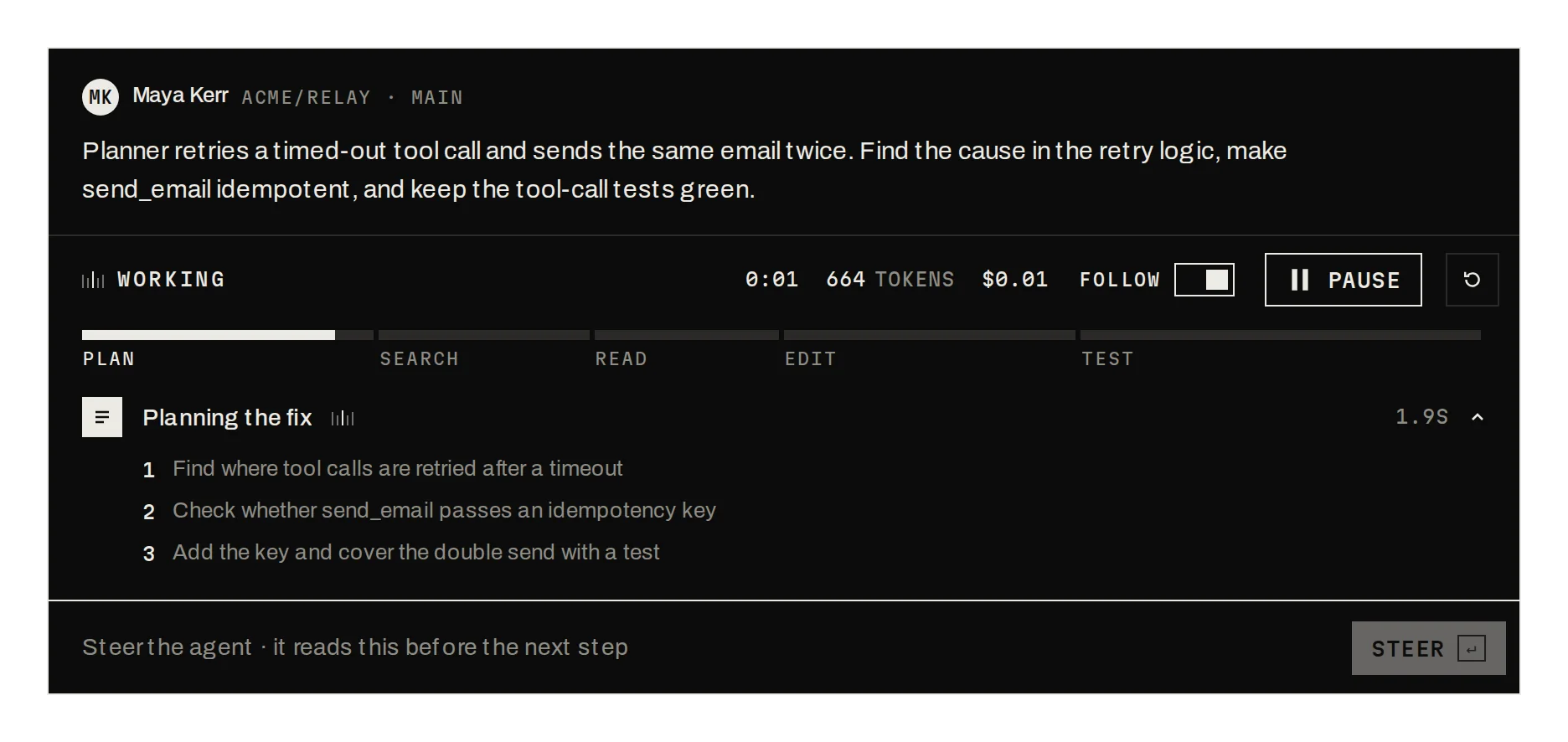
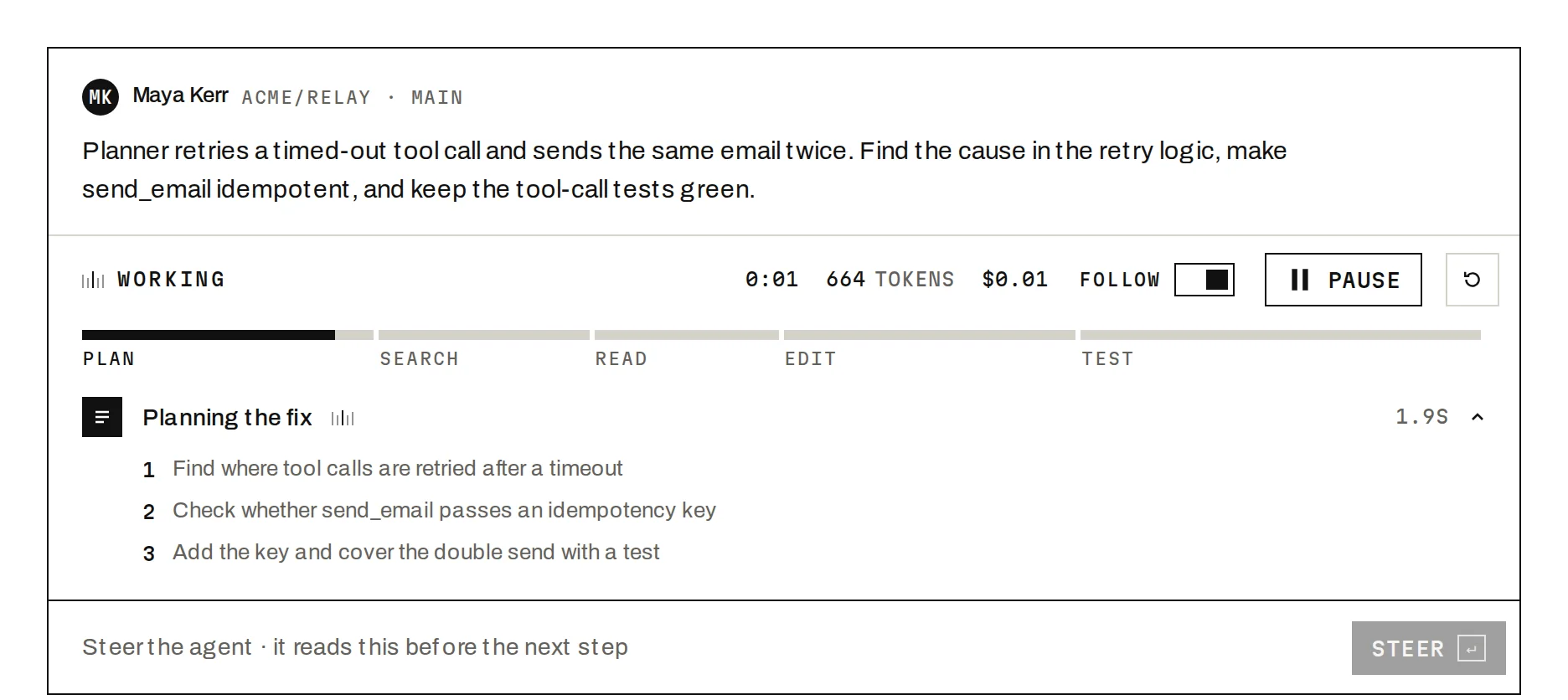
Prov1.0.0A voice assistant's listening, thinking and speaking states, driven by the mic.
Build for your project
Code/install build
Usage
Import it and pass your content. The props that matter most are listed next.
Example
"use client";

import * as React from "react";
import { VoiceNode, type VoiceState } from "@/components/ui/notchset/voice-node";

type Session = { stop: () => void; setMuted: (muted: boolean) => Promise<void> };
type Connect = (handlers: { onState: (s: VoiceState) => void; onUser: (t: string) => void; onAgent: (t: string) => void }) => Session;

/**
 * Wire state and transcript to your voice agent. The node draws the mic level and the ring; mute is
 * yours: mute the agent's own transport in onMutedChange, then pass the result back as muted.
 */
export function VoiceAgent({ connect }: { connect: Connect }) {
  const [state, setState] = React.useState<VoiceState>("ready");
  const [heard, setHeard] = React.useState("");
  const [reply, setReply] = React.useState("");
  const [muted, setMuted] = React.useState(false);
  const session = React.useRef<Session | null>(null);
  return (
    <VoiceNode
      state={state}
      user={heard}
      agent={reply}
      muted={muted}
      onMutedChange={async (next) => {
        await session.current?.setMuted(next);
        setMuted(next);
      }}
      onStart={() => {
        setHeard("");
        setReply("");
        setMuted(false);
        session.current = connect({ onState: setState, onUser: setHeard, onAgent: setReply });
      }}
      onEnd={() => {
        session.current?.stop();
        session.current = null;
        setState("ready");
      }}
    />
  );
}
Props
state–'ready' | 'listen' | 'think' | 'speak'Your agent's phase.
user / agent–stringTranscript so far; new words animate in.
onStart / onEnd / mic–() => void / () => void / booleanSession control; mic level on by default.
Anatomy
- Web Audio AnalyserNode for level; every track stops on end.
- No primitive needed: one file serves both builds.
- Reduced motion shows a still ring.
VoiceNodedata-slot="voice-node"Header, node, transcript and controls.
Source
components/ui/notchset/voice-node.tsx
This component is included with Pro.
Try the live preview above. Get Pro to install the source.
Build for your project
Code/install build
Installation
pnpm dlx shadcn@latest add @notchset-pro/voice-nodeNeeds your registry key. Your components.json style picks the Base UI or Radix build: radix-*, new-york and default get Radix, base-* gets Base UI.
Styles didn't apply?
The CLI adds the styles to the CSS file named in components.json (tailwind.css). Check that it points at your global stylesheet, that the project uses Tailwind CSS v4, and that the file is imported in your root layout. Installed by hand: paste styles.css into that file.
For coding agents
Give your coding assistant the Markdown guide instead of screenshots.
Use it for
- The surface for a voice agent session
Use something else when
- Recording messages: use Voice Notes
Mistakes to avoid
- The mic is level only; nothing is recorded. Pass mic={false} to skip the prompt
Agents find it by
- voice, voice agent, mic, speech, listening, assistant, audio visualiser, Notchset
Where agents read it
- Guide for this component: https://notchset.dev/md/voice-node.md
- Every component, for tools without MCP: /llms.txt
- MCP server:
https://notchset.dev/api/mcp(setup)
Behaviour
Keyboard
- Enter / Space
- Start or end on the node
- Tab
- Mute, then End
Accessibility
- The node is a button (Start / End voice chat); the status is announced politely; mute is aria-pressed
Motion
- Levels
- Spokes ease toward their targets each frame (rise ×.4, fall ×.1), drawn through refs
- Words
- Each fades and rises 4px as it arrives
Responsive
- The node is 260px, shrinking with its card.
Performance
- Three paths rewritten per frame, no React renders; pauses off screen.
Changelog
v1.0.0 · 2026-10-02
First release
Part of
Included with Pro
Pro is in early access.