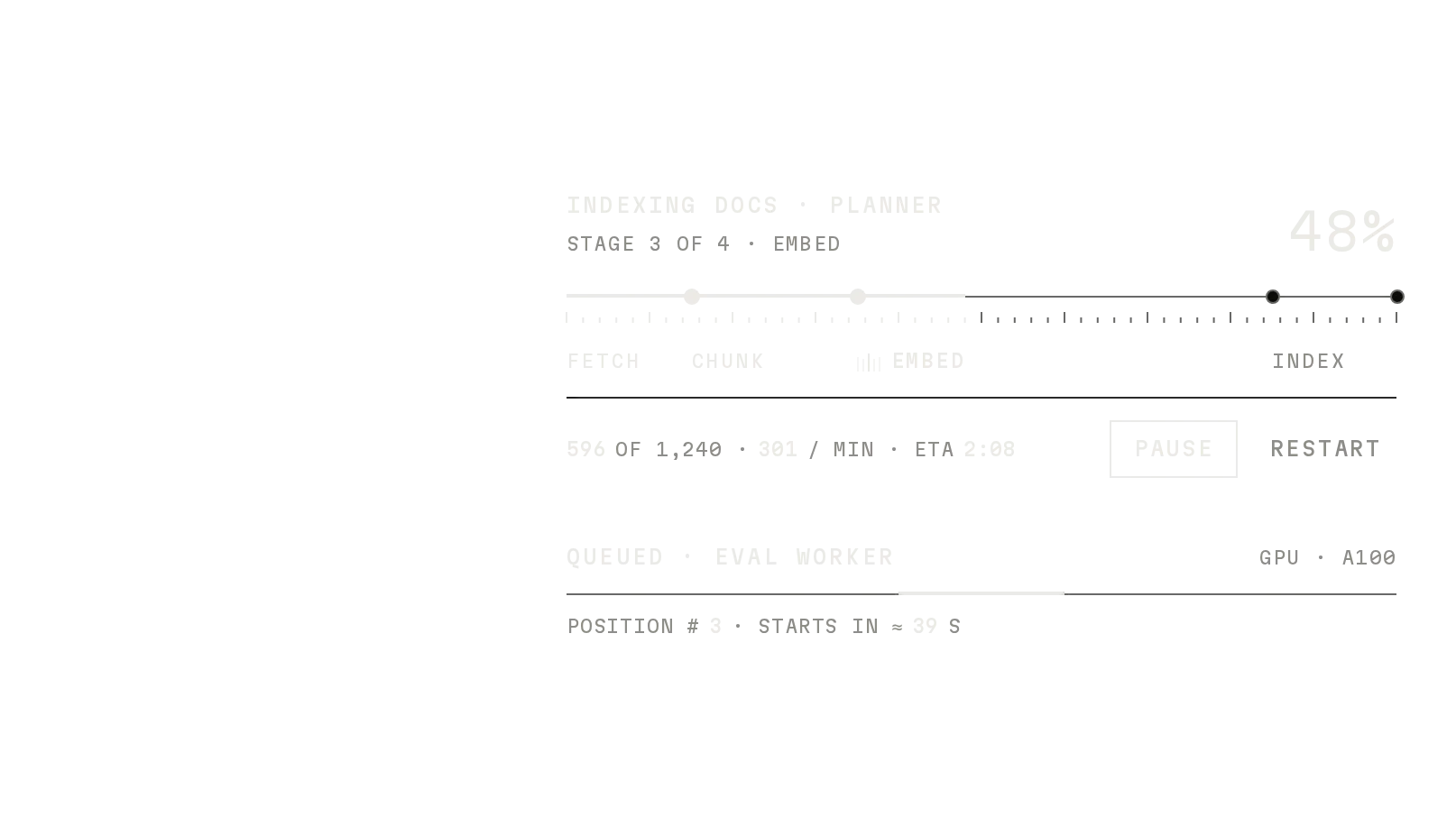
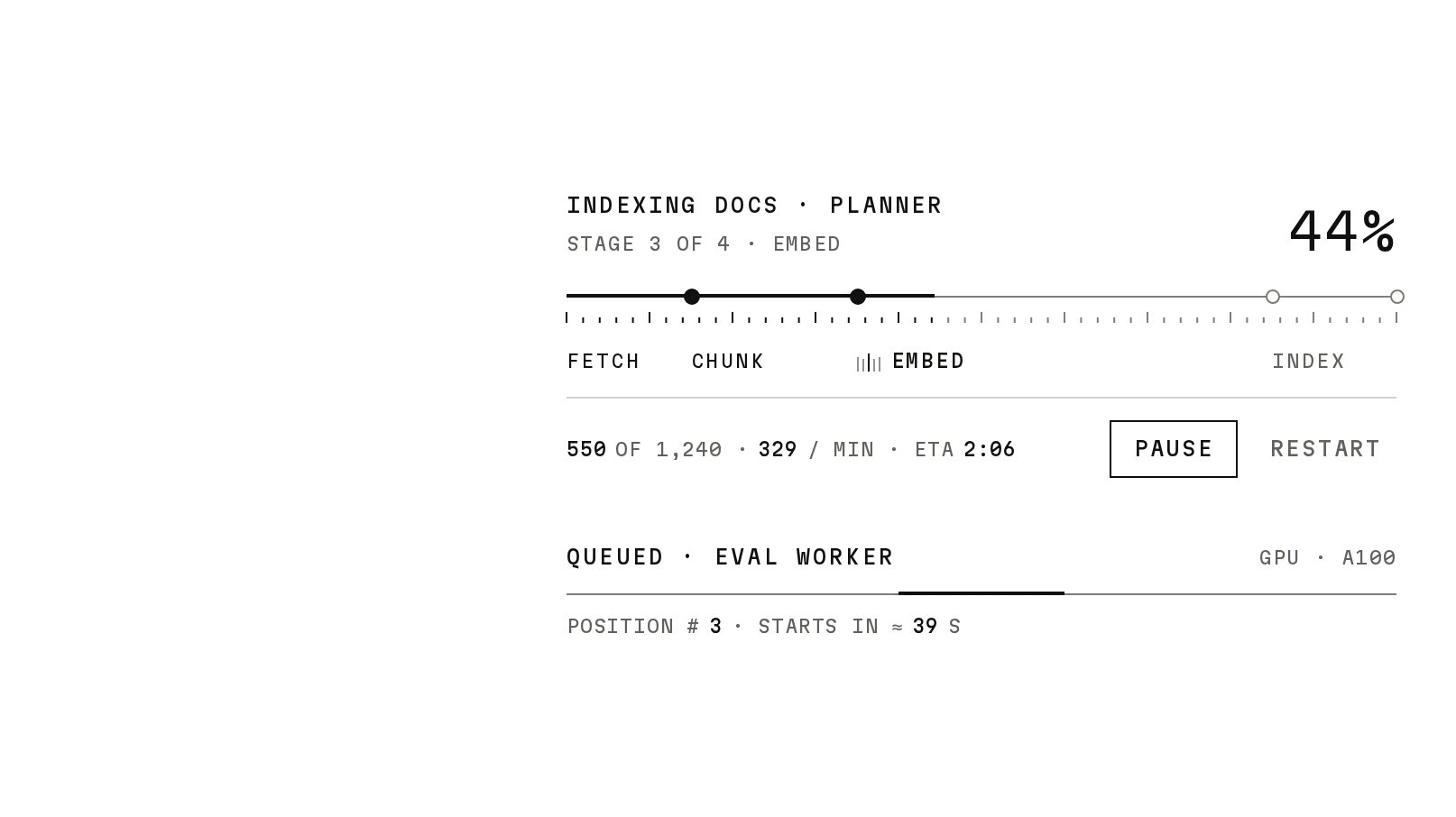
Alert
Freev1.0.0The shadcn Alert with states and an optional usage bar for limits and budgets.
Or press the action: it raises the budget and the alert resolves.
Build for your project
Code/install build
Usage
Import it and pass your content. The props that matter most are listed next.
Example
"use client";

import { Alert, AlertAction, AlertKicker, AlertMeter, AlertTitle } from "@/components/ui/notchset/alert";

export function BudgetAlert({ spent, budget, onRaise }: { spent: number; budget: number; onRaise: () => void }) {
  return (
    <Alert tone="warn">
      <AlertKicker>Cost alert · Planner</AlertKicker>
      <AlertTitle>Spend reached {Math.round((spent / budget) * 100)}% of the August budget.</AlertTitle>
      <AlertMeter value={spent} max={budget} threshold={0.8} label="August budget">
        ${spent} OF ${budget} · ALERT AT 80%
      </AlertMeter>
      <AlertAction onClick={onRaise}>Raise to $700</AlertAction>
    </Alert>
  );
}
Props
tone–"warn" | "ok" | "info"Warn is signal and role=alert; ok and info are ink and role=status. shadcn's variant="destructive" maps to warn.
AlertKicker / AlertTitle / AlertDescription–elementsThe mono line, the title, body text.
AlertMeter–{ value, max, threshold?, label? }The 160px ruler; threshold is a fraction of max. Children are its reading.
AlertAction–button propsThe 40px action key at the end of the row.
Anatomy
- Same parts as shadcn's Alert, plus Kicker, Meter and Action.
- No primitive needed: one file serves both builds.
- Tone lives on the root; every part follows it.
Alertdata-slot="alert"The row.
AlertKickerdata-slot="alert-kicker"The mono line.
AlertTitledata-slot="alert-title"The title.
AlertMeterdata-slot="alert-meter"The ruler and its reading.
AlertActiondata-slot="alert-action"The action key.
Source
components/ui/notchset/alert.tsx
Loading the code
Build for your project
Code/install build
Installation
Base UI
pnpm dlx shadcn@latest add https://notchset.dev/r/alert.jsonRadix
pnpm dlx shadcn@latest add https://notchset.dev/r/radix-nova/alert.jsonFree, no account or key. Use the command for your project's primitives: a radix-*, new-york or default style in components.json is Radix, a base-* style is Base UI. With the @notchset registry added, @notchset/<name> picks for you.
Install by hand
- 1. No extra packages: React and Tailwind CSS v4 are enough.
- 2. Copy the files to these paths (the source, or save them all as a .zip)
- components/ui/notchset/alert.tsx
- lib/beautiful-ui/notchset/root.ts
- 3. No stylesheet needed.
- 4. Install what it builds on first: shadcn's cn helper (lib/utils.ts, from npx shadcn init), the theme foundation (its tokens and base styles)
Styles didn't apply?
The CLI adds the styles to the CSS file named in components.json (tailwind.css). Check that it points at your global stylesheet, that the project uses Tailwind CSS v4, and that the file is imported in your root layout. Installed by hand: paste styles.css into that file.
For coding agents
Give your coding assistant the Markdown guide instead of screenshots.
Use it for
- A condition people should act on, with the number that triggered it
- A drop-in for shadcn's Alert (same parts; variant destructive is warn)
Use something else when
- Passing confirmations: use Toast
- Blocking decisions: use Dialog
Mistakes to avoid
- Keep the meta reading short: it wraps under the ruler rather than reach the action
Agents find it by
- alert, banner, callout, budget warning, cost alert, resolved notice, shadcn alert, Notchset
Where agents read it
- Guide for this component: https://notchset.dev/md/alert.md
- Every component, for tools without MCP: /llms.txt
- MCP server:
https://notchset.dev/api/mcp(setup)
Behaviour
Keyboard
- Tab
- Focus the action
Accessibility
- role=alert while warning, role=status otherwise (pass role to change it)
- The ruler is a meter with its value and maximum
- Colour is never the only signal: the kicker and title say the state
Motion
- Tone
- Border, ground, rail, node and kicker crossfade over 300ms; the node's centre blooms
- Value
- The ruler's fill and node glide over 620ms
Responsive
- Up to 600px; the action drops under the text when the row gets narrow, and the reading wraps under the ruler.
Performance
- No JavaScript beyond rendering; tone and ruler changes are CSS transitions.
Changelog
v1.0.0 · 2026-10-02
First release